
![[Grasshopper] How to Use SubD to Convert and Set Models as SubD](https://iarchway.com/wp-content/uploads/2026/01/SubD.png)
This article explains how to convert models to SubD and set SubD models.
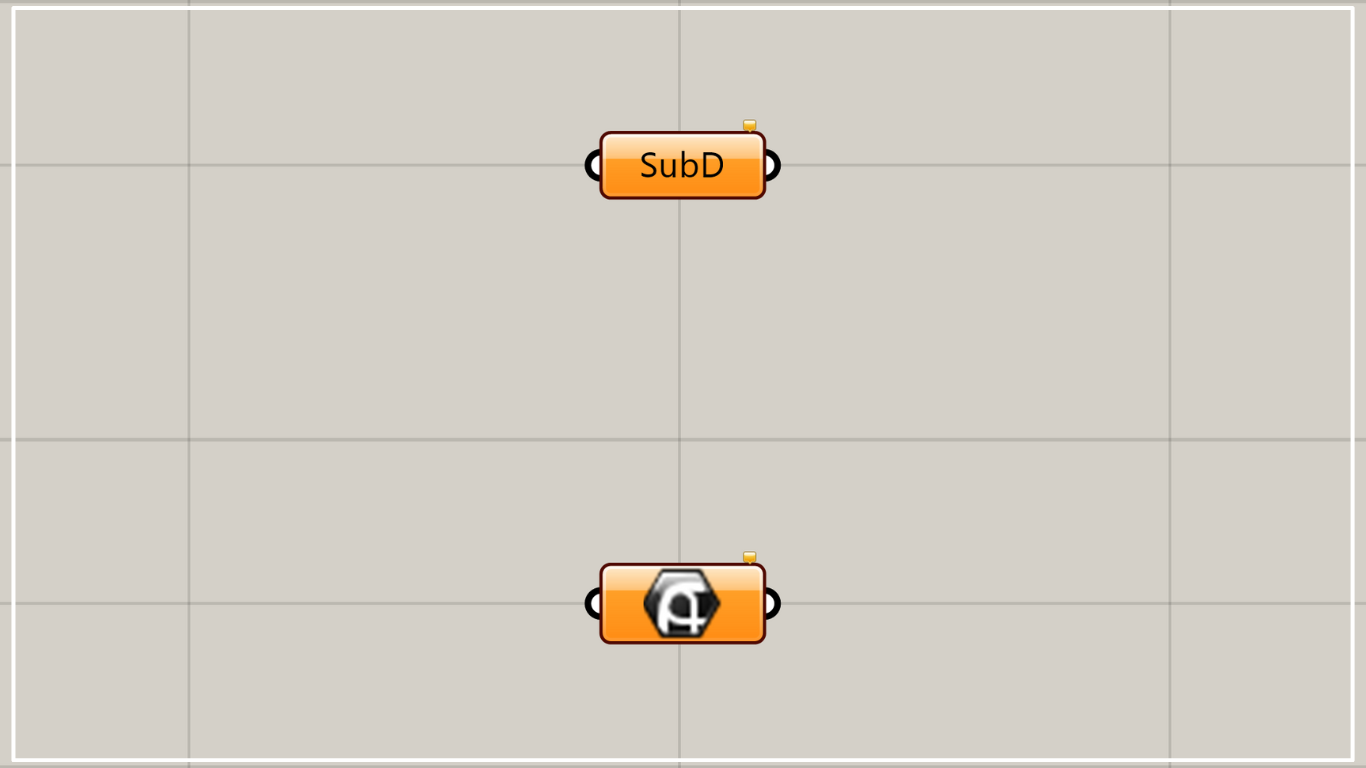
On the Grasshopper, it is represented by either of the two above.
Set SubD
Using SubD allows you to set SubD objects.
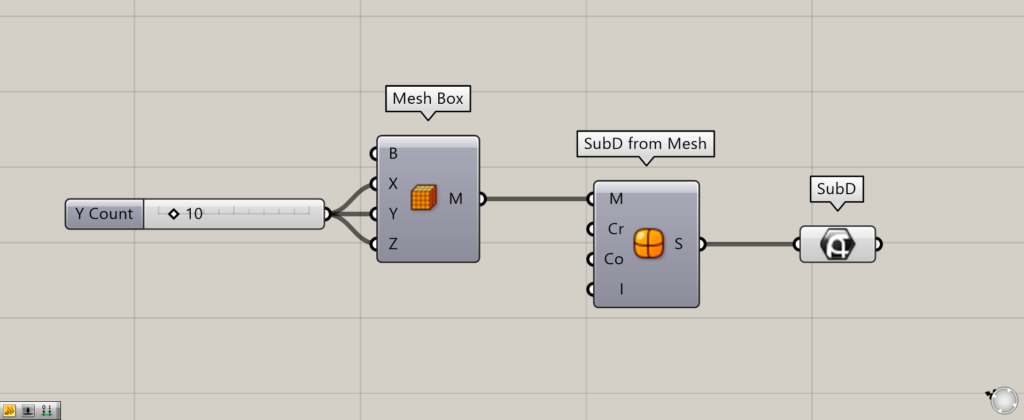
Components used: ① Mesh Box ② SubD from Mesh ③ SubD
First, as an example, we’ll create a SubD model from a mesh box and connect it to the SubD.
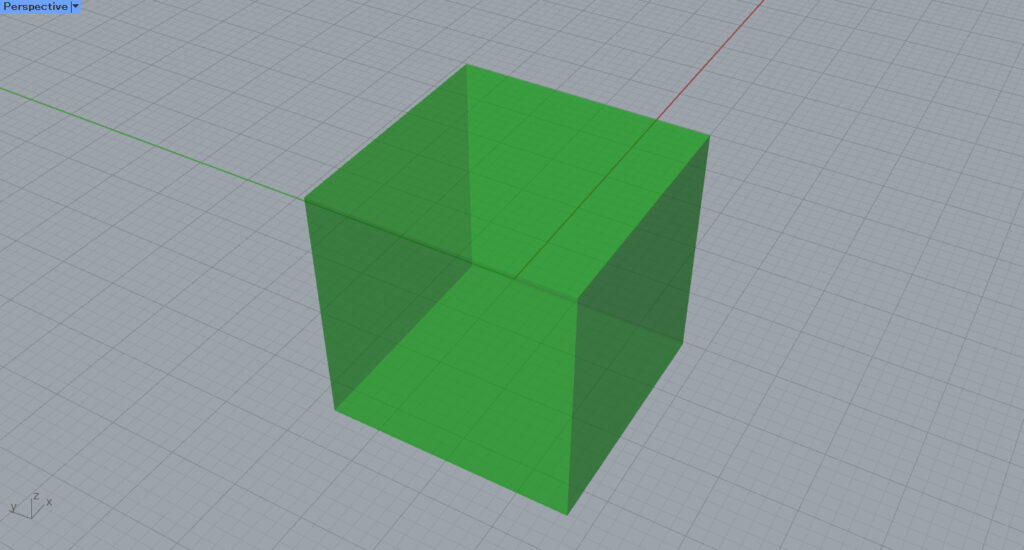
Enter the numerical values for the number of mesh faces in each of the three directions into the Mesh Box(X, Y, and Z).
This time, since 10 is entered for all values, a mesh box composed of 10×10×10 mesh faces will be created.
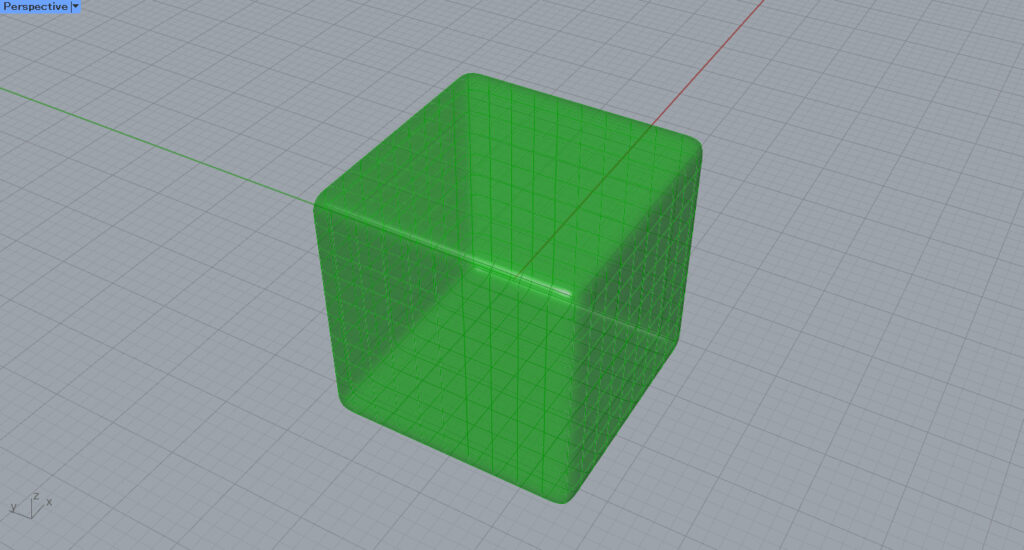
Next, connect the Mesh Box to the SubD from Mesh(M).
Then, a SubD model is created from the mesh.
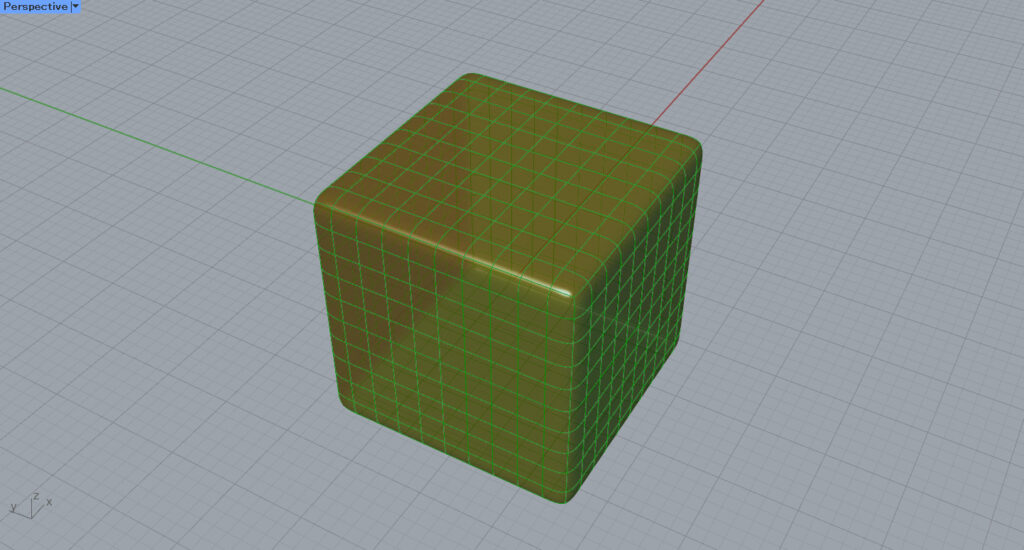
Next, connect the SubD from Mesh to the SubD.
Then, the created SubD model was set in SubD.
In this way, SubD models can be set within SubD.
Convert other types of objects to SubD
You can also convert other types of objects to SubD.
Surfaces, Brep objects, meshes, and similar objects fall under this category.
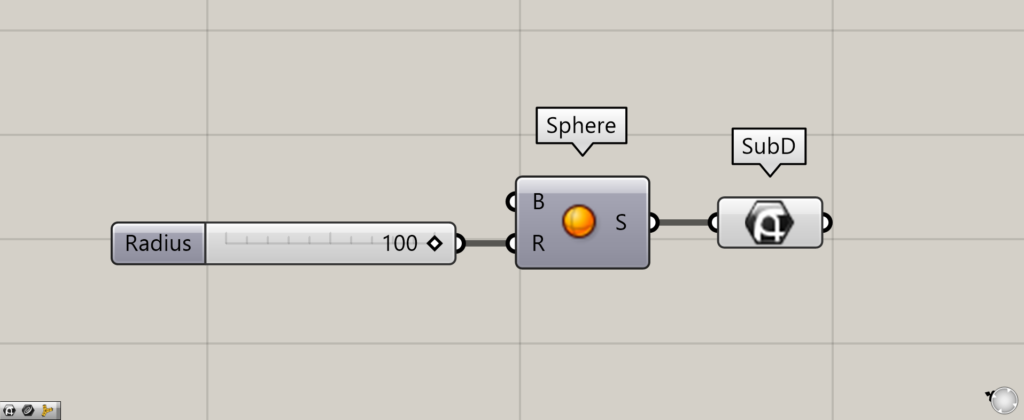
Components used: ① Sphere ② SubD
For example, let’s convert a regular sphere to SubD.
Enter the radius value into the Sphere(R).
Then, the sphere was created.
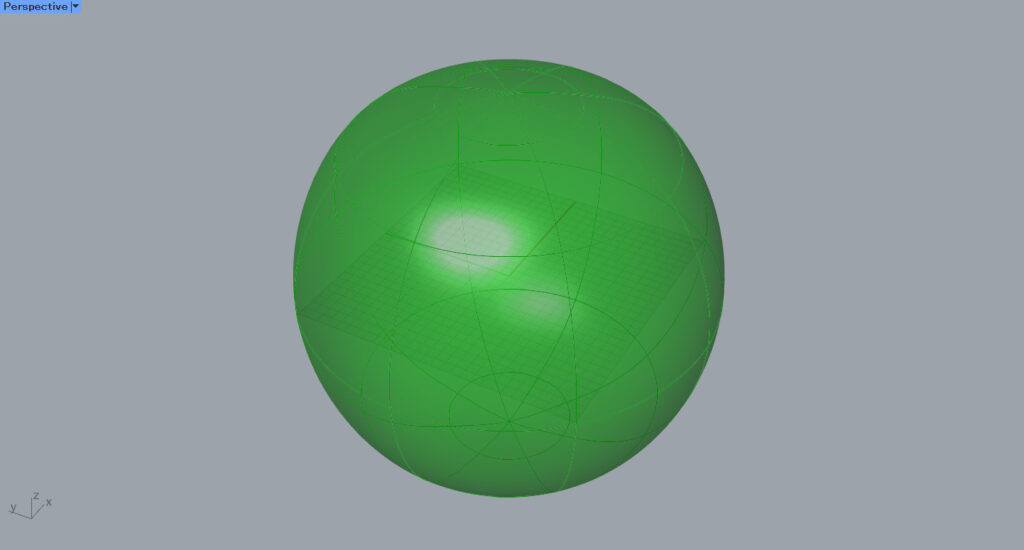
Then connect the Sphere to the SubD.
Then, the sphere was converted to SubD.
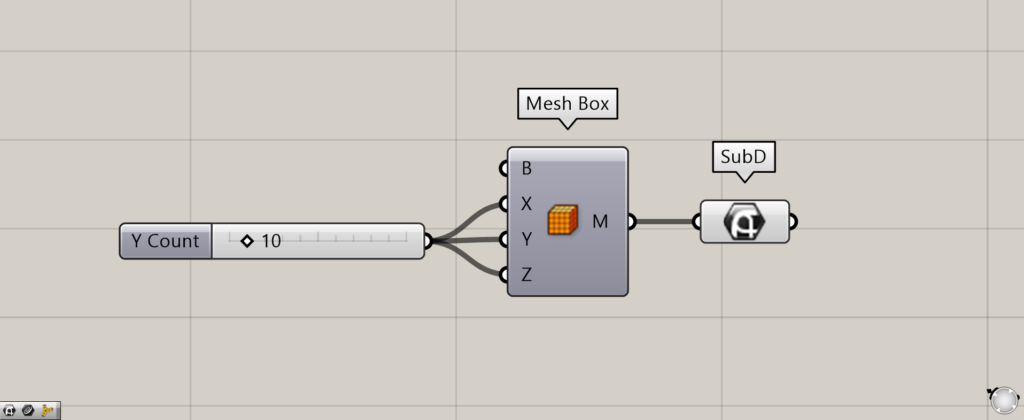
Components used: ① Mesh Box ② SubD
Meshes can also be converted to SubD.
For example, connect the Mesh Box directly to SubD.
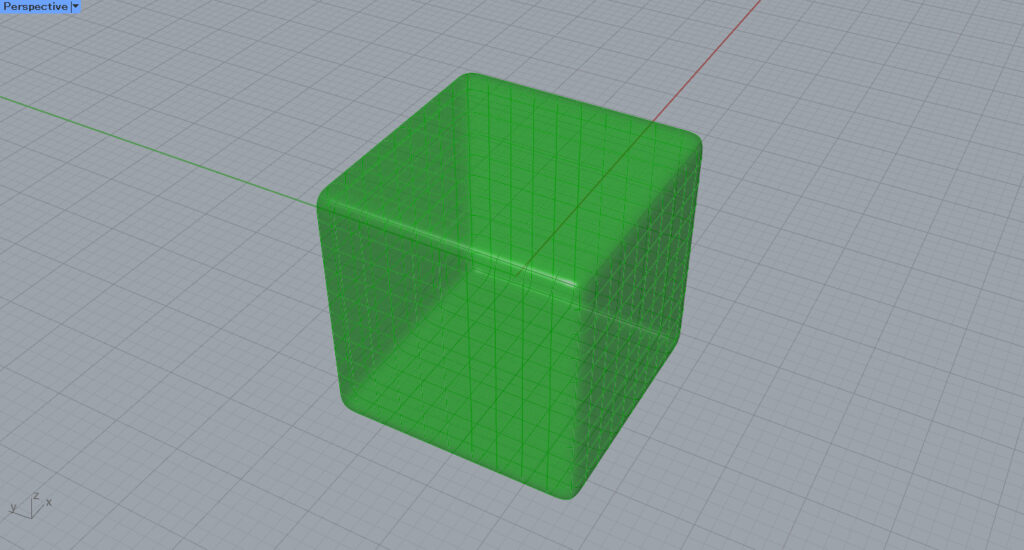
Then, it was converted from mesh to SubD like this.
In this way, you can also convert other types of objects into SubD.
Set SubD directly on Rhino
You can also store SubD directly on Rhino.
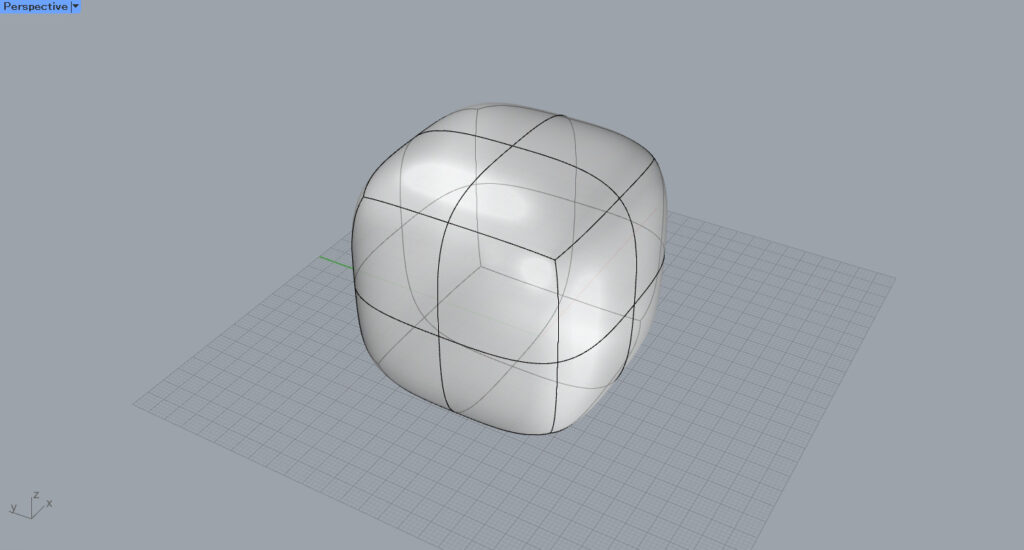
First, we’ll try setting one SubD model on Rhino.
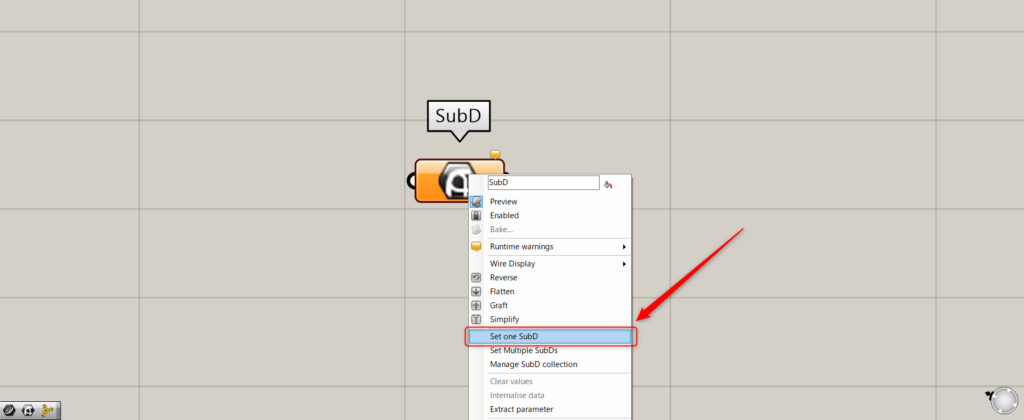
In one case, right-click the SubD and select “Set one SubD”.
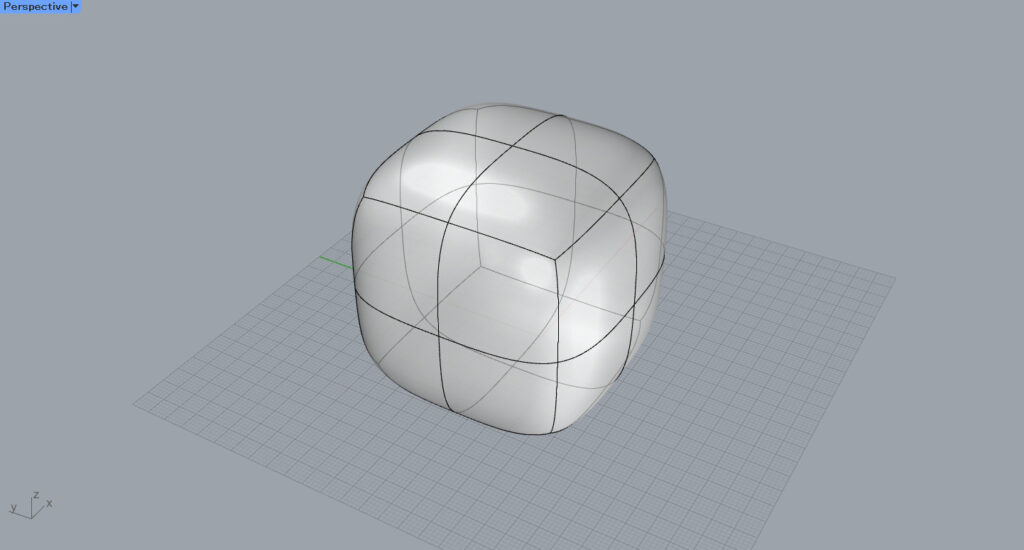
Then, the screen will switch to Rhino.
Click the SubD model you want to set.
Then, the SubD was set.
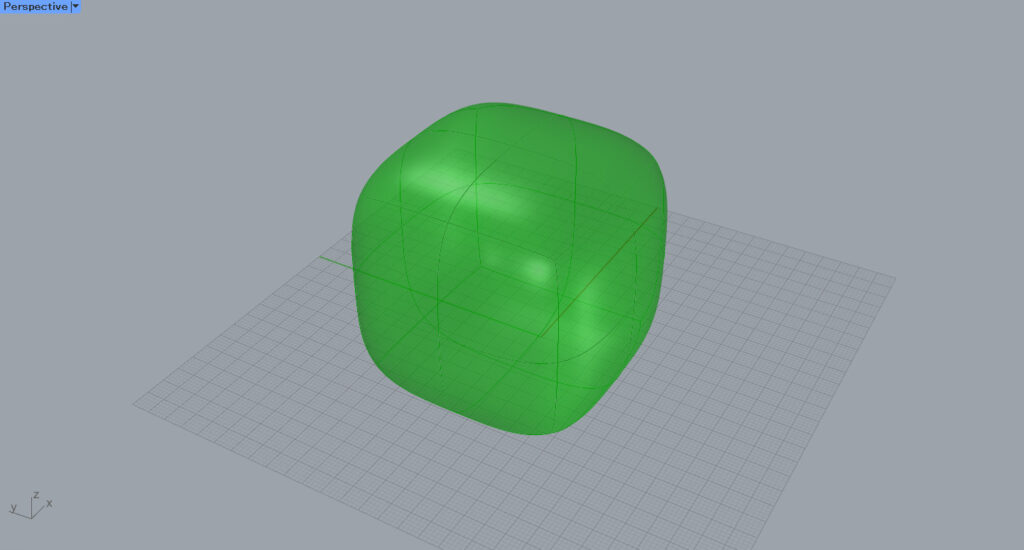
This is the result on the Rhino.
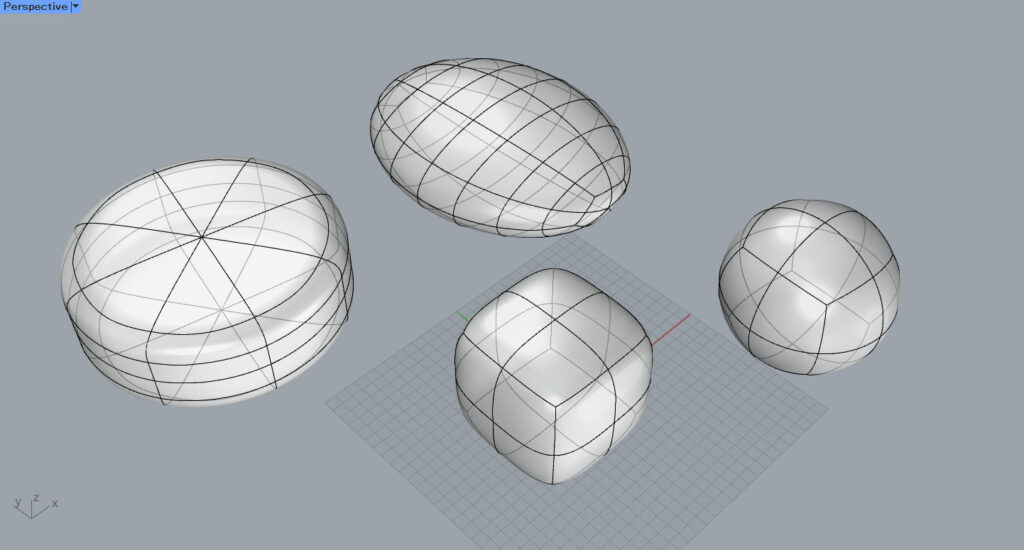
Next, we’ll try setting multiple SubD models.
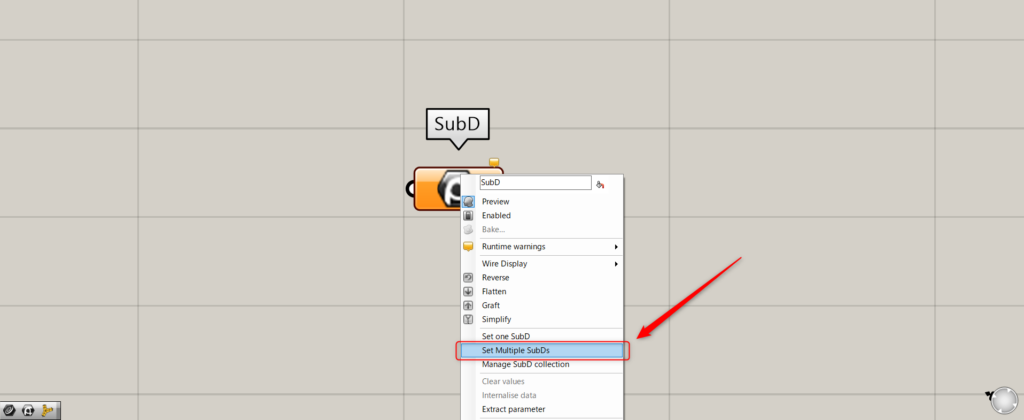
For multiple SubDs, right-click and select “Set Multiple SubDs”.
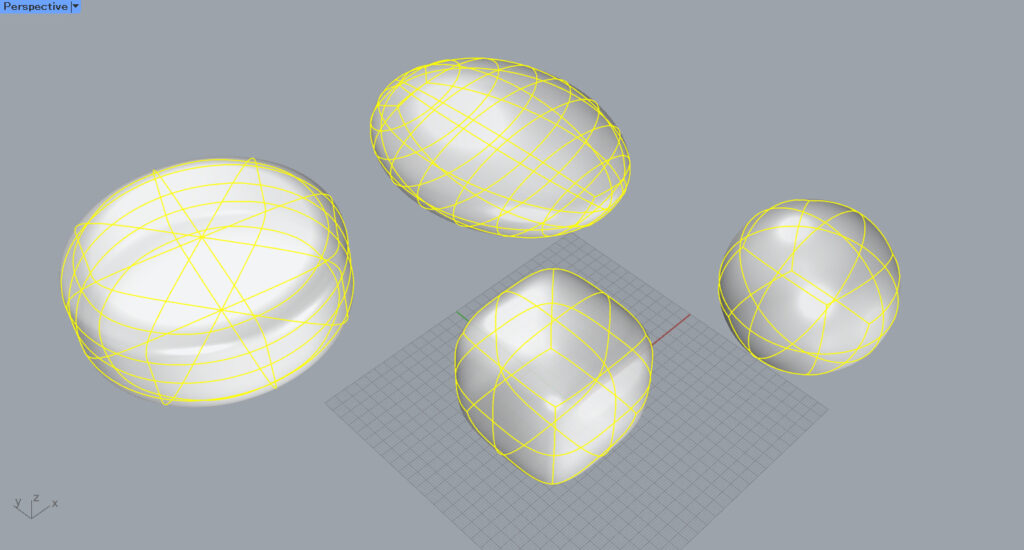
On Rhino, select multiple SubD models.
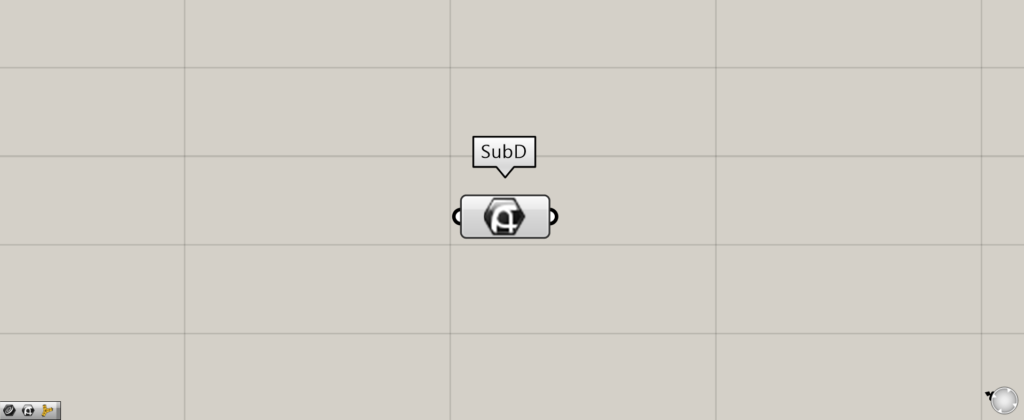
Then, multiple SubD models were set in this method.
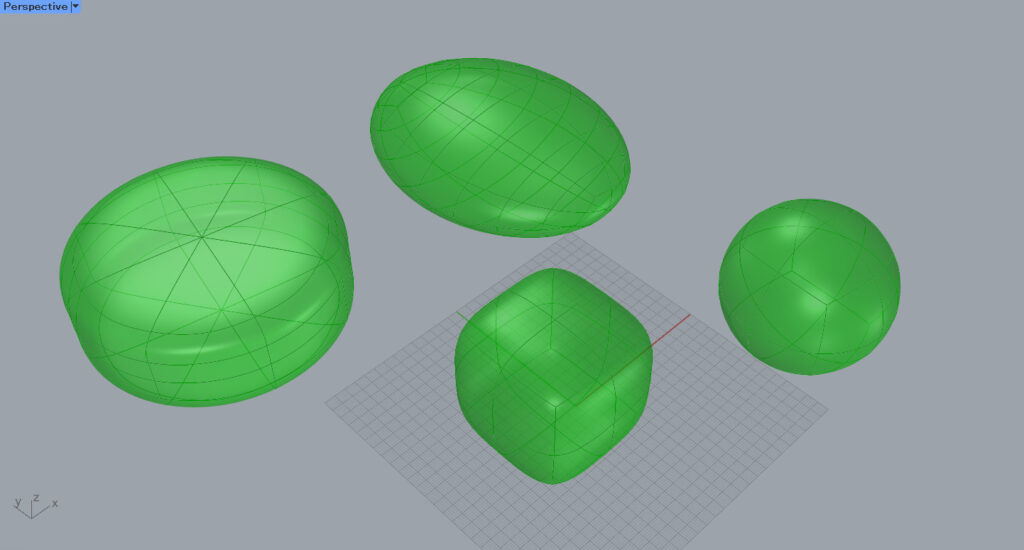
This is the result on Rhino.
List of Grasshopper articles using SubD component↓




Comment