
![[Grasshopper] How to use Centermark to set center mark dimensions](https://iarchway.com/wp-content/uploads/2026/01/Centermark2.png)
This article explains how to use Centermark to set center mark dimensions.
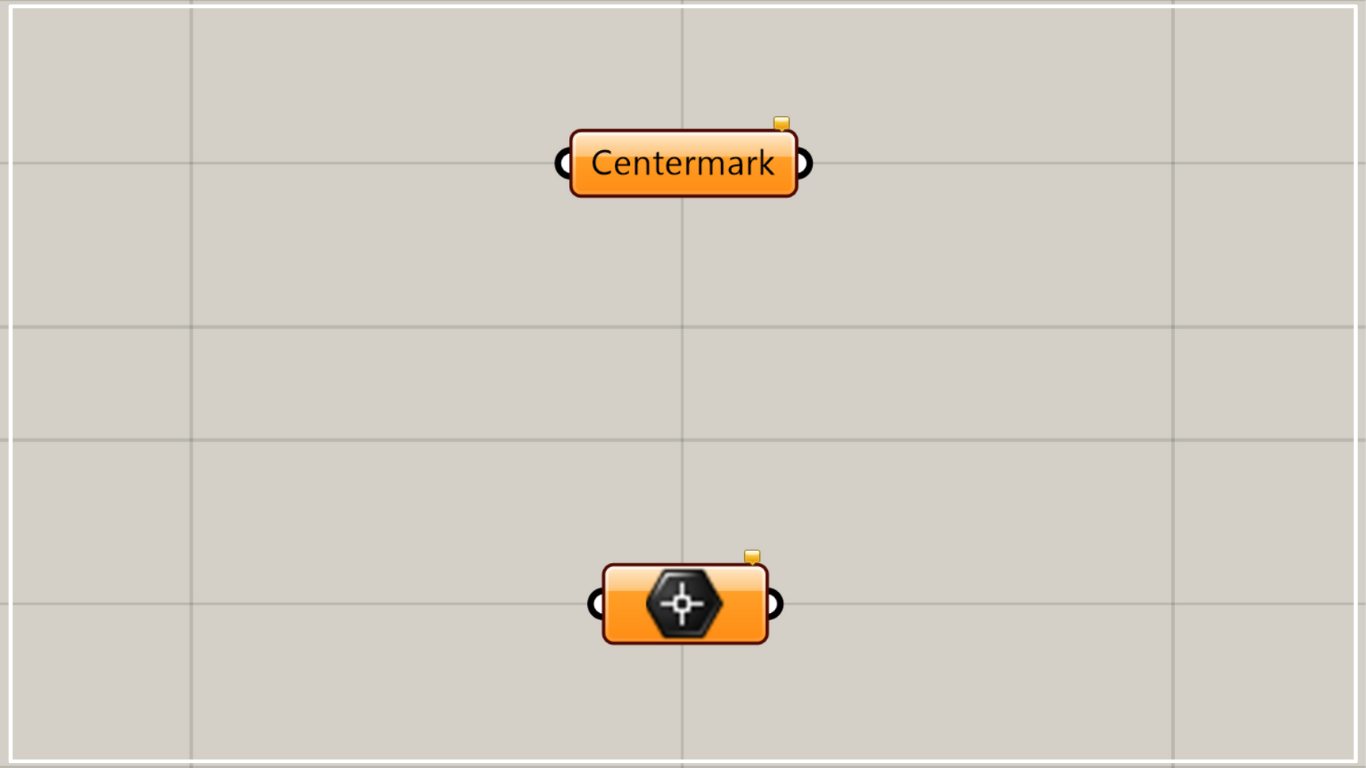
On the Grasshopper, it is represented by either of the two above.
Set center mark dimensions
Using Centermark allows you to set center mark dimensions.
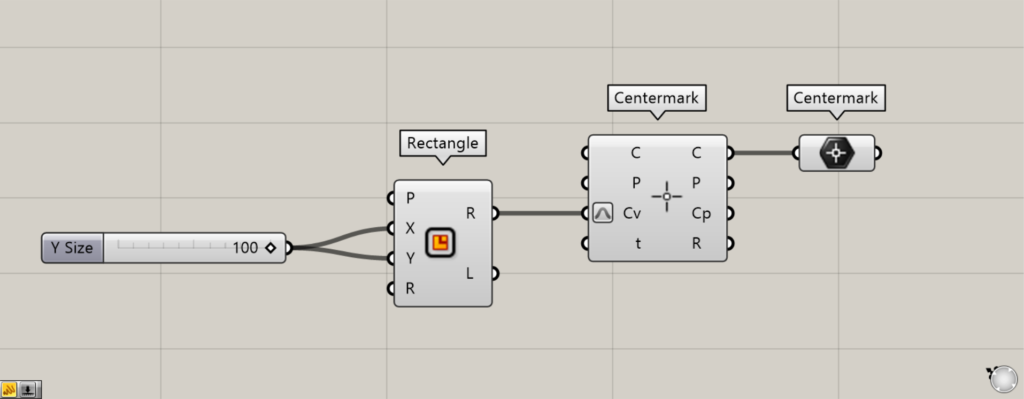
Components used: ① Rectangle ② Centermark ③ Centermark
Please note that Centermark has another component with the same name.
The other Centermark is a component that creates center mark dimensions.
As an example, we’ll explain using two Centermarks.
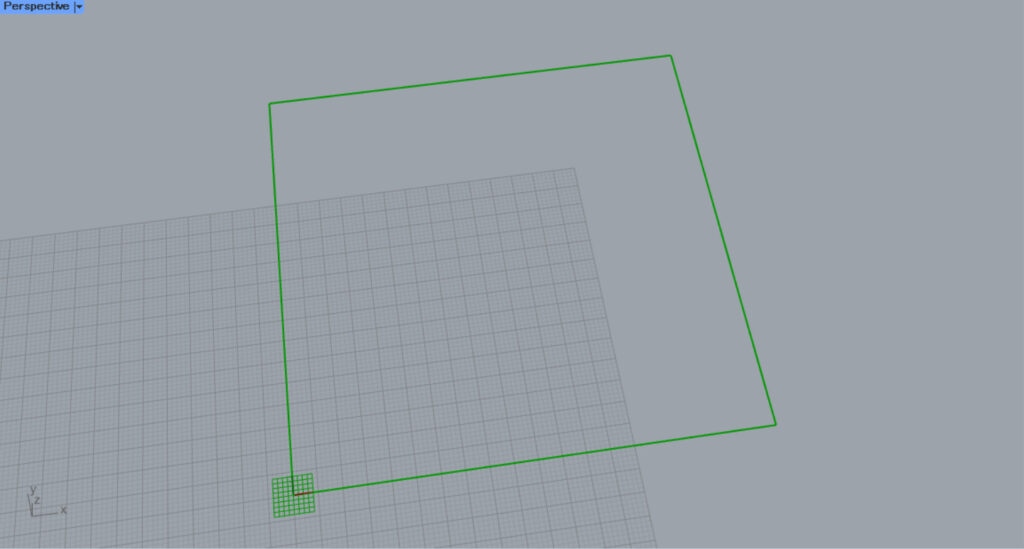
This time, we entered 100 into the Rectangle(X and Y) to create a 100×100 square.
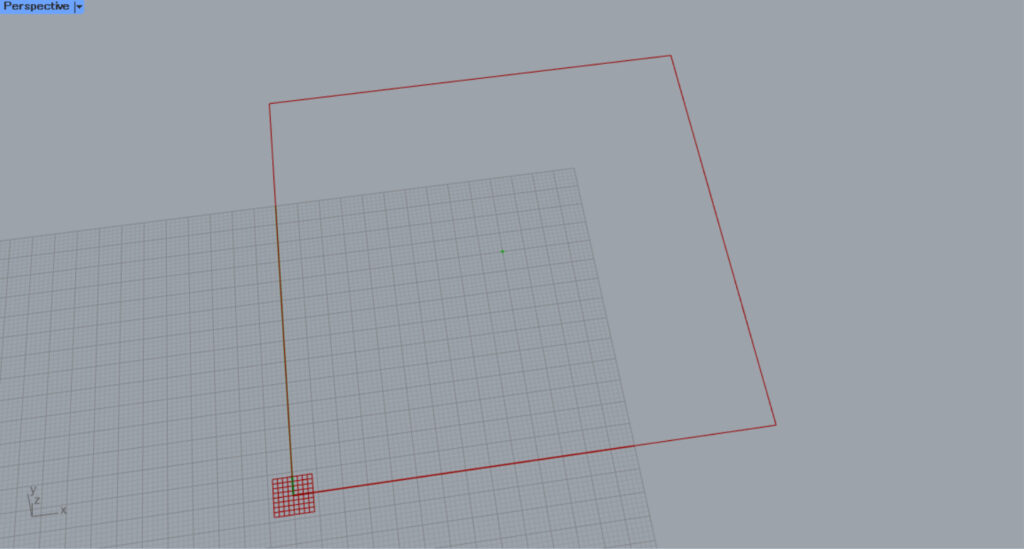
Next, connect the Rectangle(R) to the other Centermark(Cv).
Then, a center mark dimension is created at the center of the rectangle.
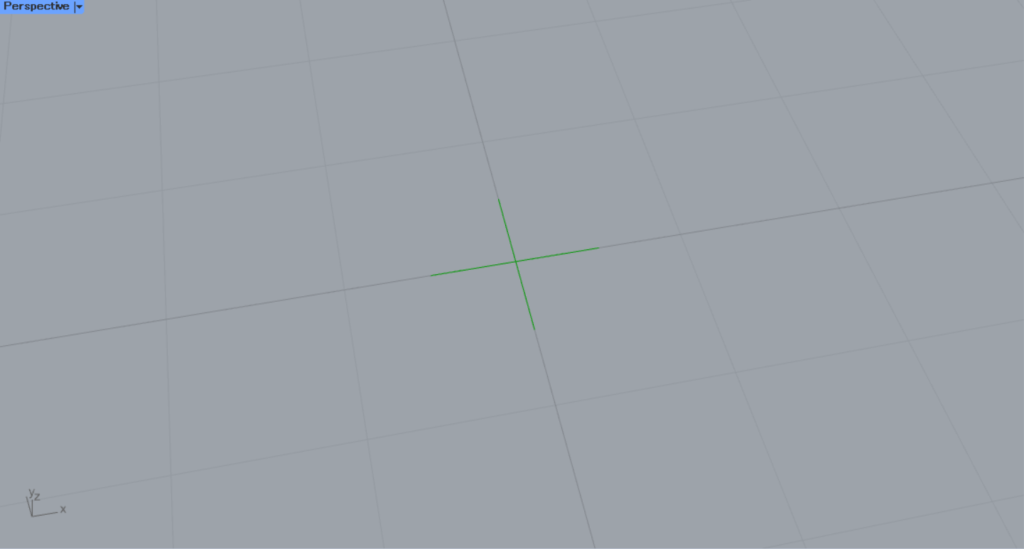
Zooming in reveals that the center mark dimensions have been created as shown here.
Then, connect the other the Centermark(C) to this Centermark.
The created center mark dimensions will then be set in this Centermark.
In this way, using Centermark allows you to set center mark dimensions.
Set the dimensions of the center mark on Rhino
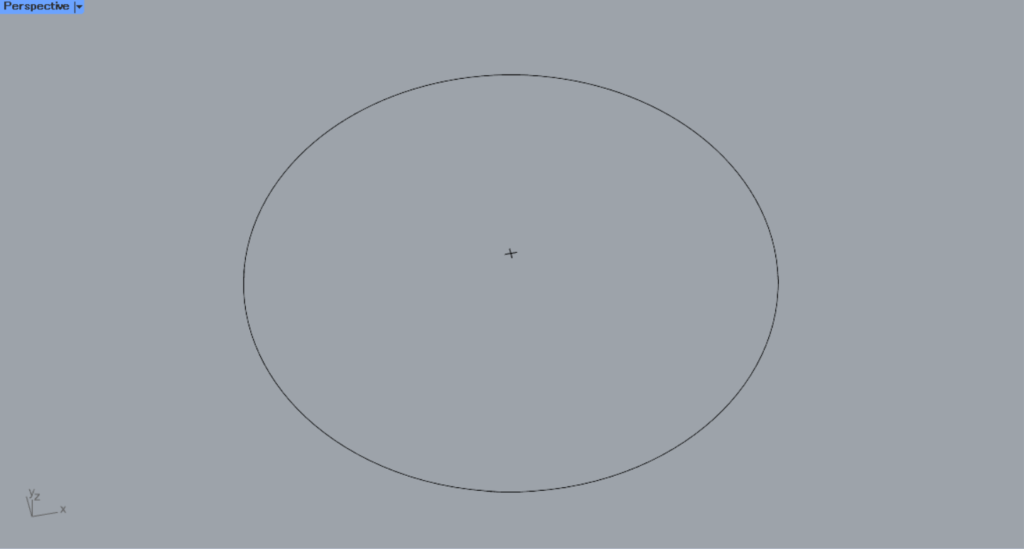
We’ll set the dimensions of the center mark on Rhino.
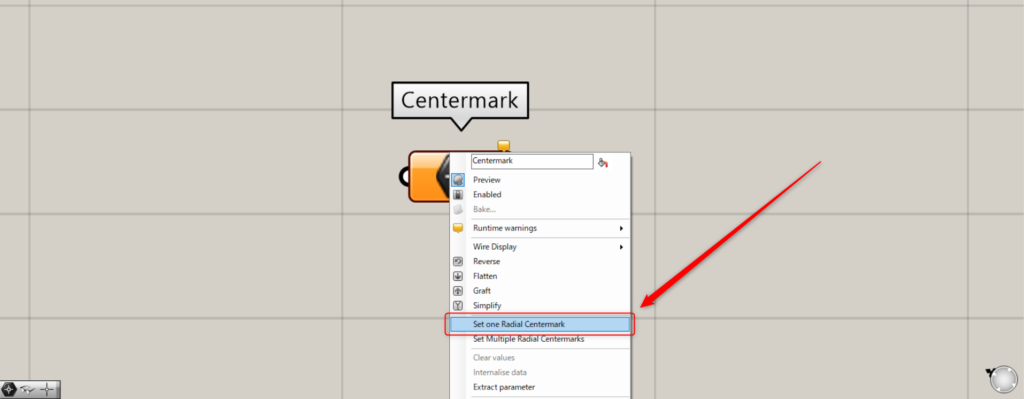
With the standard storage method, you would right-click the centermark and select “Set one Radial Centermark” for a single mark or “Set Multiple Radial Centermarks” for two or more marks.
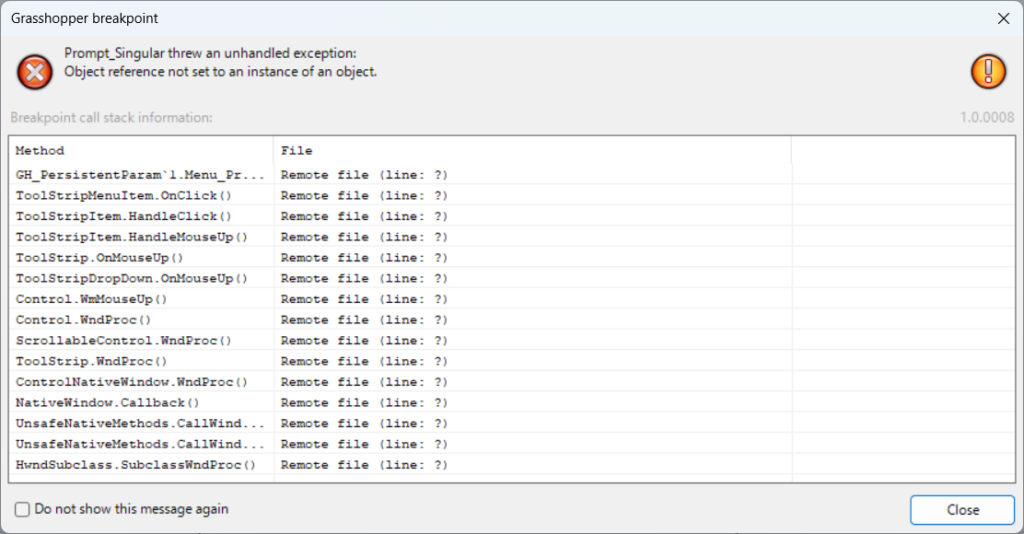
However, as of 2026, an error is displayed, preventing the storage of center mark dimensions in Centermark.
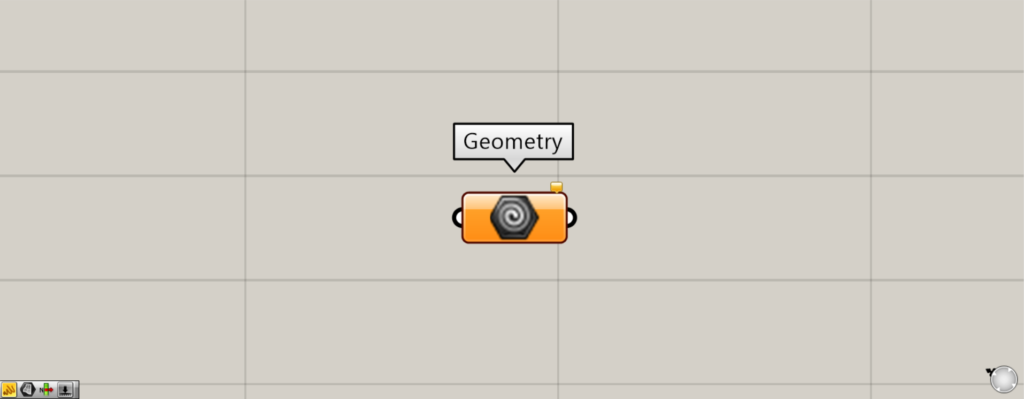
Components Used: ①Geometry
Therefore, we use Geometry instead, which can set various types of data.
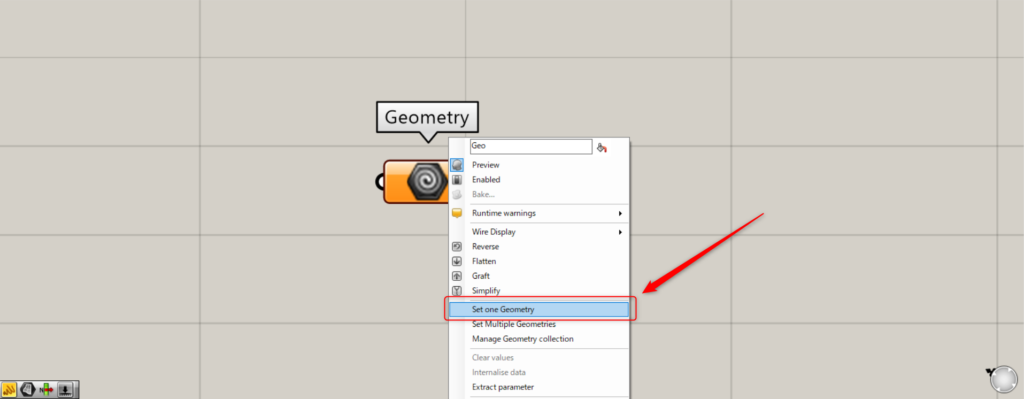
To set one center mark dimension, right-click the Geometry and select “Set one Geometry”.
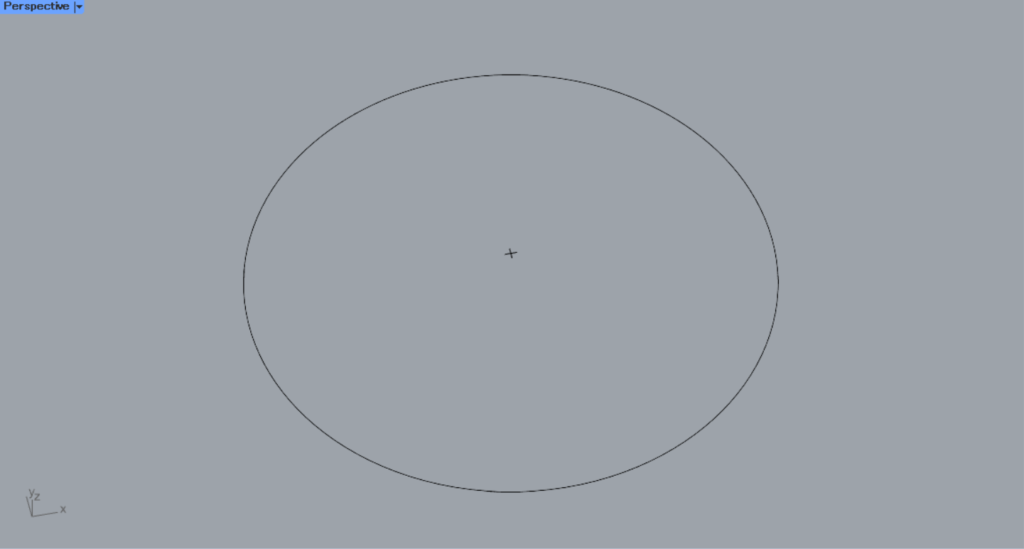
Then, the screen will switch to Rhino.
Then, select the center mark dimensions you want to set.
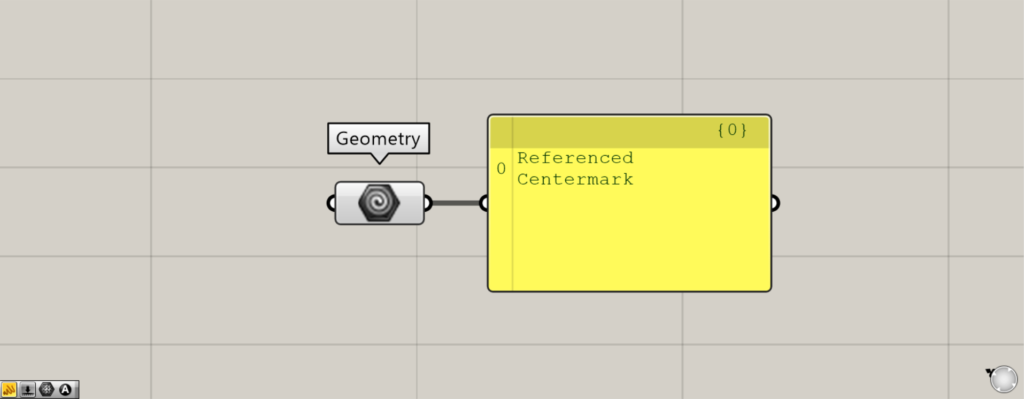
Then, the center mark dimensions were set in Geometry.
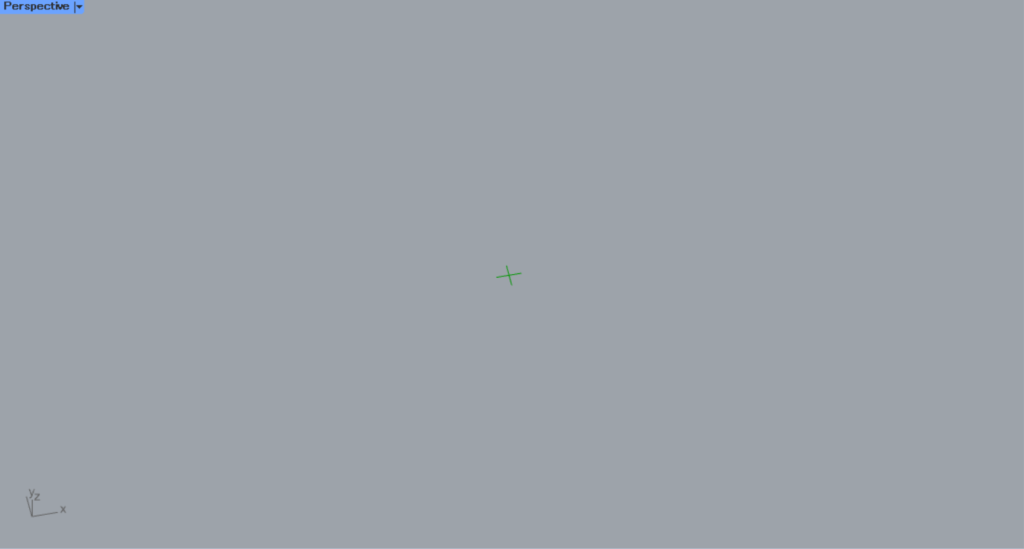
This is the result on Rhino.
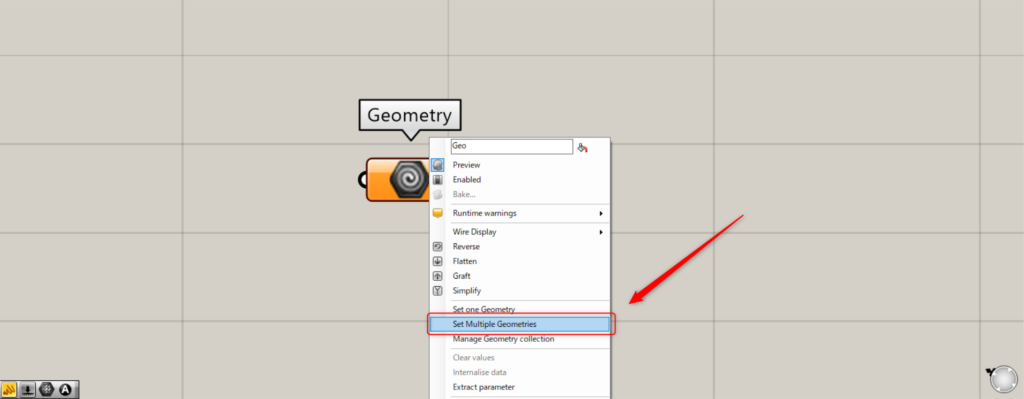
For multiple center mark dimensions, right-click the Geometry and select “Set Multiple Geometries”.
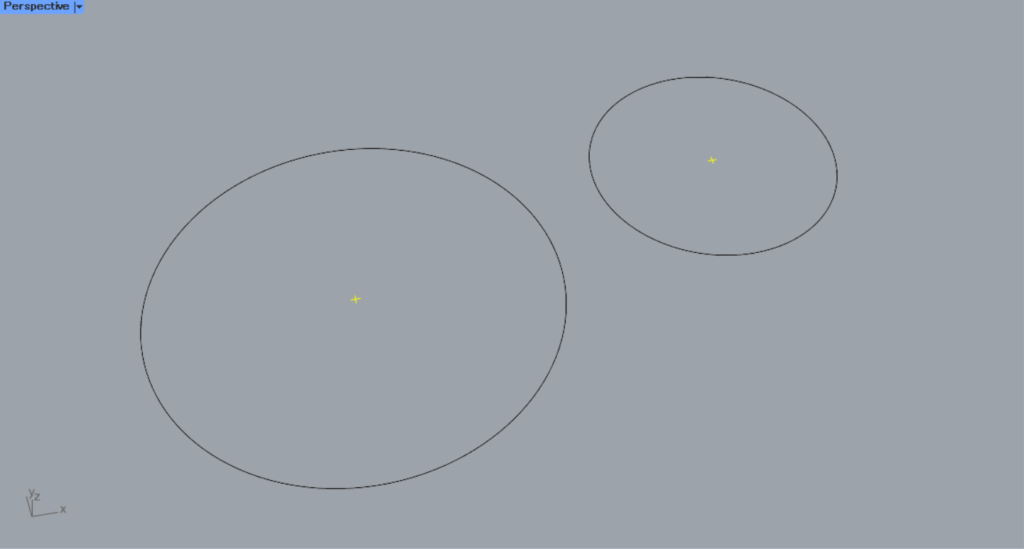
Then, select multiple center mark dimensions on Rhino.
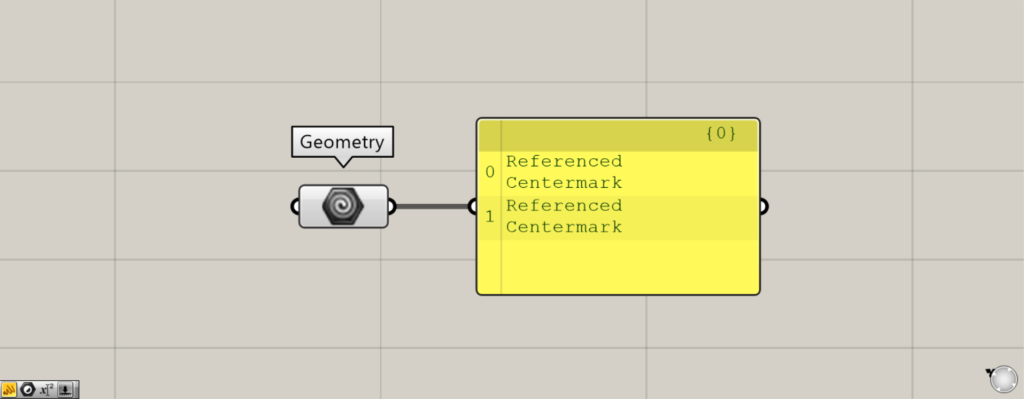
Then, multiple center mark dimensions were set in this manner.
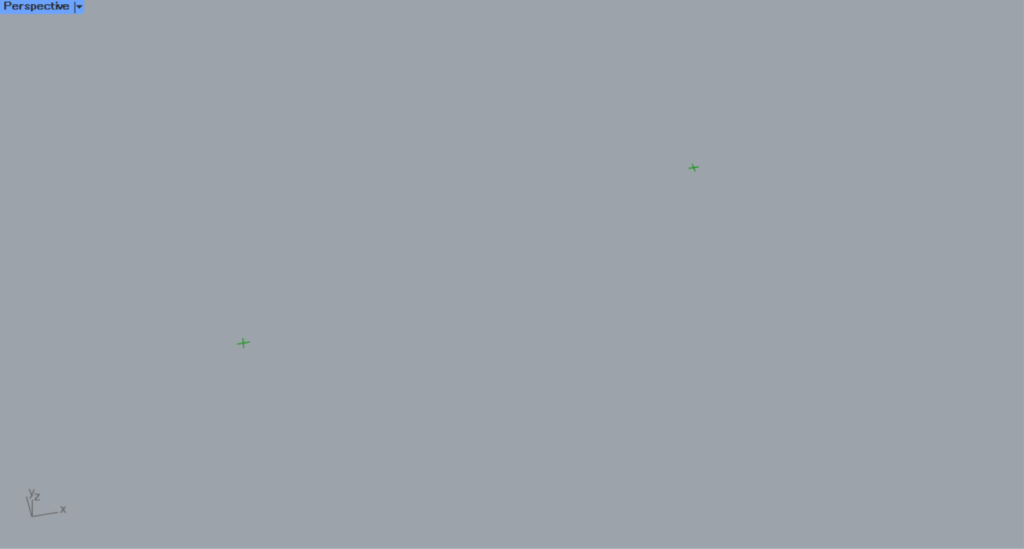
This is the result on Rhino.
List of Grasshopper articles using Centermark component↓




Comment