
![[Grasshopper] How to use Unit System for unit settings](https://iarchway.com/wp-content/uploads/2026/01/Unit-System.png)
This article explains how to use Unit System for unit settings.
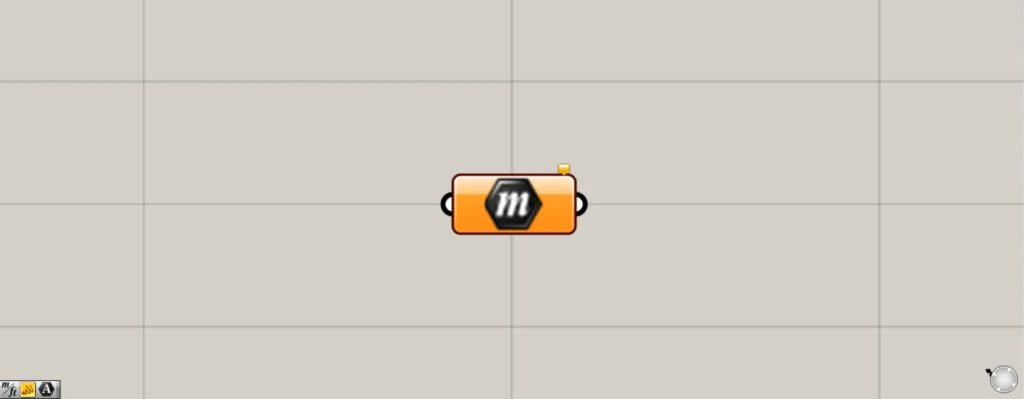
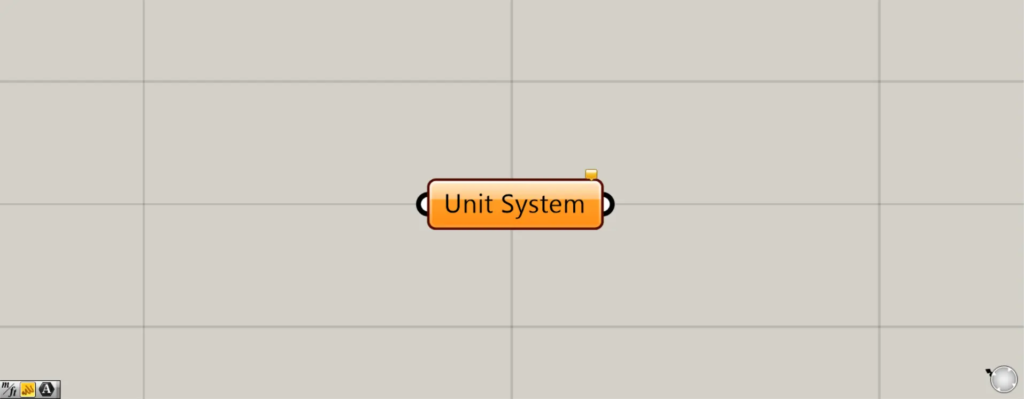
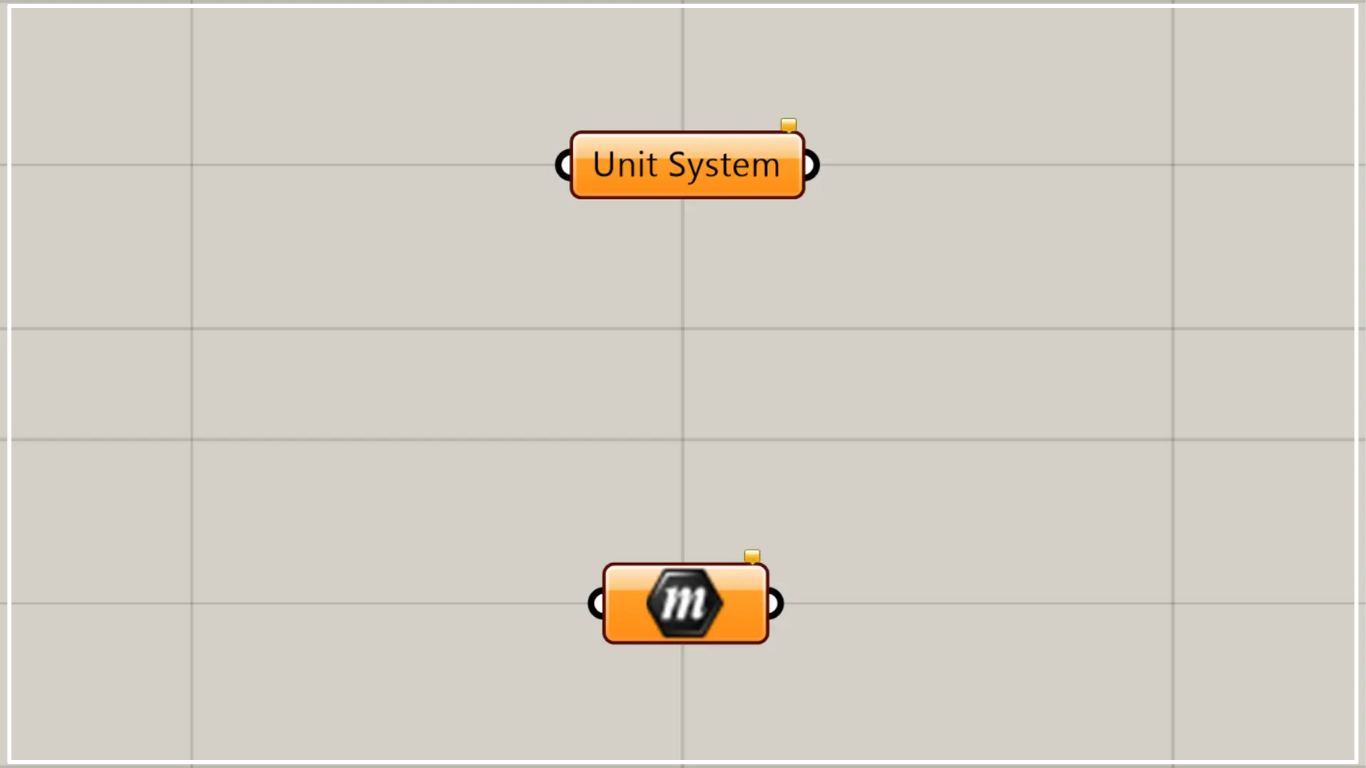
On the Grasshopper, it is represented by either of the two above.
Set units
Using the Unit System allows you to configure unit settings.
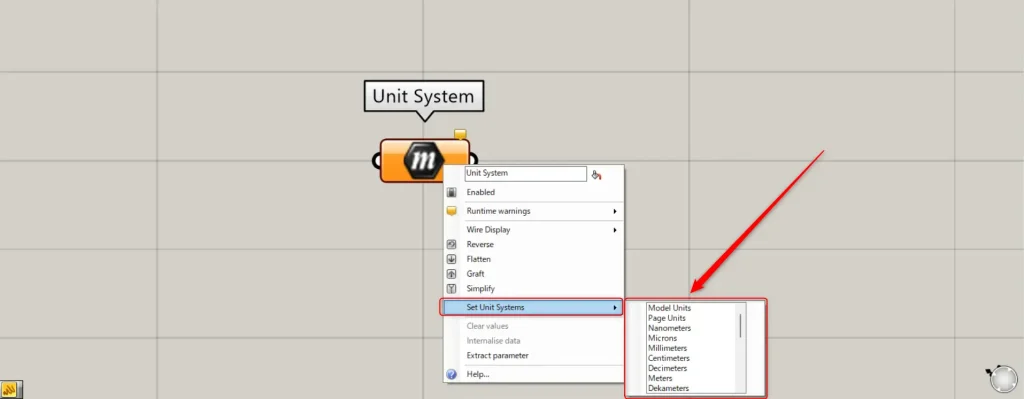
To set the units, right-click on the Unit System and select “Set Unit Systems”.
Then, various units will be displayed, and you can set it by selecting any unit.
| Model Units |
| Page Units |
| Nanometers |
| Microns |
| Millimeters |
| Centimeters |
| Decimeters |
| Meters |
| Decameters |
| Hectometers |
| Kilometers |
| Megameters |
| Gigameters |
| Microinches |
| Mils |
| Inches |
| Feet |
| Yards |
| Miles |
| Printer Points |
| Printer Picas |
| Angstroms |
| Nautical Miles |
| Astronomical Units |
| Light Years |
| Parsecs |
The table above shows the list of units that can be set.
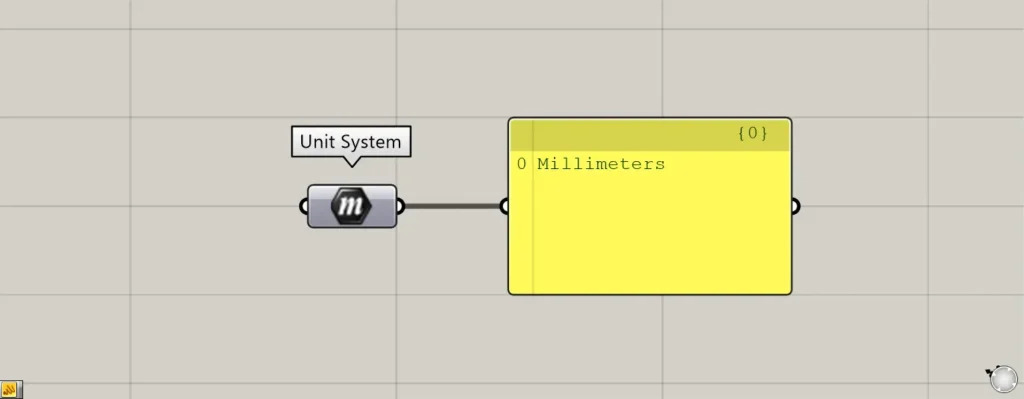
This time, we selected Millimeters as an example.
When you connect the panel, it displays “Millimeters,” confirming that it is set up correctly.
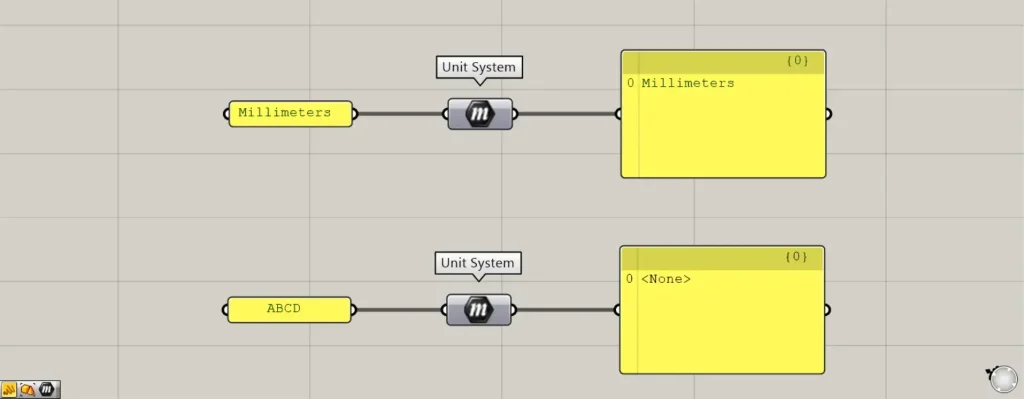
You can also enter texts to set or specify units.
The image above shows an example of combining “Millimeters” with the letters ABCD.
When the characters corresponding to a unit are connected, it indicates that the unit is set or specified.
On the other hand, if you enter a text that does not match, it will display as None, indicating that no data exists.
List of Grasshopper articles using Unit System component↓




Comment