
![[Grasshopper] How to use Deconstruct Plane to obtain origin and vector information of a plane](https://iarchway.com/wp-content/uploads/2026/01/Deconstruct-Plane.png)
This article explains how to use Deconstruct Plane to obtain origin and vector information of a plane.
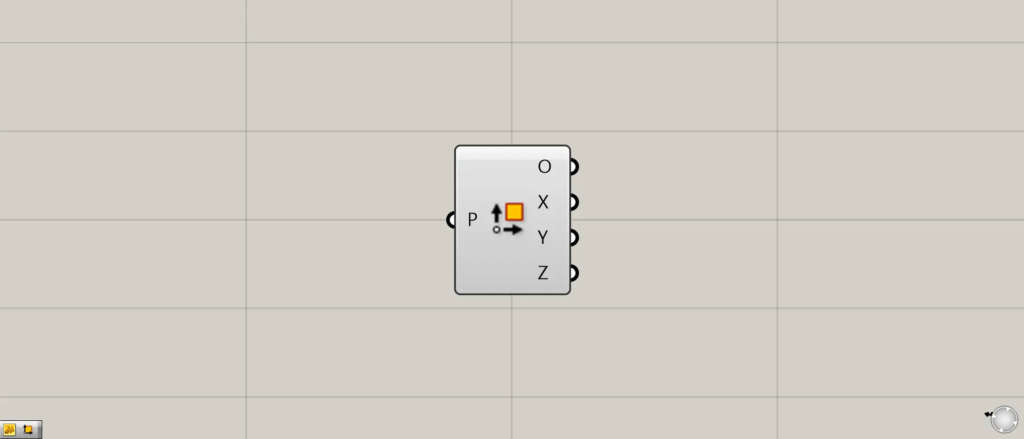
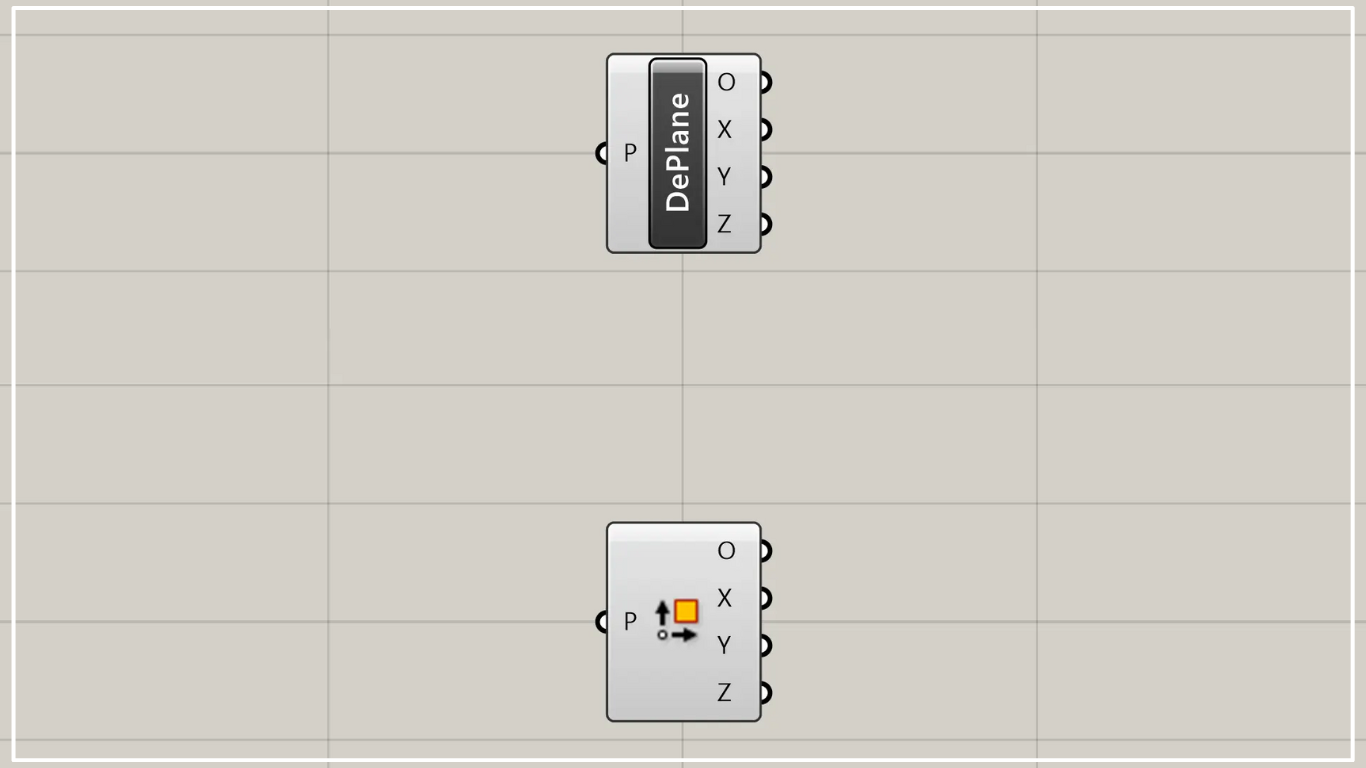
On the Grasshopper, it is represented by either of the two above.
Acquire origin and vector information of a plane
Using Deconstruct Plane allows you to obtain origin and vector information of a plane.
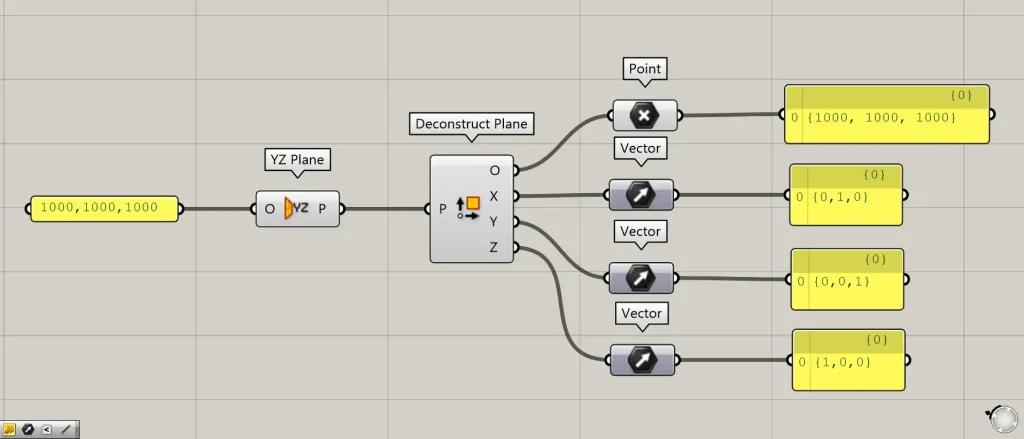
Components used: ① YZ Plane ② Deconstruct Plane ③ Point ④ Vector
As an example, we will decompose the plane formed by the Y-axis and Z-axis.
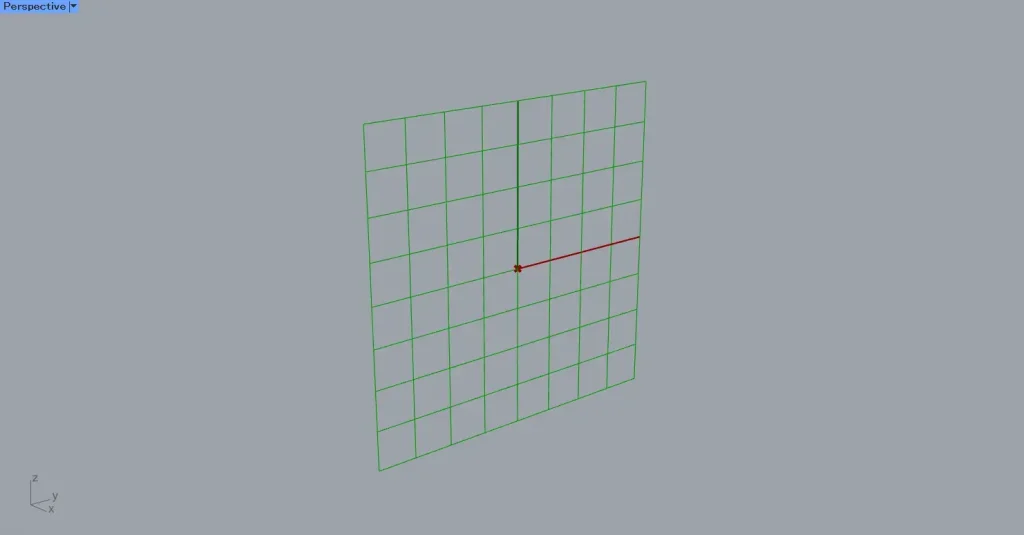
First, connect the coordinate data 1000,1000,1000 to the YZ Plane.
Then, a work plane formed by the Y-axis and Z-axis will be created at the 1000,1000,1000 position.
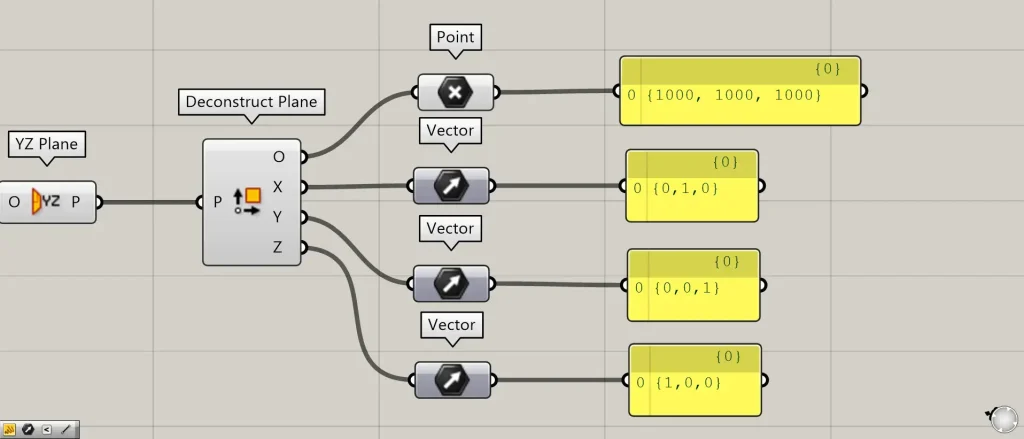
Then, connect the YZ Plane to the Deconstruct Plane.
Then, you can obtain the data that makes up the plane.
From the O terminal, you can obtain the point data for the origin of the plane.
The X terminal provides vector data in the X-axis direction of the plane.
The Y terminal provides vector data in the Y-axis direction of the plane.
The Z terminal provides vector data in the Z-axis direction of the plane.
List of Grasshopper articles using Deconstruct Plane component↓




Comment