
![[Grasshopper] How to use Trim Solid to trim a model with another model](https://iarchway.com/wp-content/uploads/2026/01/eyecatch-13.png)
This article explains how to use Trim Solid to trim a model with another model.
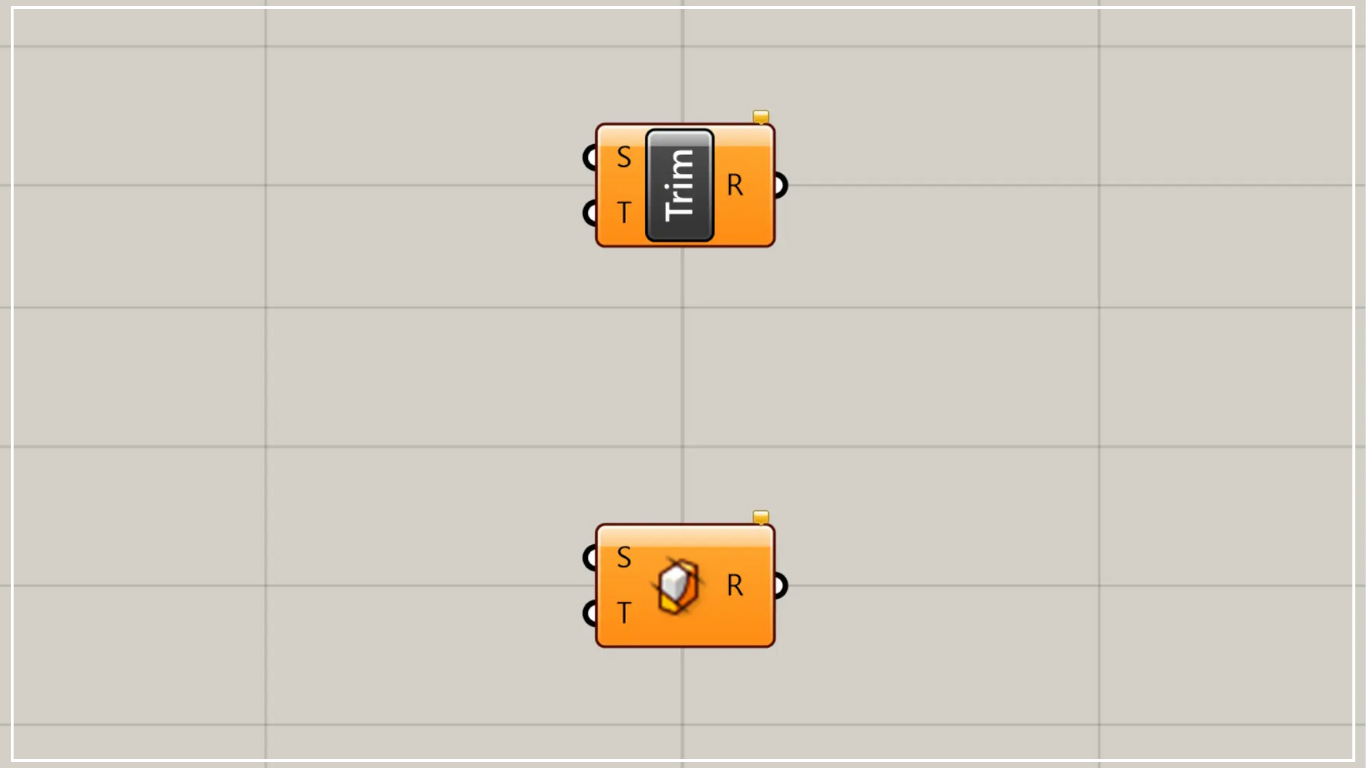
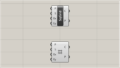
On the Grasshopper, it is represented by either of the two above.
Trim a model using another model
Using Trim Solid, you can trim a model using another model.
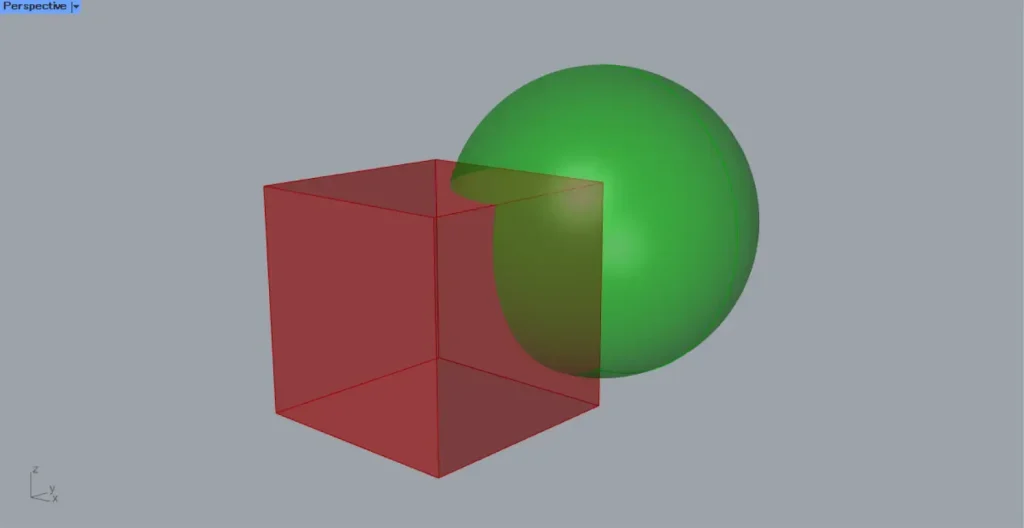
As a first example, let’s cut a cube with a sphere.
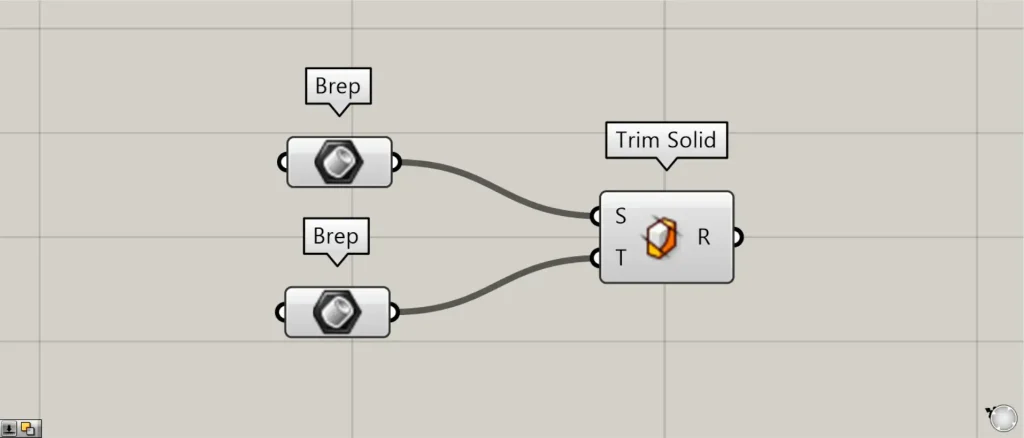
Components used: ①Brep ②Trim Solid
This time, the cube and sphere are each set in Brep.
Connect the model to be trimmed to the Trim Solid (S).
This time, we are connecting the cube model.
Connect the model used for trimming to the Trim Solid(T).
This time, we are connecting the sphere models.
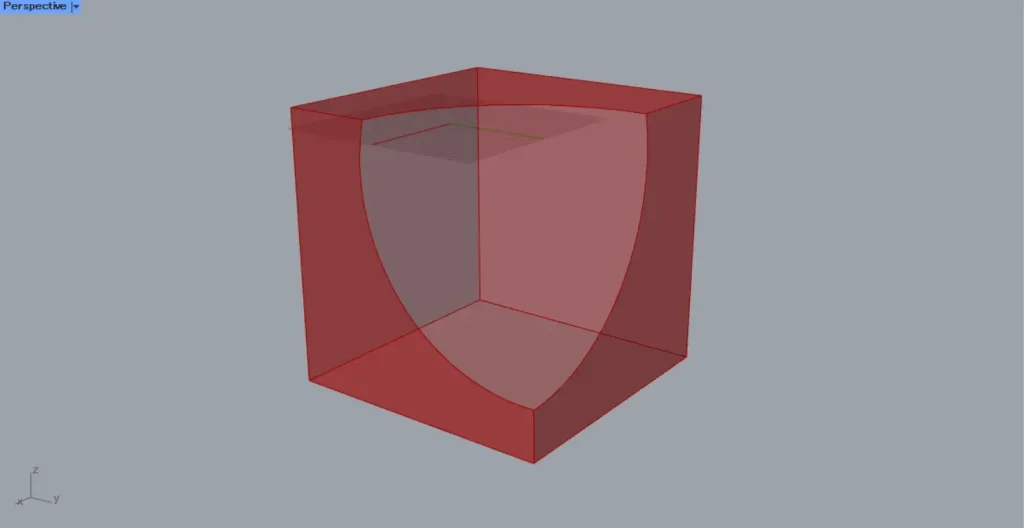
Then, as shown in the image above, the cube was cut out by the sphere.
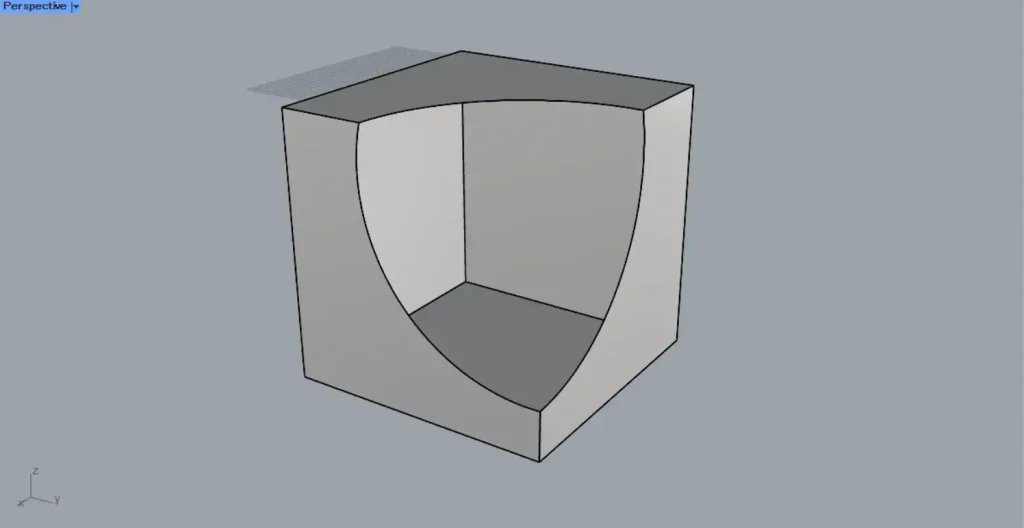
The image above shows the model exported to Rhino.
When you trim solid, you’ll see that the model has holes in it.
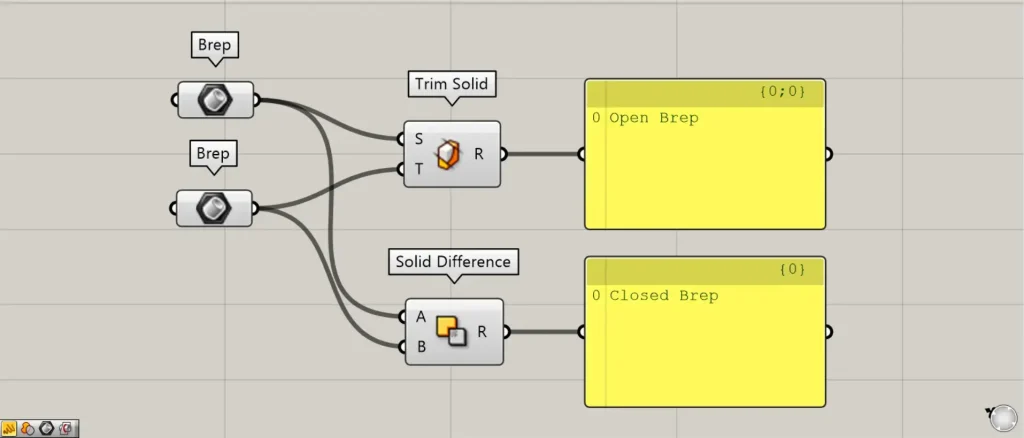
Upon checking the data, you can see that it is labeled as Open Brep.
In this way, when using Trim Solid, the model becomes an open state in Open Brep.
A similar components Solid Difference, which can be used to create a closed Closed Brep.
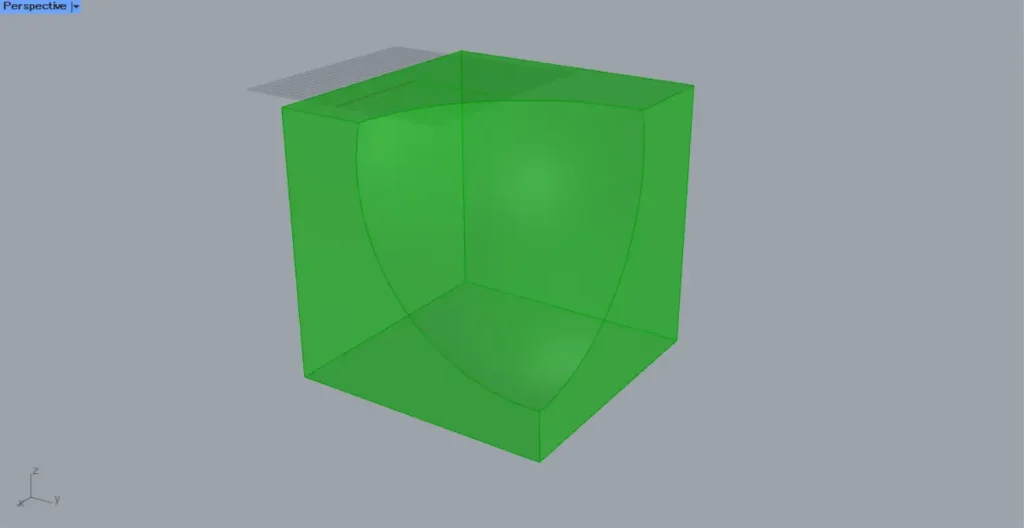
The image above shows the result when using Solid Difference.
To create a closed Closed Brep, use Solid Difference.
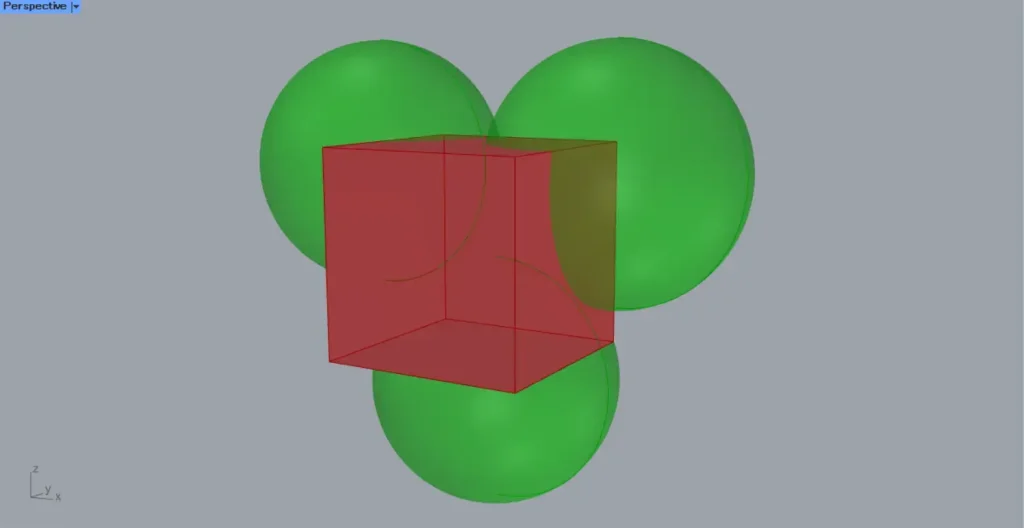
You can use multiple models for the Trim Solid(T) operation.
The image above shows the case where three spheres are specified.
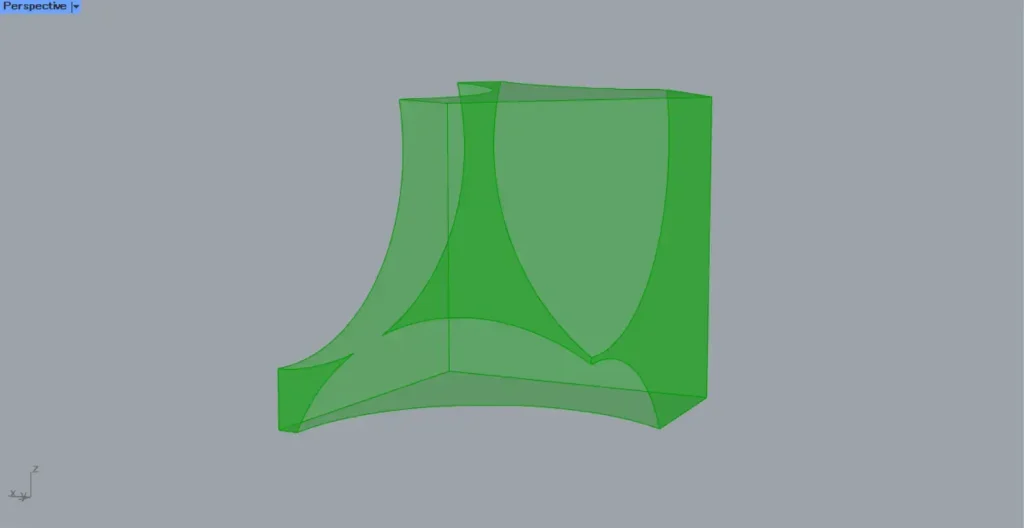
After execution, as shown in the image above, you can see that trimming was possible even with multiple models.
List of Grasshopper articles using Trim Solid component↓




Comment