
![[Grasshopper] How to use Power for calculating powers and exponents](https://iarchway.com/wp-content/uploads/2026/01/eyecatch-19.png)
This article explains how to use Power for calculating powers and exponents.
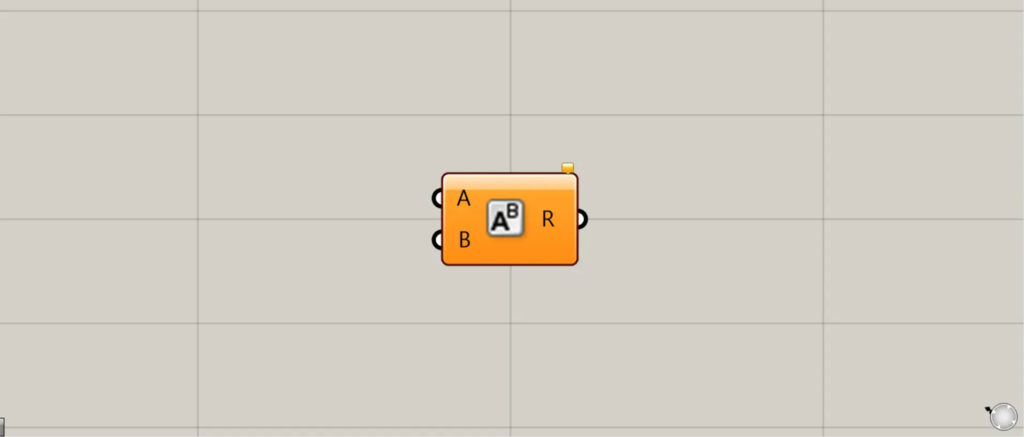
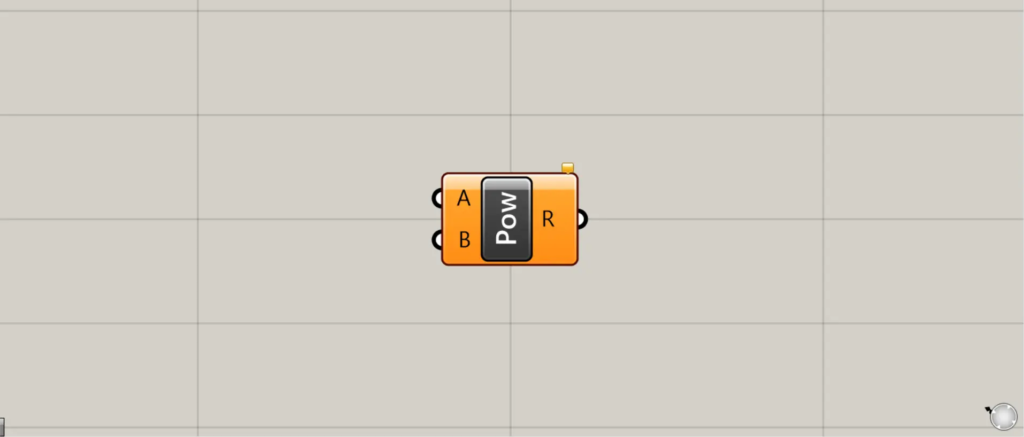
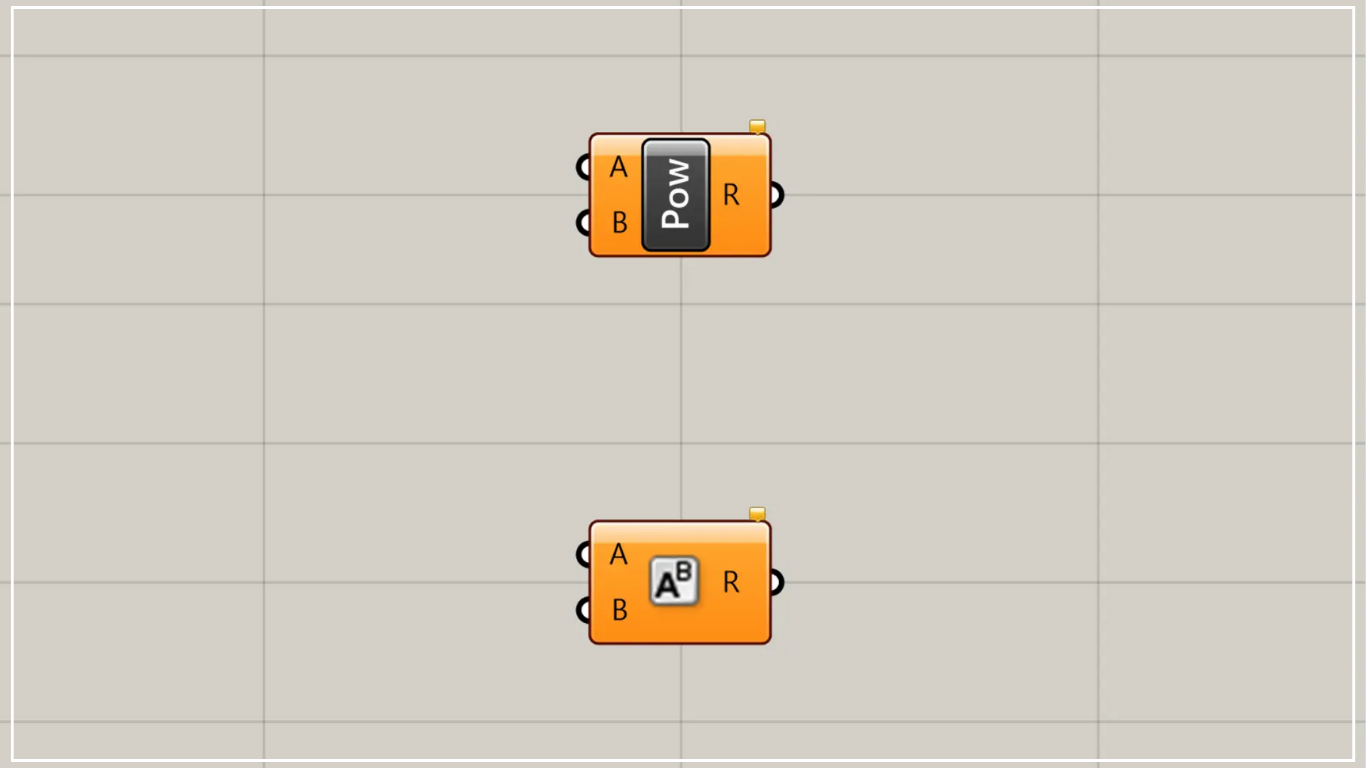
On the Grasshopper, it is represented by either of the two above.
Calculate powers and exponents
Using the Power function, you can calculate powers and exponents.
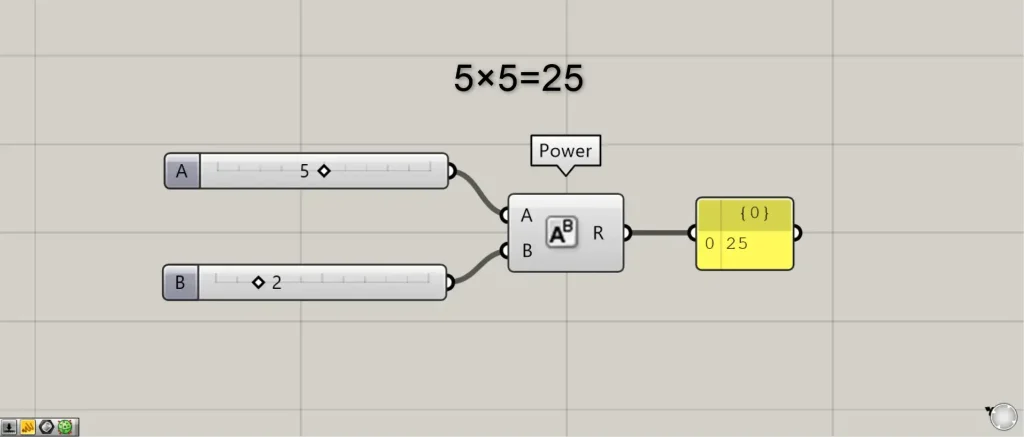
Connect the exponentiated value to Power(A).
This time, we’re connecting five.
Connect the index value to Power(B).
First, we are connecting two.
Then, as shown in the image above, the exponentiation calculation was performed, such as 5² = 5 × 5 = 25.
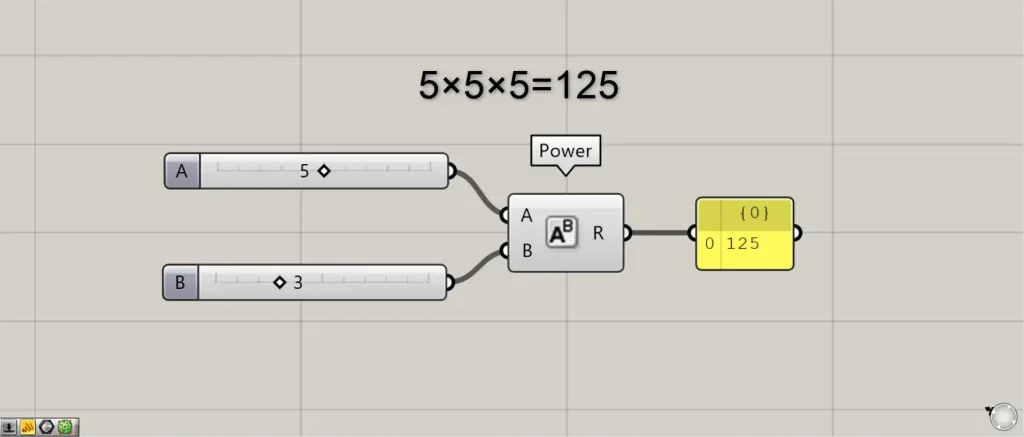
The image above shows the value connected to Power(B) changed to 3.
As a result, the calculation 5³ = 5 × 5 × 5 = 125 was performed, as shown in the image above.
List of Grasshopper articles using Power component↓





Comment