
![[Grasshopper] How to use Plane Normal to create a plane by specifying a point and a z-direction vector](https://iarchway.com/wp-content/uploads/2026/01/eyecatch-22.png)
This article explains how to use Plane Normal to create a plane by specifying a point and a z-direction vector.
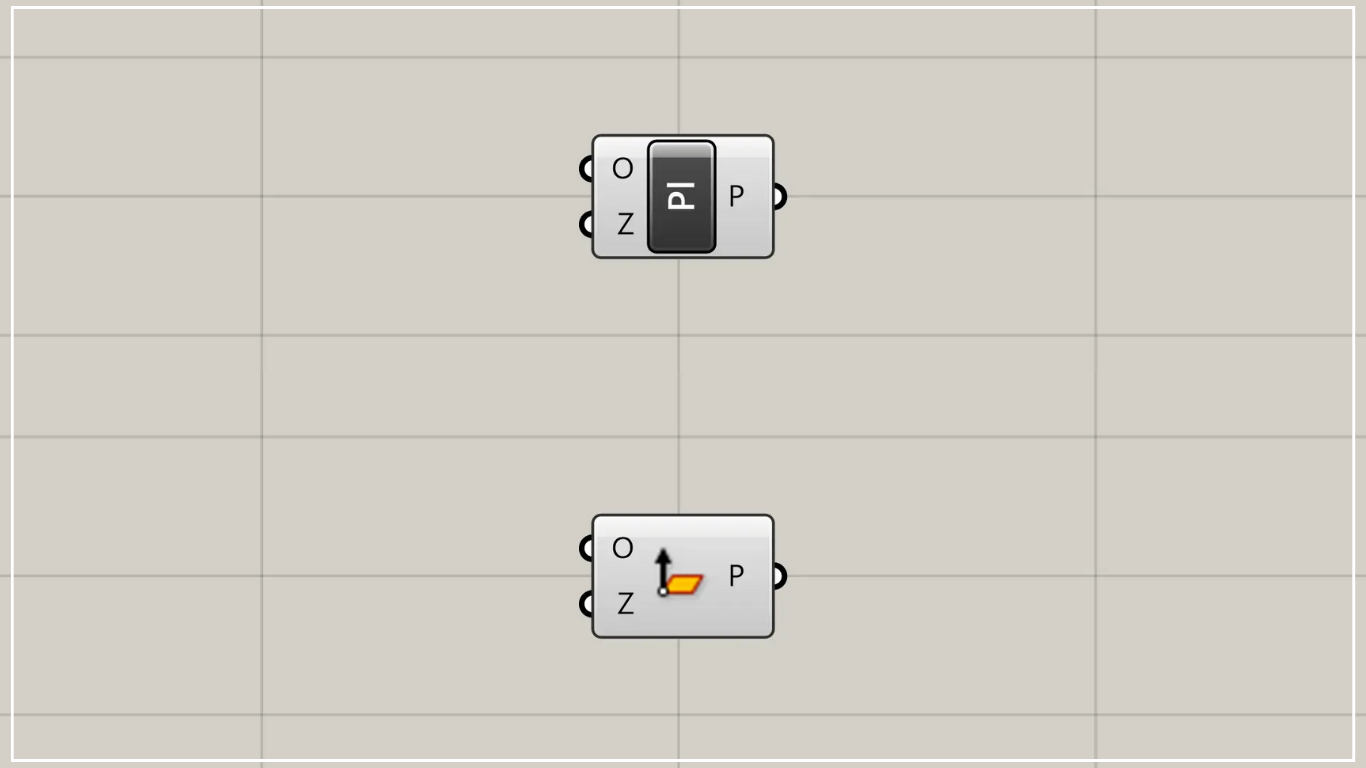
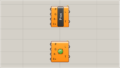
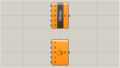
On the Grasshopper, it is represented by either of the two above.
Create a plane by specifying a point and a vector in the Z-direction
Using Plane Normal, you can create a plane by specifying a point and a vector in the Z direction.
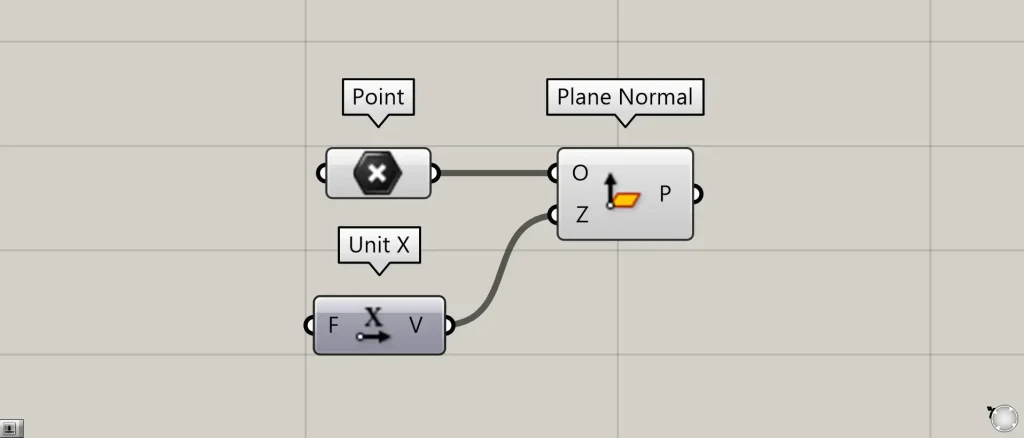
Components used: ①Point ②Unit X ③Plane Normal
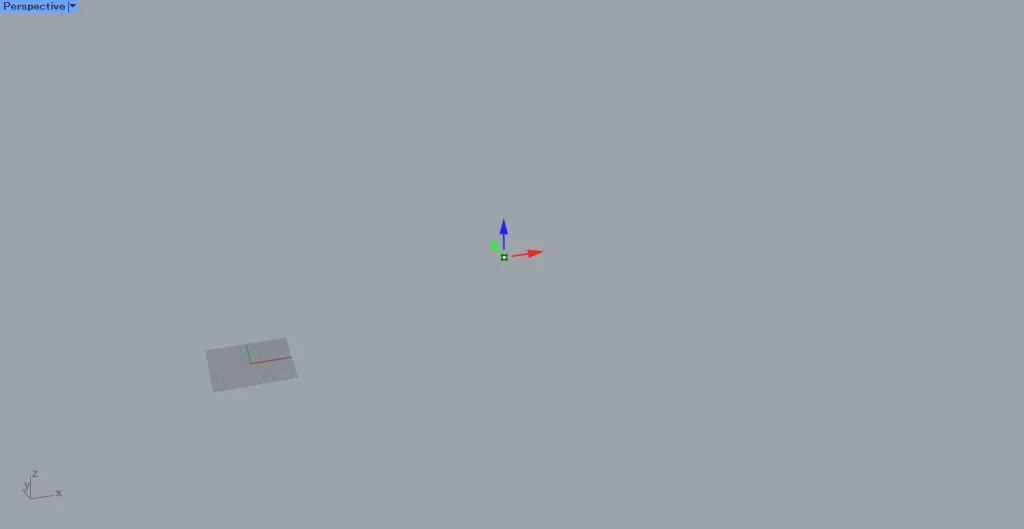
Create a point at the position where you want to create a plane, and connect it to the Plane Normal(O).
This time, we are connecting the points set in Point.
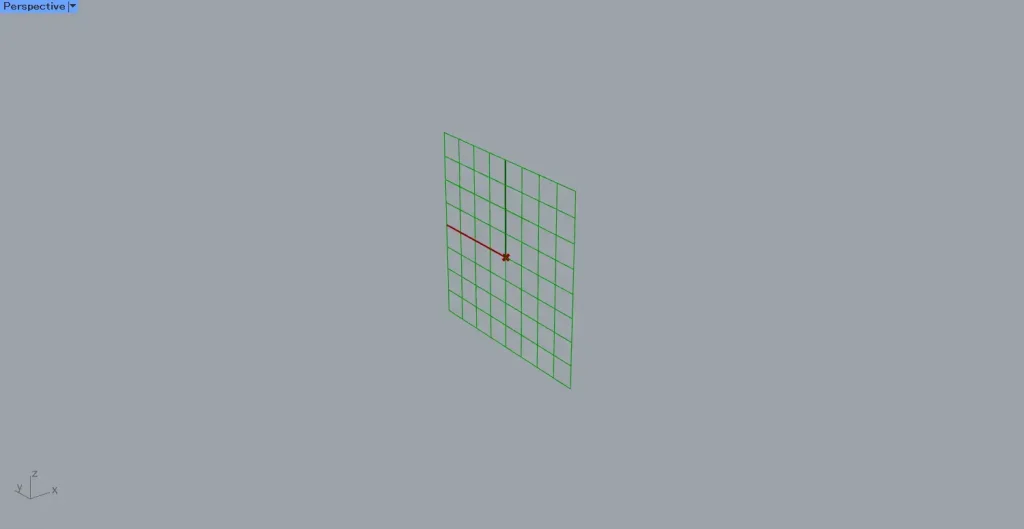
Furthermore, connect the vector data in the Z-axis direction of the plane to the Plane Normal(Z).
This time, we are connecting Unit X to create a vector in the X direction.
Then, as shown in the image above, a plane was created at the specified point’s location.
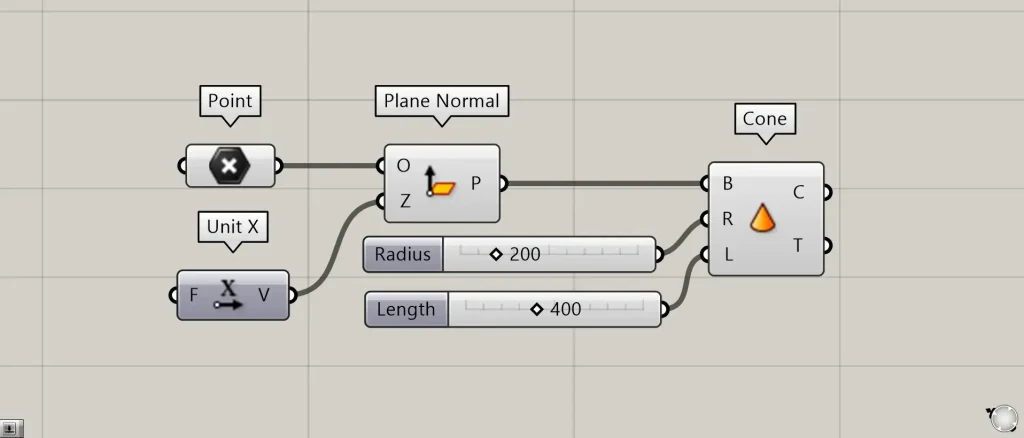
Additional Component: ①Cone
Create a cone on the plane you created and check the orientation of the plane.
Connect Plane Normal(P) to Cone(B).
Connect the numerical value of the radius to Cone(R).
This time, we’re connecting 200.
Connect the height value to Cone(L).
This time, we’re connecting 400.
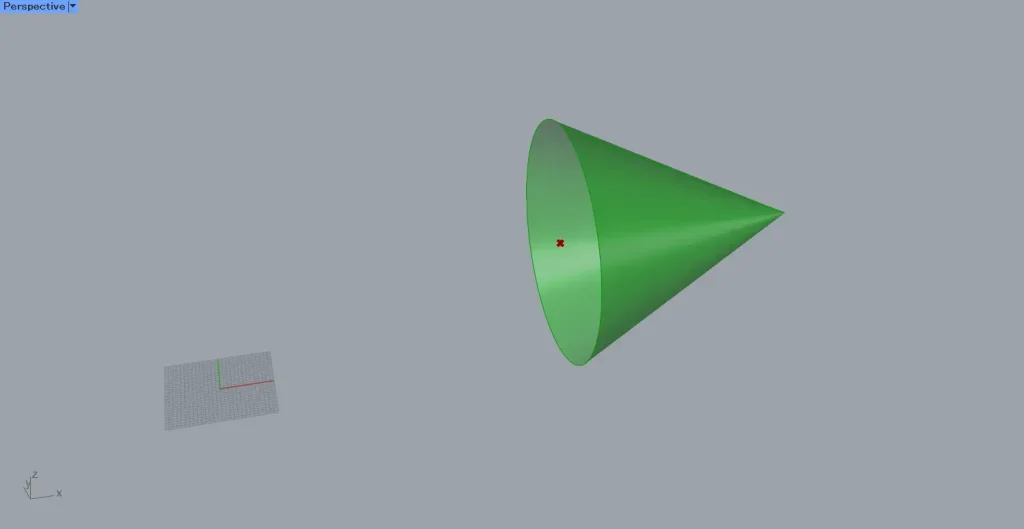
Then, as shown in the image above, a cone was created on the plane.
Looking at the orientation of the cone, since the Z-axis direction was specified as the X-direction in Unit X, the apex of the cone is pointing in the X-direction.
List of Grasshopper articles using Plane Normal component↓




Comment