
![[Grasshopper] How to use Deconstruct Box and Domain Box to acquire and create box ranges](https://iarchway.com/wp-content/uploads/2026/01/eyecatch-39.png)
This article explains how to use Deconstruct Box to obtain a box’s range and Domain Box to create a box with a specified range.
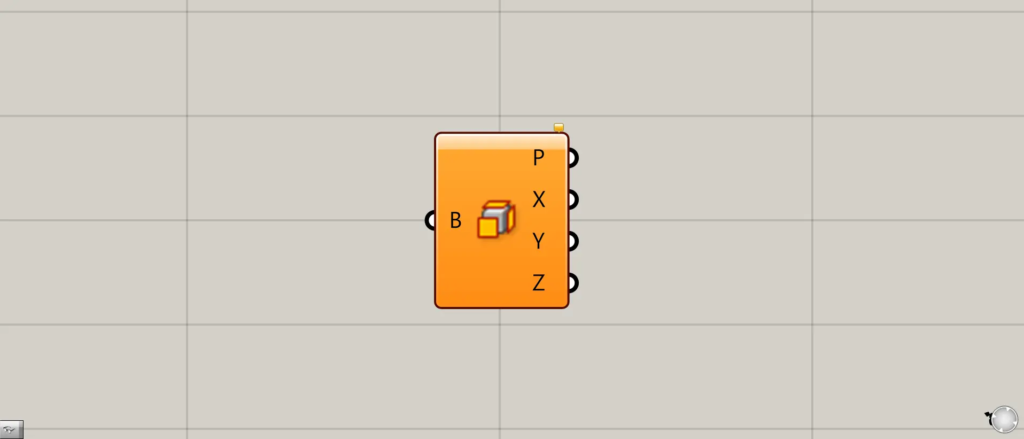
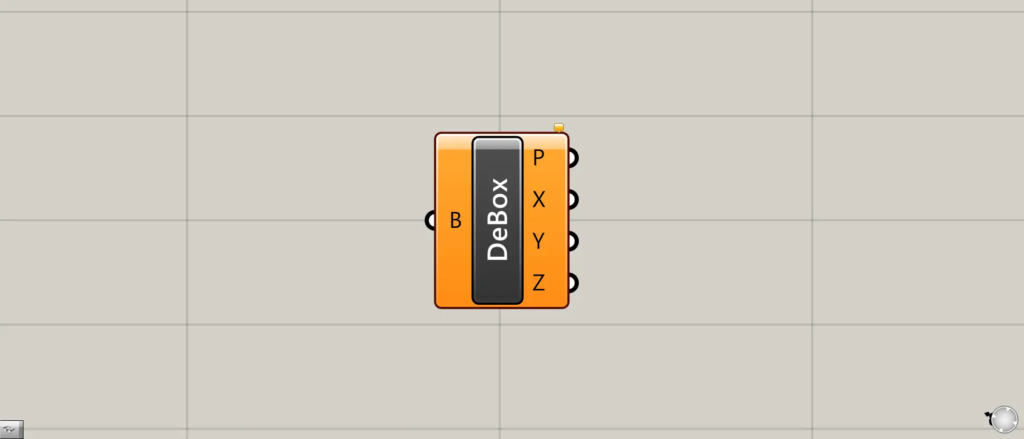
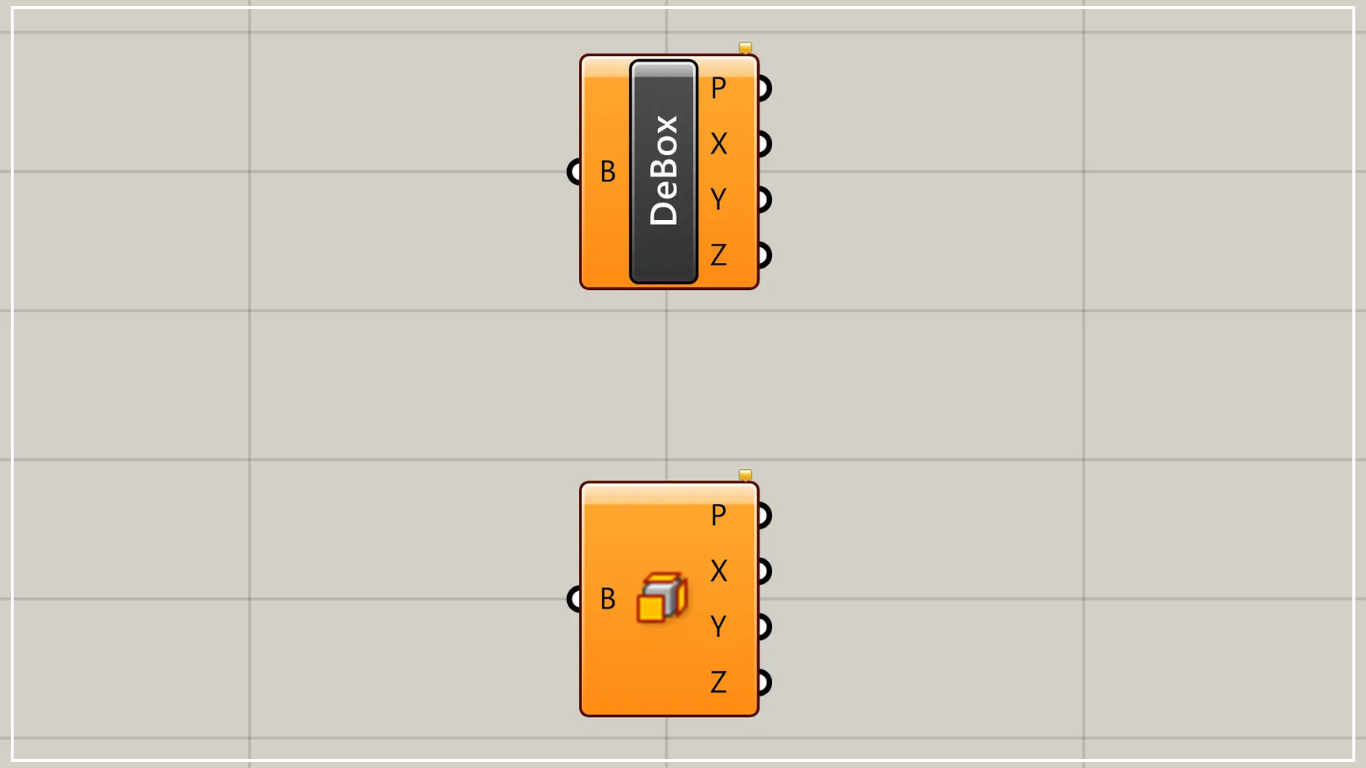
Deconstruct Box is represented in Grasshopper by either of the two methods above.
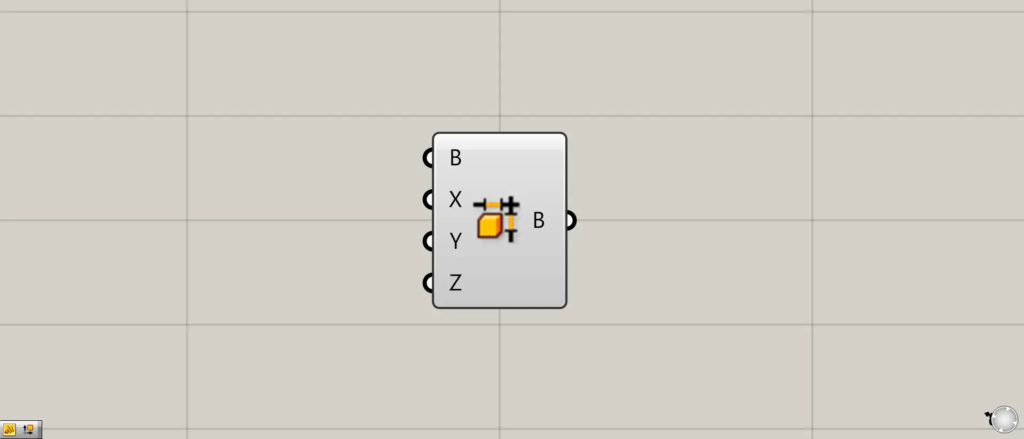
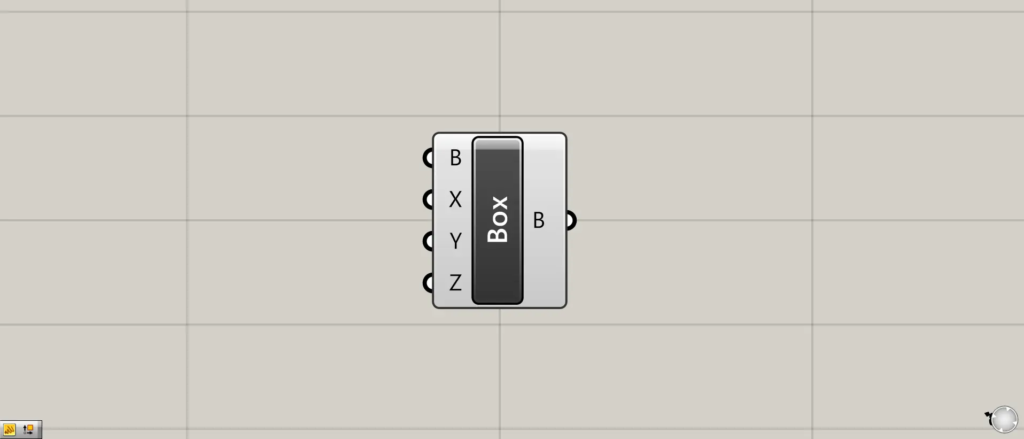
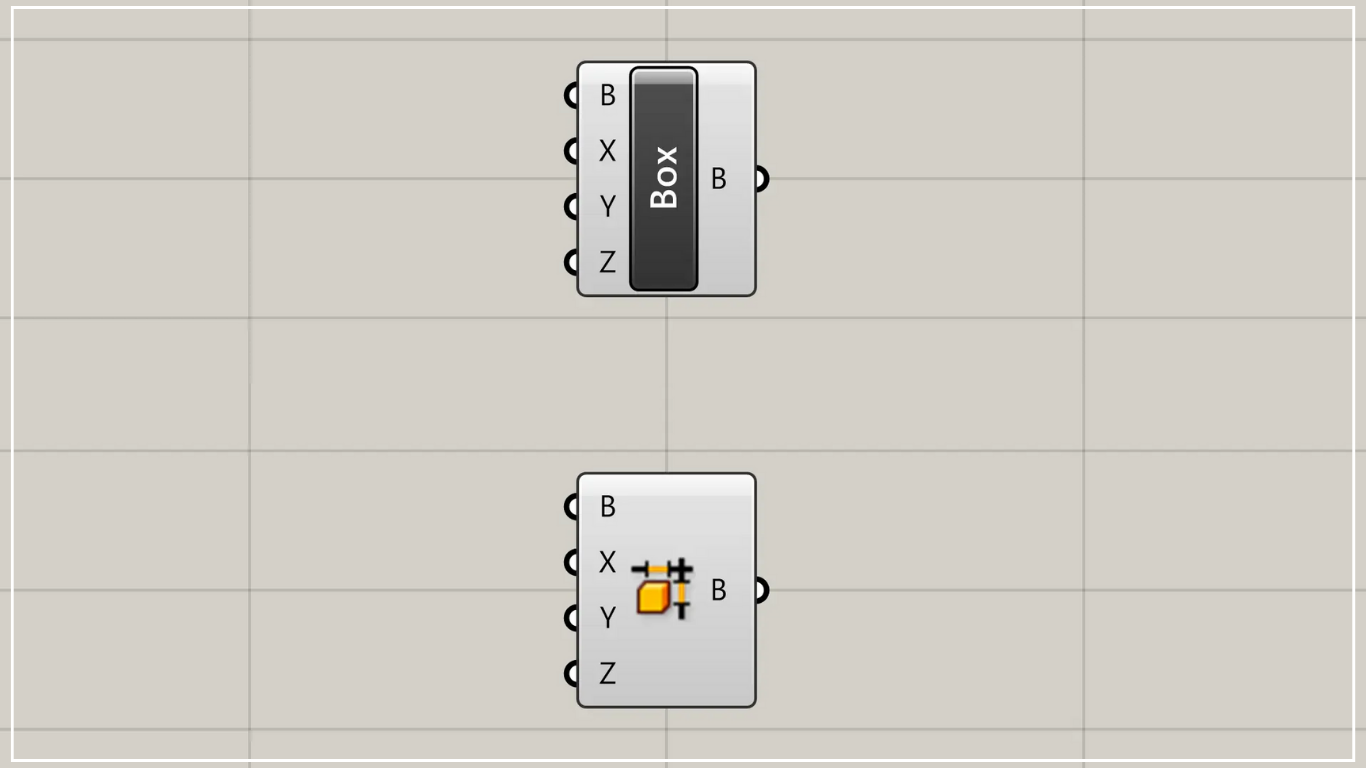
Domain Box is represented by either of the two methods above in Grasshopper.
Obtain a range of existing boxes and a plane in Deconstruct Box
Using Deconstruct Box allows you to obtain a range of existing boxes and a plane.
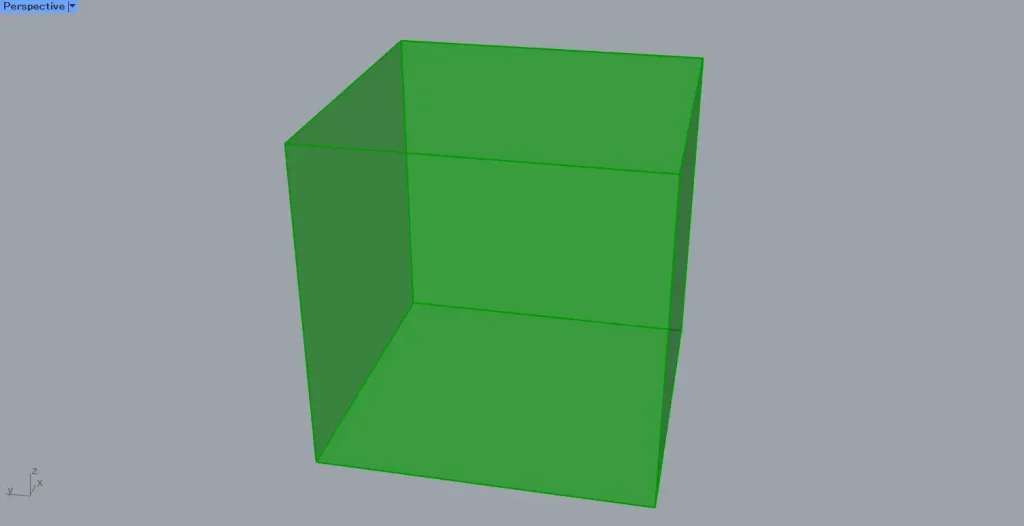
For this example, we will use the box shown in the image above.
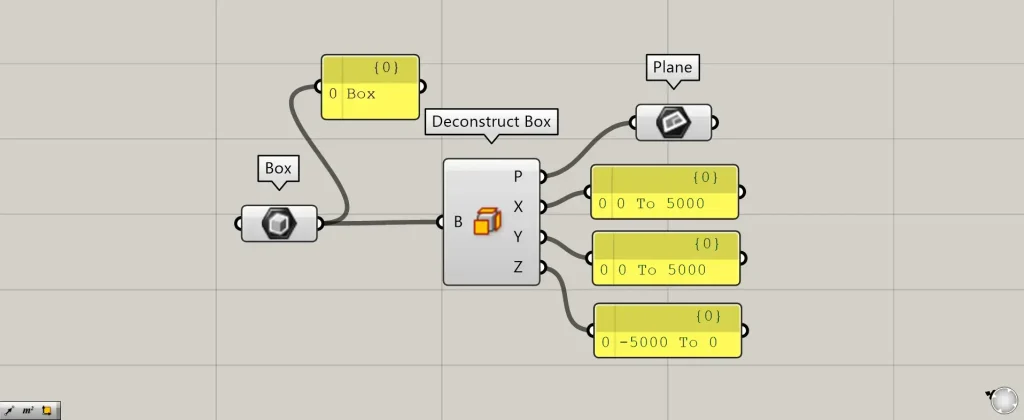
Components used: ①Box ②Deconstruct Box ③Plane
This time, we are creating a box in Box.
Connect the Box to the Deconstruct Box.
Then, you can obtain the plane at the base point of the box and the range information that defines the box.
Data from the plane is output from Deconstruct Box(P).
The Deconstruct Box (X, Y, and Z) outputs the range information for the box in the X, Y, and Z directions.
In this case, since it’s a 5000×5000×5000 box, the range information will be output as 0 to 5000.
Create a box from range information and plane in Domain Box
Using Domain Box, you can create boxes from range information and plane.
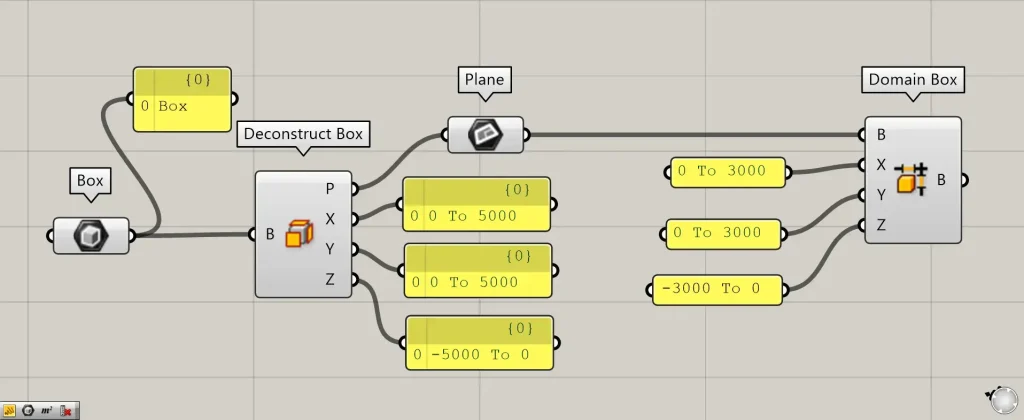
Additional Component: ① Domain Box
This time, we will use the plane obtained earlier with Deconstruct Box.
Connect the plane data to Domain Box(B).
Connect the range information to the Domain Box(X, Y, and Z).
This time, we’ve connected the Domain Box (X and Y) with 0 to 3000 and the Domain Box (Z) with -3000 to 0.
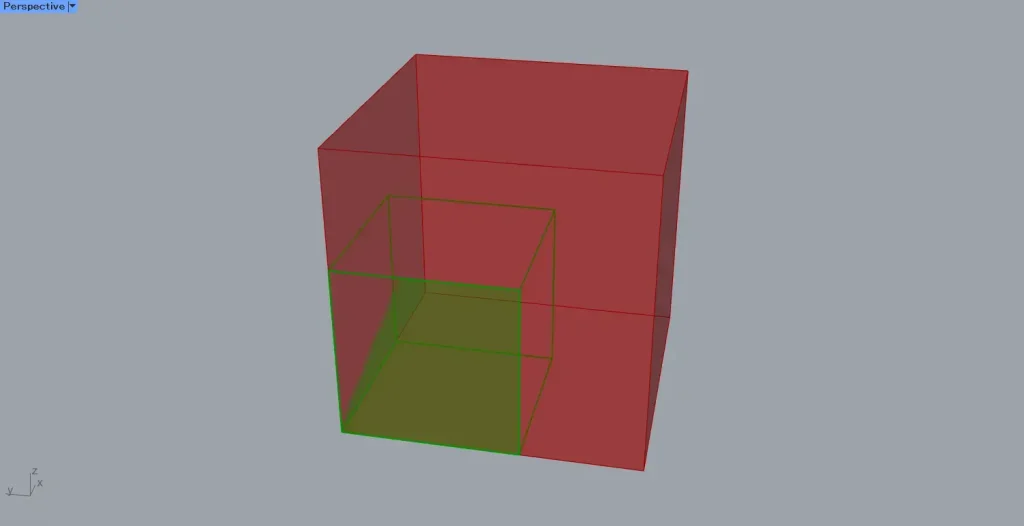
Then, as shown in the image above, a box will be created.
The red box is the 5000×5000×5000 box used in Deconstruct Box, and the green box is the one created this time.
List of Grasshopper articles using Deconstruct Box component↓
List of Grasshopper articles using Domain Box component↓




Comment