
![[Grasshopper] How to use Arc 3Pt to create an arc from three points](https://iarchway.com/wp-content/uploads/2026/01/Arc-3Pt.png)
This article explains how to use Arc 3Pt to create an arc from three points.
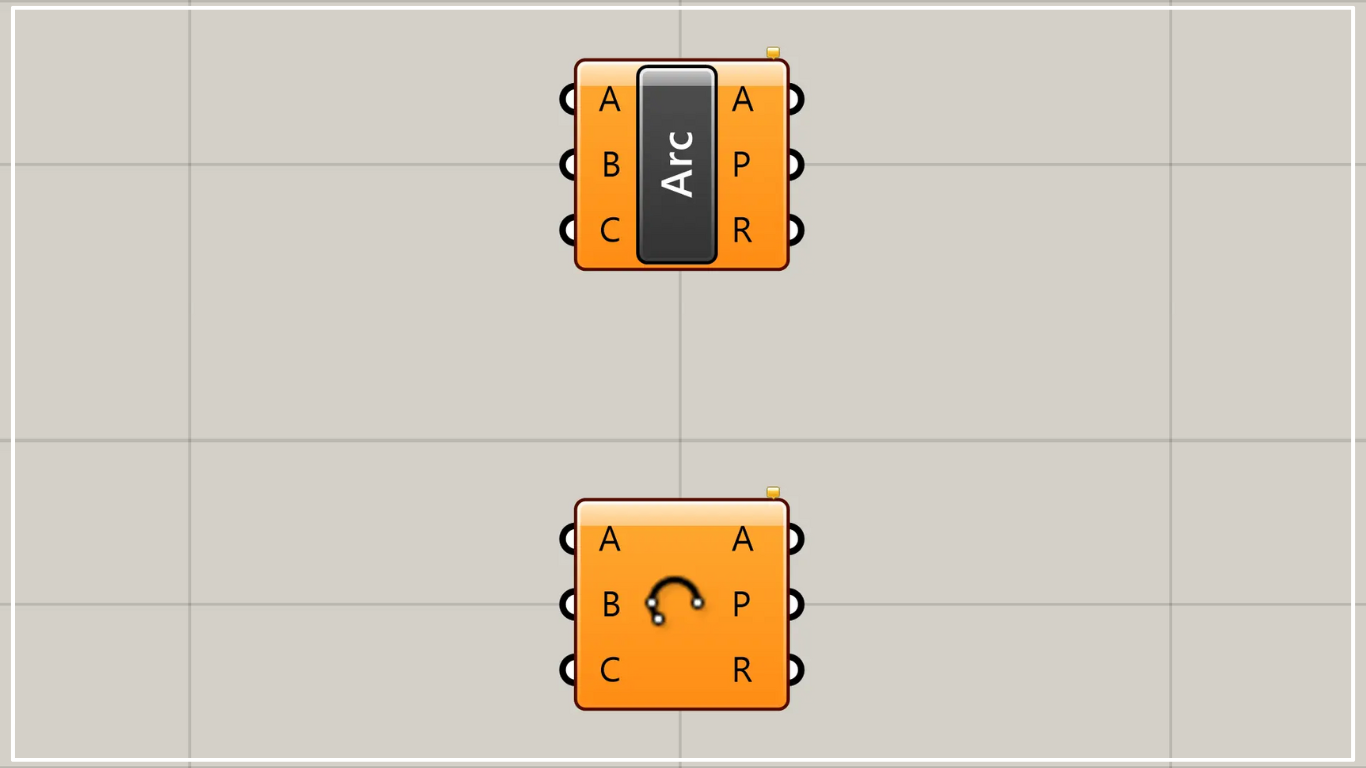
On the Grasshopper, it is represented by either of the two above.
Create an arc from three points
Using Arc 3Pt allows you to create an arc from three points.
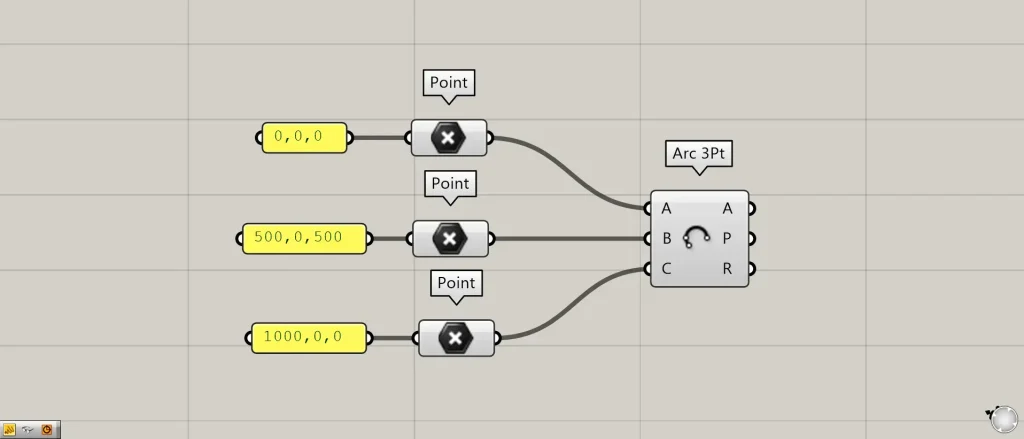
Components used: ①Point ②Arc 3Pt
Enter the starting point of the arc at Arc 3Pt(A).
This time, coordinate data of 0,0,0 is converted into point data using Point and connected to the Arc 3Pt(A).
Enter the endpoint of the arc into the Arc 3Pt(C).
This time, coordinate data of 1000,0,0 is converted into point data using Point and connected to the Arc 3Pt(C).
Enter point data for the midpoint along the arc path into the Arc 3Pt(B).
This time, coordinate data of 500,0,500 is converted into point data using Point and connected to the Arc 3Pt(B).
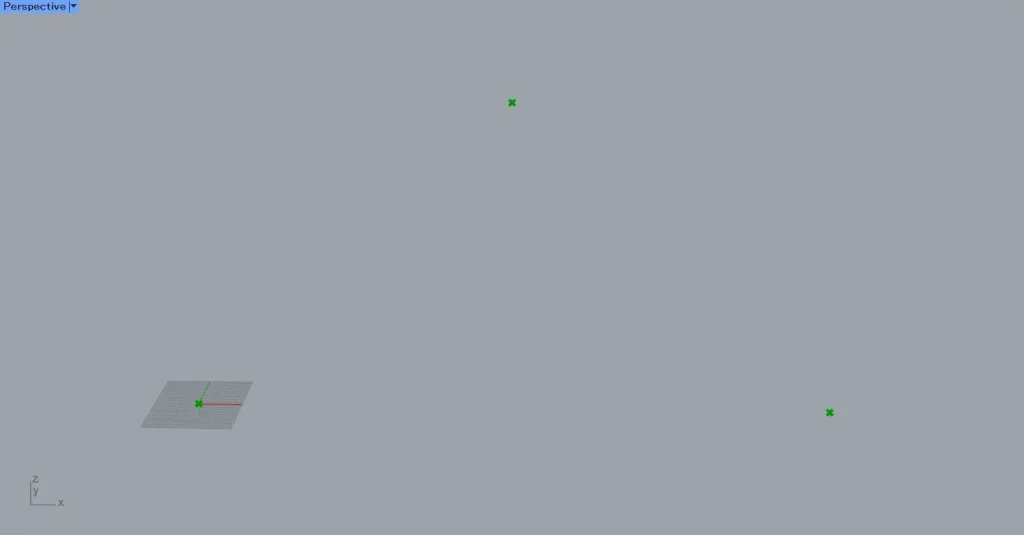
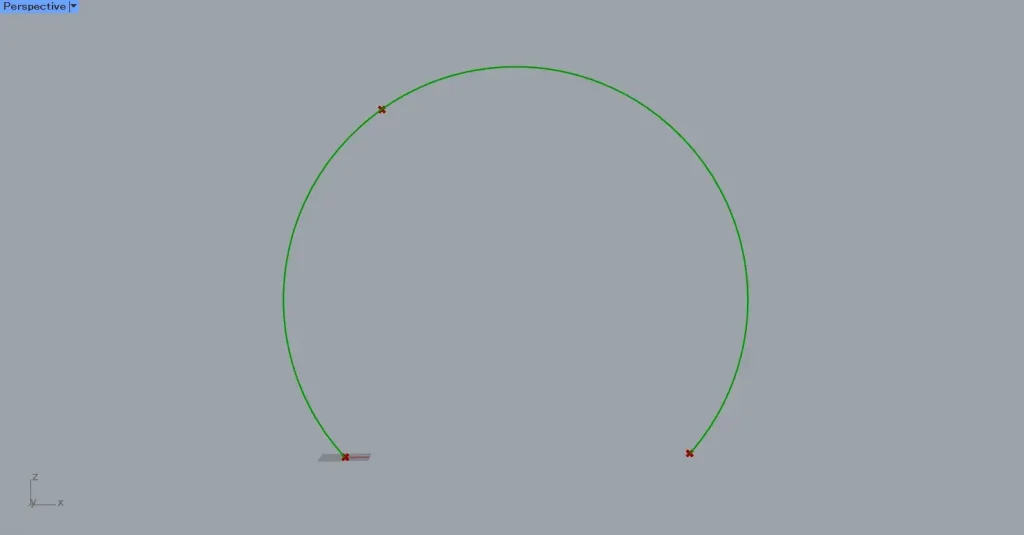
Here is how the three points were created.
When connected to Arc 3Pt, an arc was created like this.
Earlier, we had set the position at the midpoint of the Arc 3Pt(B) as the intermediate point.
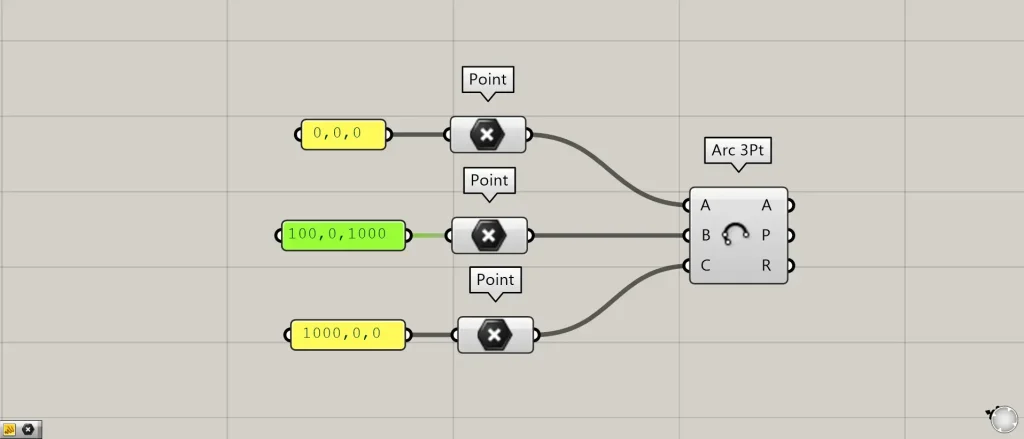
This time, we’ll try specifying a location that isn’t the midpoint.
The coordinates of Arc 3Pt(B) have been set to 100, 0, 1000.

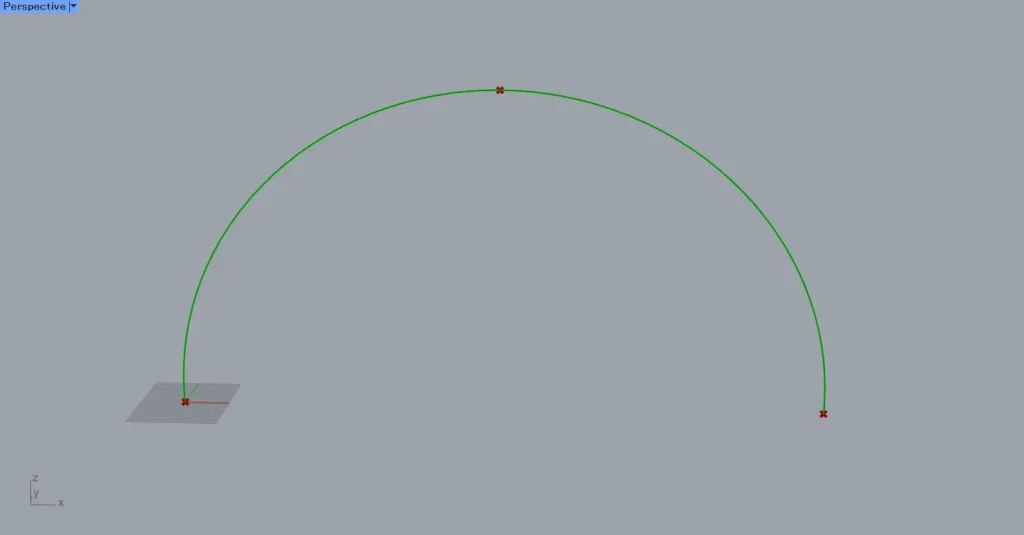
Then, the points were arranged like this.
Then, even if the intermediate point is not the midpoint, the arc is created considering the position of the point on terminal B.
Output data
Let’s examine the data output from the right side of Arc 3Pt.
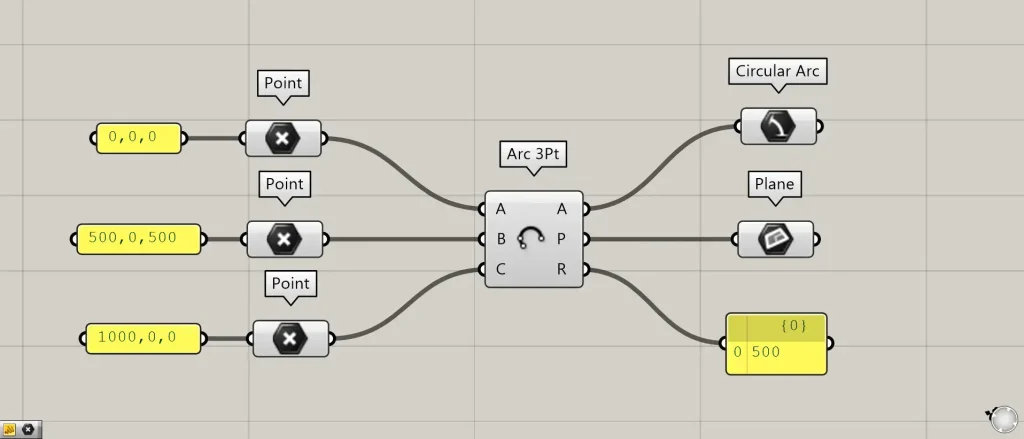
Additional Components: ①Circular Arc ②Plane
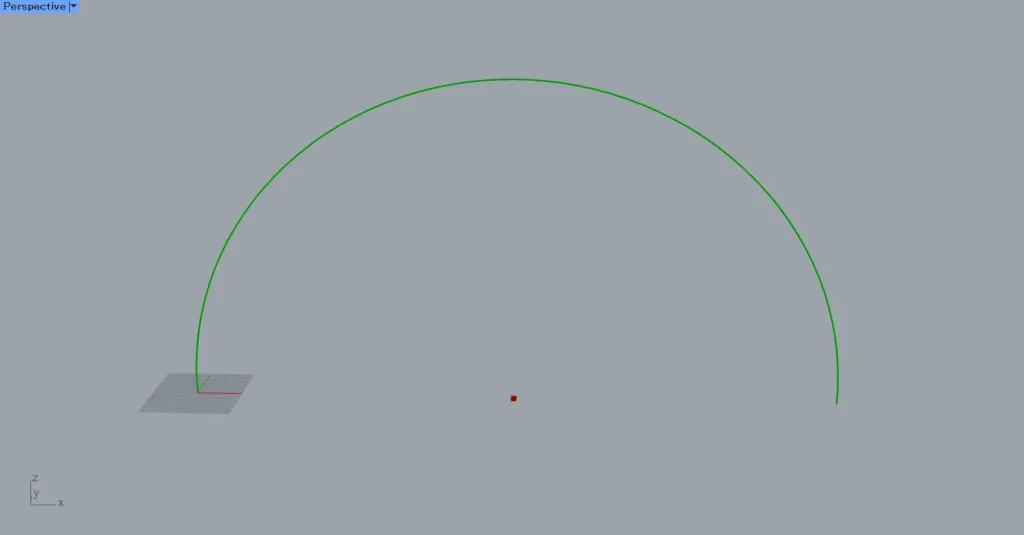
Arc 3Pt outputs arc curve data from the A terminal on the right side.
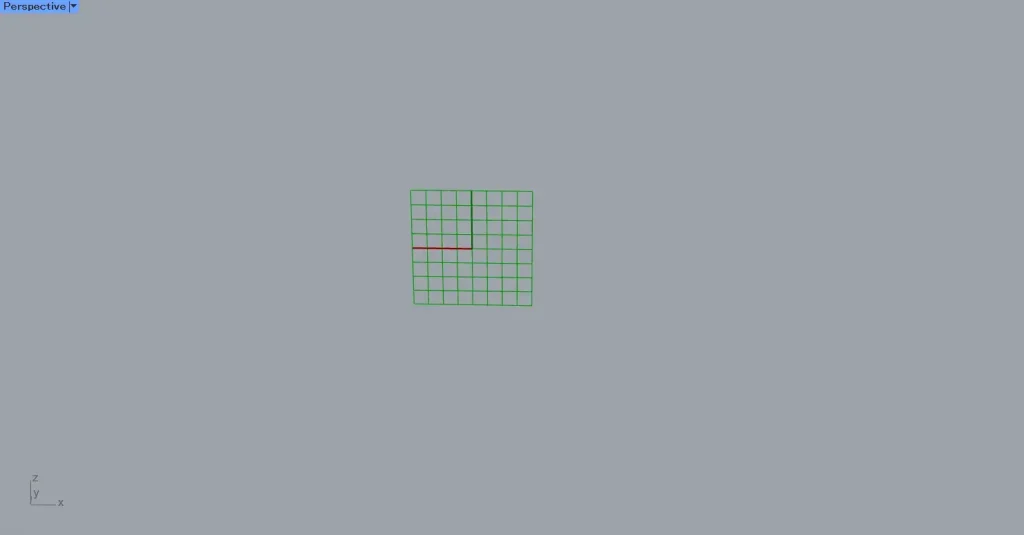
The P terminal on the right side of Arc 3Pt outputs the data for the plane at the position where the arc is created.
The R terminal on the right side of Arc 3Pt outputs the numerical value of the arc’s radius.
List of Grasshopper articles using Arc 3Pt component↓





Comment