
![[Grasshopper] How to use Brep | Curve to get intersections between brep models and curves](https://iarchway.com/wp-content/uploads/2026/01/eyecatch-35.png)
This article explains how to use Brep | Curve to get intersections between brep models and curves.
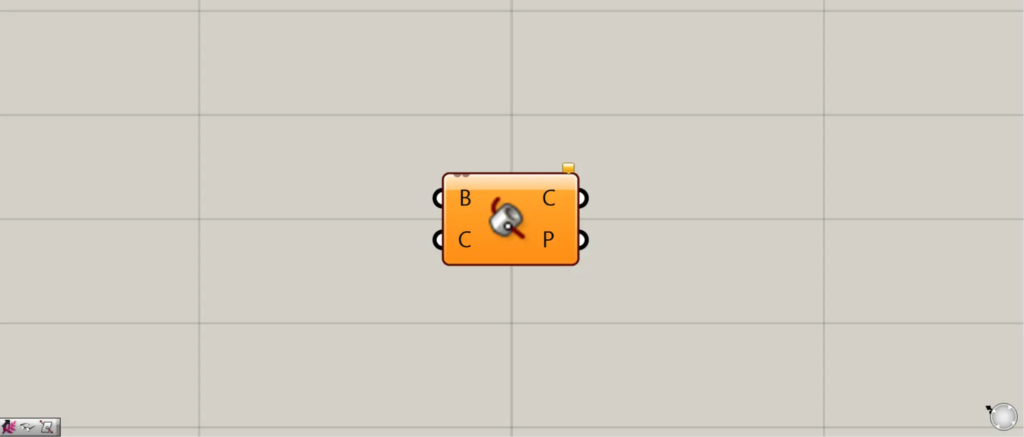
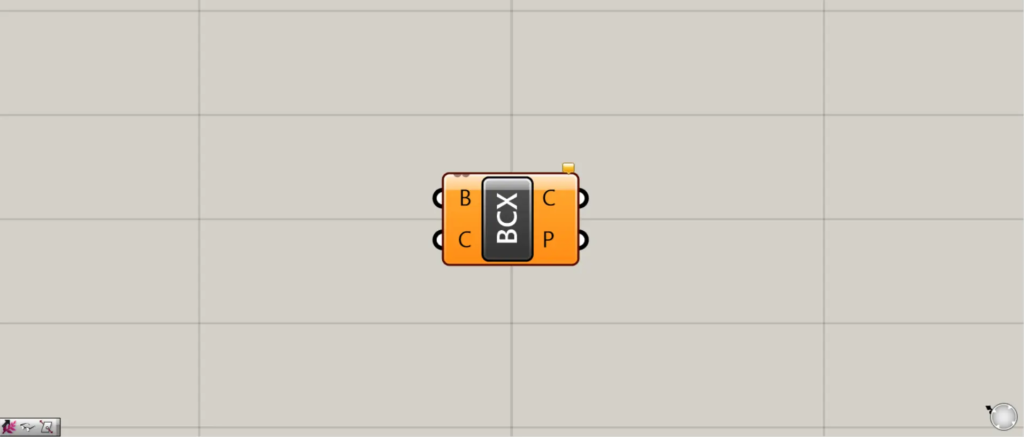
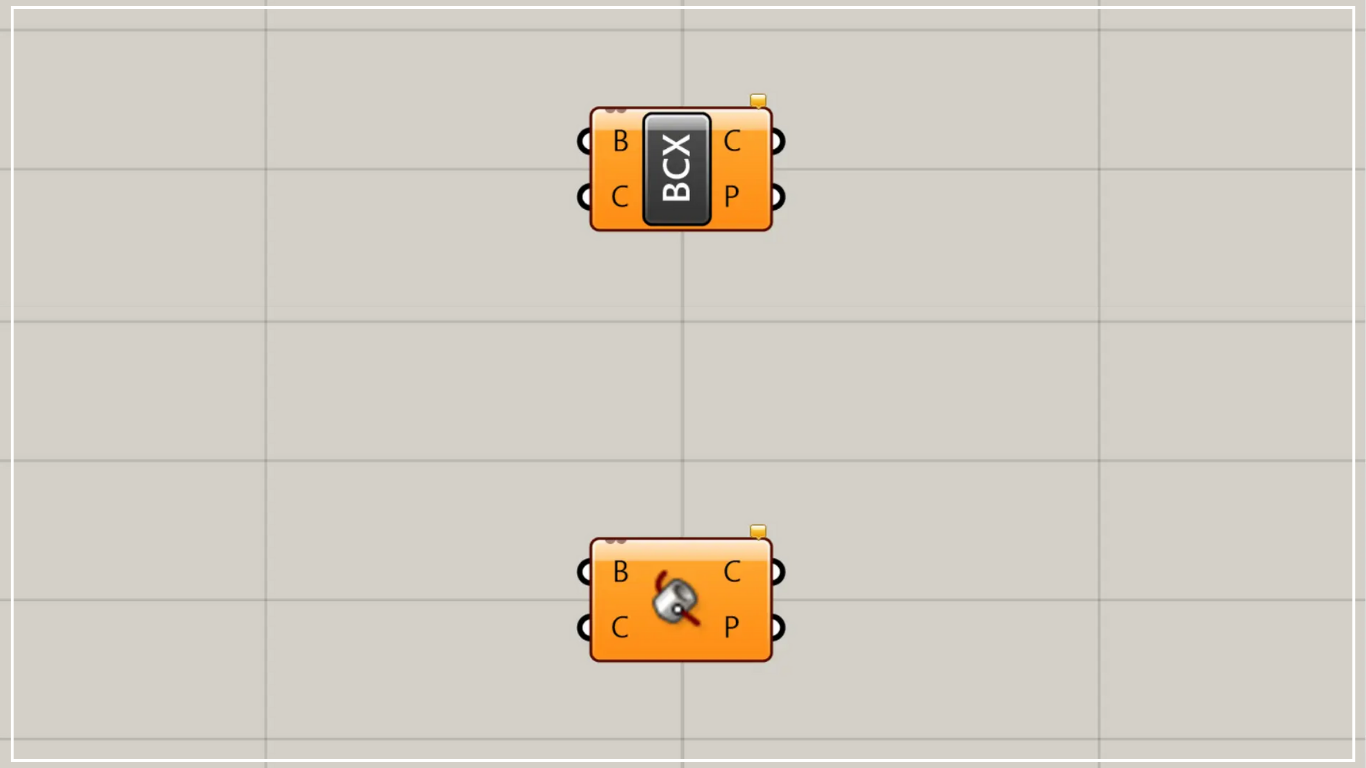
On the Grasshopper, it is represented by either of the two above.
Retrieve intersection points between Brep models and curves
Using Brep | Curve, you can obtain intersection points between Brep models and curves.
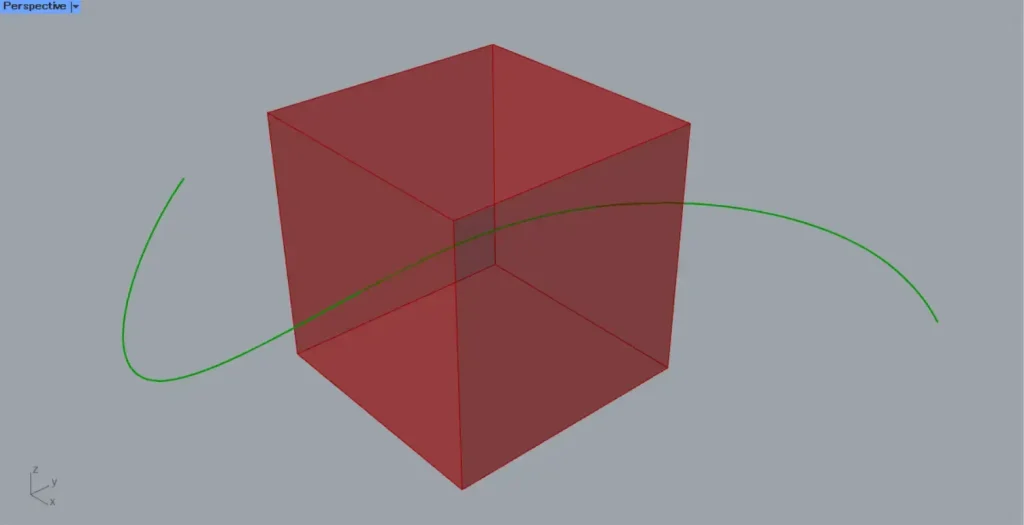
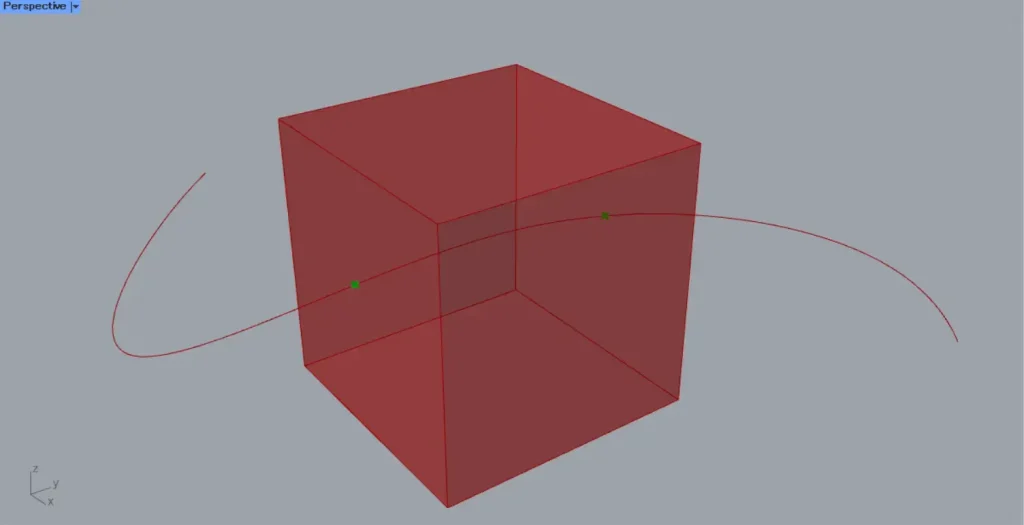
For this example, we will use the curve and cube on Rhino in the image above.
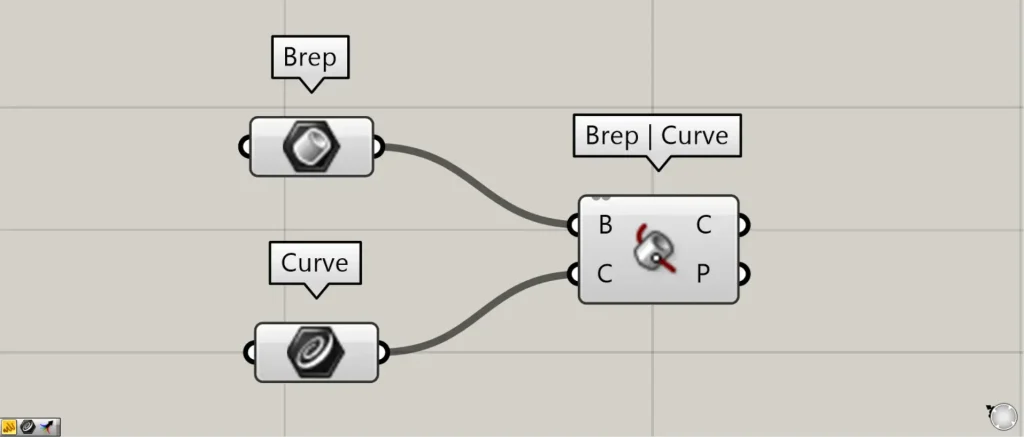
Components used: ①Brep ②Curve ③Brep | Curve
This time, the cube on Rhino is set in Brep, and the curve is set in Curve.
Connect the Brep to the Brep | Curve(B).
Connect the Curve to the Brep | Curve(C).
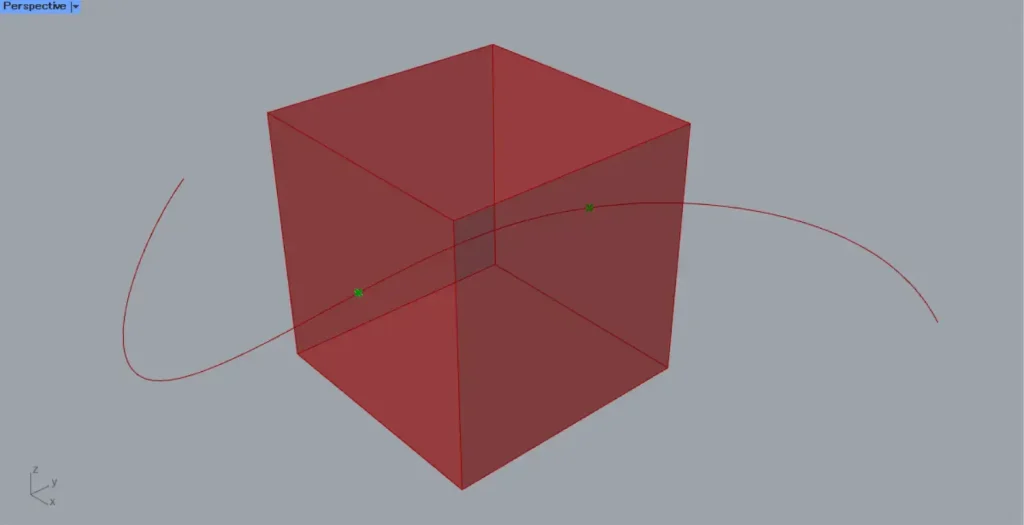
Then, as shown in the image above, we were able to obtain the points where the Brep model intersects with the curve.
In this way, using Brep | Curve allows you to obtain the intersection points between the Brep model and the curve.
Output data
Let’s take a look at the output data.
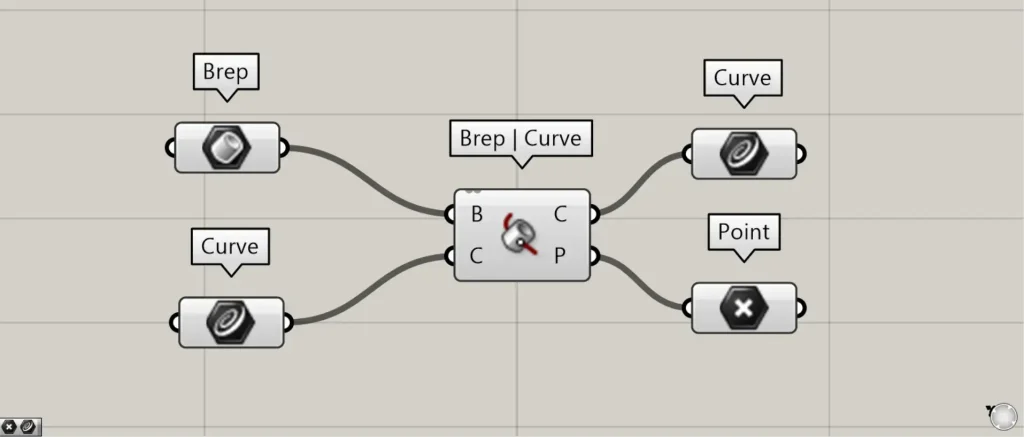
Additional Component: ①Point
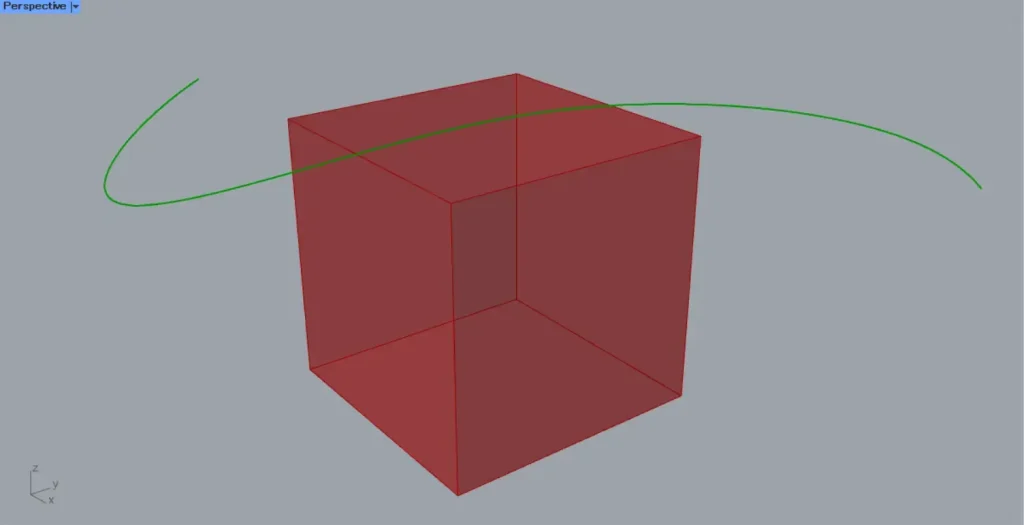
Let’s examine the case where the curve is tangent to the exterior of the Brep model.
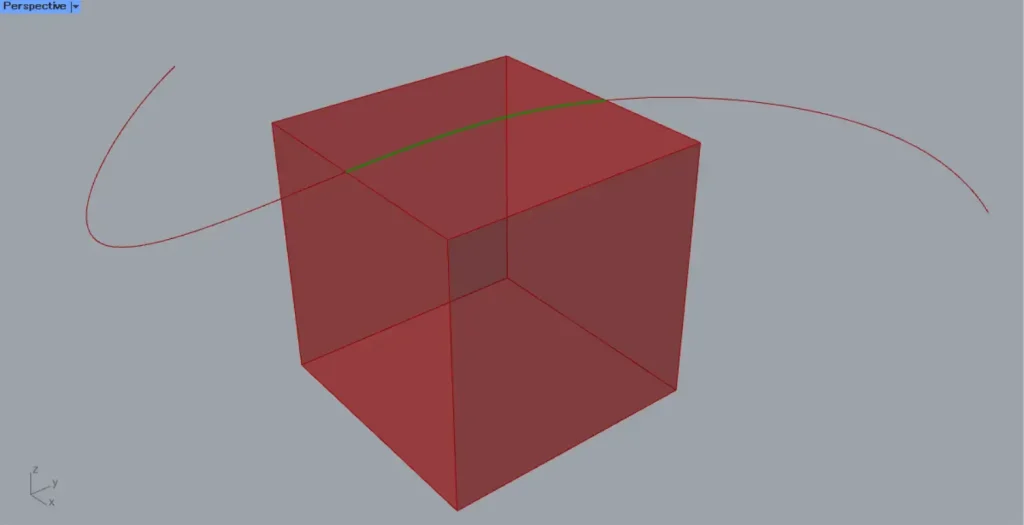
If the line is tangent to the exterior of the Brep model, the Brep | Curve(C) outputs the curve data of the intersection curve.
In this case, the intersection point is not output.
Brep | Curve(P) outputs point data for the intersection points.
List of Grasshopper articles using Brep | Curve component↓





Comment