
![[Grasshopper] How to use Brep Wireframe to retrieve frame data of a Model](https://iarchway.com/wp-content/uploads/2026/01/Brep-Wireframe.png)
This article explains how to use Brep Wireframe to retrieve frame data of a Model.
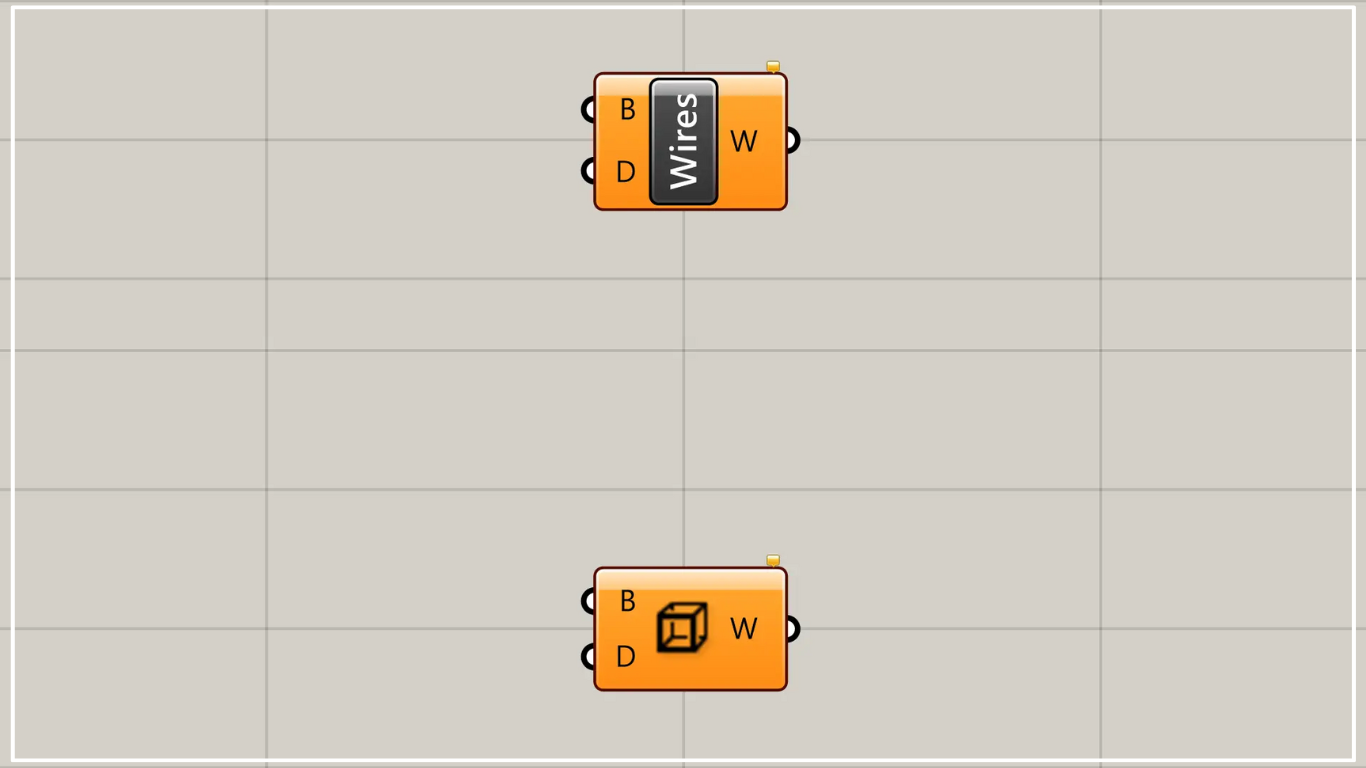
On the Grasshopper, it is represented by either of the two above.
Retrieve frame data of a Brep model
Using Brep Wireframe allows you to obtain wireframe data of a Brep model.
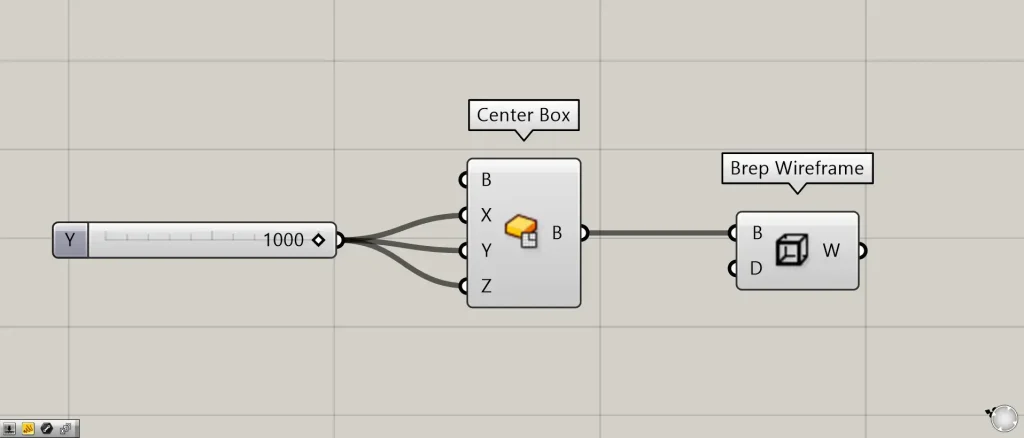
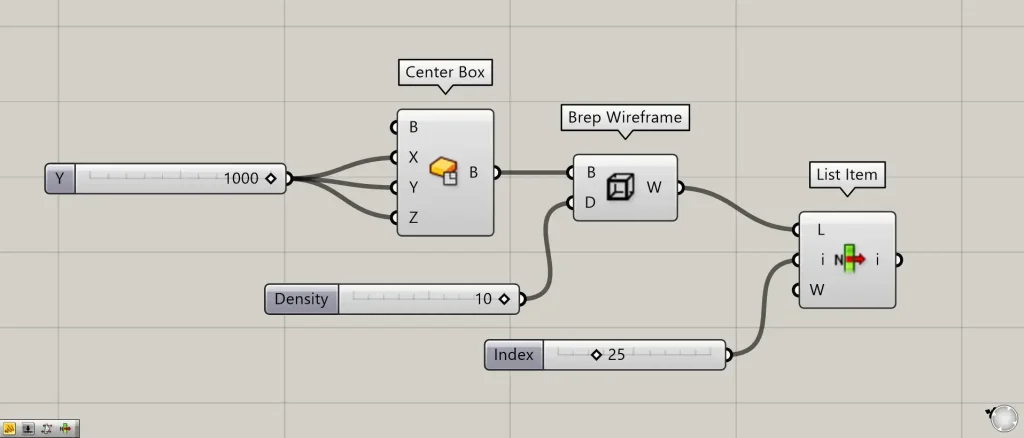
Components used: ①Center Box ②Brep Wireframe
This time, as an example, we’ll try to retrieve the border lines of the box we created.
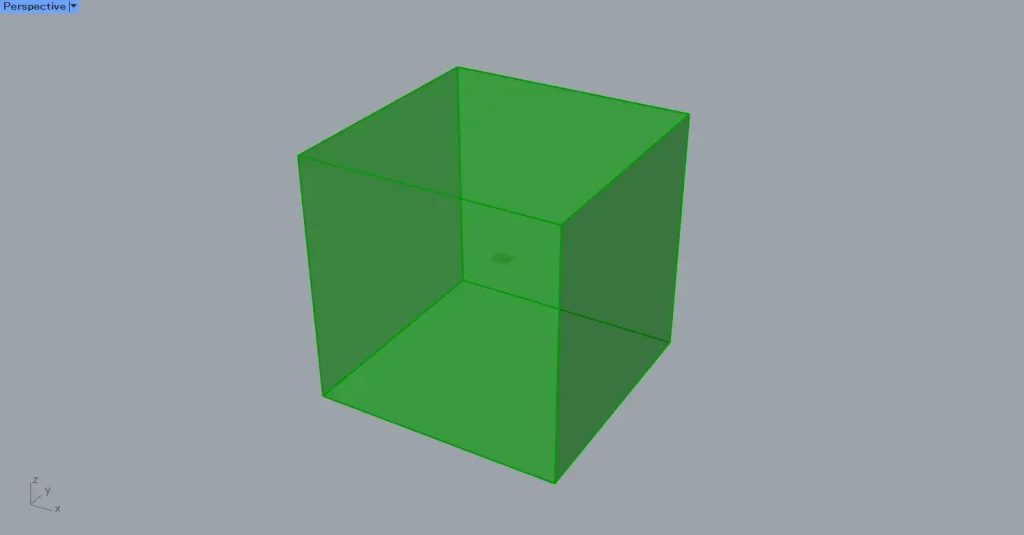
Enter the numerical value for half the length of one direction into the Center Box(X, Y, and Z).
This time, we’ve entered 1000 for everything.
Then, a 2000×2000×2000 cube is created.
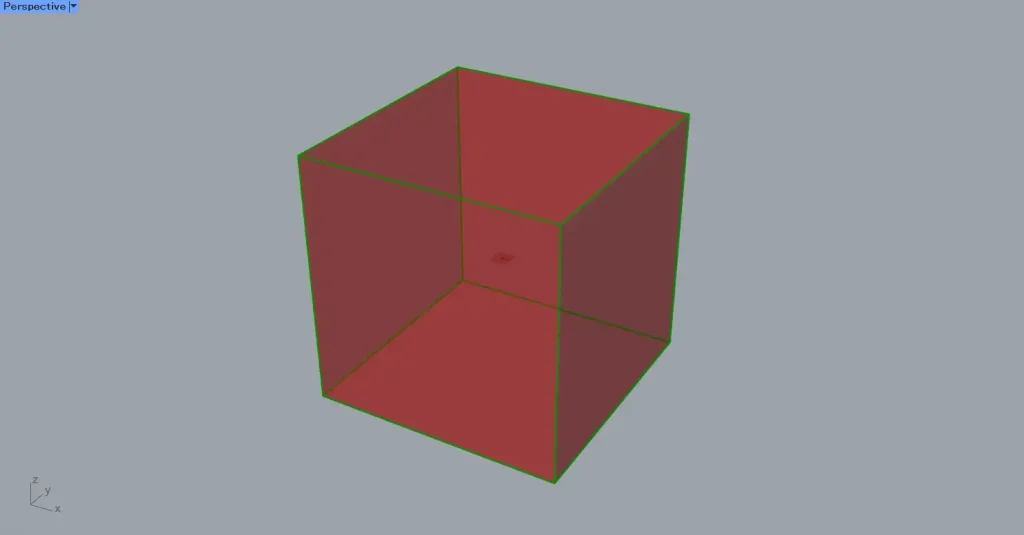
Next, connect the Center Box to the Brep Wireframe(B).
Then, you can obtain the line data for the cube’s frame.
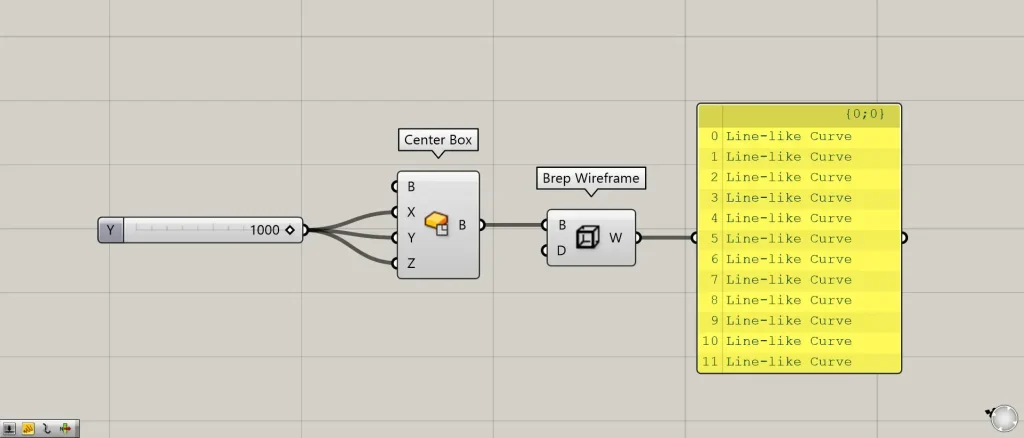
Looking at the data output from Brep Wireframe, the extracted wireframes are individual, independent data and are not joined together.
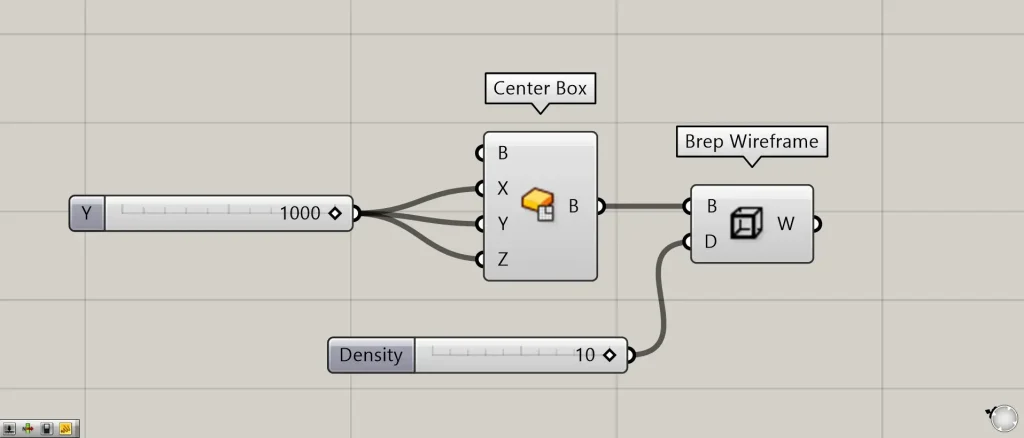
Next, let’s look at the Brep Wireframe(D).
Let’s connect an arbitrary value to the Brep Wireframe(D).
This time, we entered 10.
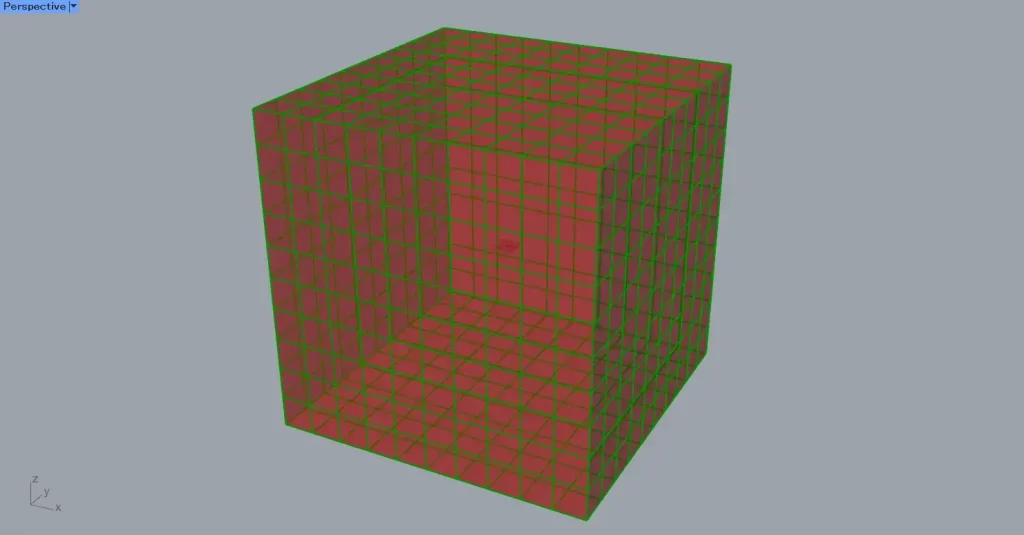
As shown in the image above, numerous line data has been created on the outer surface of the model.
In this case, since 10 is entered, the line data is created to divide the surface into 10×10 sections.
Additional Component: ①List Item
Let’s use List Item to get one random line.
Connect the Brep Wireframe to the List Item(L).
Enter a randomly selected 25-digit number into the List Item(i).
Then, you can retrieve the 25th line of data.
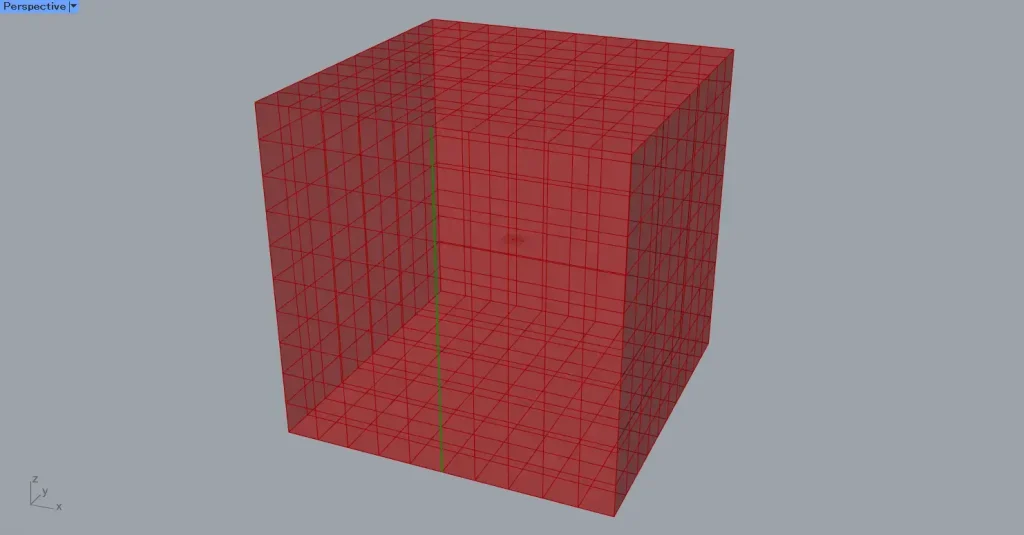
When examining a single line, rather than the points being finely subdivided at the intersection, the line is created to connect the very ends of the intersecting lines.
List of Grasshopper articles using Brep Wireframe component↓





Comment