grasshopper EN

Grasshopper component EN

[Grasshopper] How to use MultiPipe to Create a single integrated pipe from Multiple curves

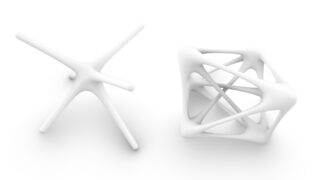
Learn how to use the MultiPipe component in Grasshopper to combine multiple curves and create unified pipe geometry. This tutorial explains the workflow and design variations in detail. Grasshopper and Rhinoceros files used in this guide are also available for download.
Grasshopper component EN

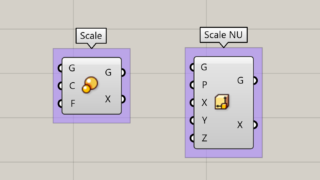
[Grasshopper] Two ways to change scale and size [Data download available]

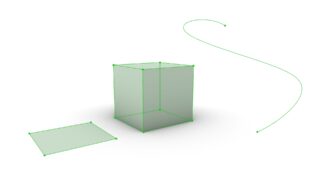
Learn how to change the scale of a model in Grasshopper using the Scale and Scale NU components. This tutorial explains the step-by-step process with a cube example, making it easy to resize models. The project files used in this guide are also available for download.
Grasshopper component EN

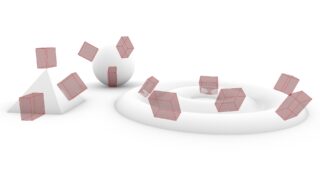
[Grasshopper] Three ways to place objects on a model [Orient]

Learn three easy ways to place objects onto a model using Grasshopper. This tutorial explains how to use the Orient component to intuitively position objects on points, curves, and surfaces. Grasshopper and Rhinoceros files used in this guide are available for download.
Grasshopper component EN

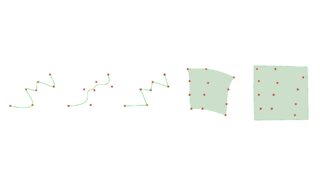
[Grasshopper] Five ways to create curves and surfaces from multiple points

Learn how to create curves and surfaces from multiple points in Grasshopper. This tutorial explains how to effectively generate geometry using five components: Interpolate, Nurbs Curve, PolyLine, Surface from Points, and Patch.
Grasshopper component EN

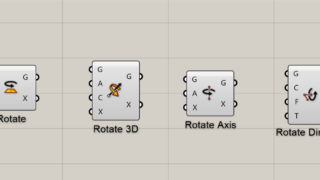
[Grasshopper] Four components for Rotating objects

Learn how to rotate objects in Grasshopper using four key components: Rotate, Rotate3D, Rotate Axis, and Rotate Direction. This tutorial explains techniques for rotating geometry. Grasshopper and Rhinoceros files used in this guide are also available for download.
Grasshopper component EN

[Grasshopper] Five ways to create surfaces from curves

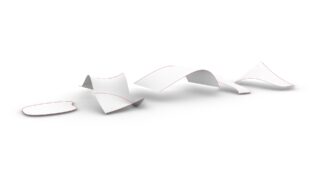
Learn five ways to create surfaces from curves using Grasshopper. This tutorial covers the Surface, Loft, Ruled Surface, Sweep1, and Sweep2 components to help you generate the desired surface. Grasshopper and Rhinoceros files used in this guide are also available for download.
Grasshopper component EN

[Grasshopper] How to extract points, curves, and surfaces from solids, surfaces, and curves

Learn how to extract points, curves, and surfaces using Grasshopper. This guide explains how to use the Deconstruct Brep component for solids and surfaces, and the End Points component for curves. Grasshopper and Rhino files used in this tutorial are available for download.
Grasshopper component EN

[Grasshopper] How to use Galapagos for optimization [Data download available]

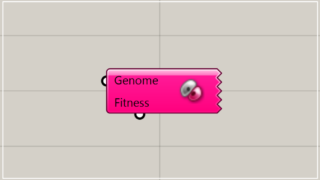
This page explains how to use Galapagos for optimizing Grasshopper values. It covers the two types of optimization methods available in Galapagos, various configuration methods, and provides practical usage examples. Additionally, the Grasshopper data used in this example is available for download.
Grasshopper component EN

[Grasshopper] How to use Reverse as one method for manipulating data structures

This page explains how to use Reverse as one method for manipulating data structures in Grasshopper. To make it easier to understand Reverse's data structure, this article will walk you through a practical example of how to use Reverse to see the changes before and after using it.
Grasshopper component EN

[Grasshopper] How to use Simplify as one method for manipulating data structures

This page explains how to use Simplify as one method for manipulating data structures in Grasshopper. To make it easier to understand Simplify's data structure, this article will show you how to think of it as a box, and then walk you through a practical example of how to use Simplify to see the changes before and after using it.
Translate »