
![[Grasshopper] How to use Closed to check if a curve is closed or open](https://iarchway.com/wp-content/uploads/2026/01/eyecatch-36.png)
This article explains how to use Closed to check if a curve is closed or open.
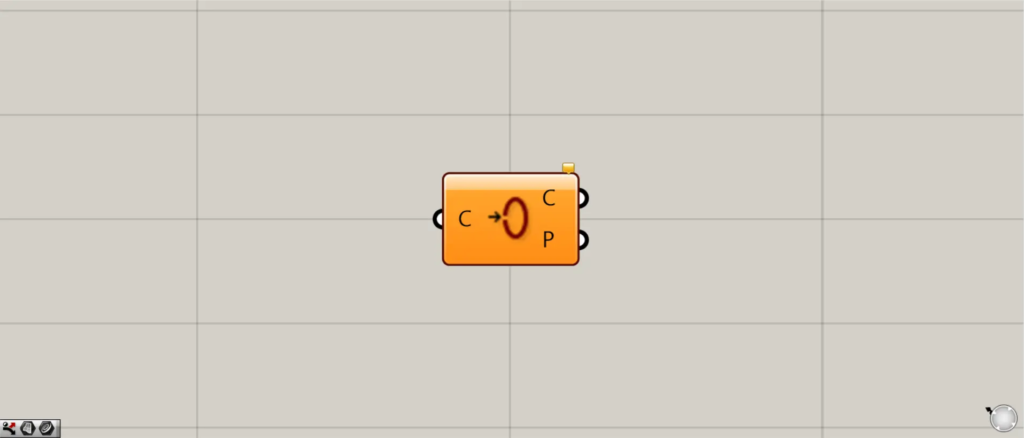

On the Grasshopper, it is represented by either of the two above.
Check whether the curve is closed or open
Using Closed allows you to check whether a curve is closed or open.
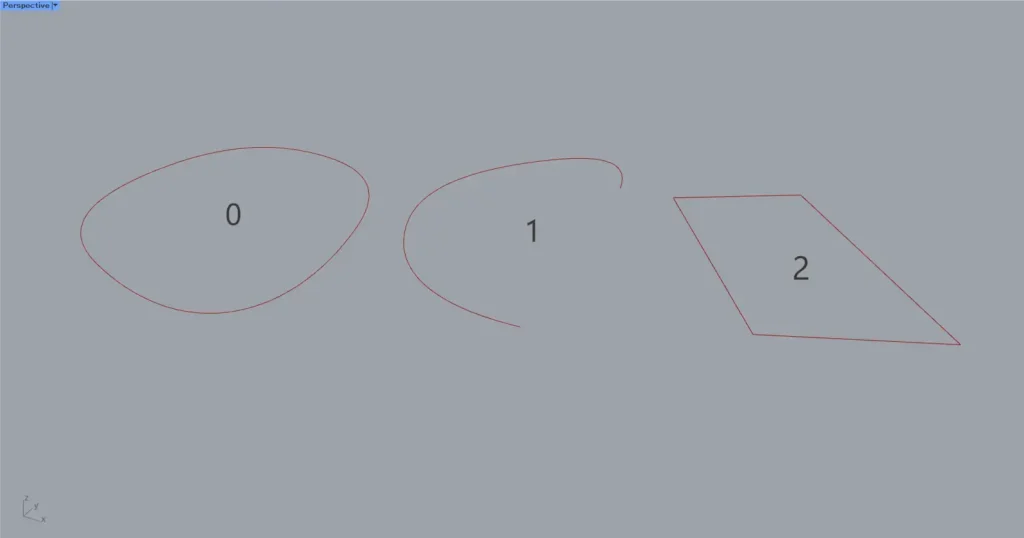
For this example, we will use the three curves shown in the image above.
The curves for 0 and 2 are closed curves, while the curve for 1 is an open curve.

Components used: ①Curve ②Closed
This time, we are setting three curves in Curve.
Connect Curve to Closed.
Then, as shown in the image above, information indicating True or False will be output from Closed(C).
If the curve is closed, it outputs True; if it is open, it outputs False.

Additional Components: ① Dispatch
Let’s try using Dispatch to handle cases based on True and False information.
Furthermore, connect Closed(C) to Dispatch(P).
Next, connect Dispatch(A) to Curve.

As shown in the image above, only the closed curves of True were obtained.
In this way, using Closed allows you to determine whether a curve is closed or open.
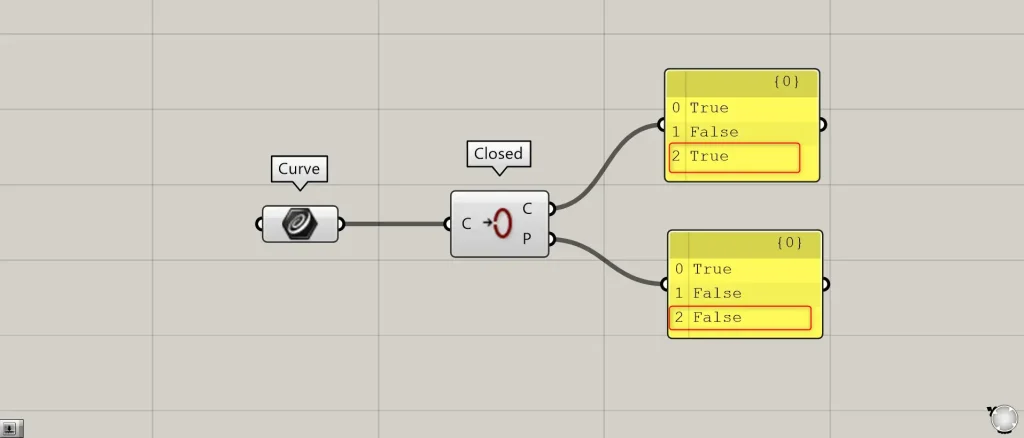
Closed(P) allows you to determine whether a curve is periodic or non-periodic.
If there is no point where the curve called the kink abruptly changes direction, it is a periodic curve; if there is such a point, it is a non-periodic curve.
True is output for periodic curves, and False is output for non-periodic curves.
In this case, the second curve is a continuous straight line that abruptly changes direction midway, so False is output, indicating a non-periodic curve.
List of Grasshopper articles using Closed component↓





Comment