
![[Grasshopper] How to use Contour to create contour lines and cross-sections from a model](https://iarchway.com/wp-content/uploads/2026/01/eyecatch-6.png)
This article explains how to use Contour to create contour lines and cross-sections from a model.
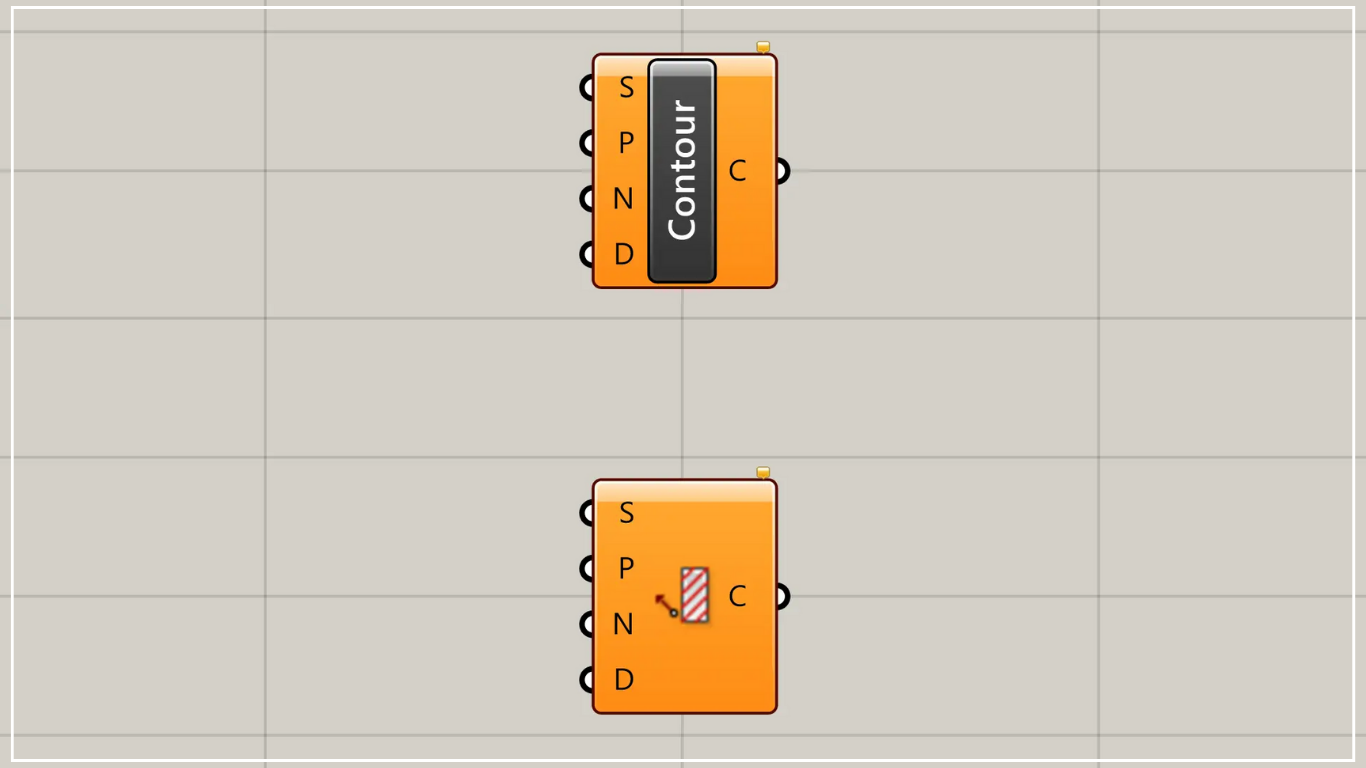
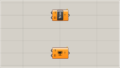
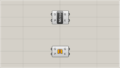
On the Grasshopper, it is represented by either of the two above.
Create contour lines and cross-section lines from a model
Using Contour, you can create contour lines and cross-section lines from a model.
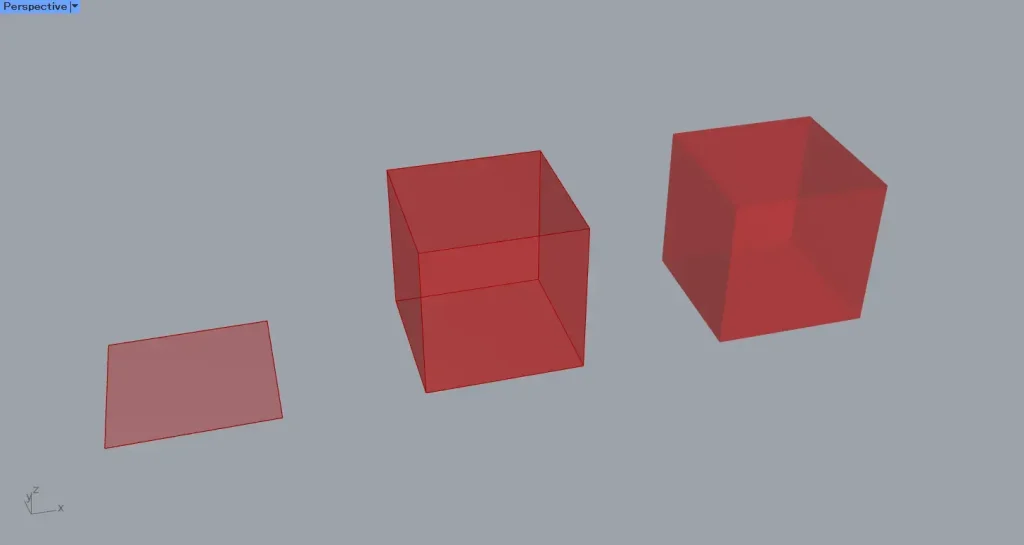
For this example, we will use the three models shown in the image above: the surface model, the Brep model, and the mesh model.
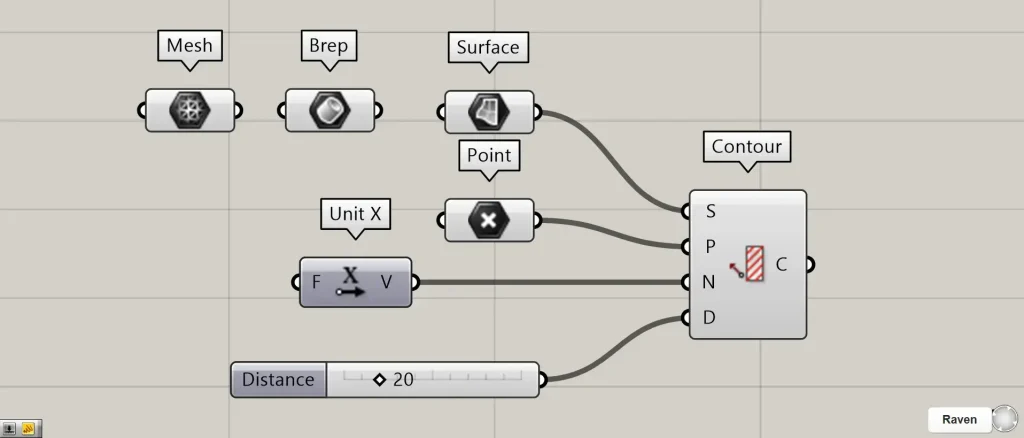
Components used: ①Surface ②Brep ③Mesh ④Point ⑤Unit X ⑥Contour
This time, each model is set in Surface, Brep, and Mesh.
Connect the Surface, Brep, or Mesh containing the model you wish to use to Contour(S).
This time, we are connecting the Surface that is set.
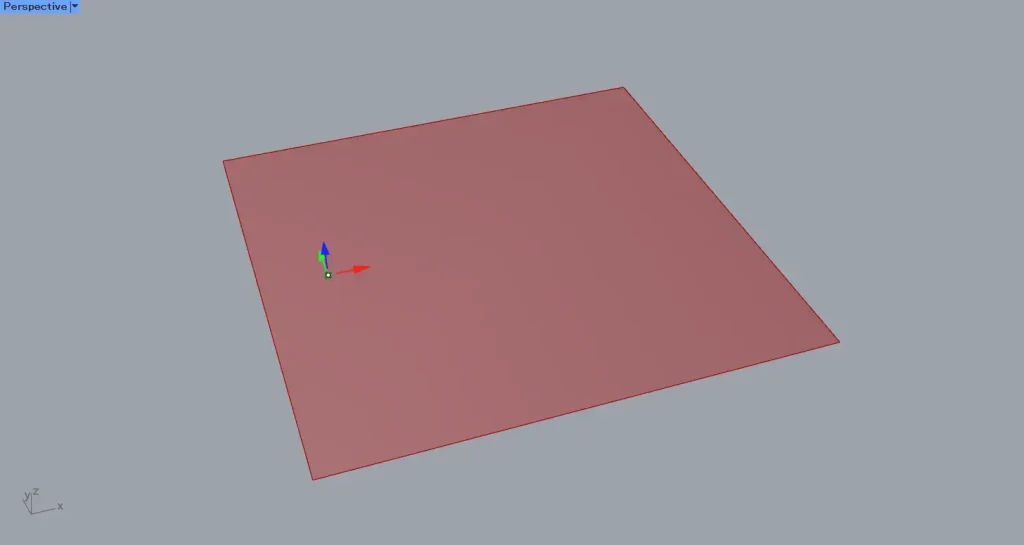
Then, connect the point data at the starting point of the contour lines and cross-sections to Contour(P).
This time, we are connecting the Point that sets the points.
Furthermore, connect the vector information to Contour(N).
This time, we are connecting the Unit X vector in the X direction.
Furthermore, connect the interval value to Contour(D).
This time, we’re connecting 20.
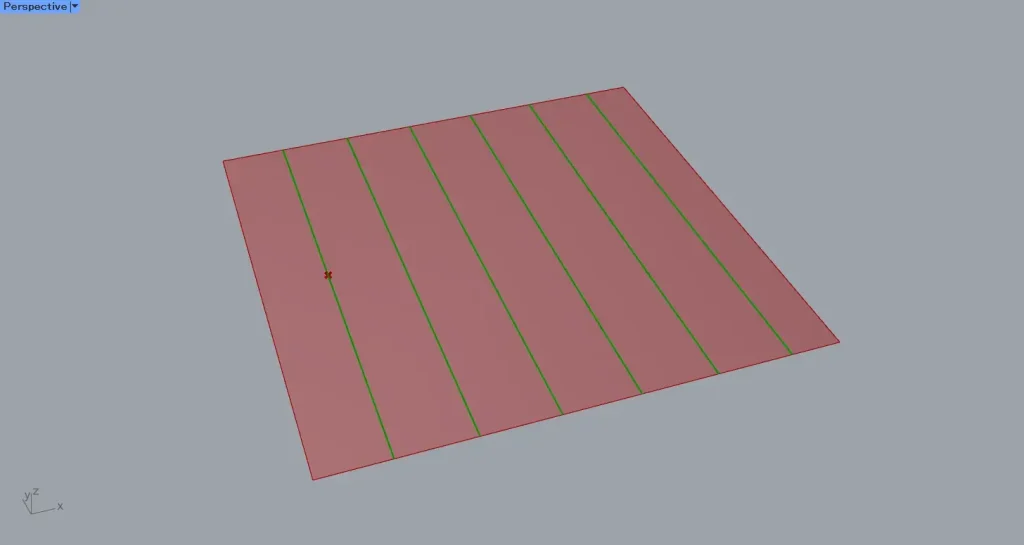
Then, as shown in the image above, contour lines and cross-section lines were created from the surface.
For surfaces, they are created as straight lines.
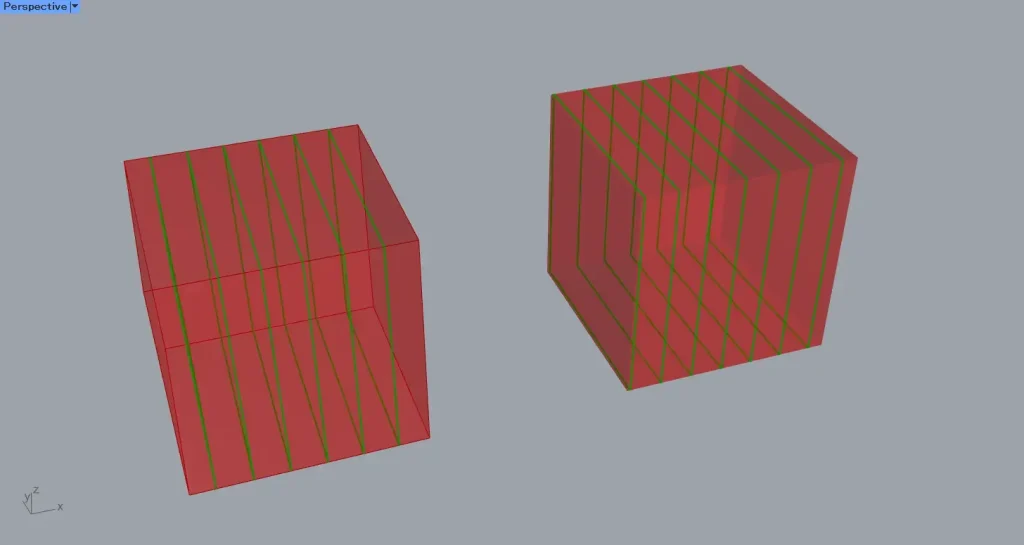
The image above shows the case for Brep models and mesh models.
For Brep models and mesh models, three-dimensional contour lines and cross-section lines are generated.
Three-dimensional contour lines and cross-section lines are created as a single combined closed line.
List of Grasshopper articles using Contour component↓





Comment