
![[Grasshopper]菱形と曲面を組み合わせたパターンデザイン[データも配布]](https://iarchway.com/wp-content/uploads/2025/03/eyecatch_web-2.jpg)
In this article, we will learn how to create Pattern model combining rhombuses and curved shapes in Grasshopper.
Video
Model Images
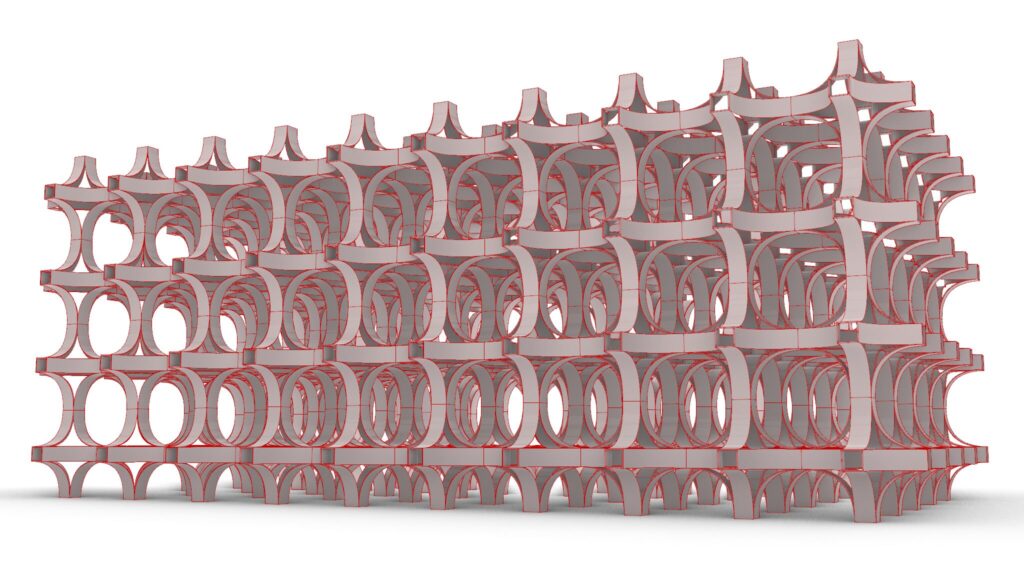
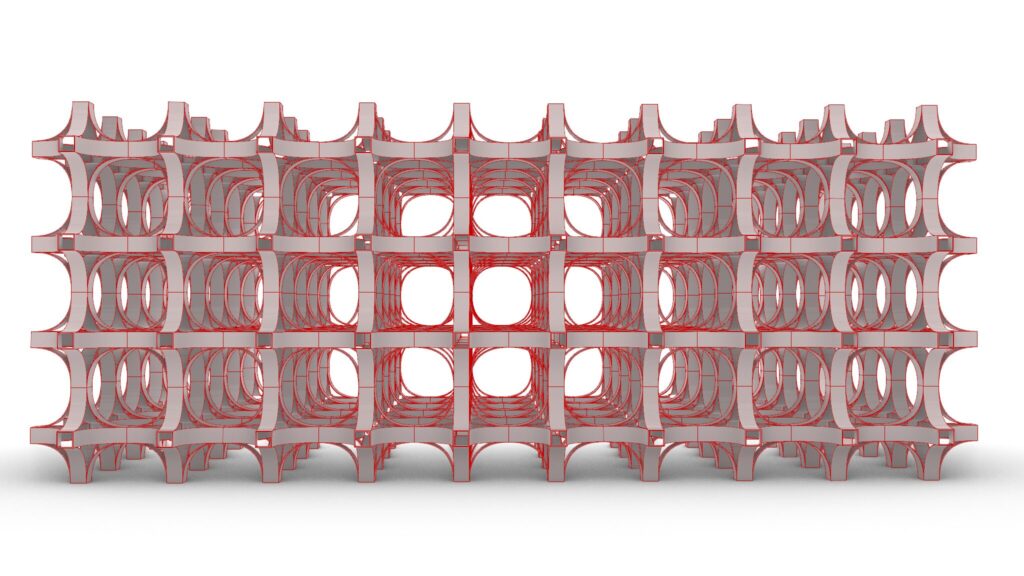
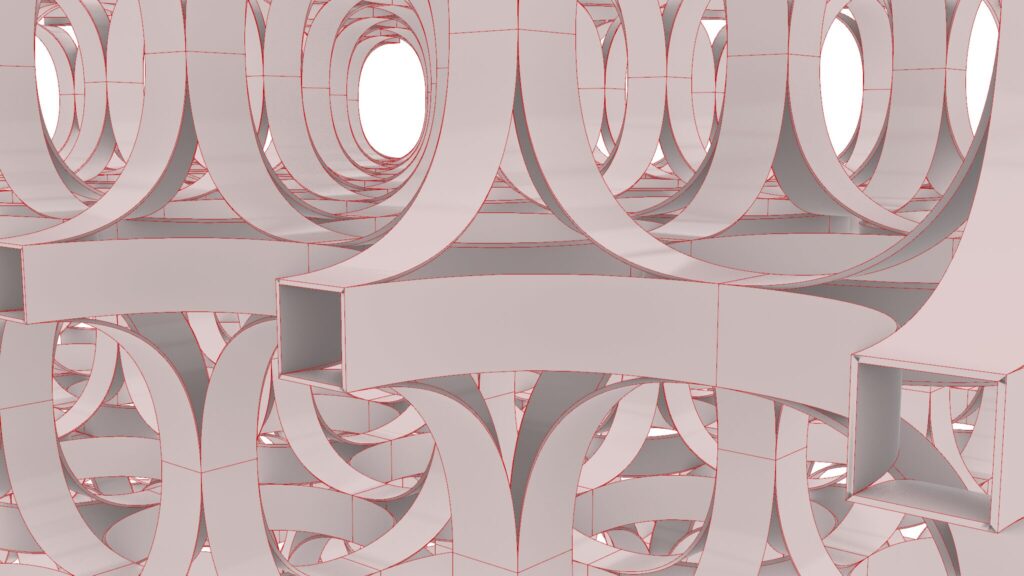
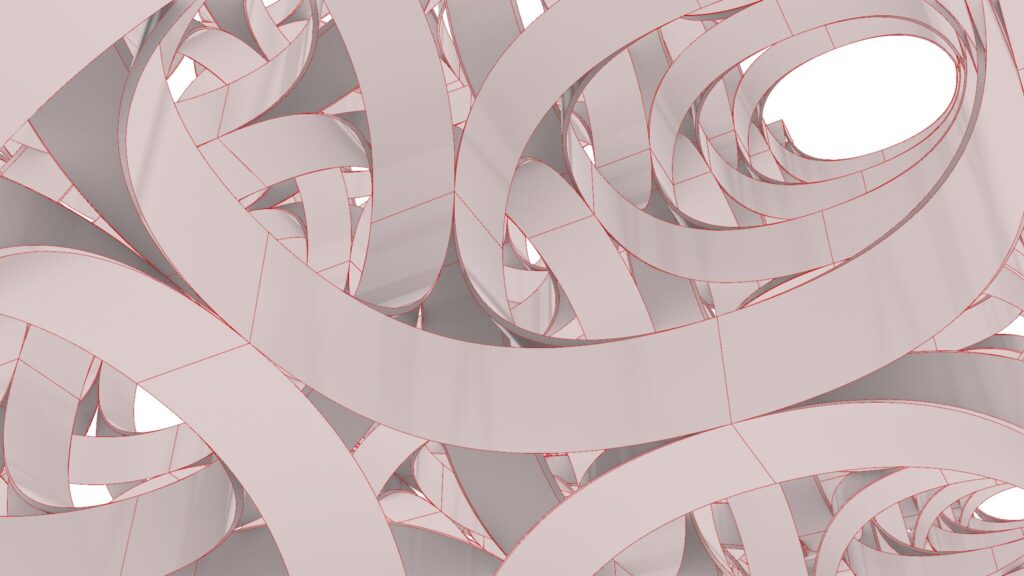
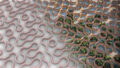
The top four images are from Grasshopper.
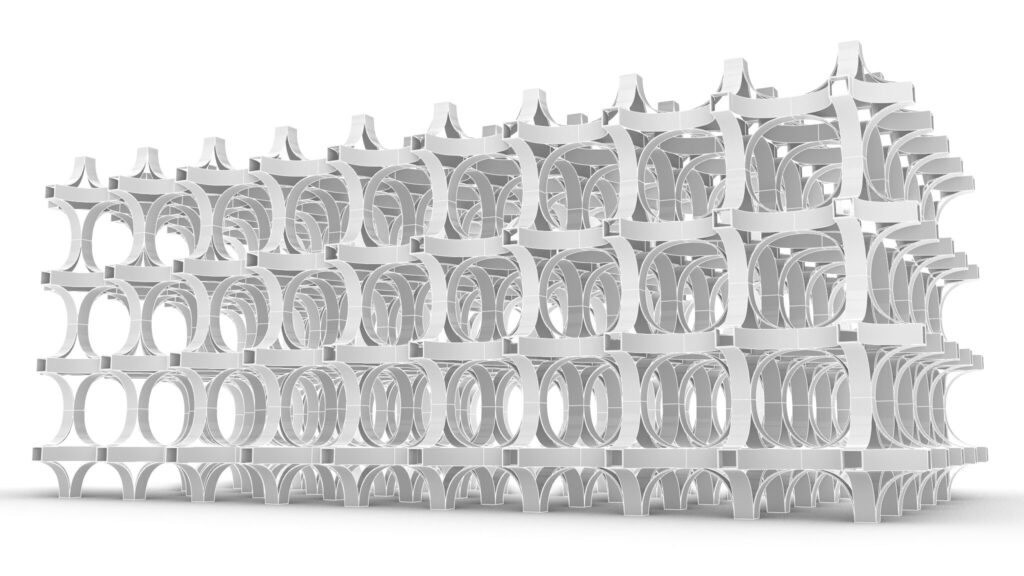
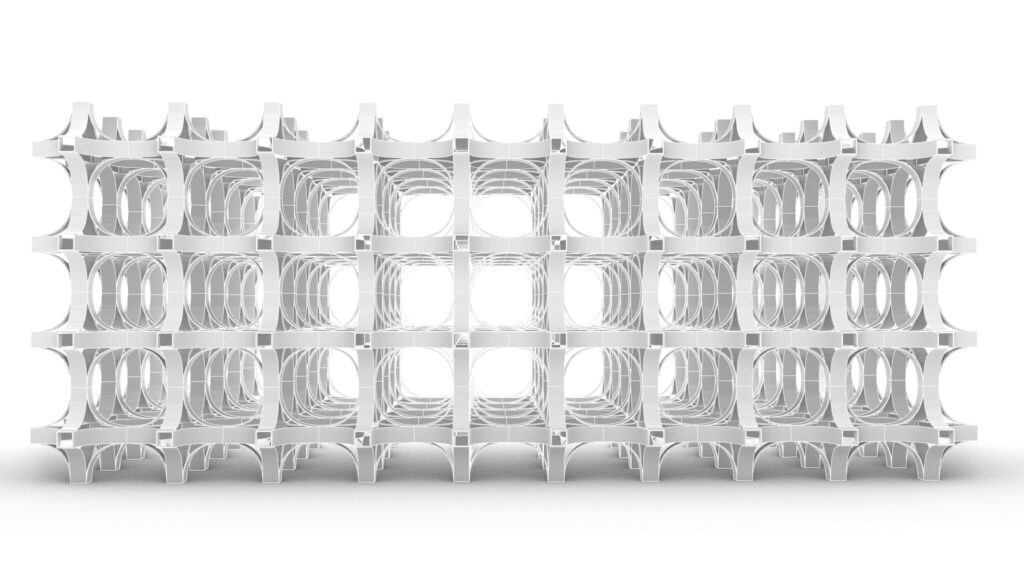
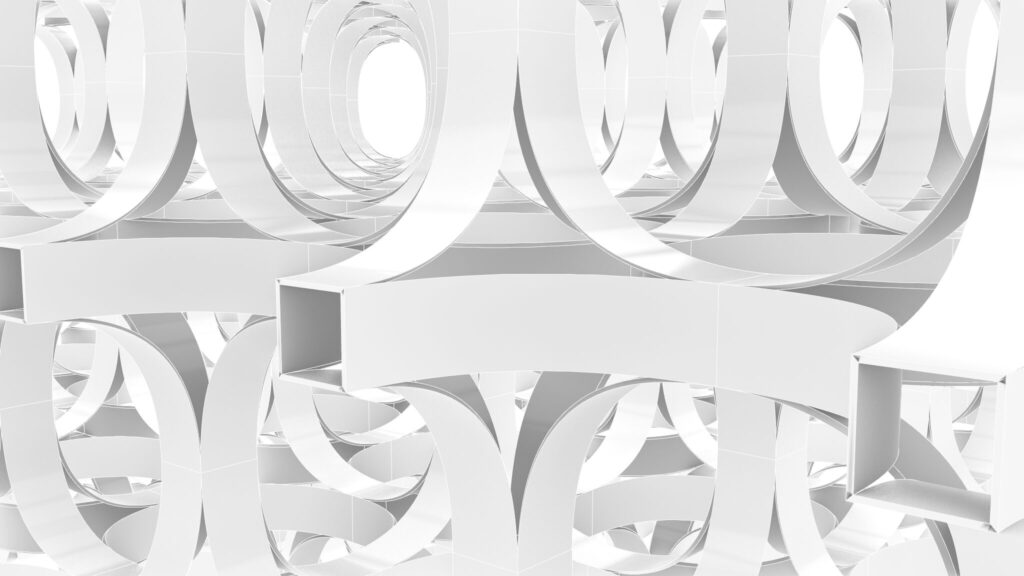
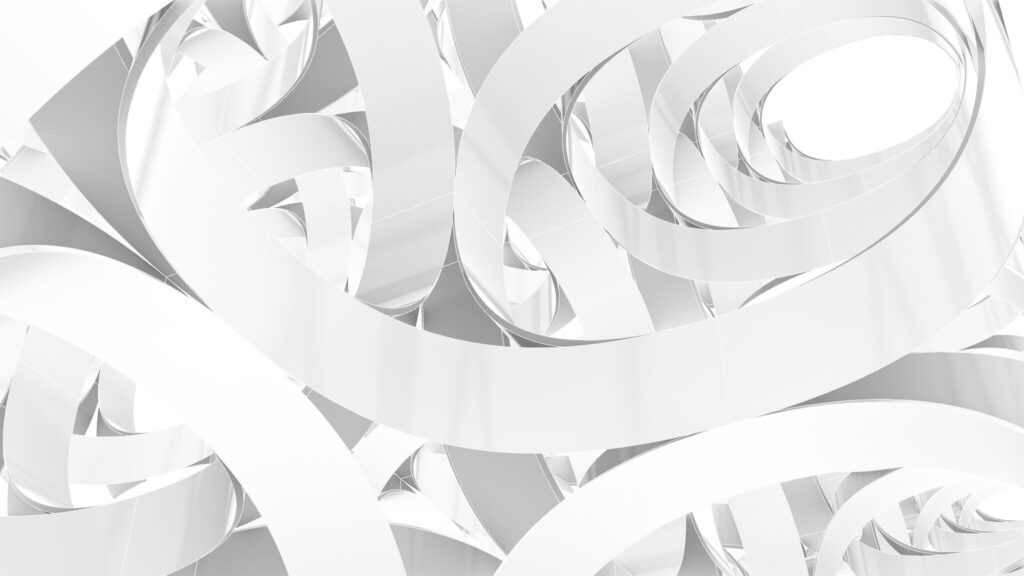
The top four images show the model exported on Rhinoceros.
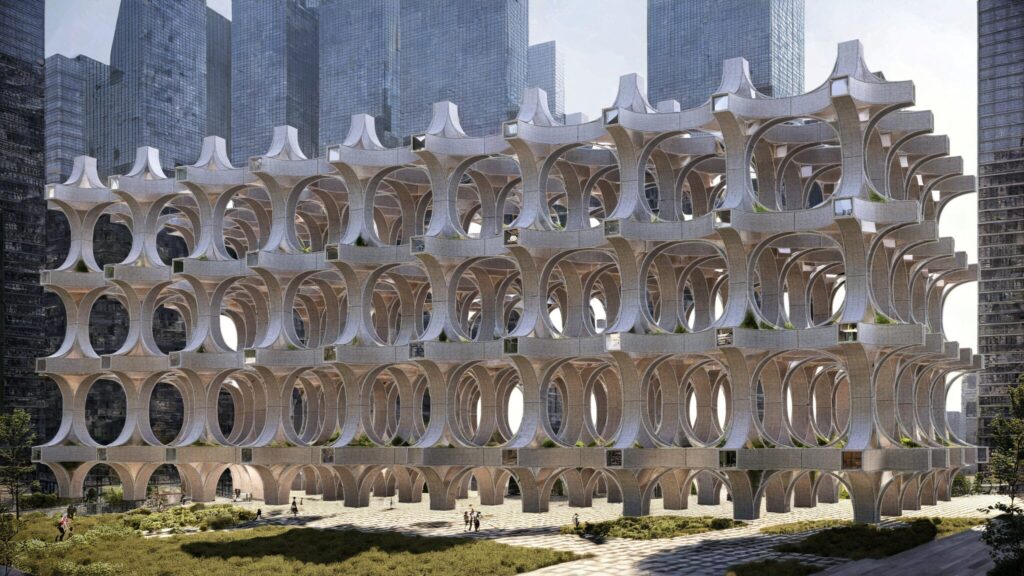
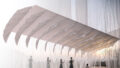
The image above shows the final rendering.
Due to the amount of programming, we will not provide a detailed explanation at this time.
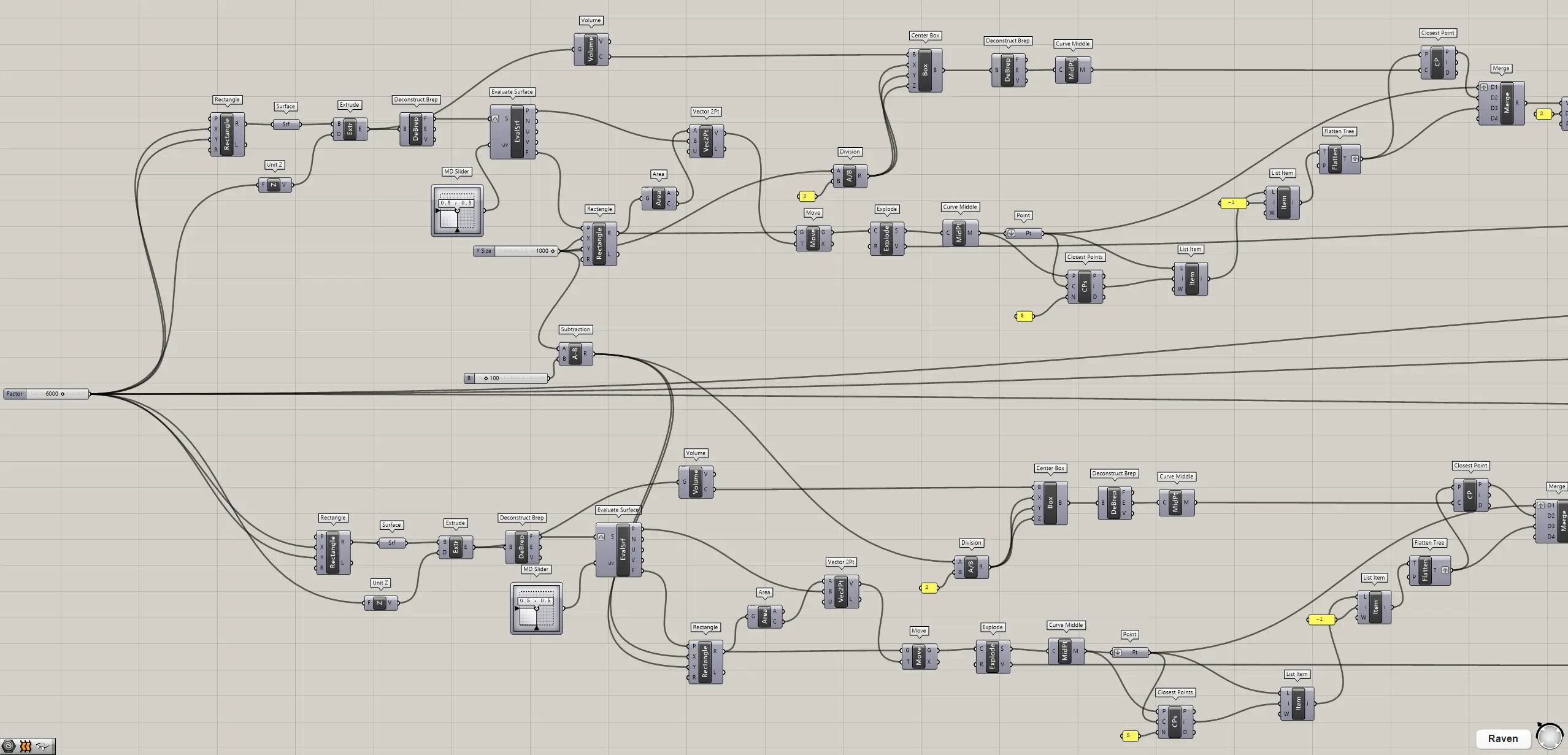
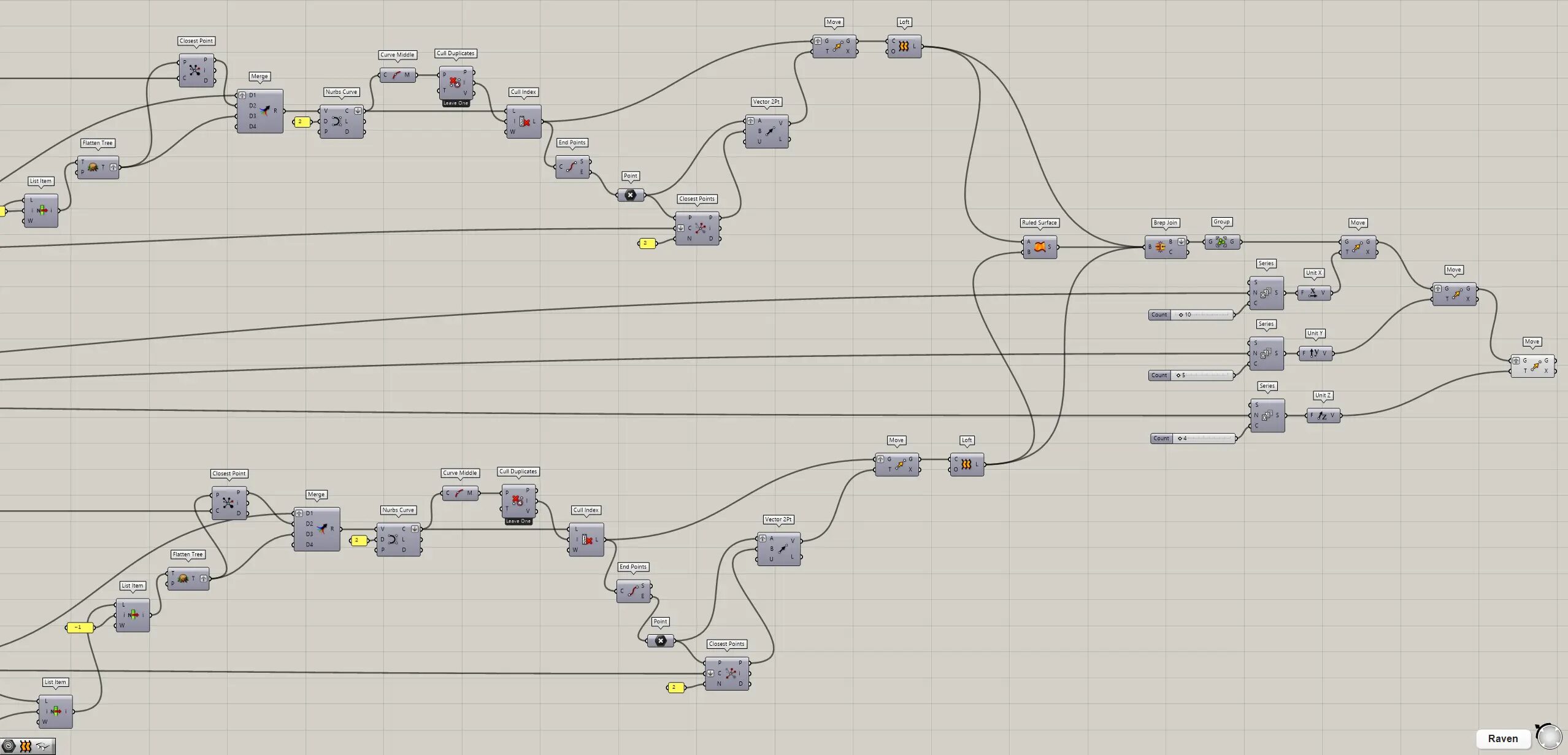
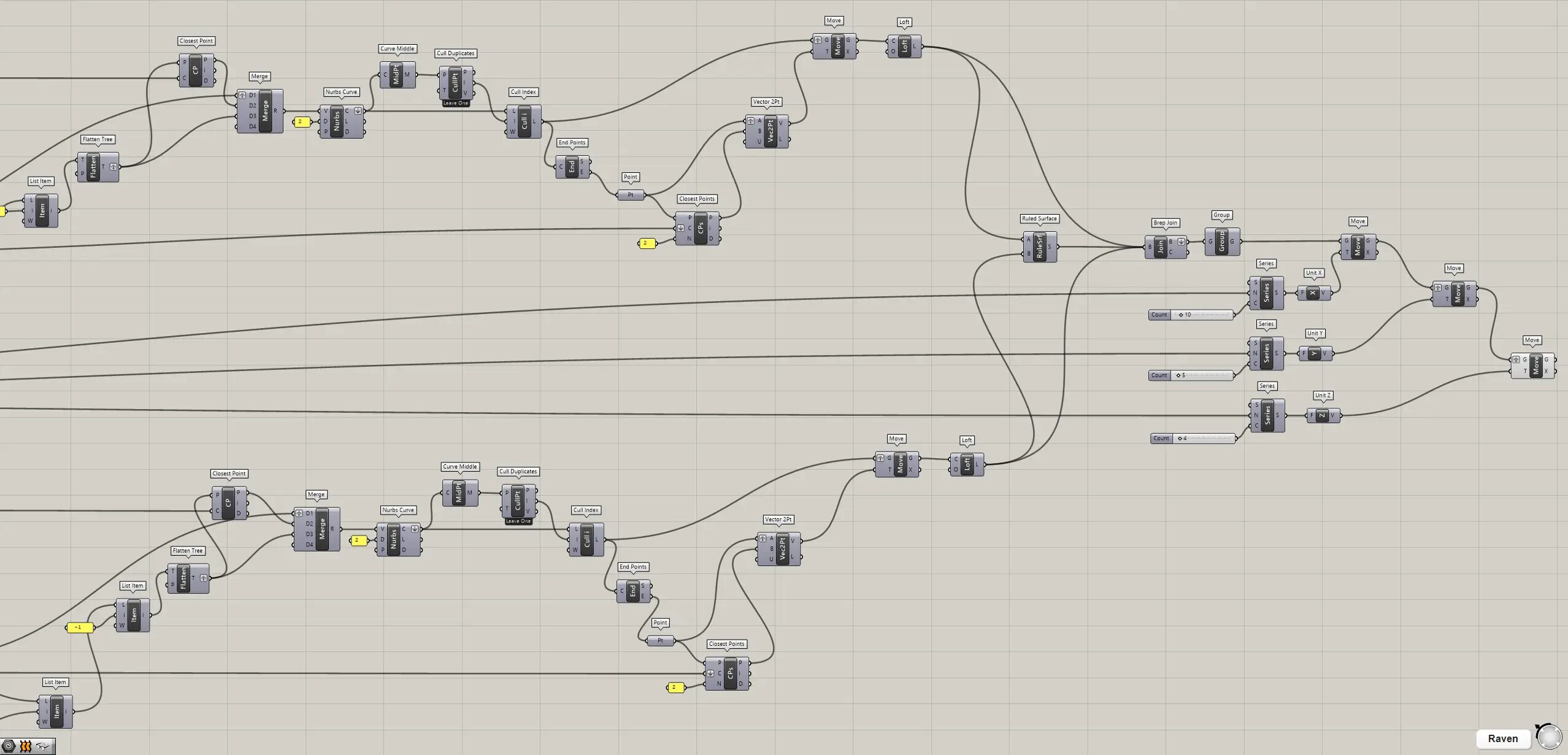
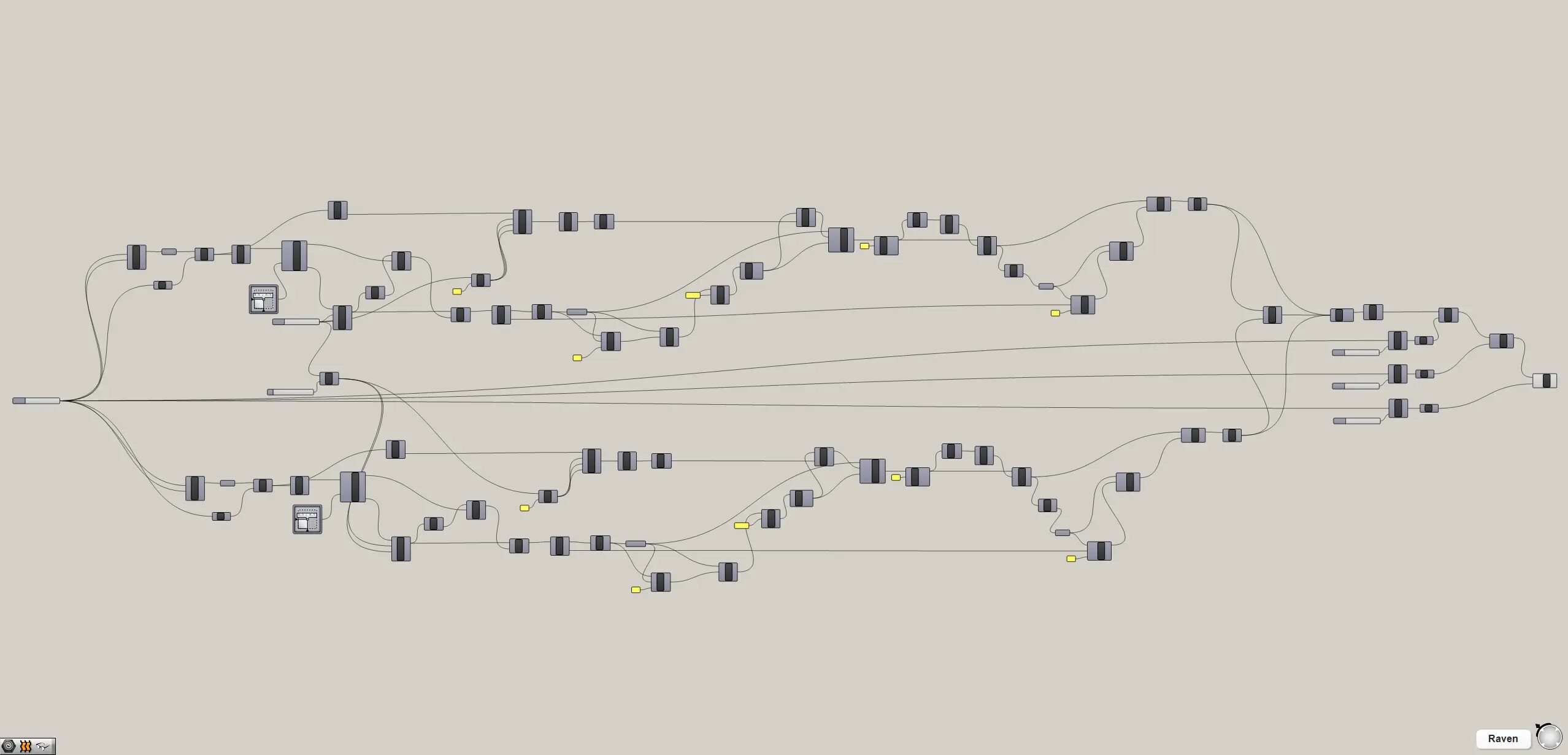
Therefore, we recommend that you look at the video, the Grasshopper recipe images placed below or download the data to check it out.
Click here to download the Grasshopper file
Please refer to the Terms of Use regarding the use of downloadable data.
Grasshopper recipe
①Rectangle ②Surface ③Unit Z ④Extrude ⑤Deconstruct Brep ⑥Volume ⑦MD Slider ⑧Evaluate Surface ⑨Area ⑩Vector 2Pt ⑪Move ⑫Explode ⑬Curve Middle ⑭Point ⑮Closest Points ⑯List Item ⑰Flatten Tree ⑱Division ⑲Center Box ⑳Closest Point ㉑Merge ㉒Subtraction ㉓Nurbs Curve ㉔Cull Duplicates ㉕Cull Index ㉖End Points ㉗Loft ㉘Ruled Surface ㉙Brep Join ㉚Group ㉛Series ㉜Unit X ㉝Unit Y






Comment