
![[Grasshopper] How to use Deconstruct Domain² (DeDom2Num) to break down domain ranges](https://iarchway.com/wp-content/uploads/2026/01/25c803f6337c275329e13c06d129a920.png)
This article explains how to use Deconstruct Domain² (DeDom2Num) to break down domain ranges.
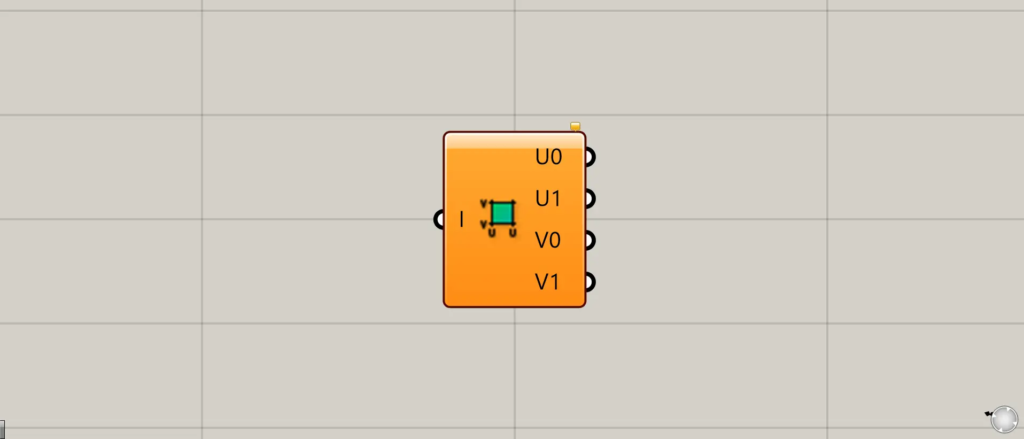
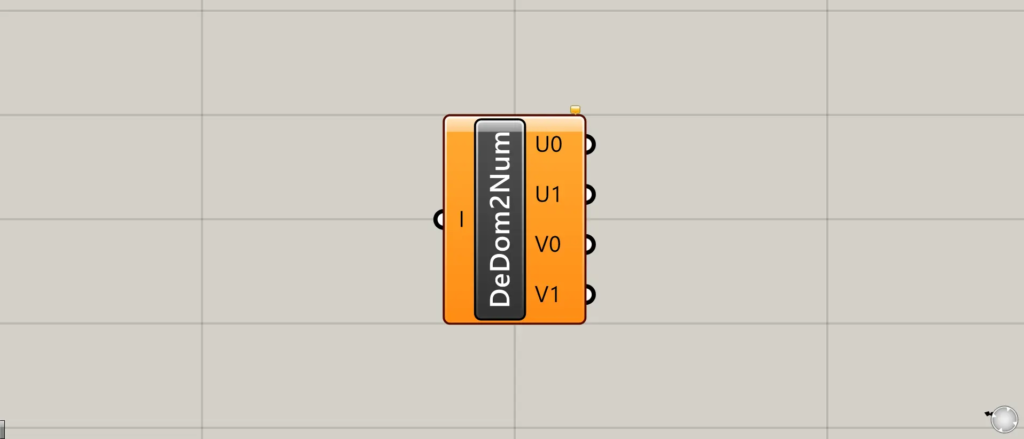
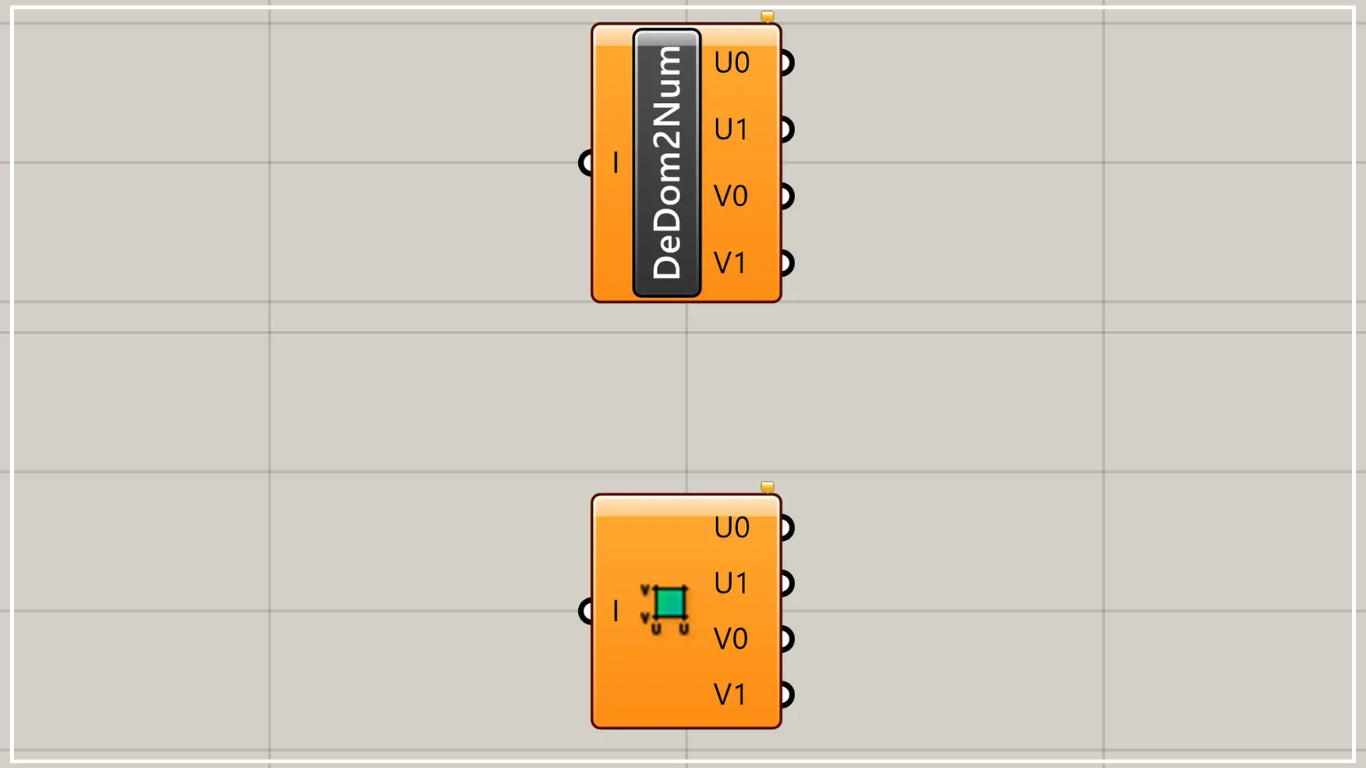
On the Grasshopper, it is represented by either of the two above.
Decompose domain ranges
Using Deconstruct Domain² (DeDom2Num), you can decompose domain ranges.
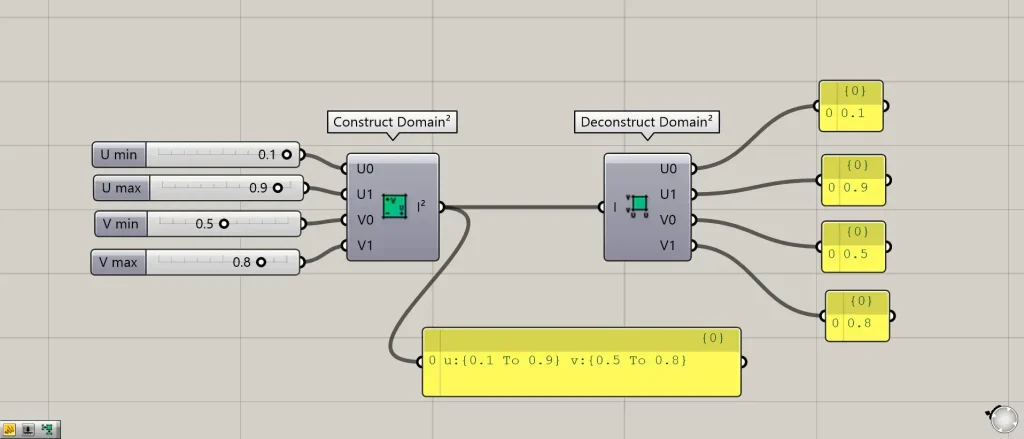
Components used: ①Construct Domain²(Dom²Num) ②Deconstruct Domain²(DeDom2Num)
In this example, we are creating a domain range using Construct Domain²(Dom²Num).
Input values of 0.1 to the U0 terminal, 0.9 to the U1 terminal, 0.5 to the V0 terminal, and 0.8 to the V1 terminal are applied to Construct Domain²(Dom²Num).
Then, a domain range was created with u from 0.1 to 0.9 and v from 0.5 to 0.8.
Then, connect the Construct Domain² (Dom²Num) to the Deconstruct Domain² (DeDom2Num).
Then, the numerical values constituting the domain range are output from the four terminals on the right.
In this case, the outputs are 0.1 from the U0 terminal, 0.9 from the U1 terminal, 0.5 from the V0 terminal, and 0.8 from the V1 terminal.
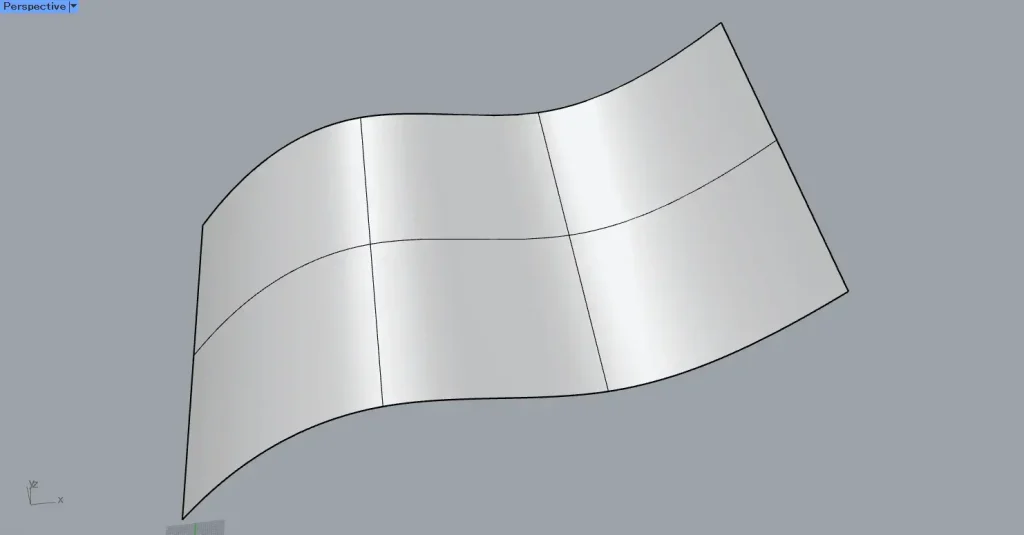
Next, we’ll break down the domain scope of the surface.
This time, we will use the surface on Rhino in the image above.
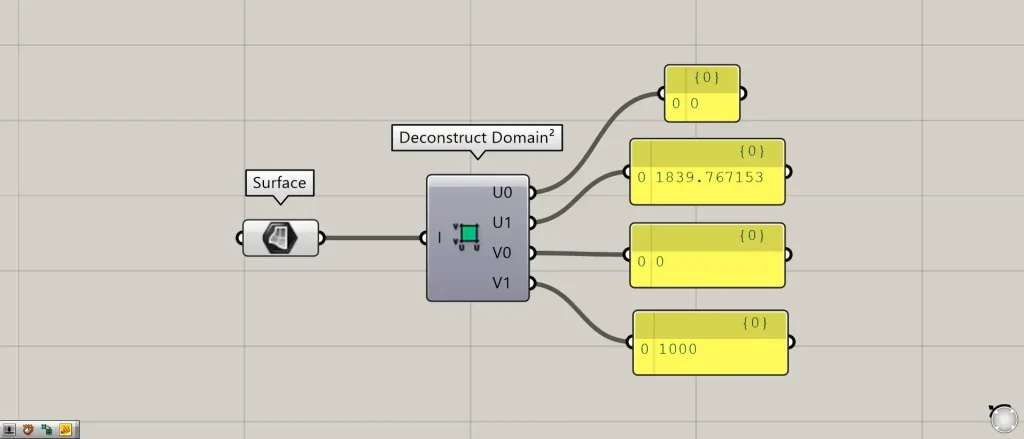
Additional Components: ① Surface
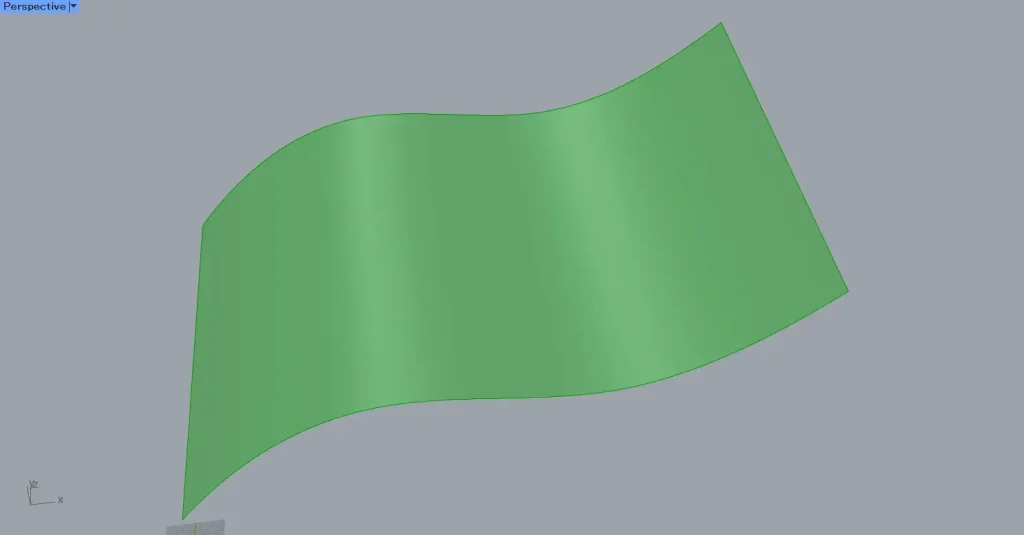
First, set the surface on Rhino in the Surface.
Then, connect the Surface to the Deconstruct Domain² (DeDom2Num).
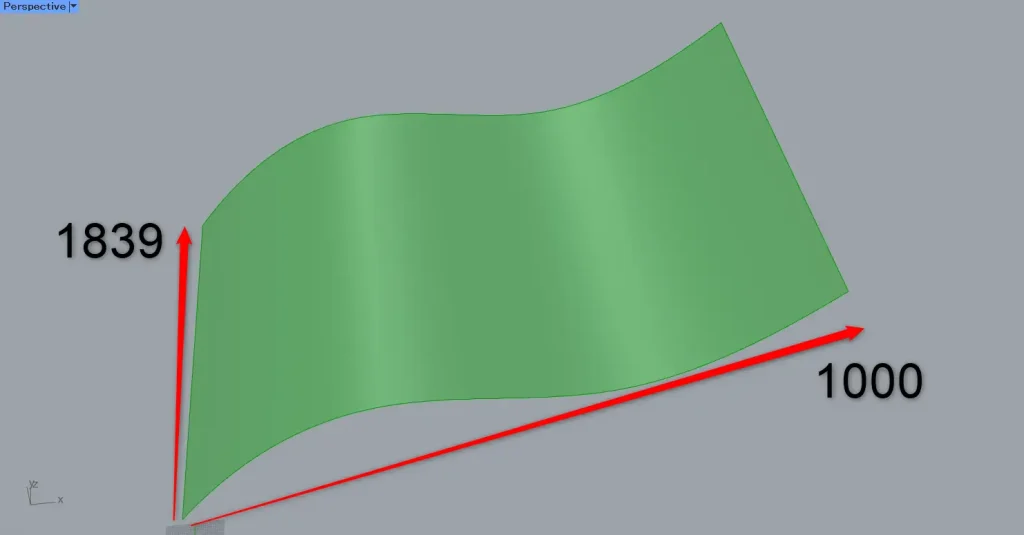
Then, the domain range of the surface is output.
In this case, we can see that the domain range of the surface is 0 to approximately 1839 and 0 to 1000.
Usage Examples
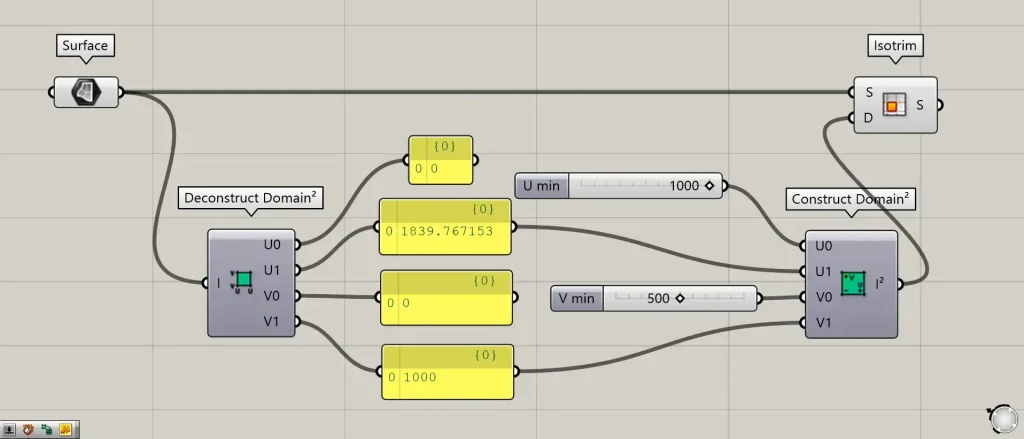
Additional Component: ①Isotrim
As an example, let’s use the numerical values from the domain range of the surface we just decomposed to create a new domain range.
Connect the U1 and V1 values from Deconstruct Domain² (DeDom2Num) to the U1 and V1 terminals of Construct Domain² (Dom²Num).
On the other hand, input 1000 to the U0 terminal and 500 to the V0 terminal of the Construct Domain² (Dom²Num).
Then connect the Surface to the Isotrim(S).
Also, connect the Construct Domain² (Dom²Num) to the Isotrim(D).
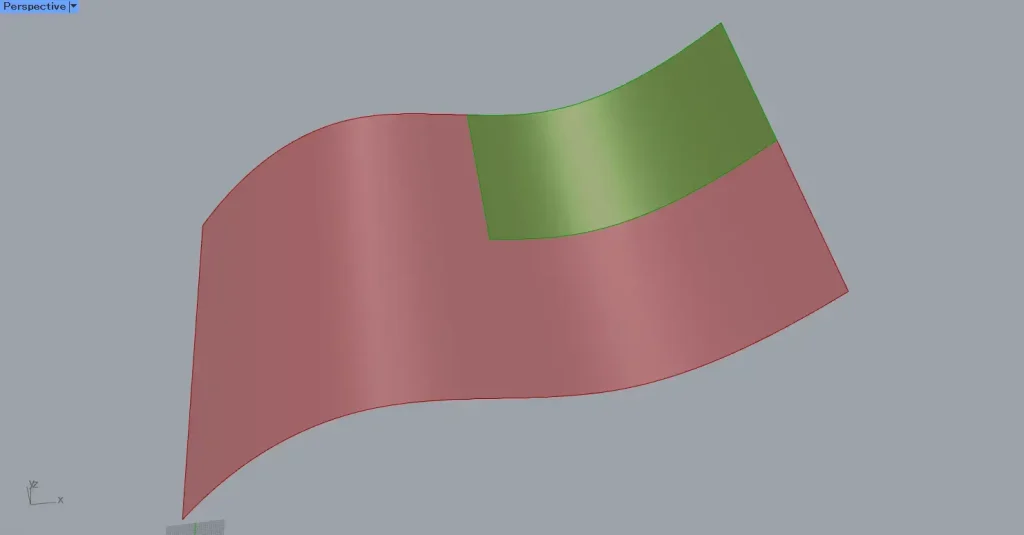
Then, we were able to obtain a portion of the surface.
Originally, the domain range was 0 to approximately 1839 and 0 to 1000 across the entire surface.
After the change, the domain range has shifted to 1000 to approximately 1839 and 500 to 1000, so only a portion of the surface is being captured.
List of Grasshopper articles using Deconstruct Domain² (DeDom2Num) component↓





Comment