
![[Grasshopper] How to use Distance to obtain distance between two points](https://iarchway.com/wp-content/uploads/2026/01/Distance.png)
This article explains how to use Distance to obtain distance between two points.
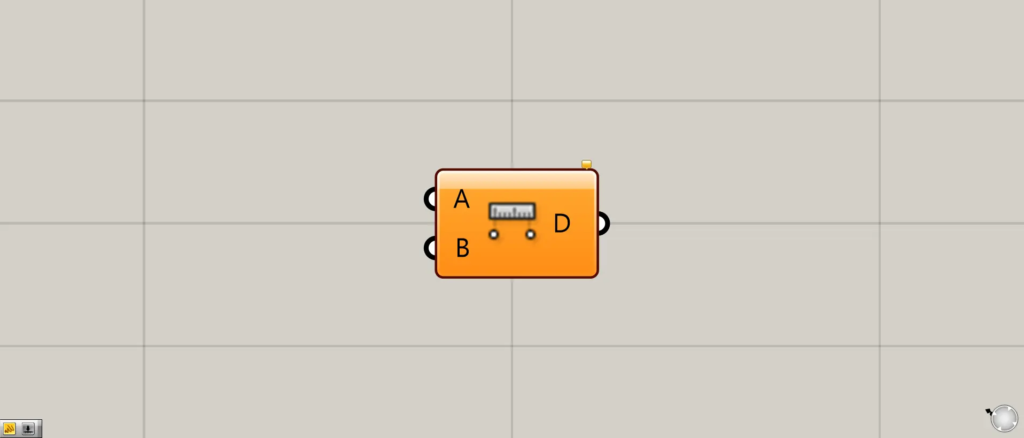
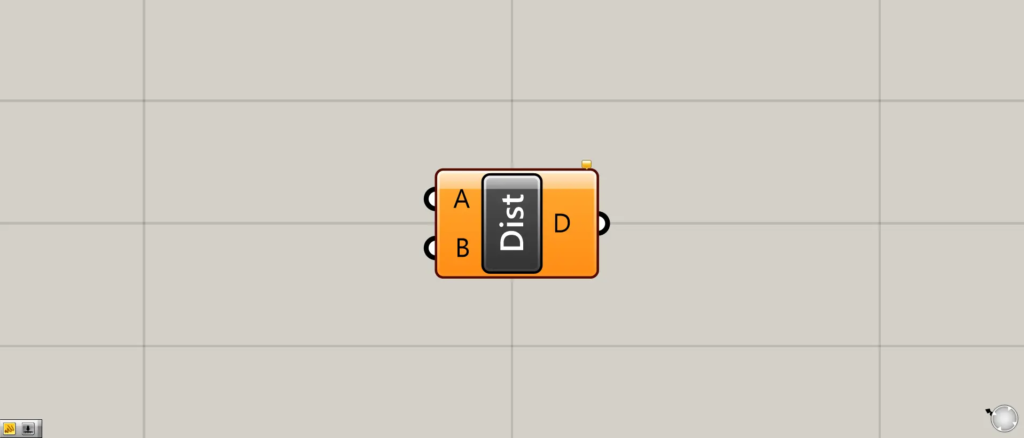
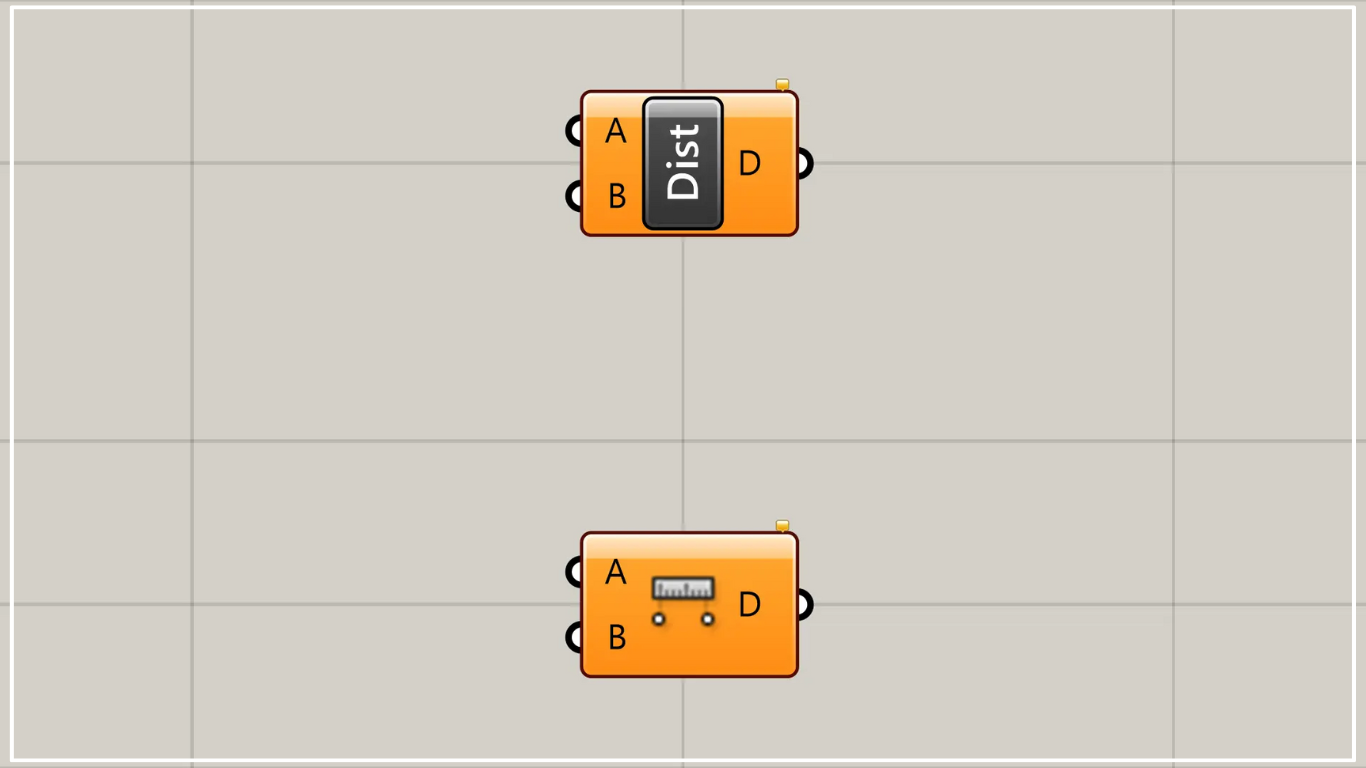
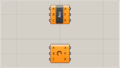
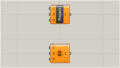
On the Grasshopper, it is represented by either of the two above.
Obtain the numerical value of the distance between two points
Using Distance allows you to obtain the numerical value of the distance between two points.
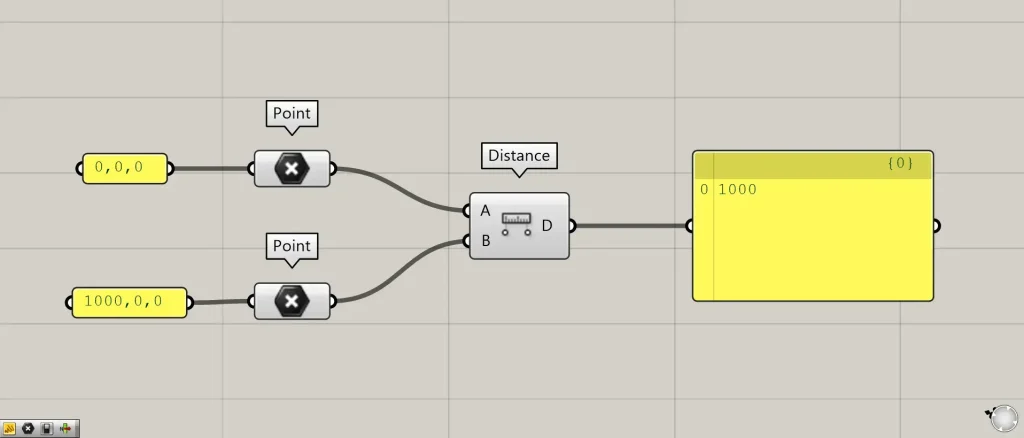
Additional Components: ①Point ②Distance
This time, we are connecting the coordinate data 0,0,0 and 1000,0,0 to Point, respectively, to convert them into point data.
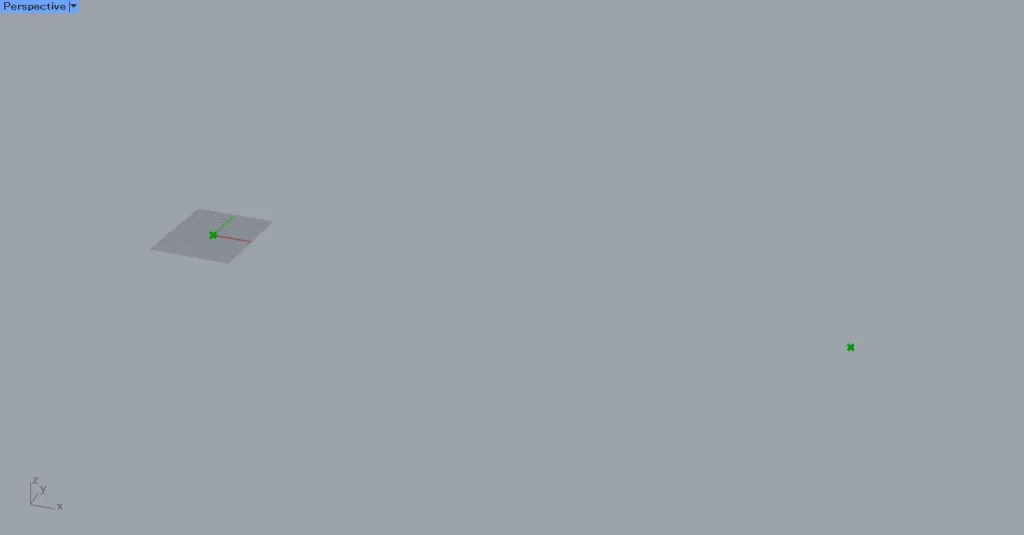
As shown in the image above, point data has been created at the specified coordinates.
Connect the point data for each Point to the Distance(A and B), respectively.
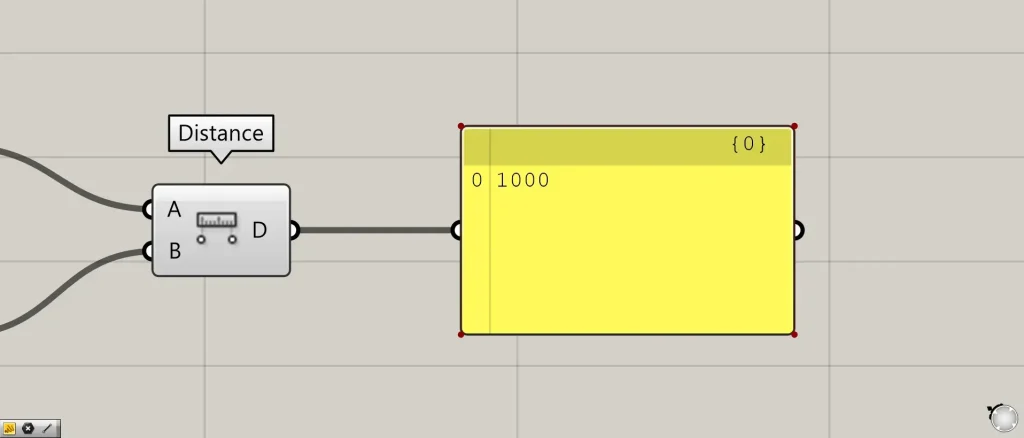
Then, we were able to obtain the numerical value for the distance between these two points.
Next, let’s look at the case where there are multiple point data.
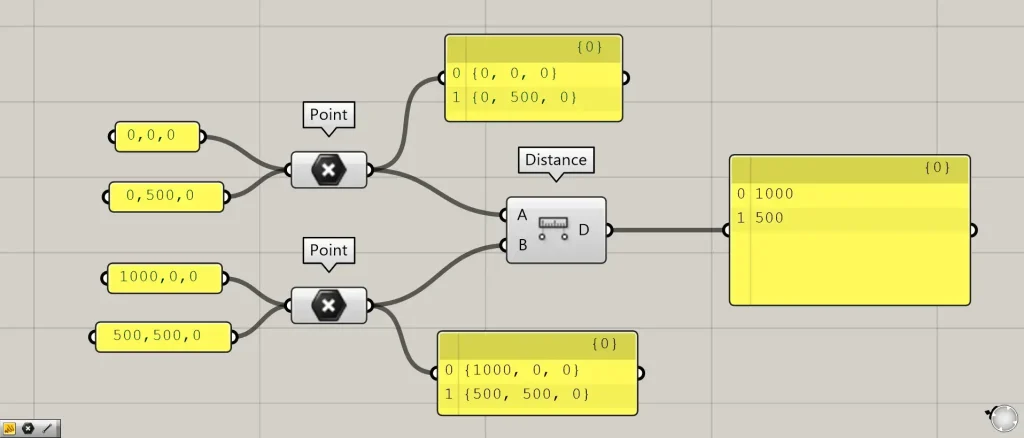
This time, we entered two sets of coordinate data for a single point.
For the first point, we entered 0,0,0 and 0,500,0.
For the second point, we entered 1000,0,0 and 500,500,0.
Connect the point data from Point to the Distance(A and B), respectively.
Then, you can obtain the distance between point data with the same index number.
In the case of the image above, the distances between {0,0,0} and {1000,0,0}, and between {0,500,0} and {500,500,0} are output.
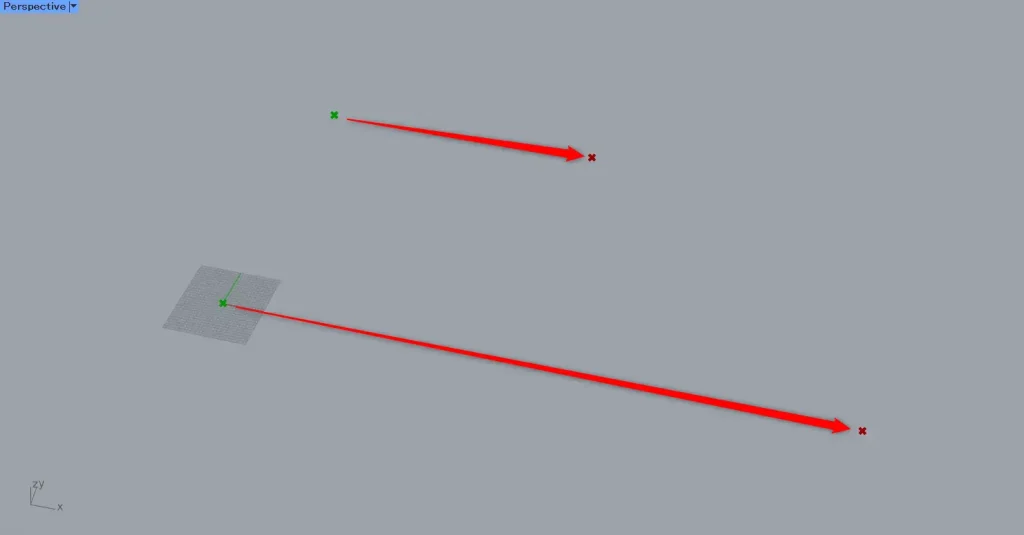
When viewed on Rhino, it appears as shown in the image above.
In this way, even with multiple point data, you can obtain the numerical distance between points sharing the same index number.
List of Grasshopper articles using Distance component↓





Comment