
![[Grasshopper] How to use Extend Curve to extend curves](https://iarchway.com/wp-content/uploads/2026/01/eyecatch-4.png)
This article explains how to use Extend Curve to extend curves.
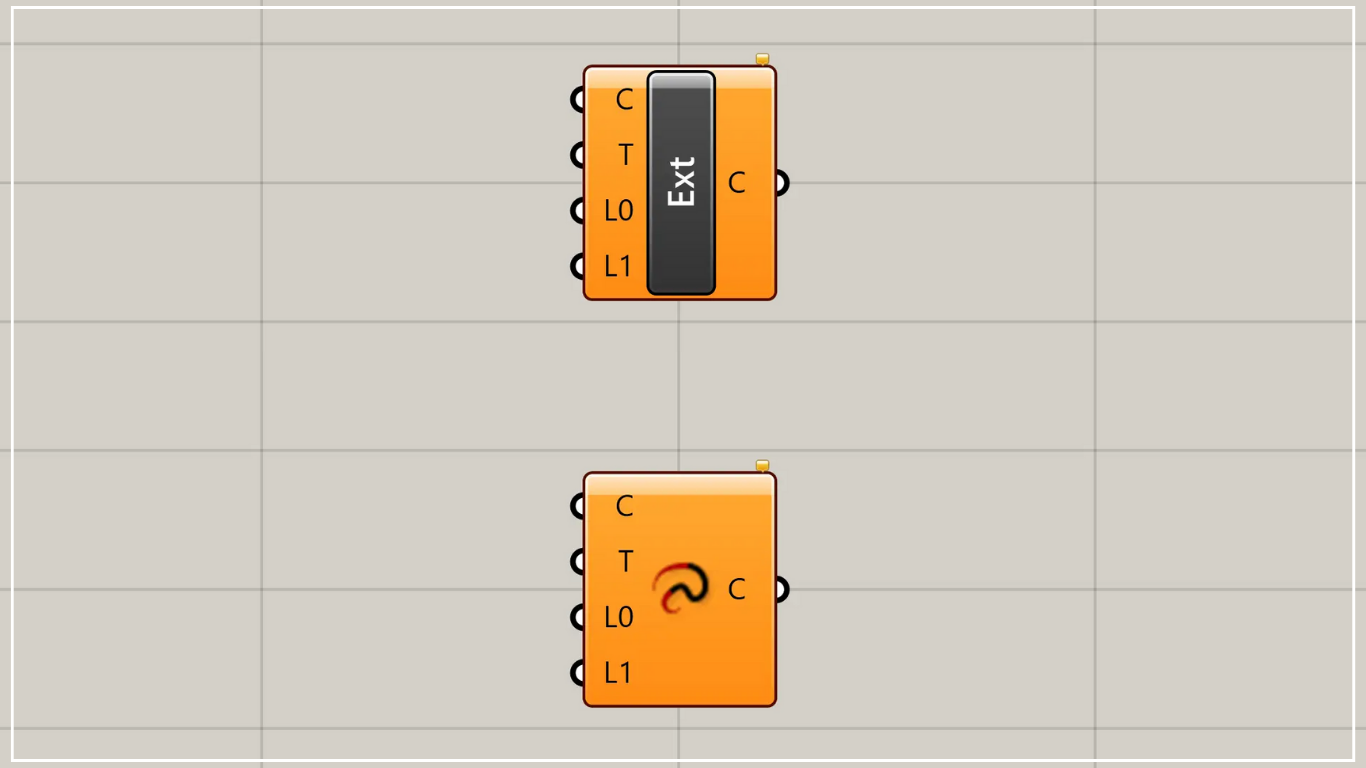
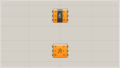
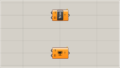
On the Grasshopper, it is represented by either of the two above.
Extend curves
Using Extend Curve allows you to extend curves.
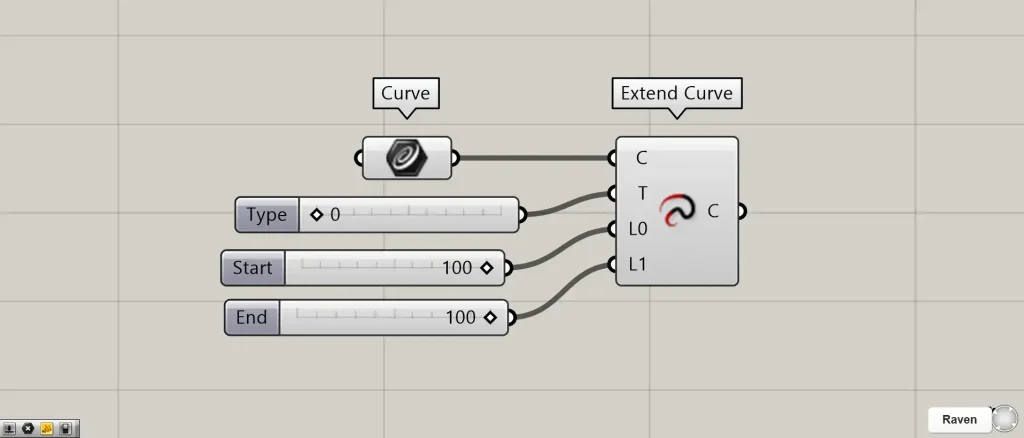
Components used: ① Curve ② Extend Curve
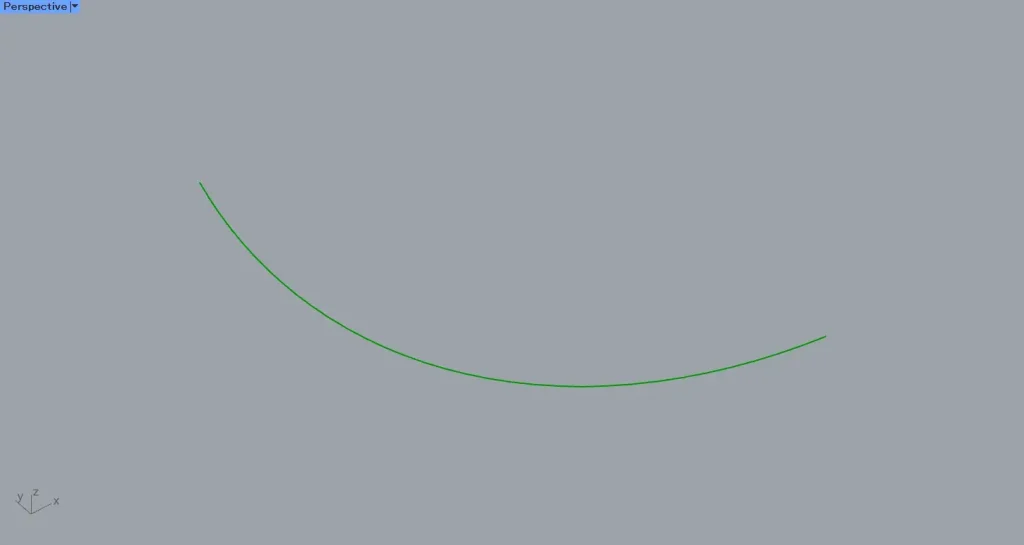
This time, we’ll set the curve from the image above in Curve for use.
Connect the Curve containing the curve to Extend Curve (C).
Connect one of the values 0, 1, or 2 to Extend Curve(T).
| 0 | 1 | 2 |
| Line | Arc | Smooth |
If the value is 0, the curve is extended in a straight line.
In case 1, the curve is extended by an arc.
In case 2, the curve is extended to ensure smoothness.
Connect the length extending from the curve’s end to Extend Curve(L0) and (L1).
This time, we’ve connected 100 to both.
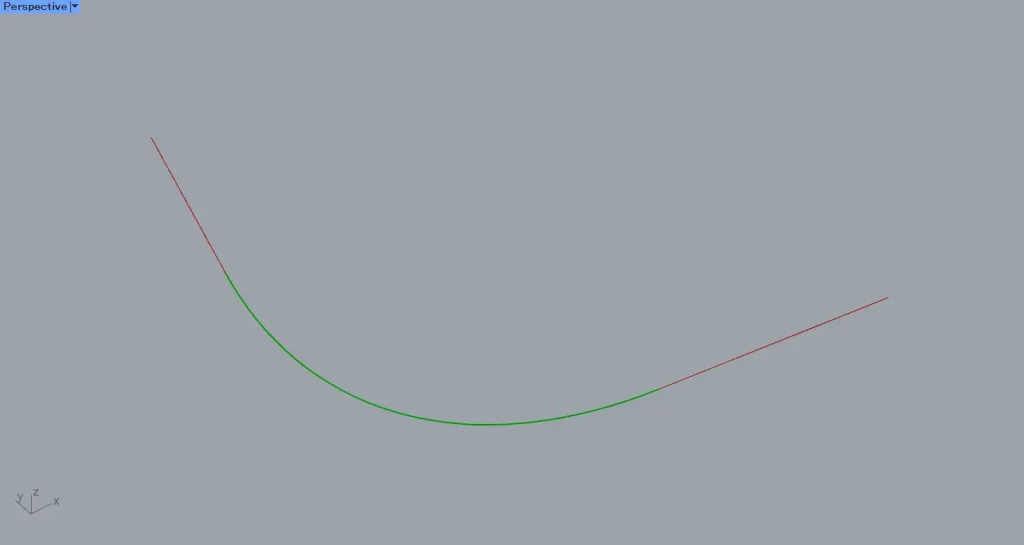
Then, as shown in the image above, the curve was extended.
The image above shows how the curve is extended as a straight line when the Extend Curve(T) value is 0.
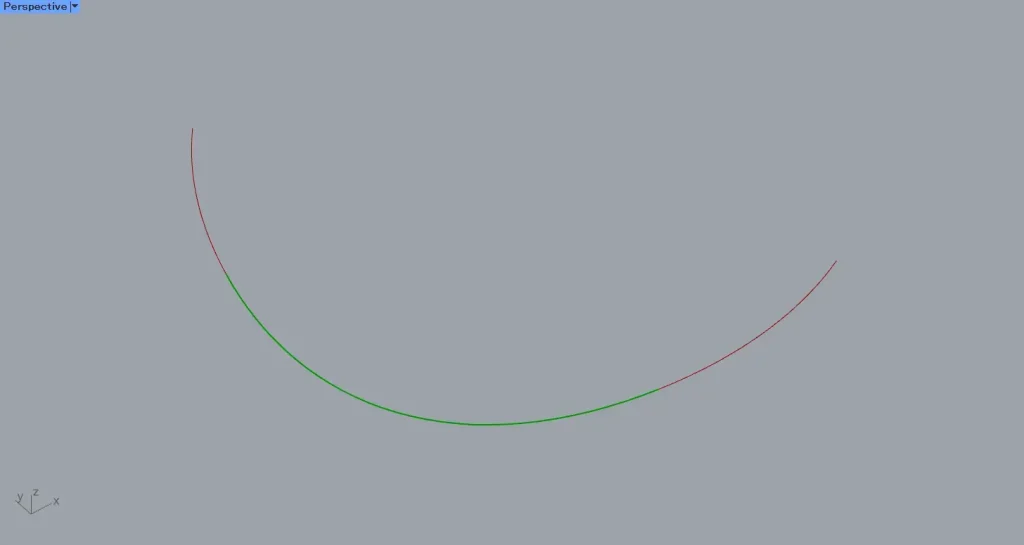
The image above shows an arc extended with the Extend Curve(T) value set to 1.
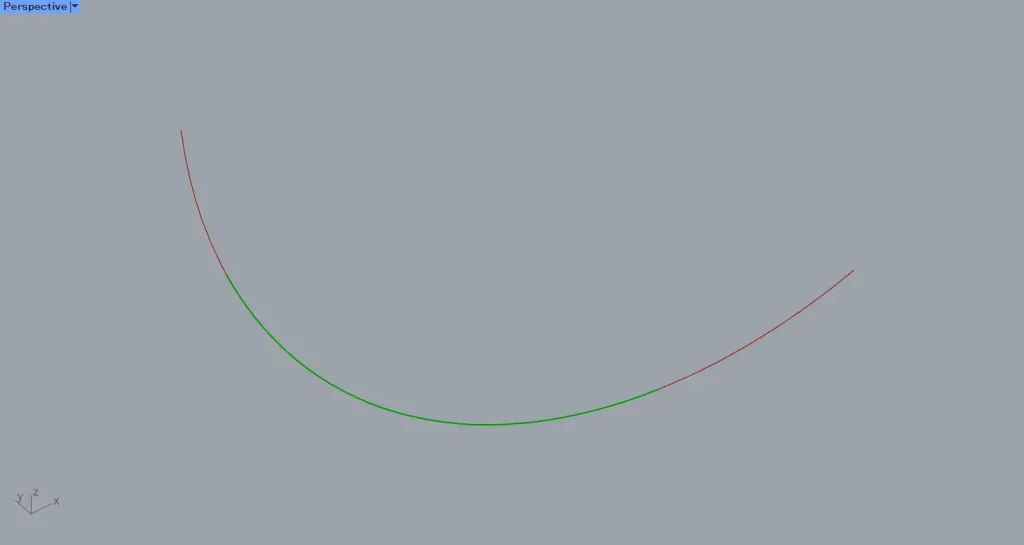
The image above shows the smooth extension achieved with an Extend Curve(T) value of 2.
List of Grasshopper articles using Extend Curve component↓





Comment