
![[Grasshopper]フィボナッチ数列を作成するFibonacciの使い方](https://iarchway.com/wp-content/uploads/2025/06/eyecatch-13.png)
This article explains how to use Fibonacci to create a Fibonacci sequence.


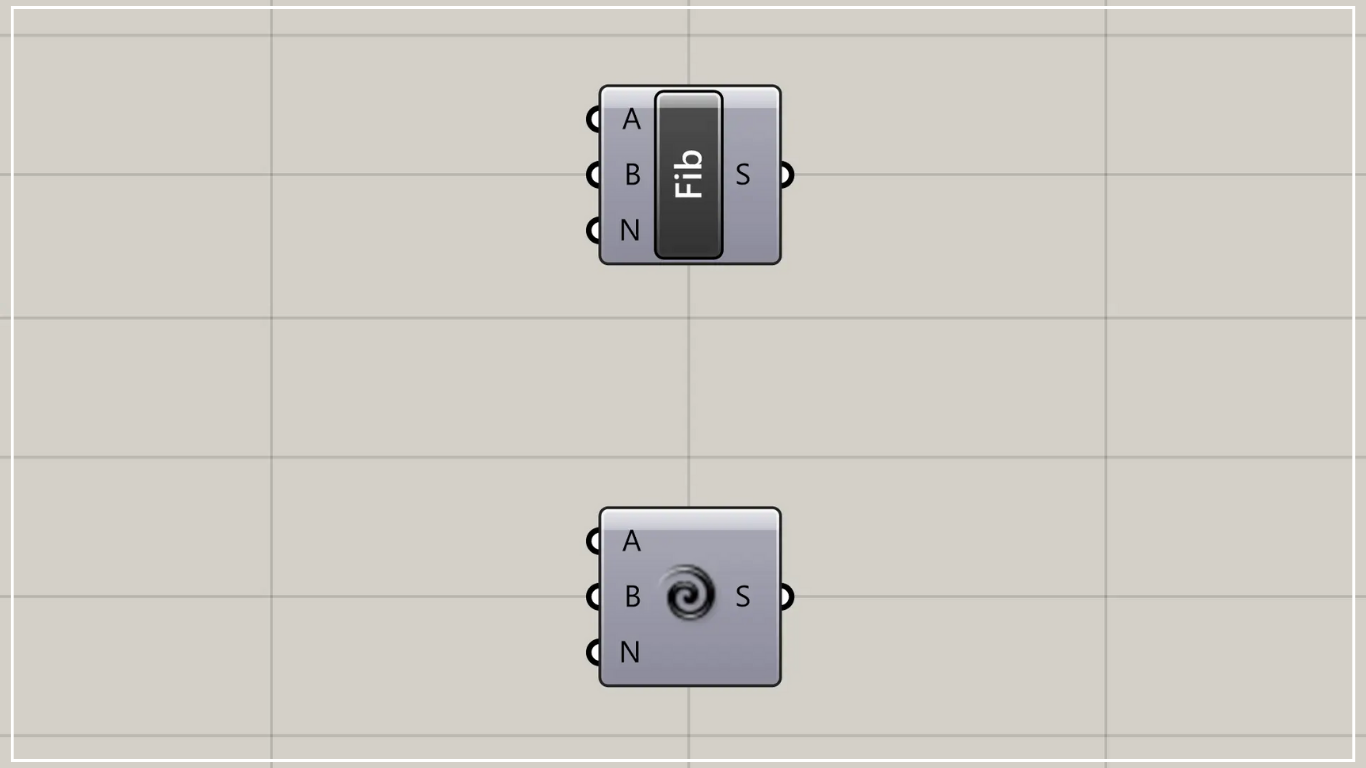
On the Grasshopper, it is represented by either of the two above.
Generate Fibonacci sequence
Using Fibonacci, you can generate Fibonacci sequence.
The Fibonacci sequence is a sequence of numbers created by adding the two preceding numbers.

Fibonacci(N) concatenates the number of terms excluding the first two numbers.
In this case, we are connecting 5.
Then, excluding the first two numbers, 0 and 1, five numbers are created, and including all of them, seven numbers are created.
Looking at the numbers, we see that the first is 0, the second is 1, the third is 0+1=1, the fourth is 1+1=2, and the fifth is 1+2=3, forming a sequence.

By entering a value into Fibonacci(A), you can set the initial number.

By connecting a value to Fibonacci(B), you can set the second value.
Usage Examples
Let’s look at an example of using Fibonacci.
This time, we’ll create a curve using the Fibonacci sequence.

Components Used: ①Fibonacci ②Point ③Circle ④List Length ⑤Divide Curve ⑥Vector 2Pt ⑦Multiplication ⑧Move ⑨Interpolate ⑩Boolean Toggle
This time, we’ve appended 10 to Fibonacci(N) to generate 12 values.

First, create a point at any location using Point.

Then, connect the Point to the Circle(P).
Furthermore, connect the radius value to Circle(R).
This time, we’re connecting 150.
Then, as shown in the image above, a circle was created.

Then, connect Fibonacci to List Length.
Then, the number 12, which is the number of values created, will be output.
Next, connect the List Length to Divide Curve(N).
Next, connect the Circle to the Divide Curve(C).
Then, as shown in the image above, points were created at the positions dividing the circle into 12 segments.

Then, connect the Point to Vector 2Pt(A).
Next, connect Divide Curve(P) to Vector 2Pt(B).
Furthermore, connect the True information to Vector 2Pt(U).
This time, we are creating information set to True using a Boolean Toggle.
Then, vector data from the center of the circle to each division point is created.
Then, connect Fibonacci and Vector 2Pt(V) to Multiplication.
Then you can align the vector with the created value.
Then, connect Multiplication to Move(T).
Next, connect the Point to Move(G).
Then, as shown in the image above, the center point of the circle moved.

Then connect Move(G) to Interpolate(V).
Then, as shown in the image above, a curve connecting the points was created.
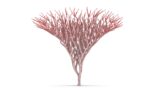

By using the Fibonacci sequence found in nature, you can create trees like the one in the article above.
List of Grasshopper articles using Fibonacci component↓




Comment