
![[Grasshopper] How to use Fillet Distance to round line corners at a specified distance](https://iarchway.com/wp-content/uploads/2026/01/eyecatch-2.png)
This article explains how to use Fillet Distance to round line corners at a specified distance.


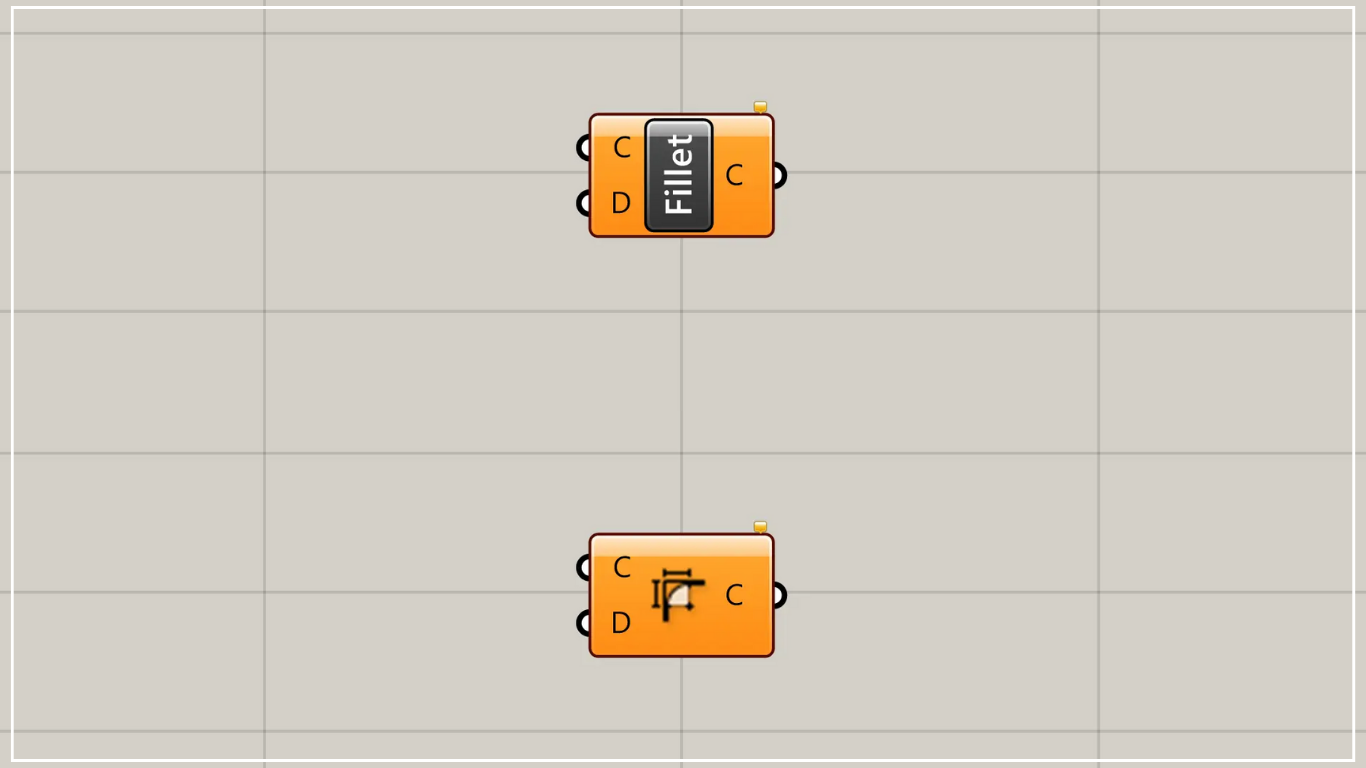
On the Grasshopper, it is represented by either of the two above.
Round the corners of a line at a specified distance
Using the Fillet Distance feature allows you to round the corners of lines at a specified distance.

Components used: ①Curve ②Fillet Distance

As a first example, we’ll set the line from the image above in Curve and use it.

Then connect the Curve to the Fillet Distance (C).
Additionally, connect the numerical value of any distance to the Fillet Distance(D).
This time, we’re connecting 50.
Then, as shown in the image above, the corners of the lines become rounded.

Measuring the distance from the original corner vertex to the endpoint of the rounded arc confirms it matches the distance specified by the Fillet Distance(D).

Next, let’s try setting a line with multiple corners in Curve and using it.

When there are multiple corners, they will be rounded as shown in the image above.
List of Grasshopper articles using Fillet Distance component↓





Comment