
![[Grasshopper] How to use Flatten Tree to flatten by specifying a path (branch name)](https://iarchway.com/wp-content/uploads/2026/01/eyecatch-38.png)
This article explains how to use Flatten Tree to flatten by specifying a path (branch name).
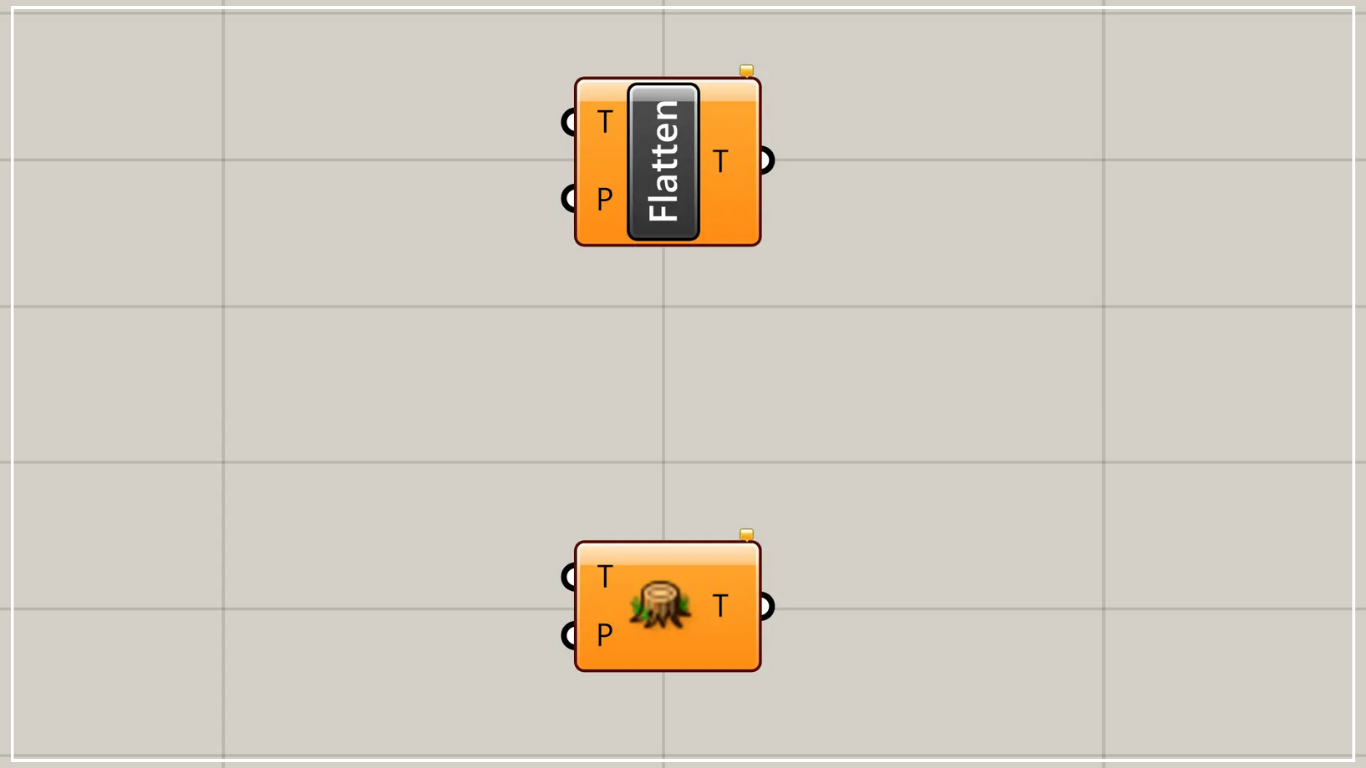
On the Grasshopper, it is represented by either of the two above.
Flatten by specifying a path (branch name)
Using Flatten Tree, you can flatten paths (branch names) by specifying them.
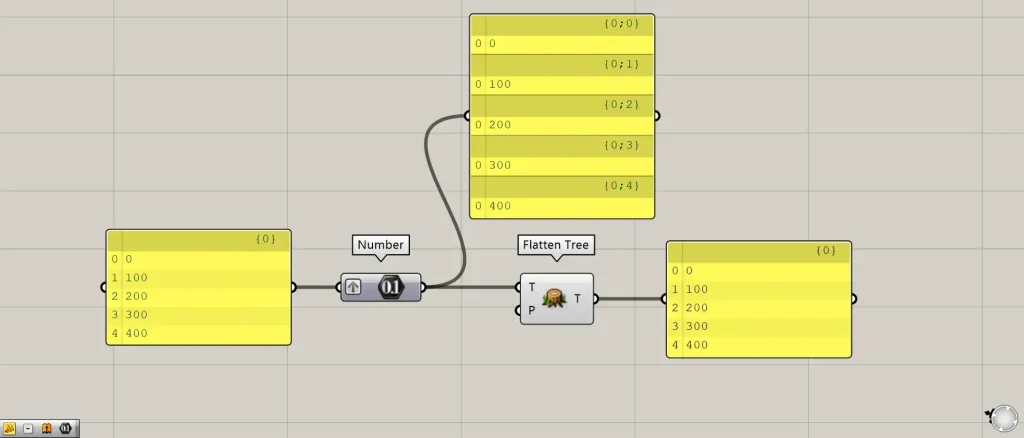
Components used: ①Number ②Flatten Tree
Connect the data you want to flatten to the Flatten Tree (T).
Then, the data will be flattened and output.
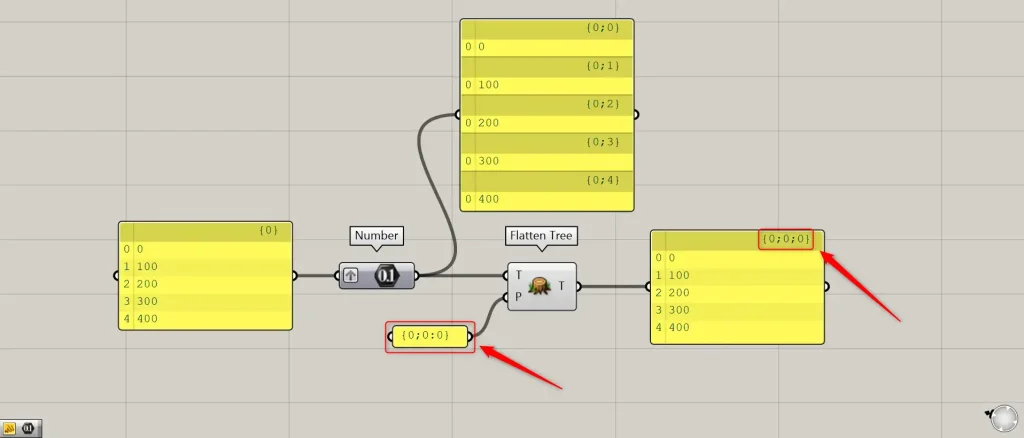
With Flatten Tree(P), you can also specify the output path (branch name).
This time, {0;0;0} is connected to Flatten Tree(P).
Then, as shown in the image above, we were able to set the output path (branch name) to {0;0;0}.
List of Grasshopper articles using Flatten Tree component↓






Comment