
This article explains how to use Solid Difference to create holes in models.
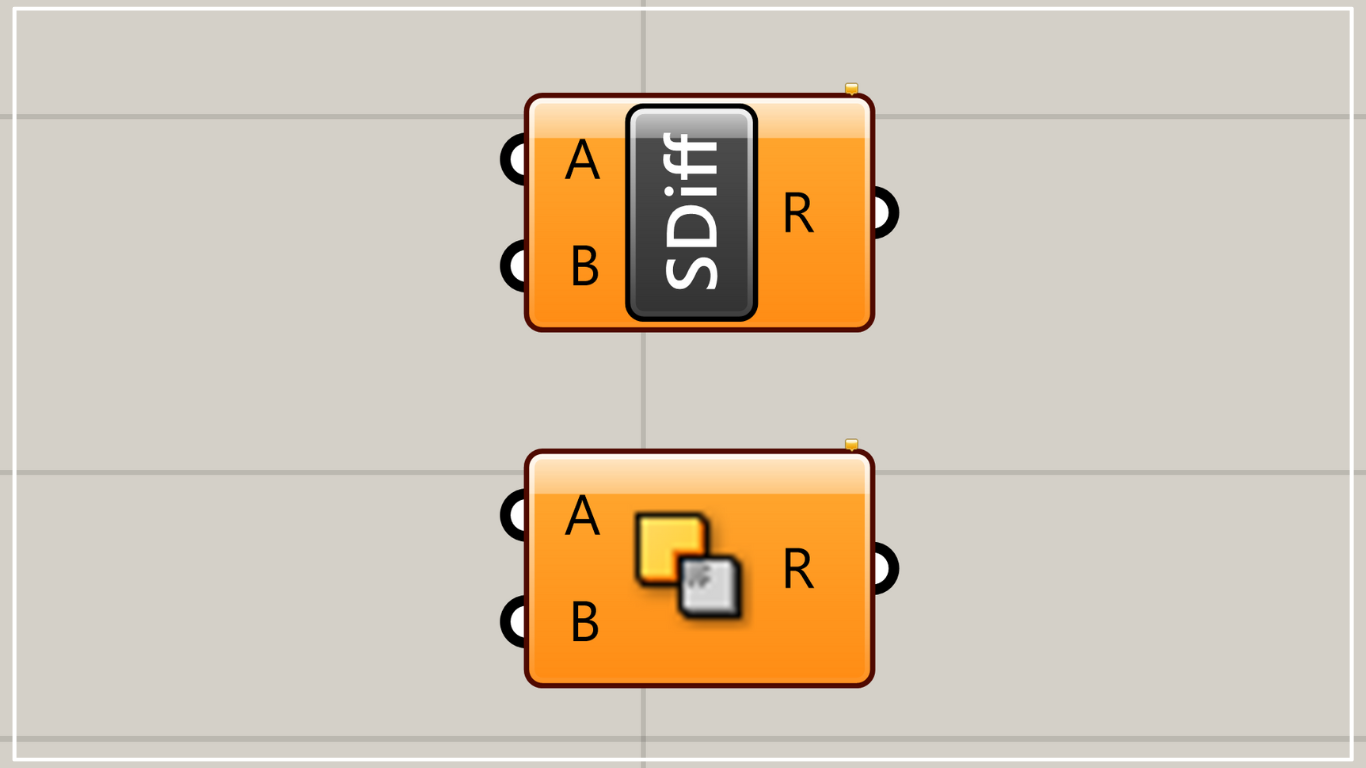
On the Grasshopper, it is represented by either of the two above.
The Grasshopper and Rhino data for this project can be downloaded below for your reference.
Download the Grasshopper and Rhino data here.
For information regarding the use of downloadable data, please refer to the Terms of Use.
How to create holes
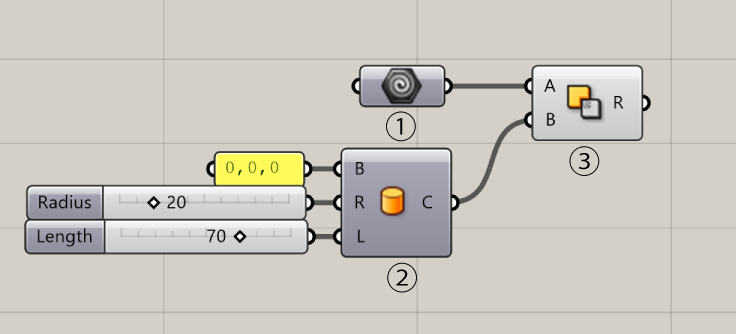
Components used: ① Geometry ② Cylinder ③ Solid Difference
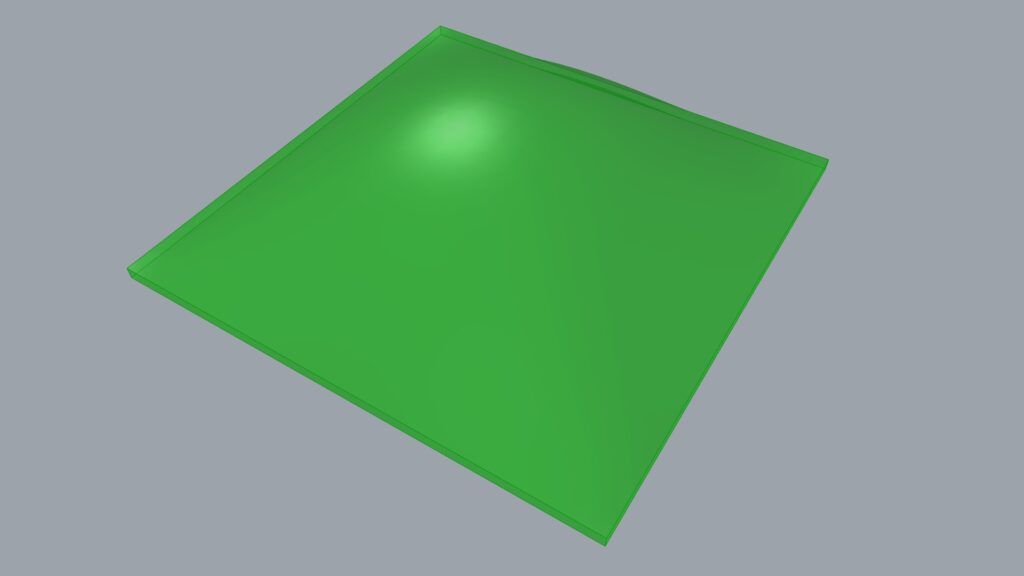
First, place the model you want to create holes in into Geometry.
First, right-click the Geometry component.
If there is one model, select “Set one geometry”; if there are multiple models, select “Set multiple geometries” to set the models.

Next, create or select a model for creating holes.
This will vary depending on the shape and number of holes you want to create, so please adjust it yourself based on your Rhino model.
In this case, we are creating a cylinder using the Cylinder.
Enter 0,0,0 at the Cylinder(B) to specify the origin on Rhino, then use Cylinder(R) to set the radius and Cylinder(L) to set the length.

Use Solid Difference here to create holes.
Connect the model where you want to create holes to Solid Difference(A), and connect the element (in this case, a cylinder) that penetrates the model to Solid Difference(B).
This allowed us to create holes in the model.
Points to Note When Using Solid Difference
Solid Difference is a very useful component that can create holes in Grasshopper, but caution is required.
The reason is that in some cases, it can sometimes slow down your computer or take a long time to generate the hole.
When running multiple models together, place interfering models within the same branch
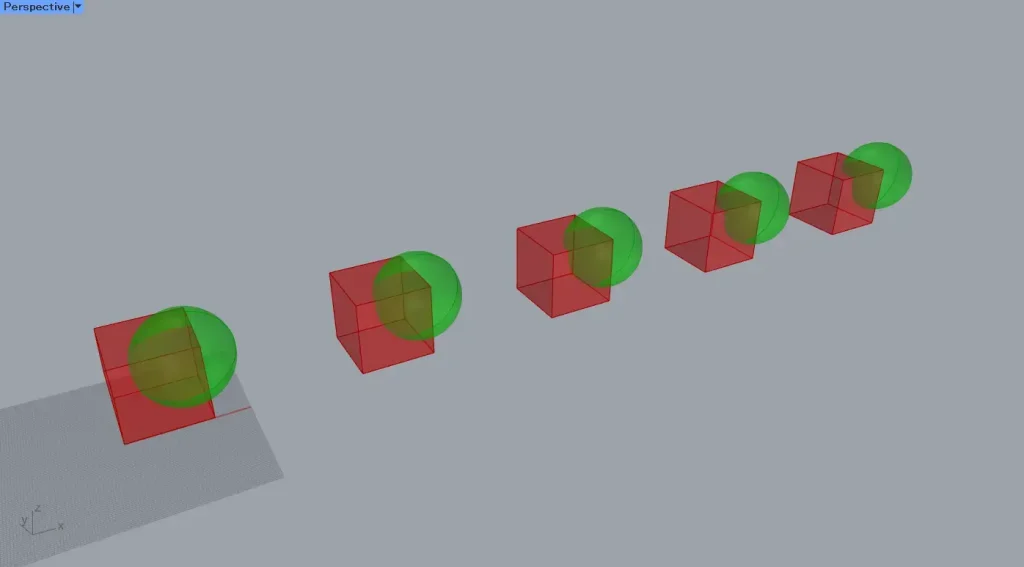
When using multiple models, we recommend carefully designing the branch structure.

Please refer to the content in the link above, “When using multiple models, devise branch structure.”
Although it’s an article from Solid Intersection, the principle remains the same.
Create holes after exporting to Rhino
In the previous case, since it was only one cylinder, processing finished immediately.
However, when performing the operation on multiple cylinders, it will affect performance.
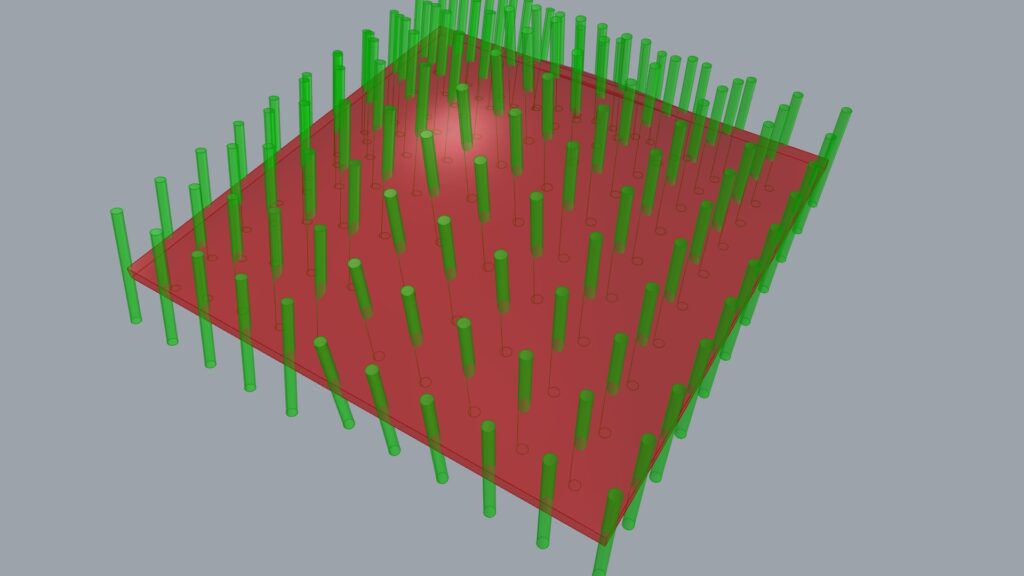
In the case of multiple cylinders like this above, it felt like it took ten times as long to create the hole.
As a countermeasure, first proceed to the stage of creating cylinders in Grasshopper.
After exporting the cylinders to Rhino, it is recommended to directly create holes in Rhino using commands such as Boolean Difference.
List of Grasshopper articles using Solid Difference component↓




Comment