
![[Grasshopper] How to use Mirror to mirror or flip a model](https://iarchway.com/wp-content/uploads/2026/01/eyecatch-7.png)
This article explains how to use Mirror to mirror or flip a model.
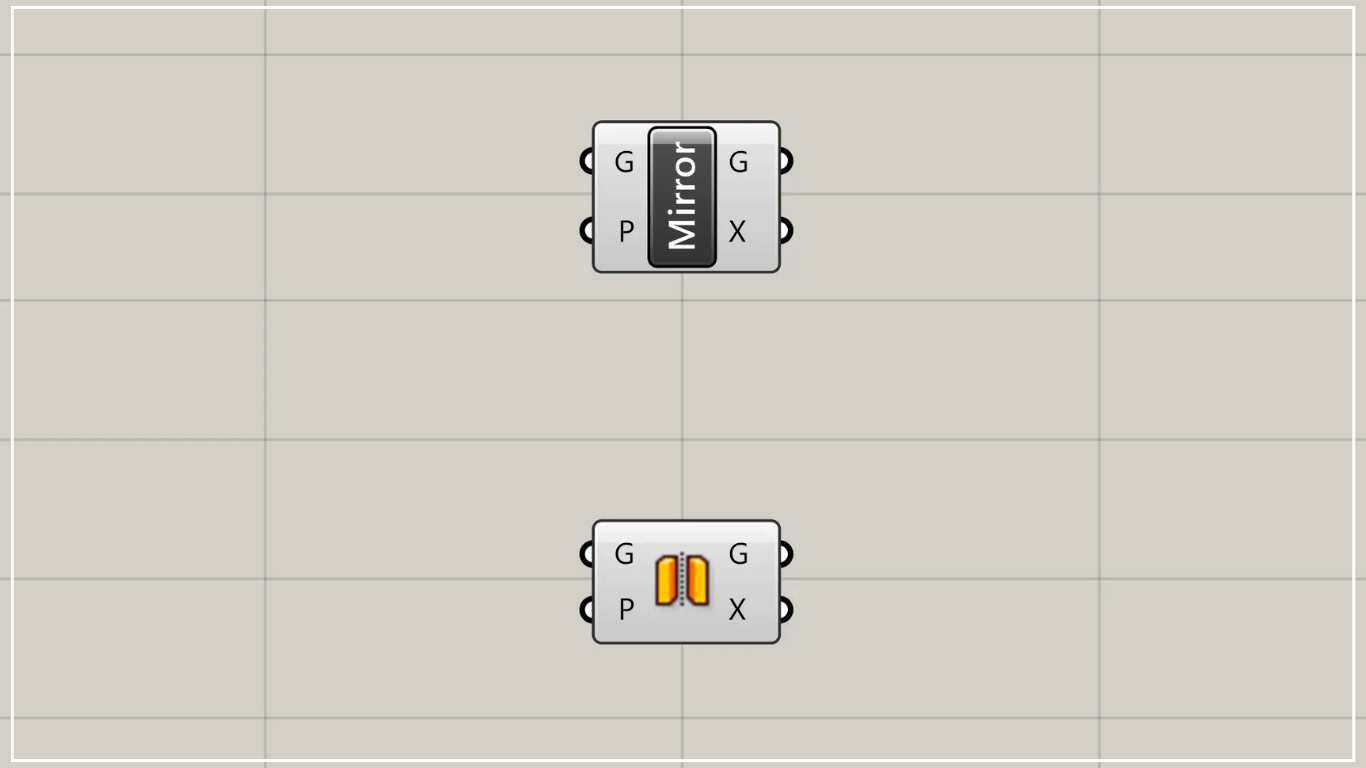
On the Grasshopper, it is represented by either of the two above.
Mirror/Flip a model
Using Mirror allows you to mirror or flip a model.
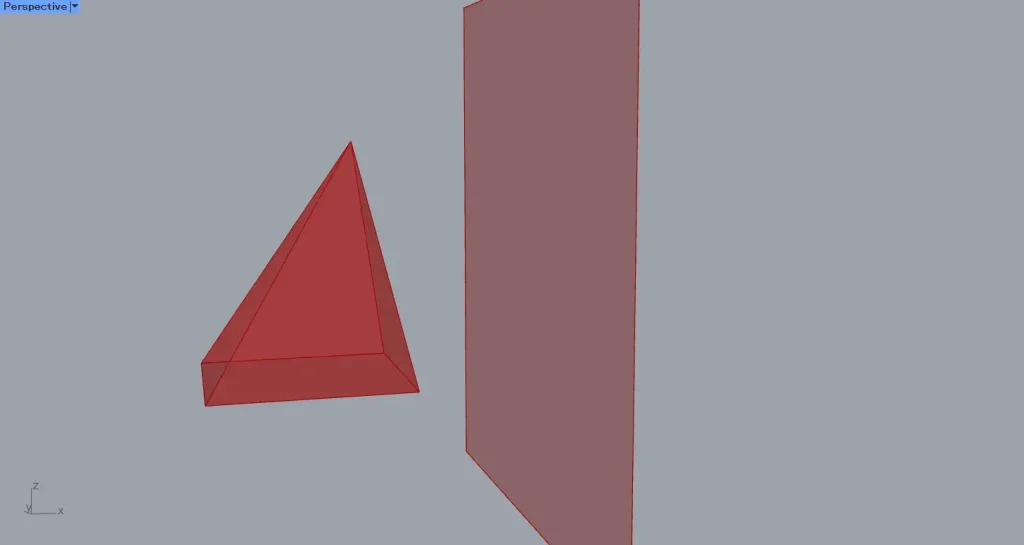
For this example, we will use the Brep model and surface shown in the image above.
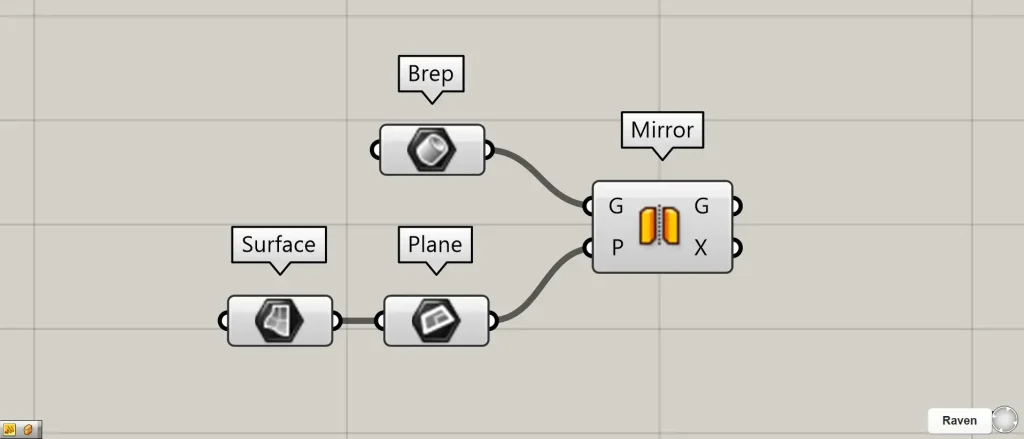
Components used: ①Brep ②Surface ③Plane ④Mirror
Connect the model for mirror to Mirror(G).
This time, we are connecting the Brep that sets the Brep models.
Additionally, connect the plane that serves as the axis for flipping to Mirror(P).
This time, we’ve connected the Surface containing the planar surface to a Plane to convert it into a plane, and then connected it to a Mirror(P).
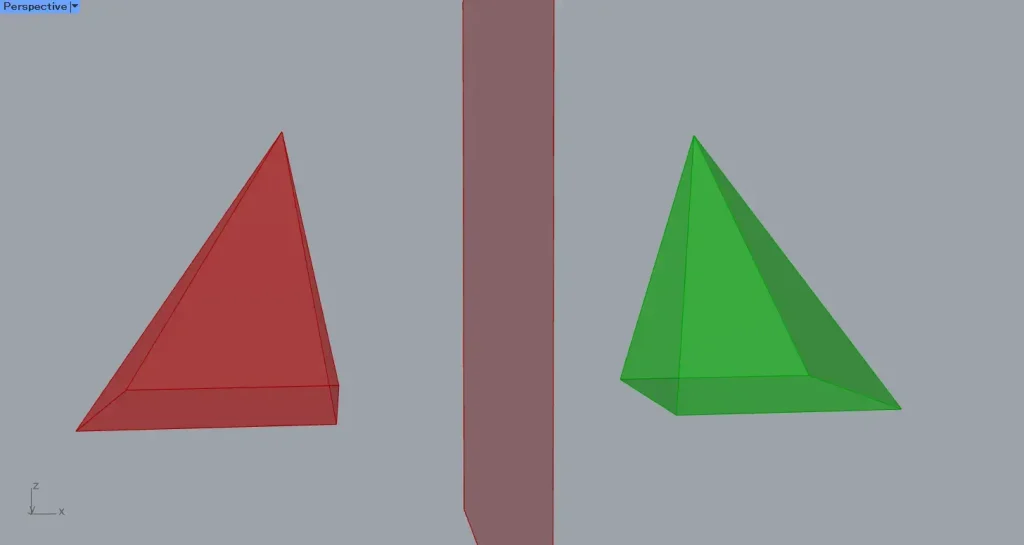
Then, as shown in the image above, we were able to mirror and flip the model.
Output data
Let’s take a look at the output data.
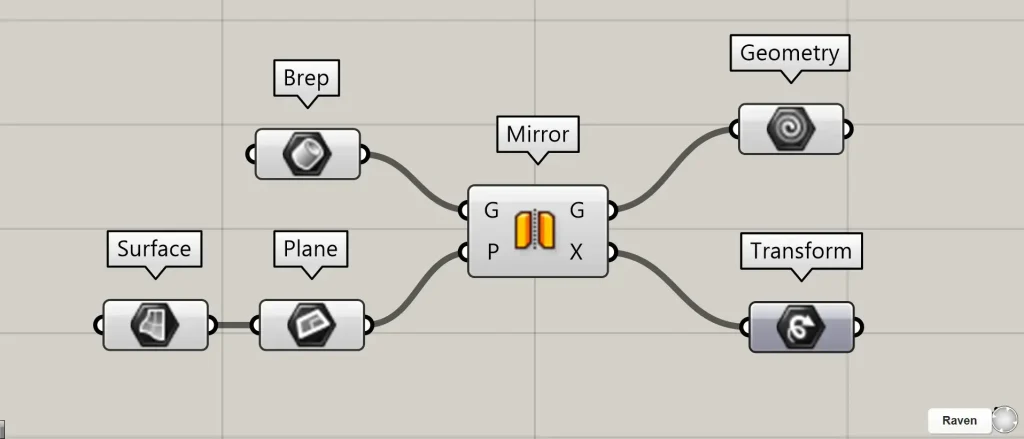
Additional Components: ①Geometry ②Transform
Mirror(G) outputs mirrored model data.
Mirror(T) outputs Transform data containing information about what transformations and movements were applied.
List of Grasshopper articles using Mirror component↓





Comment