
![[Grasshopper] How to use Number to set numerical values](https://iarchway.com/wp-content/uploads/2026/01/eyecatch-31.png)
This article explains how to use Number to set numerical values.

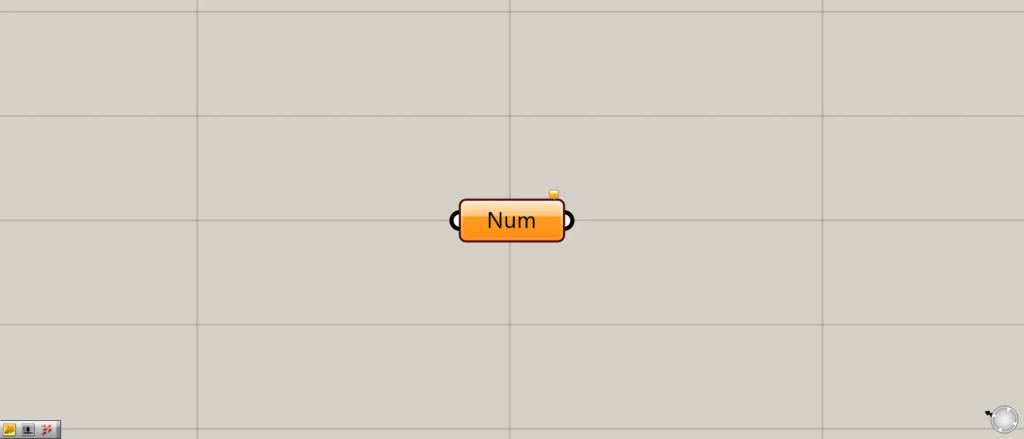
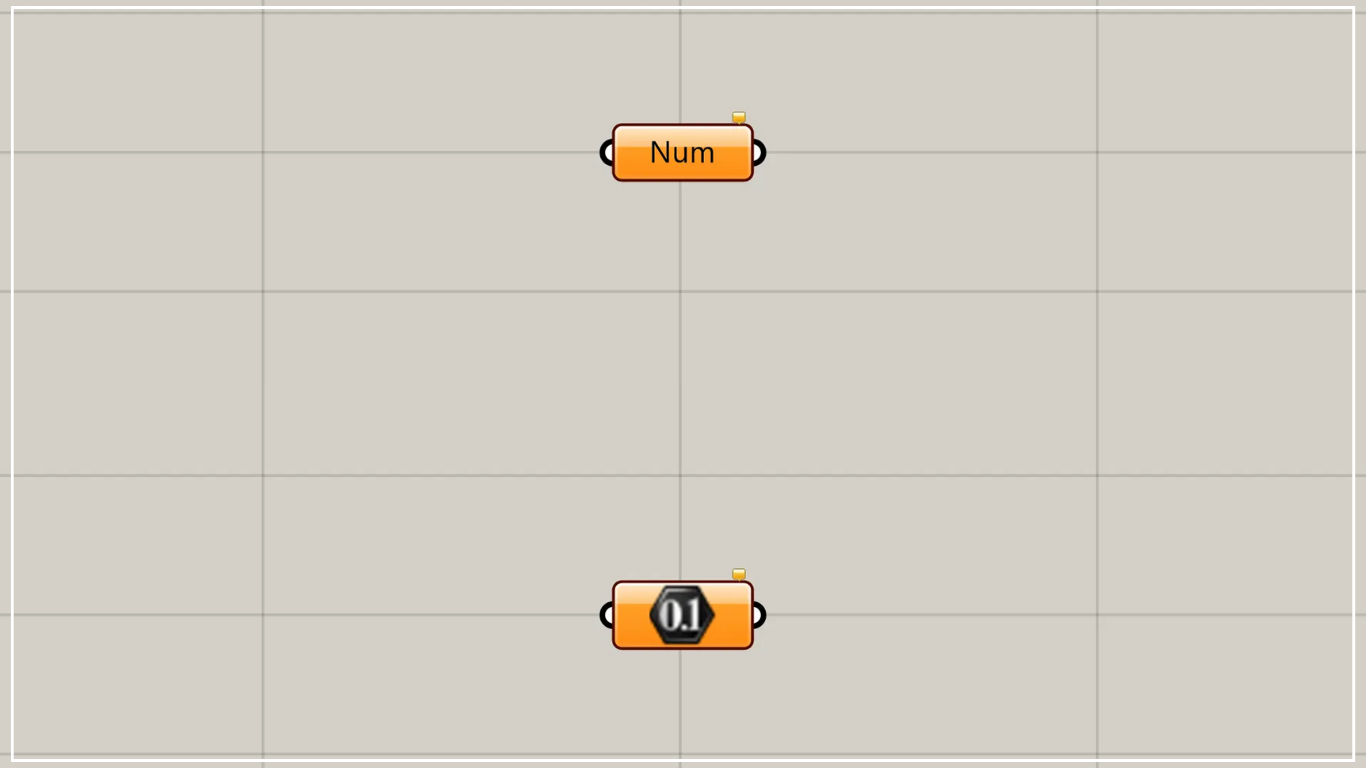
On the Grasshopper, it is represented by either of the two above.
Set numbers and values
Using Number allows you to set decimals and numerical values.
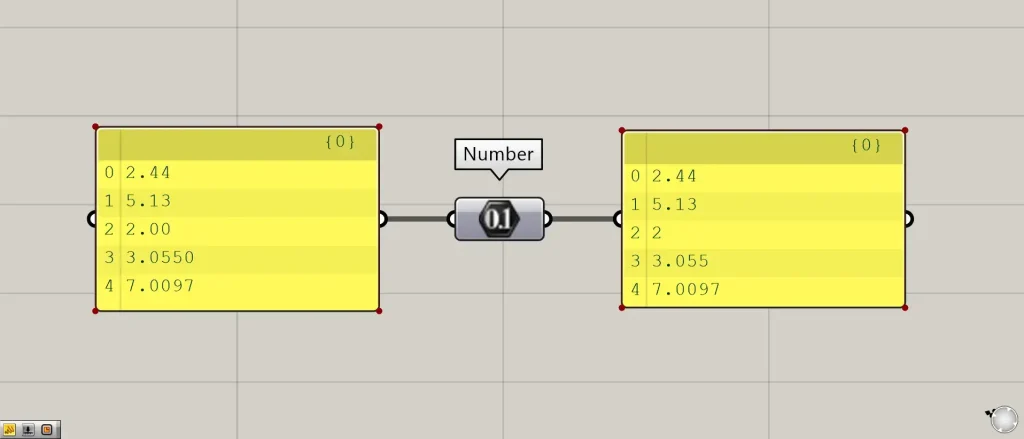
As shown in the image above, when you connect each numerical data point, you can see that the values are set in the Number variable.
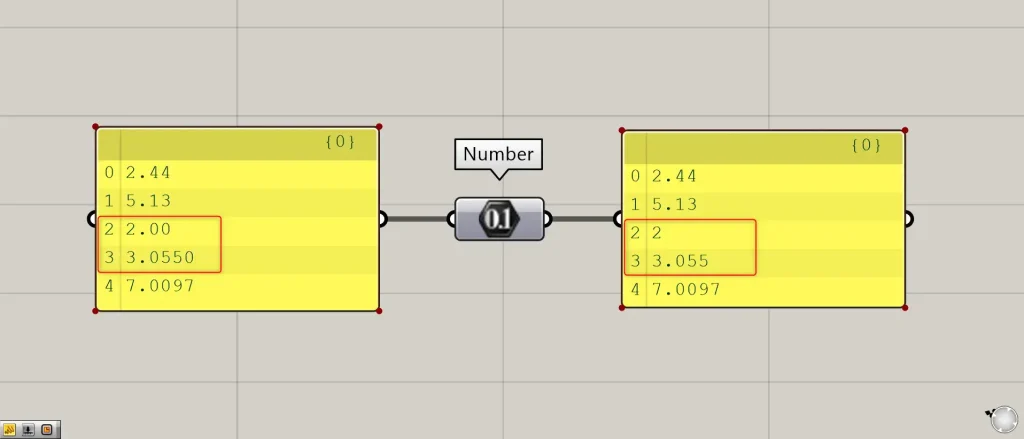
Looking at the entered values like 2.00 or 3.0550, you can see that trailing zeros are omitted.
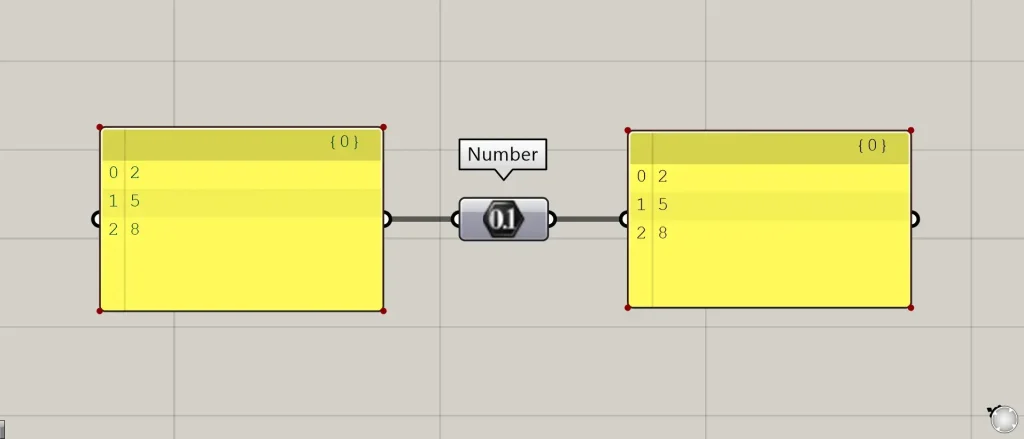
As shown in the image above, integers can also be set.
Setting values directly in Number
You can also set values directly in Number.
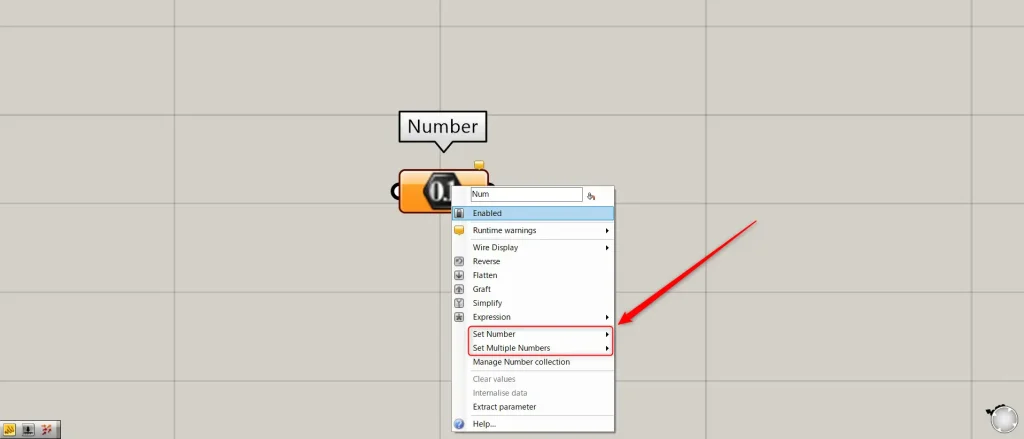
To set a number directly in a Number field, right-click the Number field.
Then, the items “Set Number” and “Set Multiple Numbers” will appear.
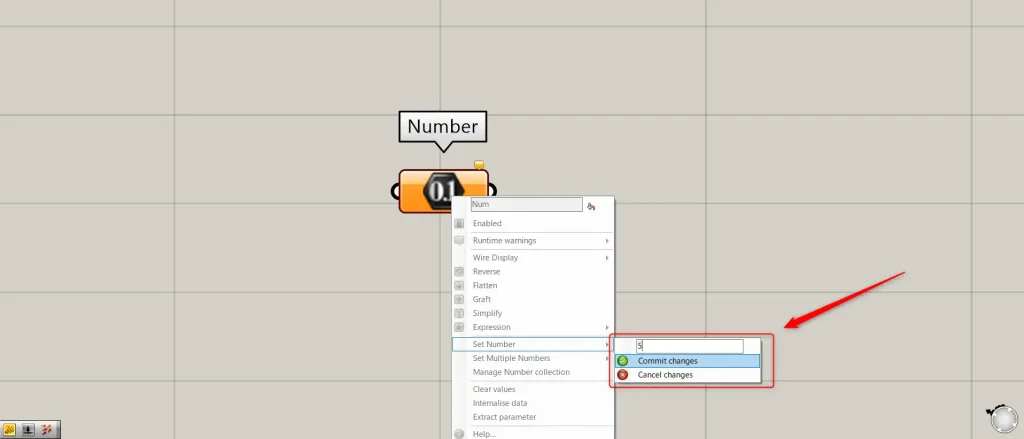
For a single value, select “Set Number”.
Then, as shown in the image above, enter any value and click Commit changes.
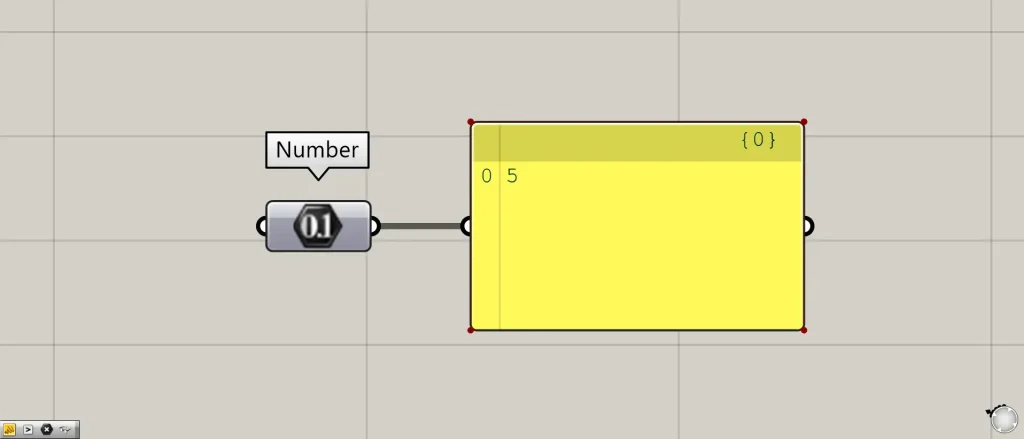
Then, as shown in the image above, a single value was set directly in Number.
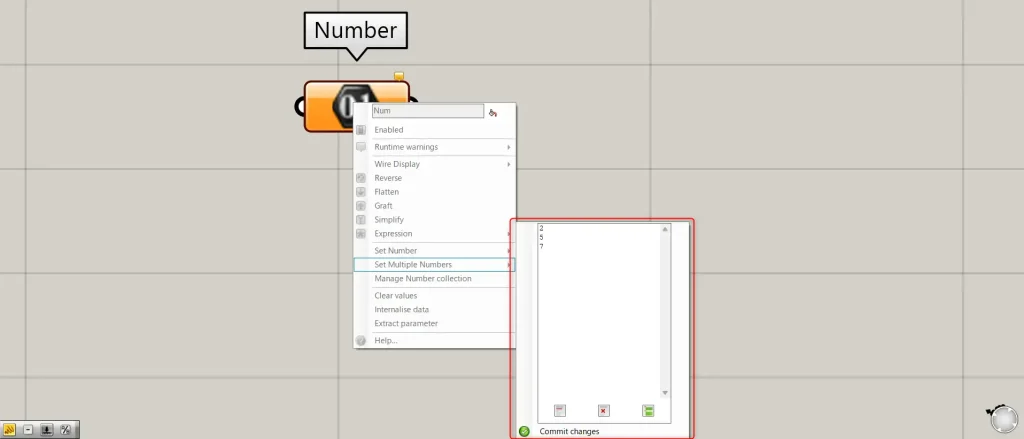
When entering multiple numbers, select “Set Multiple Numbers”.
Then, enter any multiple values, separating them with line breaks, and click Commit changes.

Then, as shown in the image above, multiple values were set directly.
List of Grasshopper articles using Number component↓





Comment