
![[Grasshopper] How to use Sine to find the value of y=sin(x)](https://iarchway.com/wp-content/uploads/2026/01/Sine.png)
This article explains how to use Sine to find the value of y=sin(x).
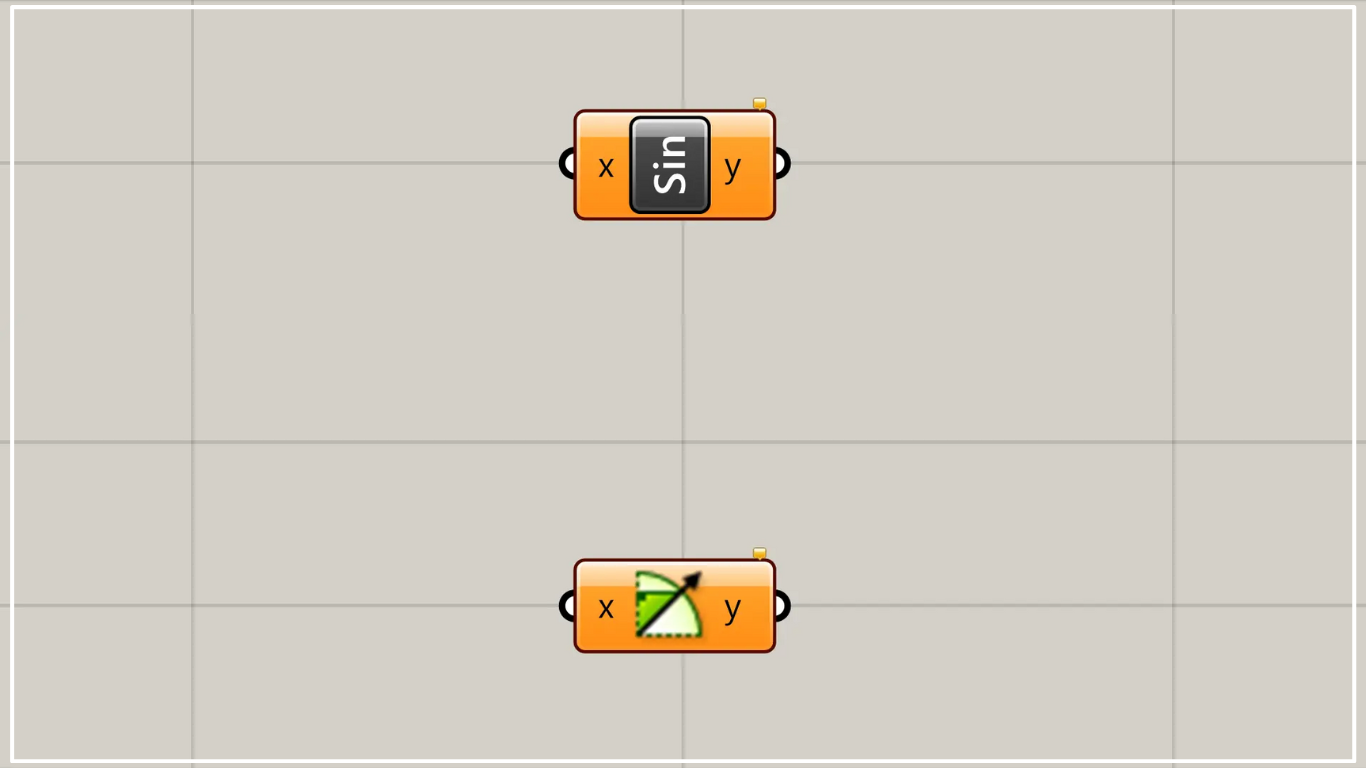
On the Grasshopper, it is represented by either of the two above.
Find the value of y = sin(x)
Using sine allows you to find the value of y = sin(x).
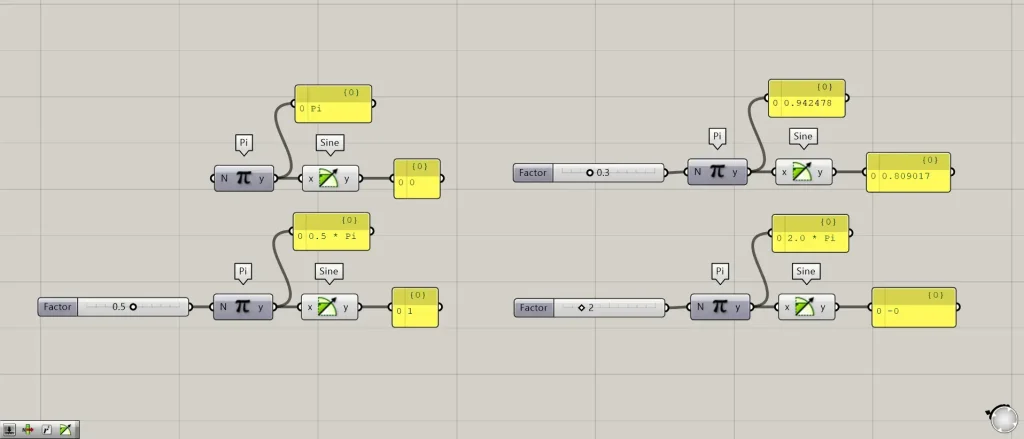
Components used: ①Pi ②Sine
Enter the value in radians (rad) (the x-value in y=sin(x)) into the Sine(x).
This time, we are generating the value of π on using the Pi.
In the image above, Π, 0.5Π, 0.3Π, and 2Π are connected to the Sine(x), respectively.
Then, the result of the sin(x) calculation will be output from the Sine(y).
Calculate by degree
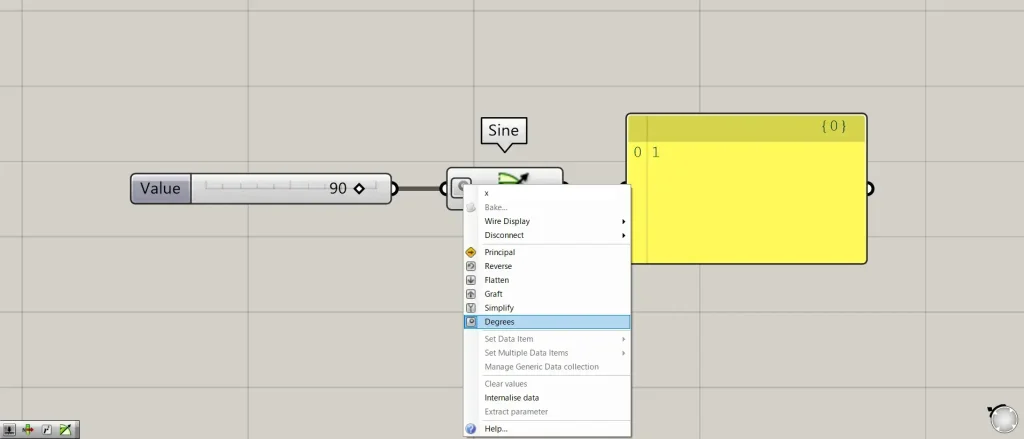
To calculate in degrees, right-click the Sine(x) and select “Degrees”.
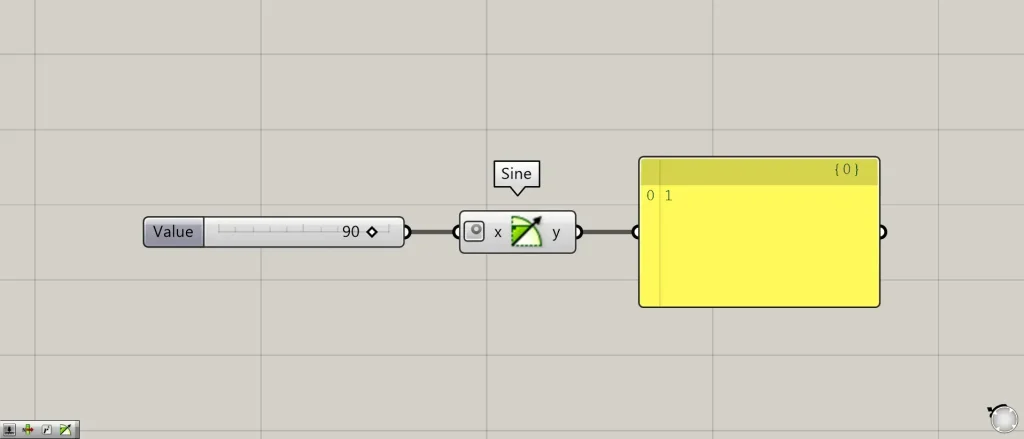
Then, as shown in the image above, we were able to calculate it in degrees.
This time, we entered 90, inputting the information for 90 degrees.
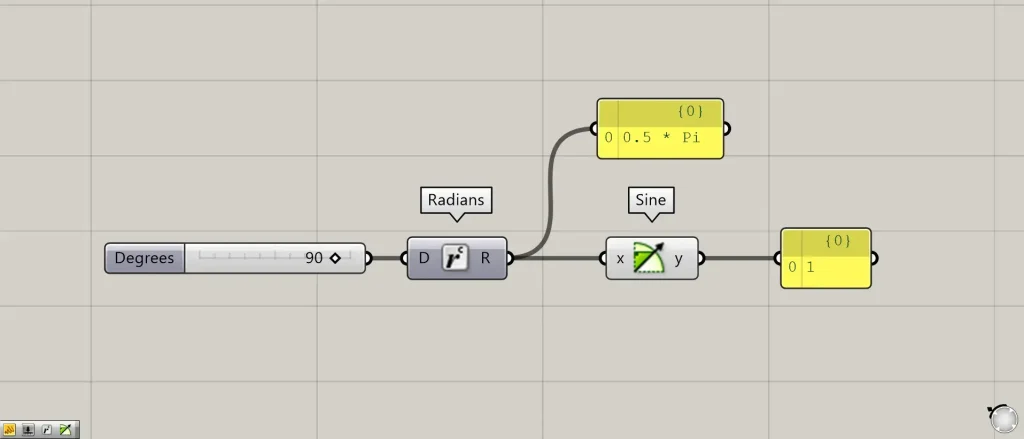
Additional Components: ① Radians
Alternatively, you can convert degrees to radians by connecting the value to Radians for calculation.
Usage Examples
This time, as an example of using Sine, we’ll create a curve using Sine.
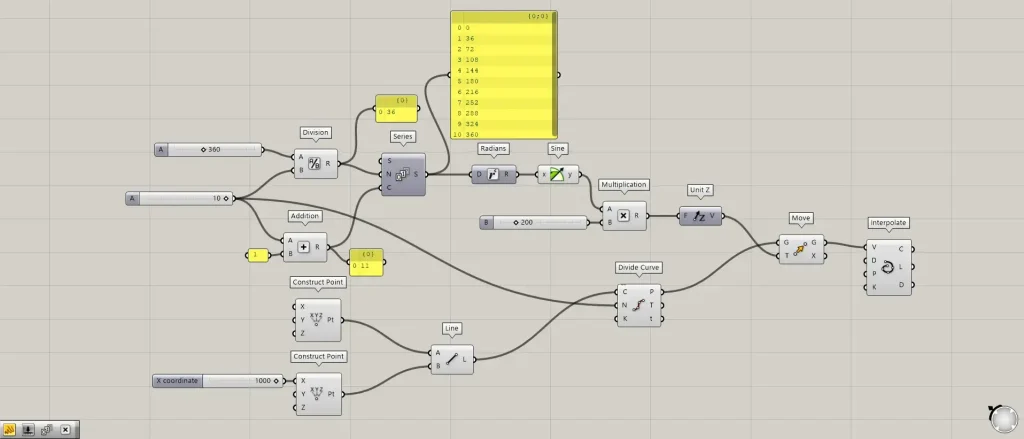
Overall Components: ① Division ② Addition ③ Series ④ Radians ⑤ Sine ⑥ Multiplication ⑦ Unit Z ⑧ Construct Point ⑨ Divide Curve ⑩ Move ⑪ Interpolate
Enter the value 360 into the Division(A).
Then, connect the value 10 to the Division(B).
Then, the value 360 ÷ 10 = 36 is output.
Then, enter the numbers 10 and 1 into Addition.
Then, the number 10+1=11 is output.
This is because when creating the values 0, 36, 72…360, the total becomes 11 numbers, so we add 1 to 10.
Then connect the Division to the Series(N).
Also, connect the Addition to the Series(C).
Then, 11 numbers incrementing from 0 to 36 will be generated.
Then connect the Series to the Radians.
This converts the angle’s degree measurement to radians (rad).
Then, connect Radians to Sine and obtain the y-value of Sine.
Then, connect the Sine and the numerical value of any multiplier to the Multiplication.
This time, we are entering the value 200.
Next, connect the Multiplication to Unit Z.
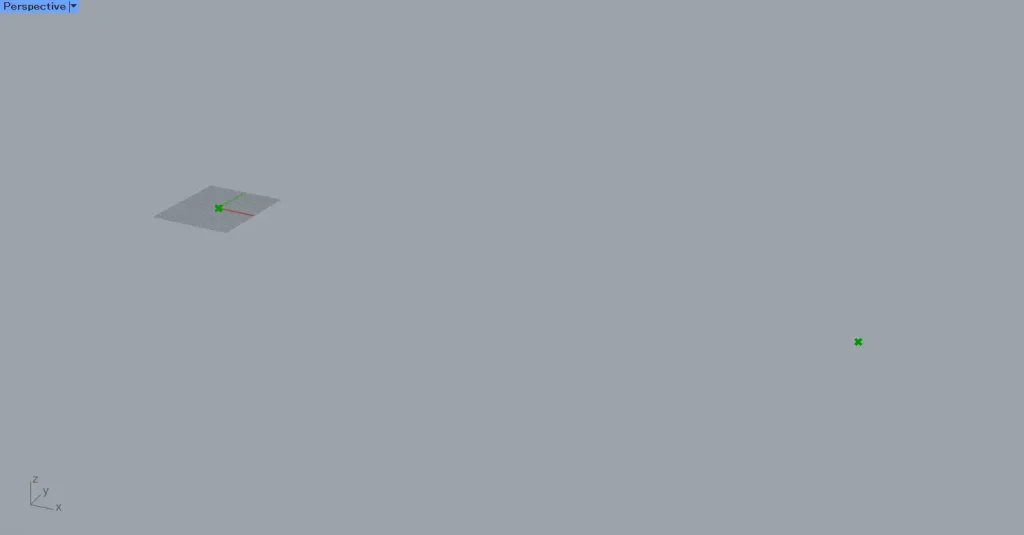
Next, prepare two Construct Point.
Leave the first Construct Point as is. Enter 1000 into the second Construct Point(X).
Then, as shown in the image above, points were created at the coordinates 0,0,0 and 1000,0,0.
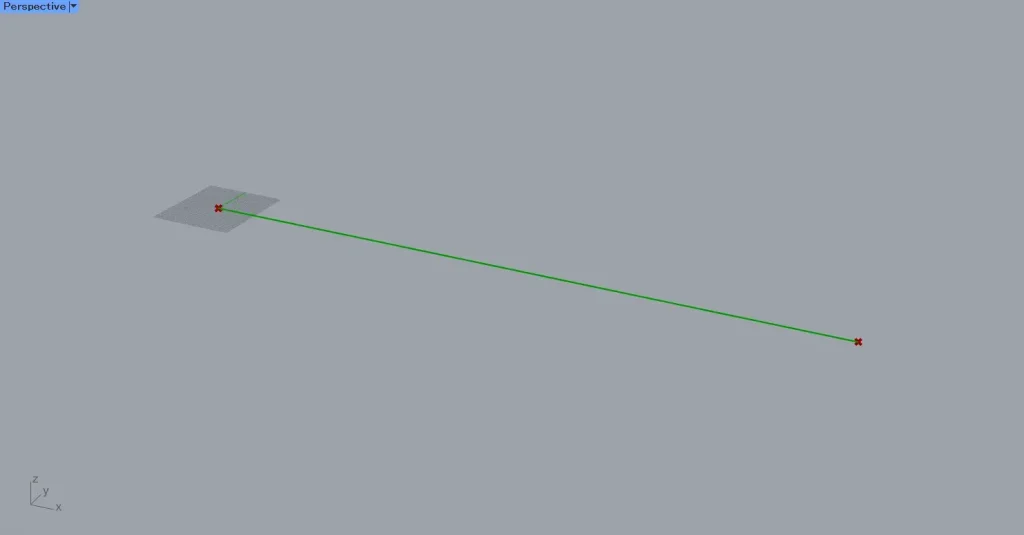
Then, connect the two Construct Point to the Line.
Then, as shown in the image above, a line connecting the two points is created.
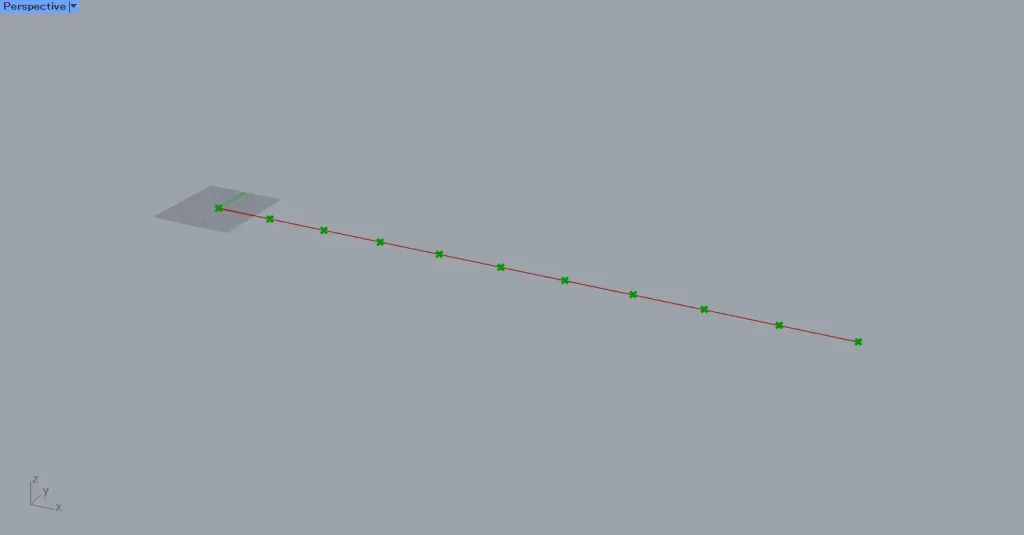
Then connect the line to the Divide Curve(C).
Next, connect the value of 10 used earlier to the Divide Curve(N).
Then, points will be created at the positions where the line is divided into 10 segments.
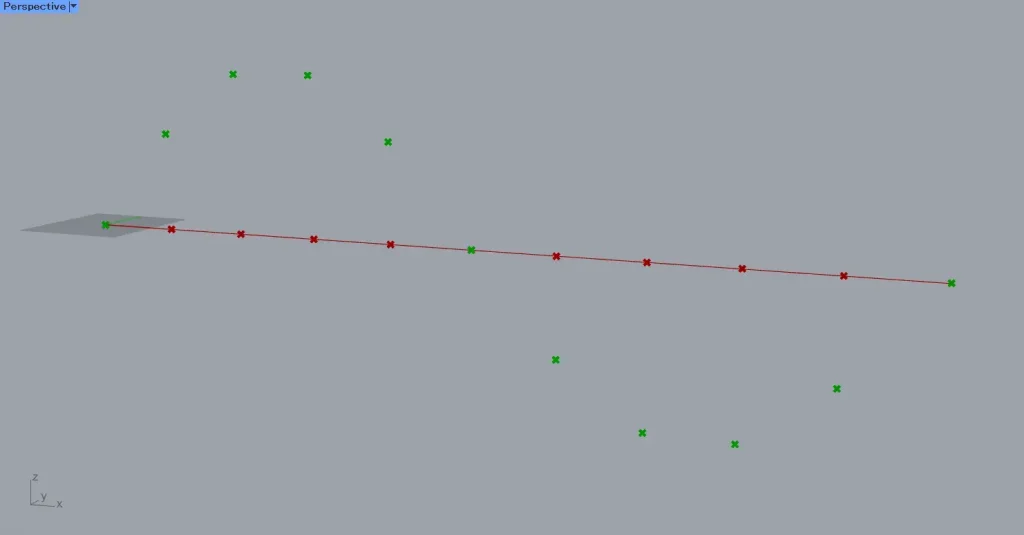
Next, connect the Divide Curve(P) to the Move(G).
Next, connect Unit Z to the Move(T).
Then, as shown in the image above, the points moved in a sine wave pattern.
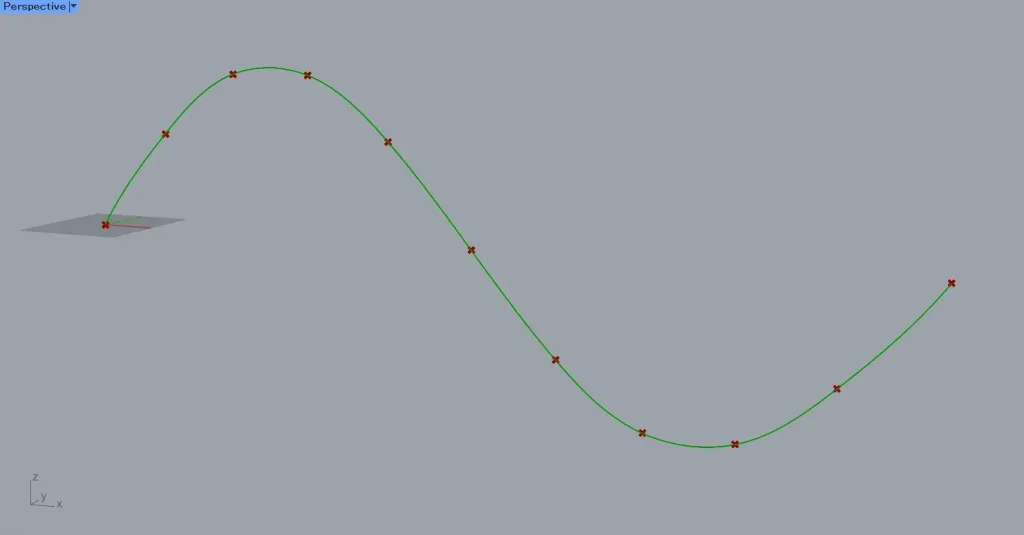
Next, connect the Move(G) to the Interpolate(V).
Then, as shown in the image above, a curve was created by connecting the points.
List of Grasshopper articles using Sine component↓





Comment