
![[Grasshopper] How to use Surface Closest Point to find a closest point on a surface from a given point](https://iarchway.com/wp-content/uploads/2026/01/Surface-Closest-Point.png)
This article explains how to use Surface Closest Point to find a closest point on a surface from a given point.
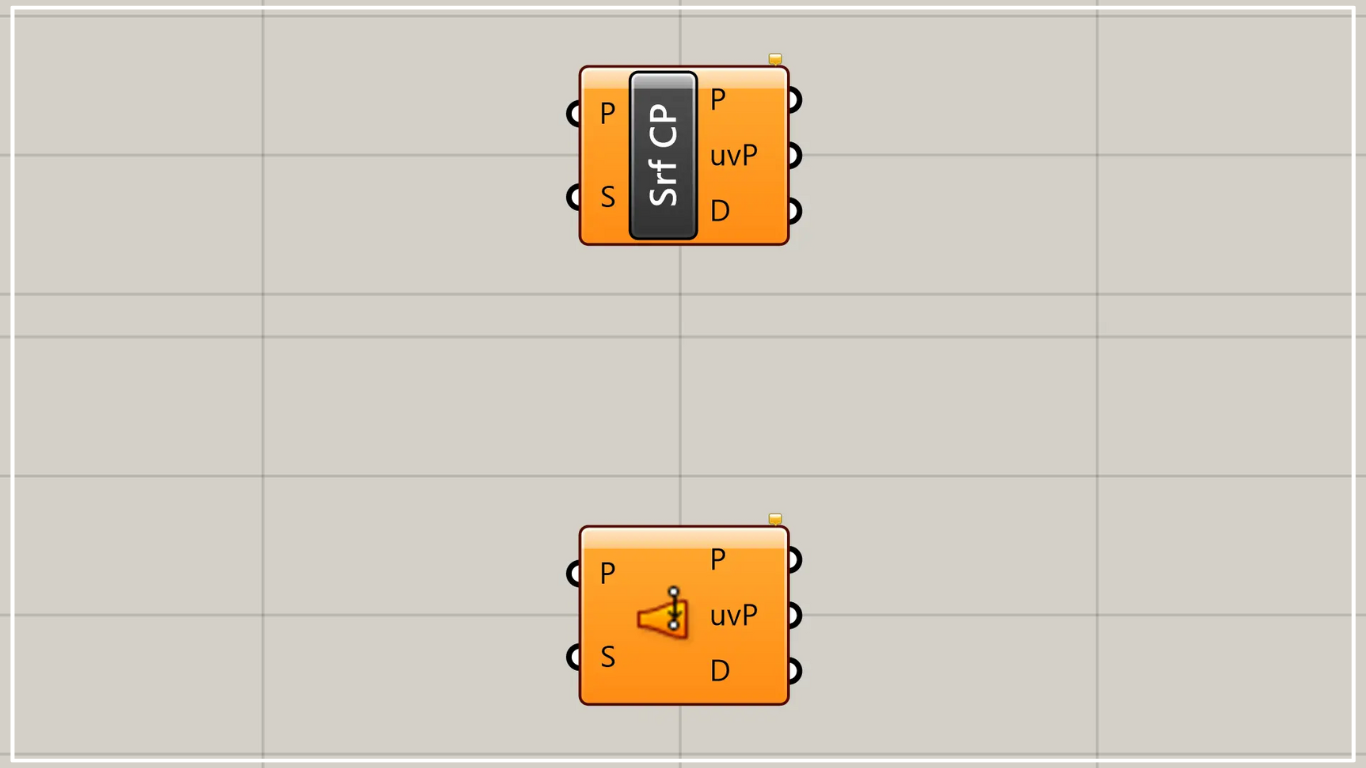
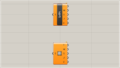
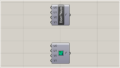
On the Grasshopper, it is represented by either of the two above.
Find the closest point on a surface from a given point
Using Surface Closest Point allows you to obtain the closest point on a surface from a given point.
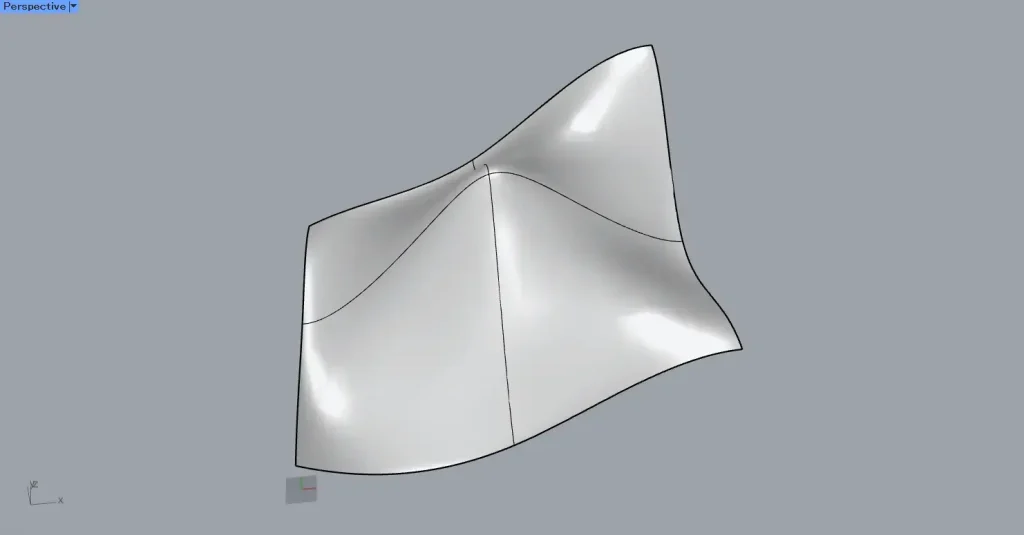
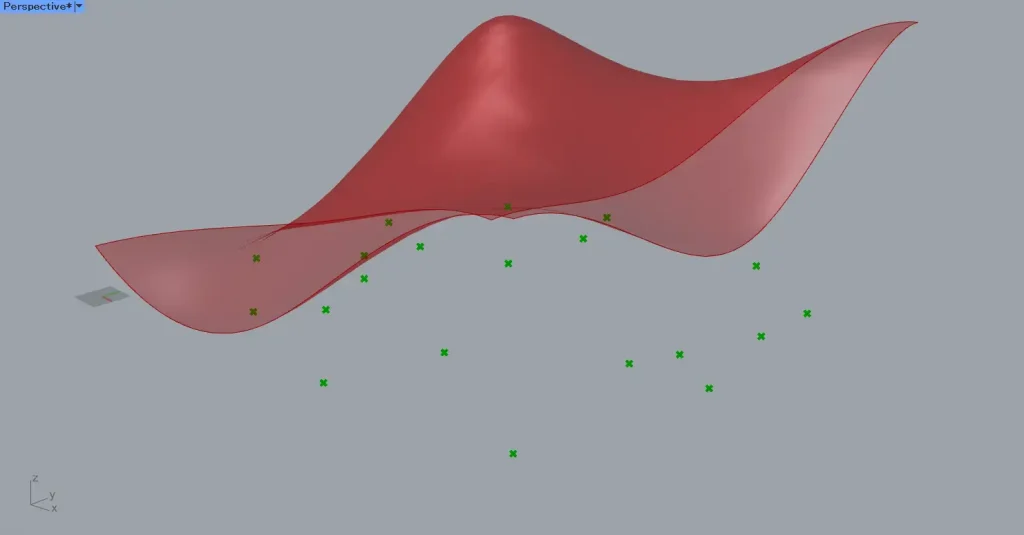
This time, we will use the surface on Rhino in the image above.
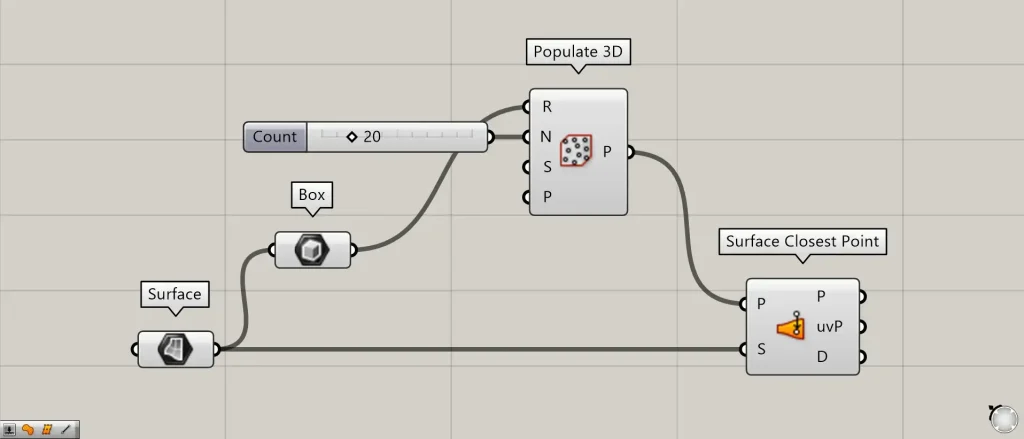
Components used: ①Surface ②Box ③Populate 3D ④Surface Closest Point
For example, let’s create random points and reflect them onto a surface.
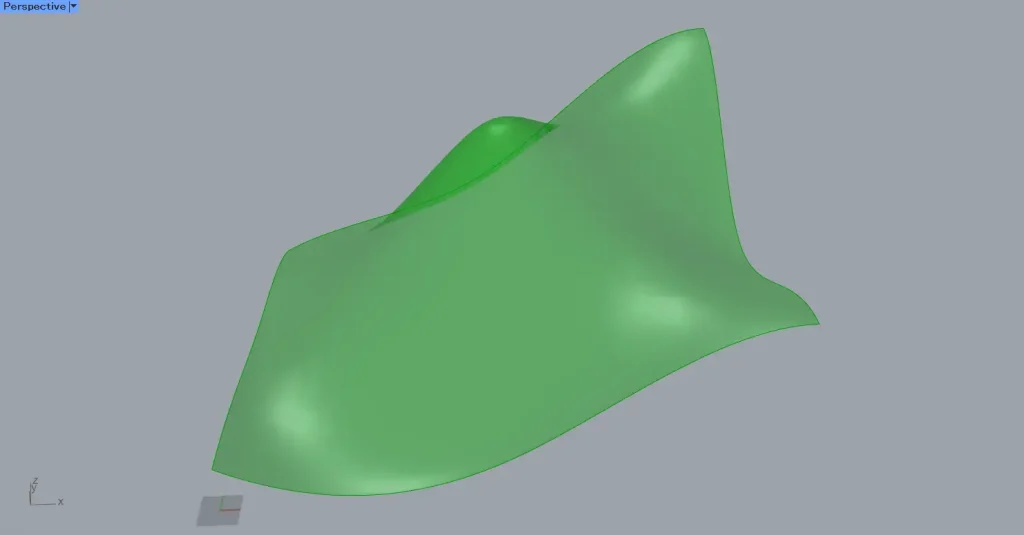
First, set the surface on Rhino on the Surface.
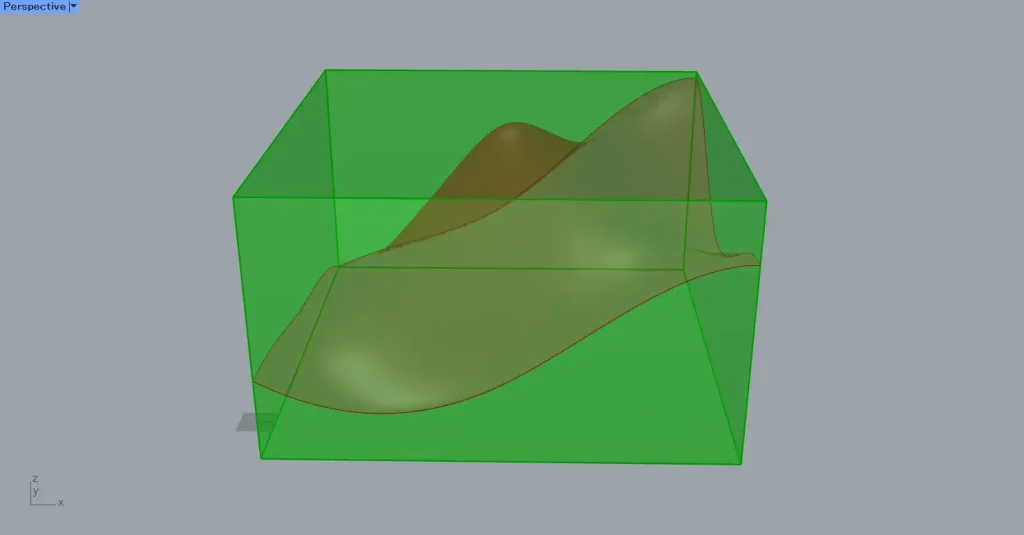
Then connect the Surface to the Box.
Then, as shown in the image above, a bounding box will be created around the surface.
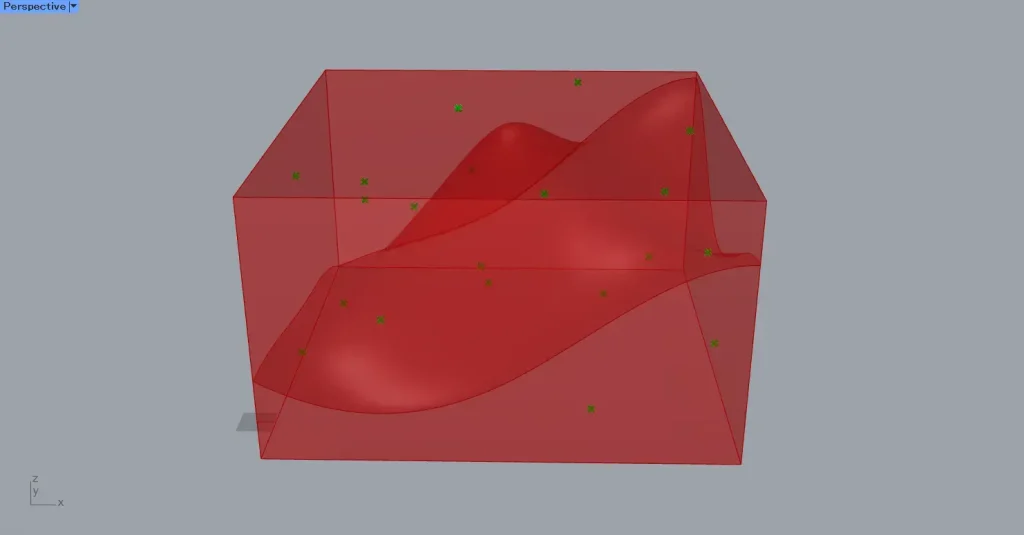
Then connect the Box to the Populate 3D(R).
Additionally, enter the number of points into the Populate 3D(N).
This time, we entered 20.
Then, 20 random points were created inside the box.
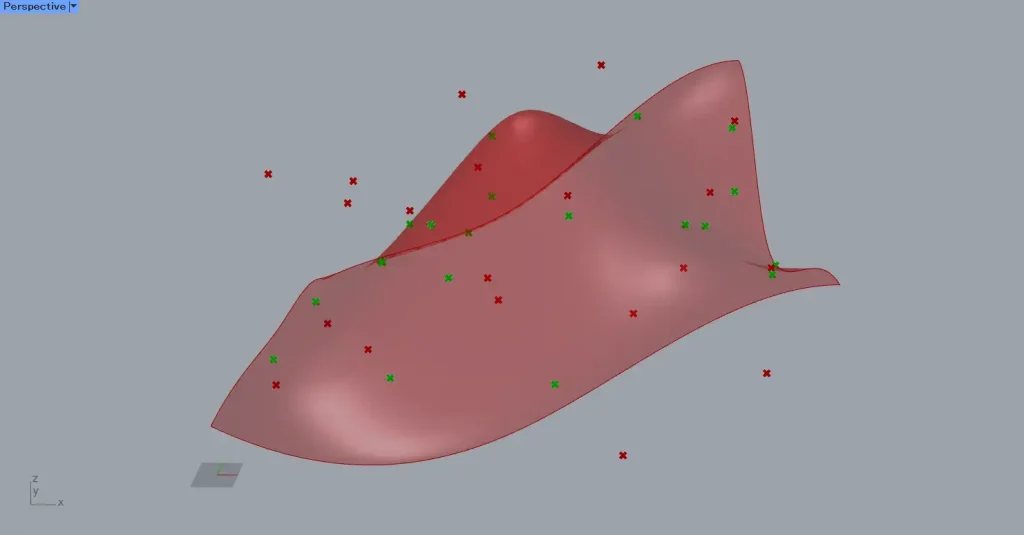
Next, connect Populate 3D to the Surface Closest Point(P).
Also, connect the Surface to the Surface Closest Point(S).
Then, new points were created at the location closest to the surface among the surrounding points.
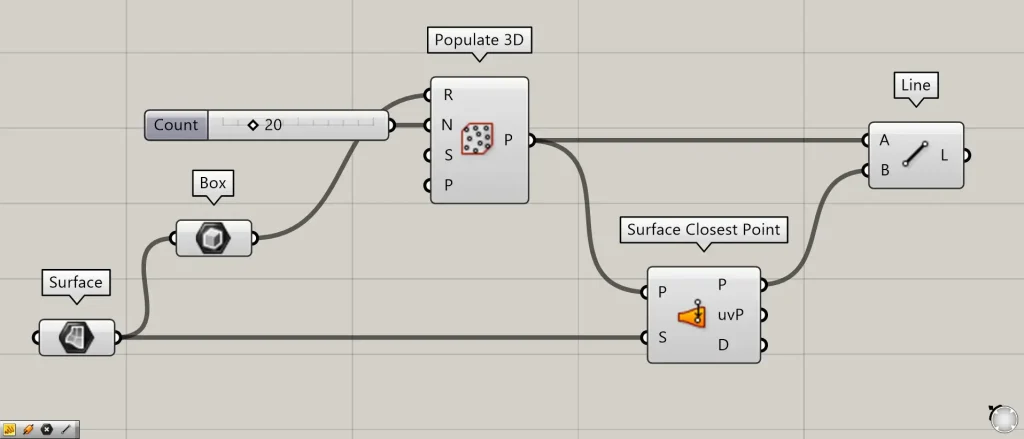
Additional Component: ①Line
We’ll create lines between the original points and the newly created points to check.
Connect the Populate 3D(P) and Surface Closest Point to the Line(A and B).
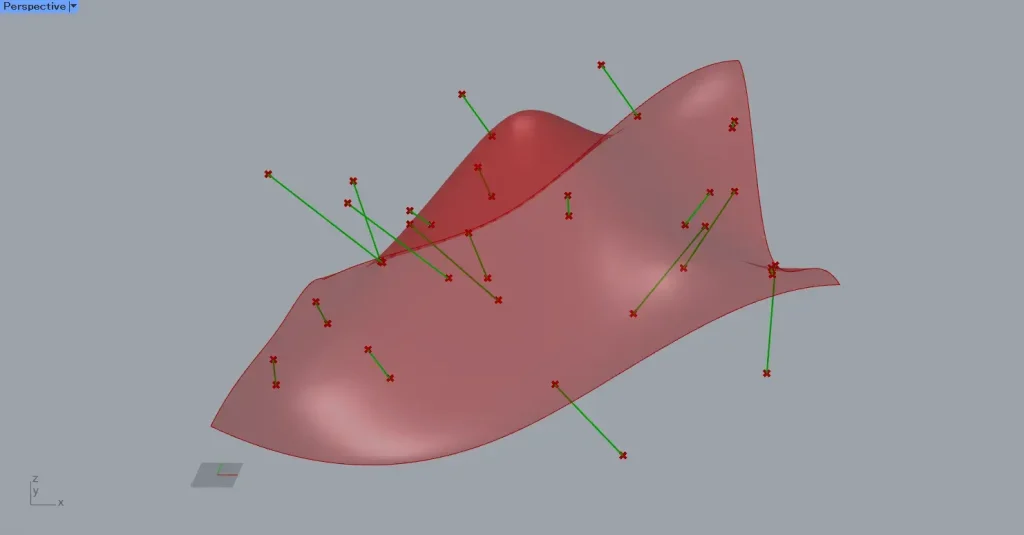
Then, as shown in the image above, lines are created, and you can see that the original point has moved to the location closest to the surface.
Output data
Next, let’s take a look at the output data.
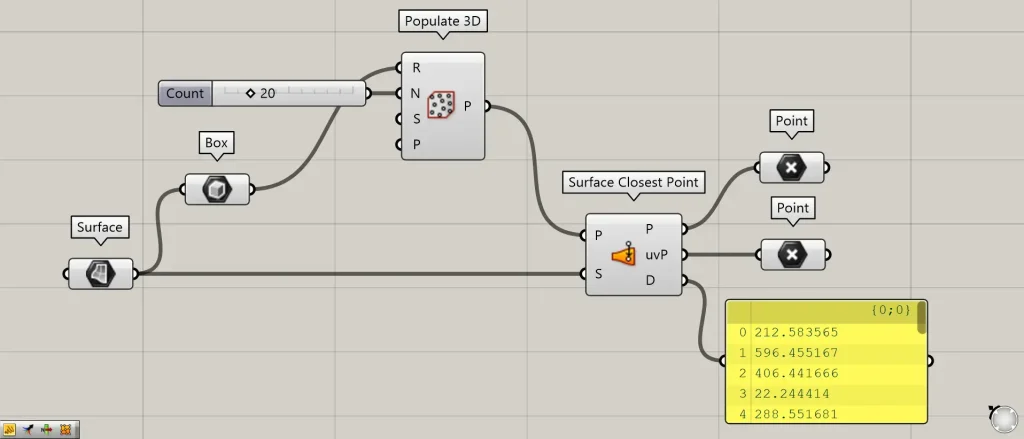
Additional Component: ①Point
The Surface Closest Point(D) outputs the numerical value representing the distance between the original point and the newly created point.
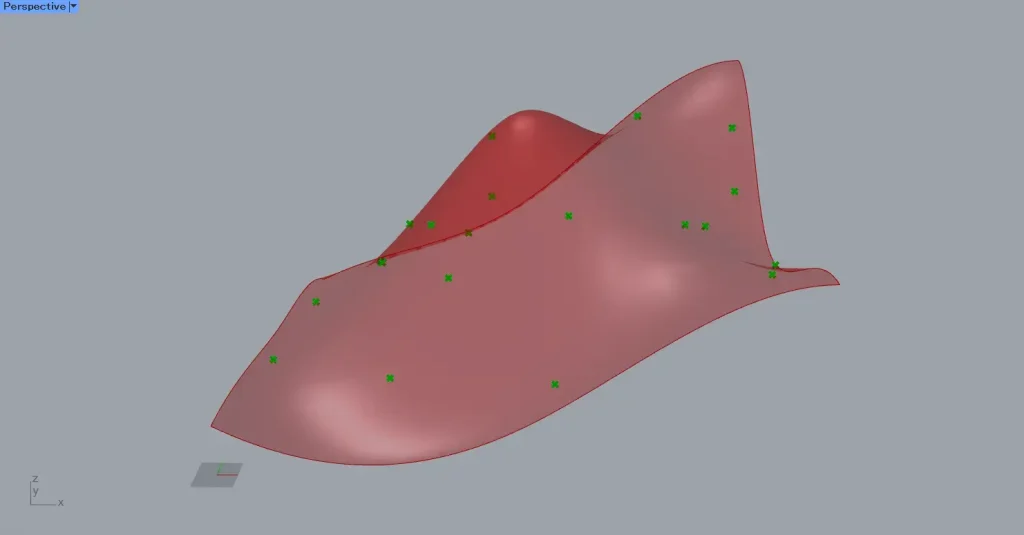
The Surface Closest Point(P) outputs point data on the surface.
The Surface Closest Point(uvP) outputs point data for the surface when it is flattened.
In this case, point data is created on the plane formed by the X and Y axes.
This Surface Closest Point(uvP) is extremely important when acquiring surface information.
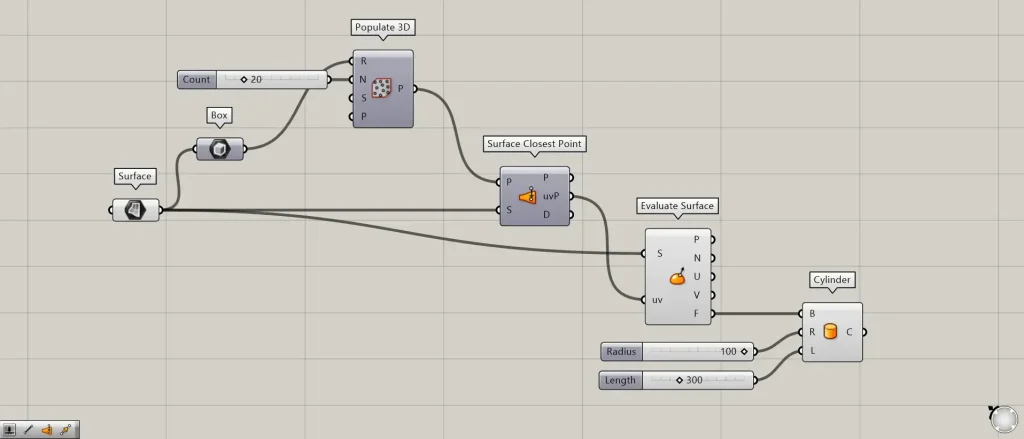
Additional Components: ①Evaluate Surface ②Cylinder
A common example is combining it with Evaluate Surface to retrieve surface information.
In this case, connect the Surface to the Evaluate Surface(S).
Then, connect the Surface Closest Point(uvP) to the Evaluate Surface(uv).
Then, you can obtain various information about points on a surface where point data exists.
For example, we will use the plane data output from the Evaluate Surface(F).
Connect the Evaluate Surface(F) to the Cylinder(B).
Enter the radius value into the Cylinder(R).
This time, we entered 100.
Enter the height value into the Cylinder(L).
This time, we entered 300.
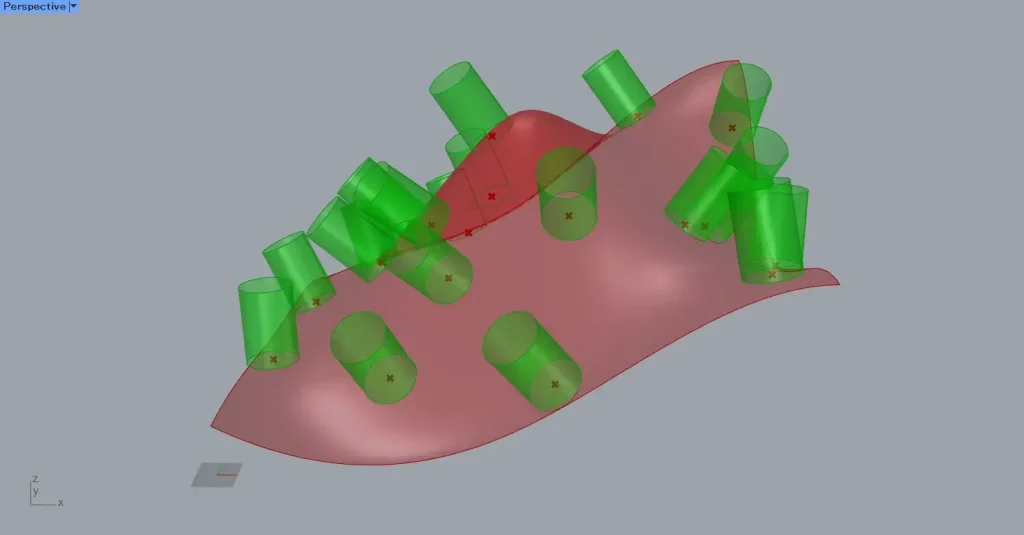
Then, we were able to set specific points on the surface as the planes.
Therefore, the cylinder is positioned by considering information such as the surface orientation at those points.
List of Grasshopper articles using Surface Closest Point component↓





Comment