Curve-post

Grasshopper component EN

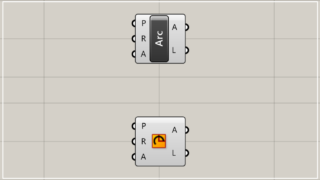
[Grasshopper] How to use Arc to create arcs

This page explains how to use Arc to create arcs in Grasshopper.

Grasshopper component EN

[Grasshopper] How to use Circular Arc to set arcs

This page explains how to use Circular Arc to set arcs in Grasshopper.
Grasshopper component EN

[Grasshopper] How to use Circle to set circles

This page explains how to use Circle to set circles in Grasshopper.
Grasshopper component EN

[Grasshopper] How to use Curve Middle to extract the midpoint of a curve

This page explains how to use Curve Middle to extract the midpoint of a curve in Grasshopper.
Grasshopper component EN

[Grasshopper] How to use Curvature Graph to display curvature of a curve

This page explains how to use Curvature Graph to display curvature of a curve in Grasshopper.
Grasshopper component EN

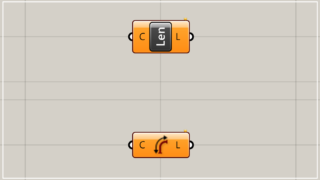
[Grasshopper] How to use Length to obtain the length of a line and curve

This page explains how to use Length to obtain the length of a line and curve in Grasshopper.
Grasshopper component EN

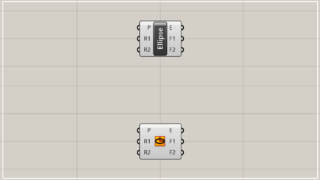
[Grasshopper] How to use Ellipse to create an ellipse

This page explains how to use Ellipse to create an ellipse in Grasshopper.
Grasshopper component EN

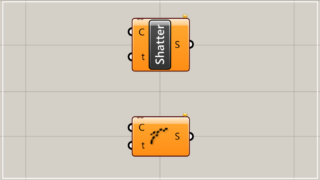
[Grasshopper] How to use Shatter to split curves at specified positions

This page explains how to use Shatter to split curves at specified positions in Grasshopper.
Grasshopper component EN

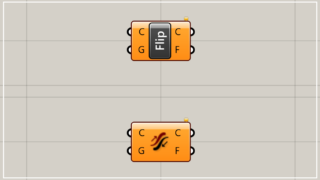
[Grasshopper] How to use Flip Curve to reverse the direction of a curve

This page explains how to use Flip Curve to reverse the direction of a curve in Grasshopper.
Grasshopper component EN

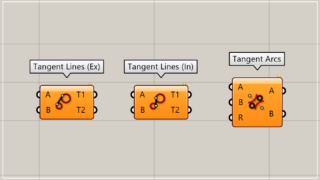
[Grasshopper] How to connect multiple circles with tangent lines or curves [Data download available]

This page explains how to connect multiple circles with tangent lines or curves. By using the three components of the Tangent system, you can create various tangents and connect circles. You can also download the Grasshopper data used in this example for free.
Translate »