
![[Grasshopper] How to use Tree Statistics to retrieve branch data information](https://iarchway.com/wp-content/uploads/2026/01/eyecatch-10.png)
This article explains how to use Tree Statistics to retrieve branch data information.
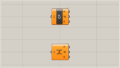
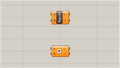
On the Grasshopper, it is represented by either of the two above.
Retrieve branch data information
Using Tree Statistics, you can retrieve information about branch data.
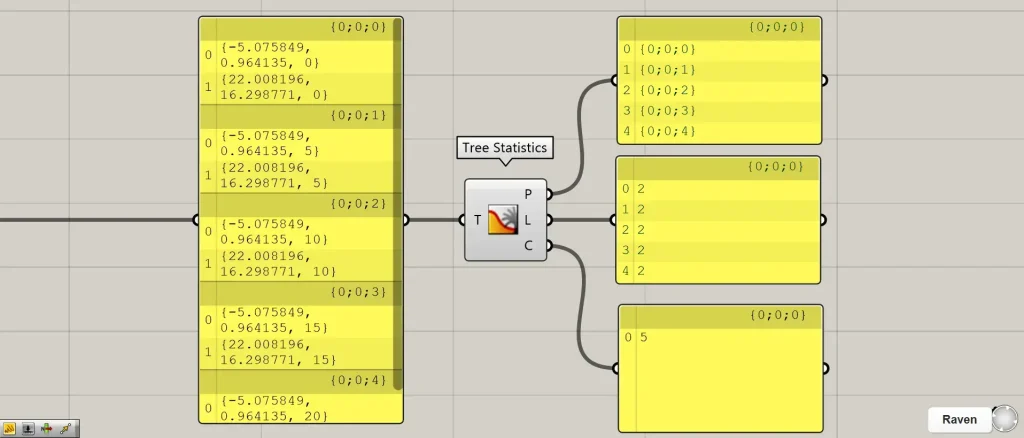
Connect the data you want to acquire to Tree Statistics.
Then, Tree Statistics will output the three pieces of information obtained.
Tree Statistics(P) outputs branch name (Path).
In this case, {0;0;0} to {0;0;4} are being output.
Tree Statistics(L) outputs the number of data items at each level.
In this case, since there are two pieces of data per level, the number 2 is being output.
Tree Statistics(C) outputs the number of levels in the branch.
In this case, there are five levels from {0;0;0} to {0;0;4}, so five values are output.
List of Grasshopper articles using Tree Statistics component↓





Comment