
![[Grasshopper] How to use Trim Tree to remove a specified number of branches](https://iarchway.com/wp-content/uploads/2026/01/eyecatch-5.png)
This article explains how to use Trim Tree to remove a specified number of branches.
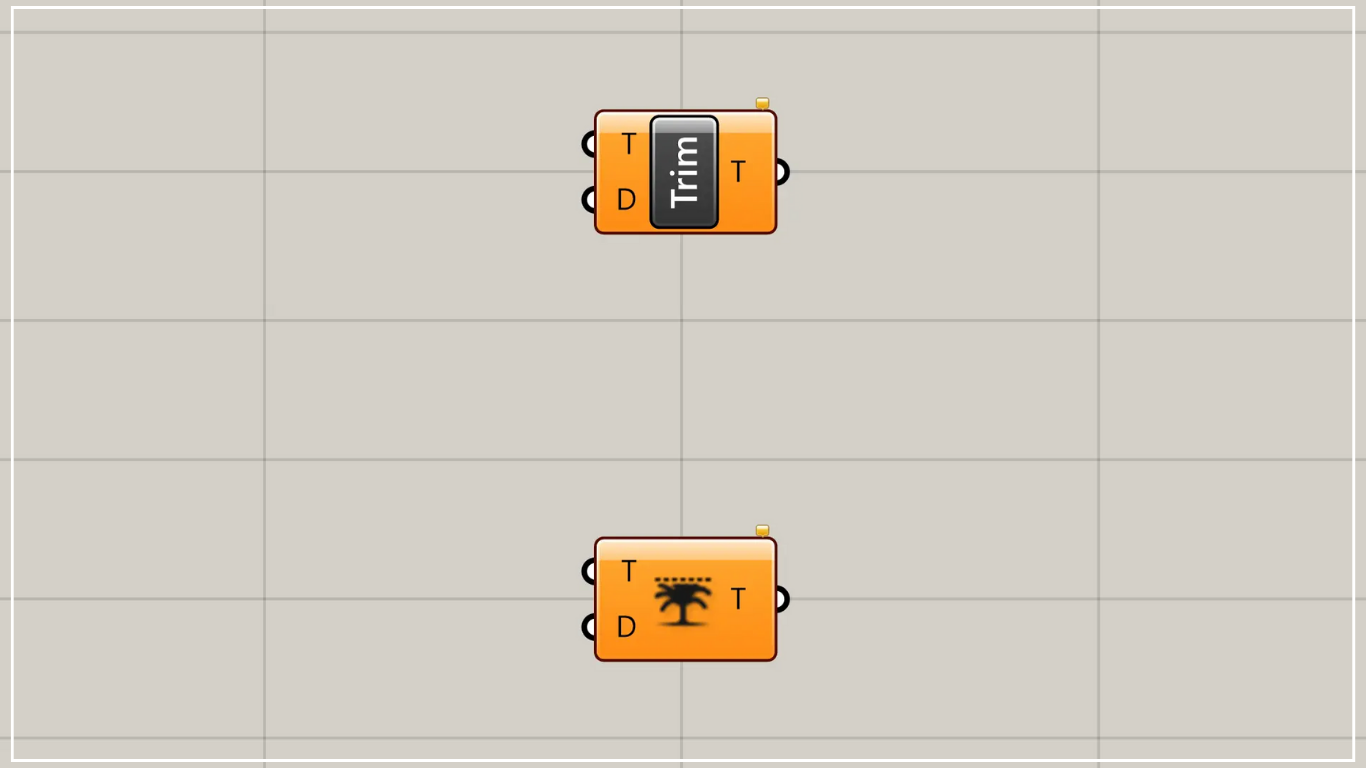
On the Grasshopper, it is represented by either of the two above.
Delete a specified number of branches
Using Trim Tree, you can remove a specified number of branches.
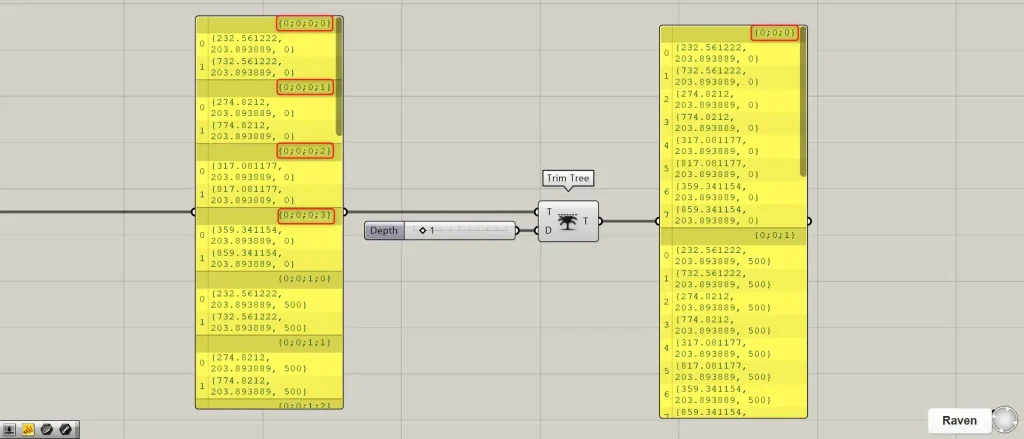
Connect the branch data you wish to delete to the Trim Tree(T).
Connect the number of branches to delete to Trim Tree(D).
First, we are connecting 1.
Then, we were able to delete one level on the right side for each specified number of ones.
In the example image above, the 0 to 4 portions of {0;0;0;0} to {0;0;0;4} have been removed and consolidated into a single {0;0;0}.
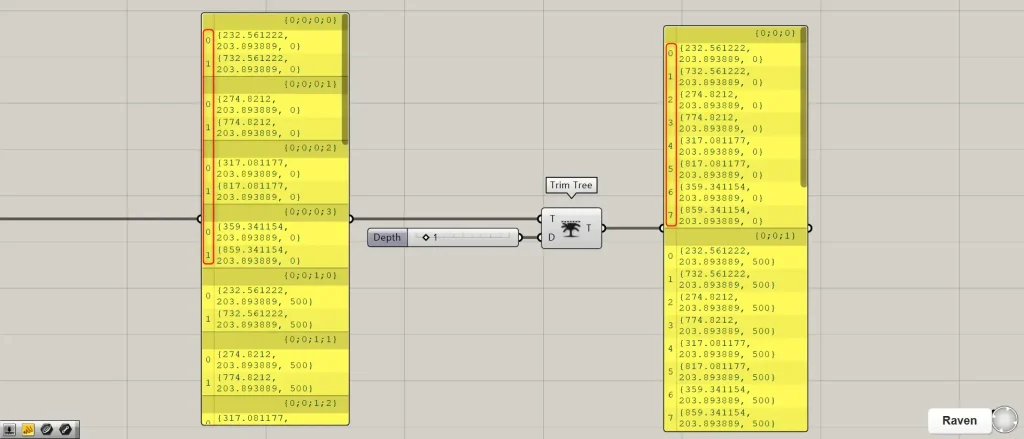
As a result of consolidation, we can see that the two data points originally present within each of the four layers have been consolidated into a single layer containing eight data points.
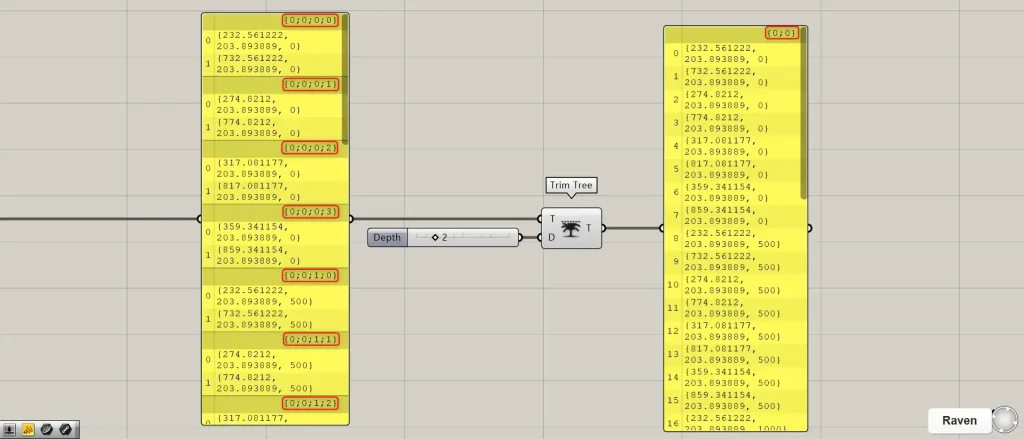
The image above shows the result of changing the Trim Tree(D) value to 2.
In this case, the two rightmost levels were deleted, and the {0;0;0;0} to {0;0;4;3} segment—specifically the {0;0} to {4;3} portion—was removed.
And it was consolidated into the single {0;0} on the left side.
List of Grasshopper articles using Trim Tree component↓





Comment