
![[Grasshopper] How to use Tween Curve to create curves between two different curves](https://iarchway.com/wp-content/uploads/2026/01/eyecatch-18.png)
This article explains how to use Tween Curve to create curves between two different curves.
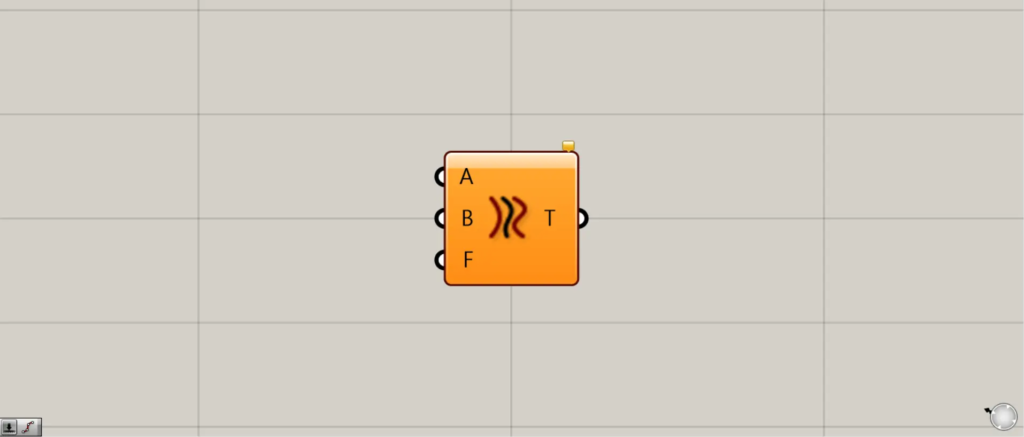
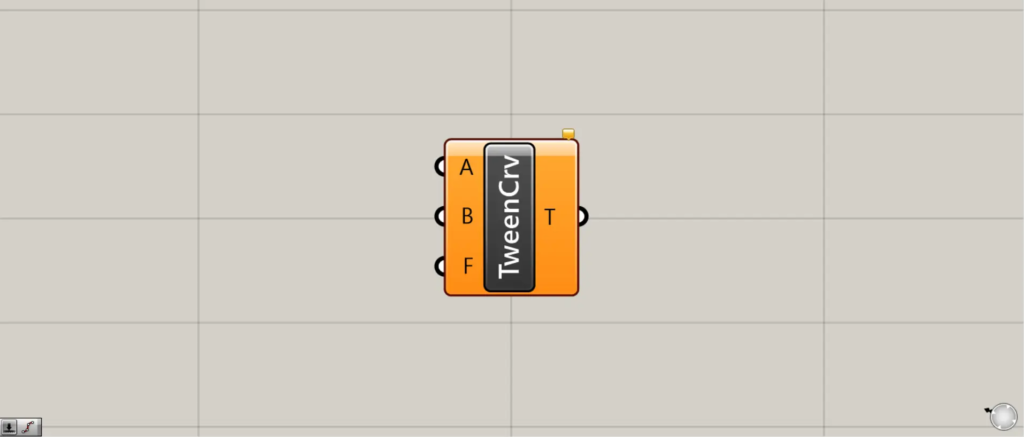
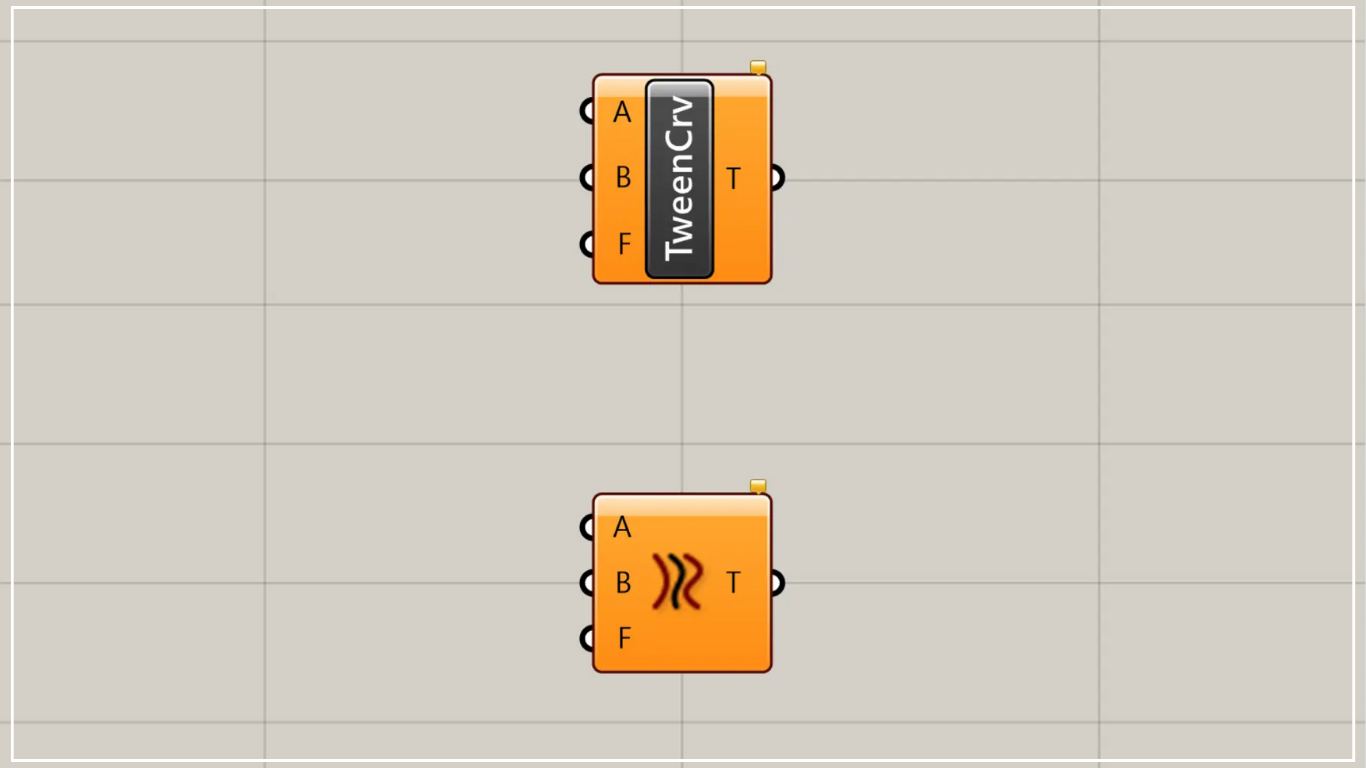
On the Grasshopper, it is represented by either of the two above.
Create curves between two different curves
Using the Tween Curve, you can create curves between two different curves.
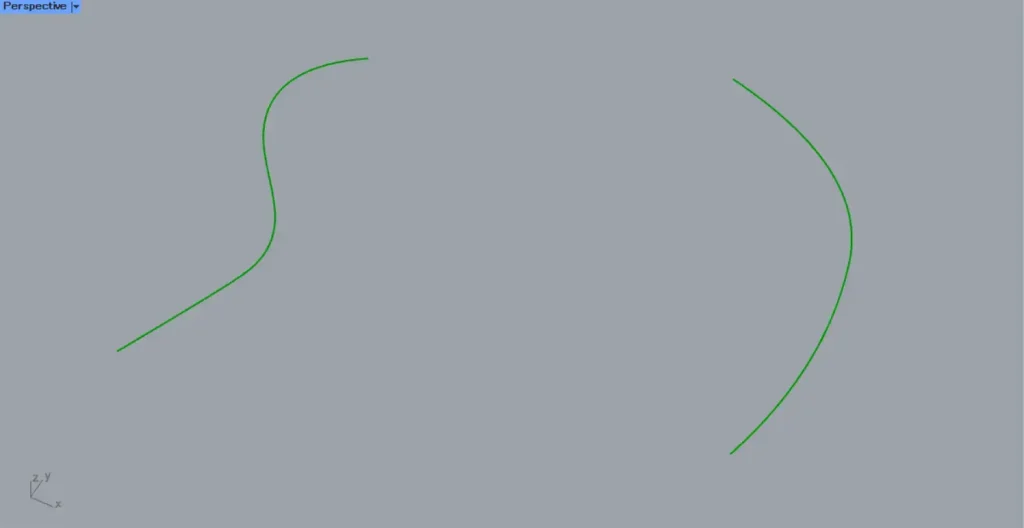
For this example, we will use the two curves shown in the image above.
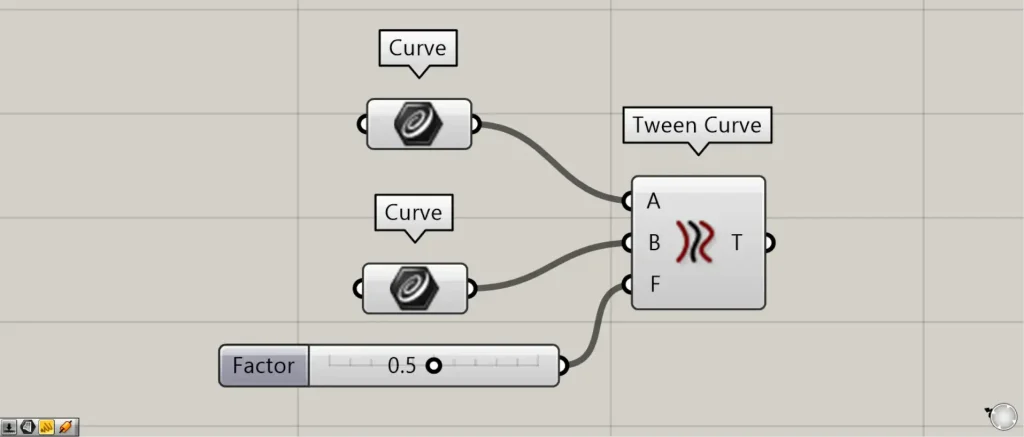
Components used: ① Curve ② Tween Curve
Connect each curve data to the Tween Curve(A and B).
This time, we are connecting each curve set in Curve.
Connect the values representing the distance between two curves, scaled from 0 to 1.0, to the Tween Curve(F).
Initially, 0.5 is connected.
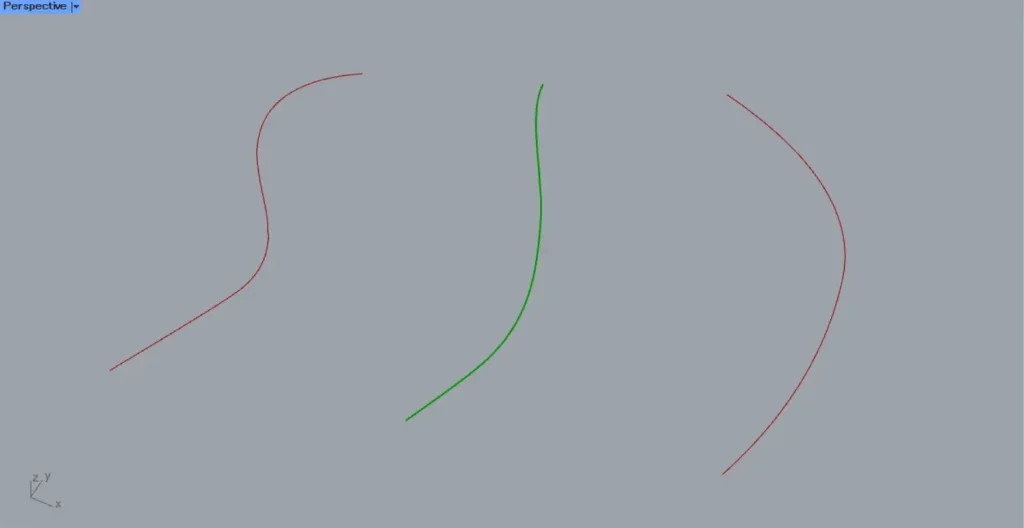
Then, a new curve is created between the two curves.
The image above shows what happens when you connect 0.5 to the Tween Curve(F).
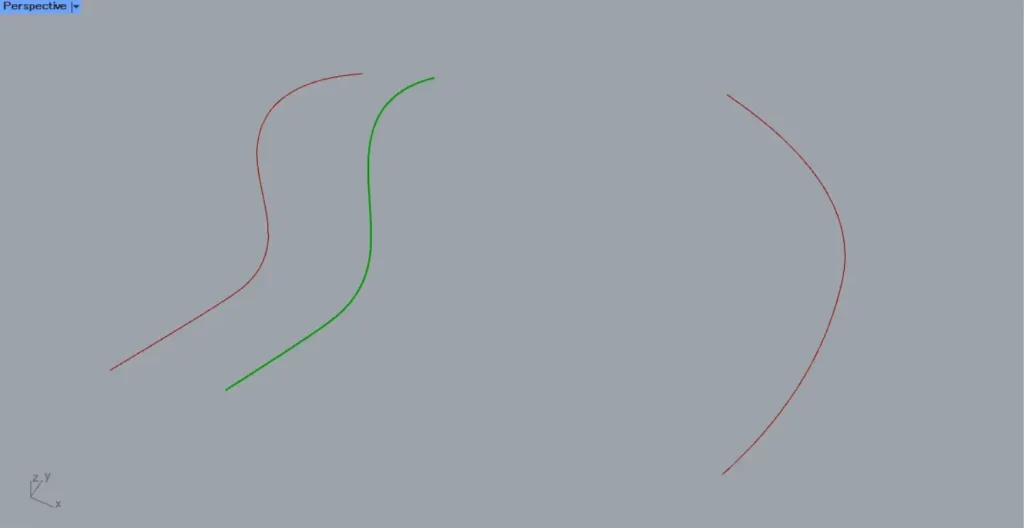
The image above shows the result when connecting 0.2 to the Tween Curve(F).
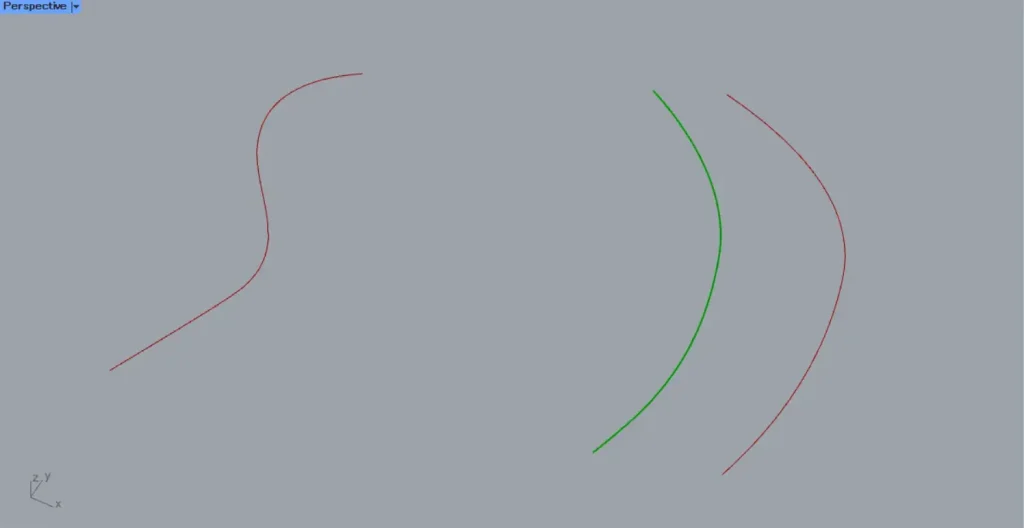
The image above shows the appearance when 0.8 is connected to the Tween Curve(F).
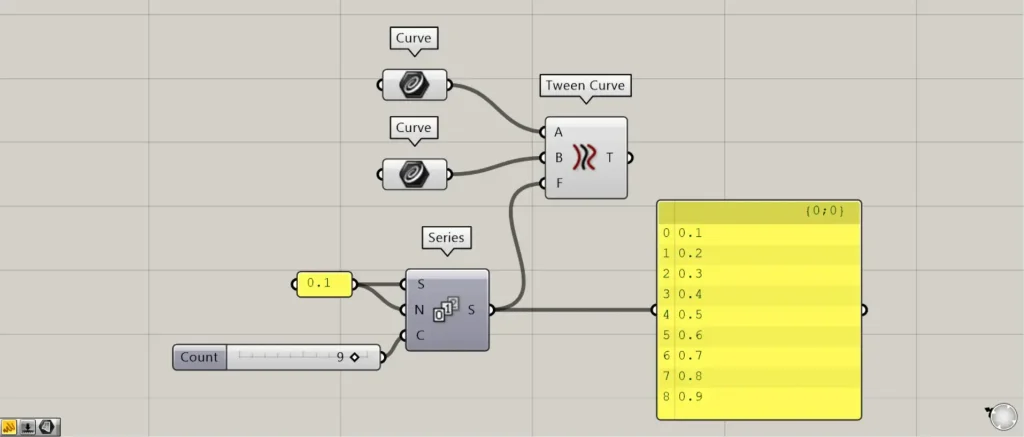
Additional Components: ① Series
Create values between 0.1 and 0.9 and connect them to the Tween Curve(F).
Connect 0.1 to the Series(S and N).
Connect 9 to Series(C).
Then, nine values were created, each increasing by 0.1 from 0.1.
Now that we’ve created values between 0.1 and 0.9, we’ll connect them to the Tween Curve(F).
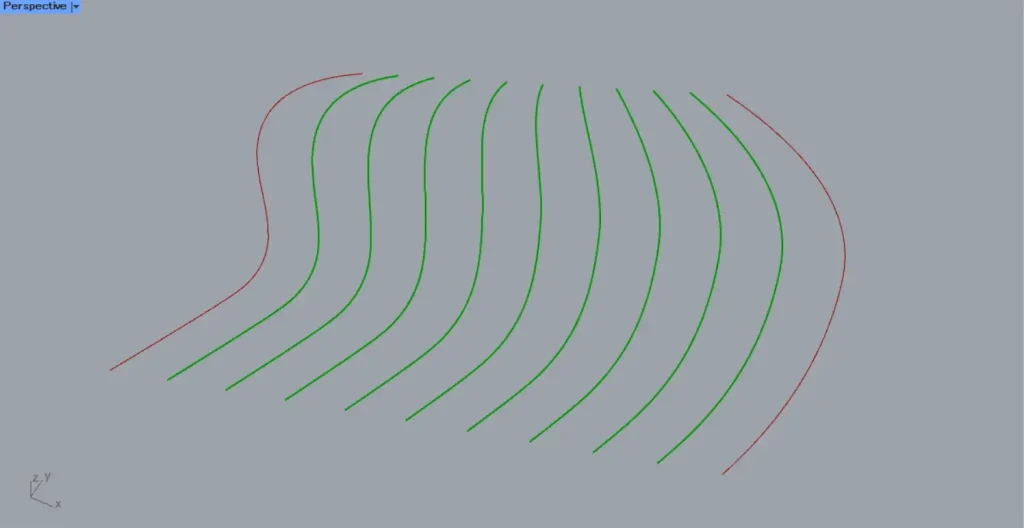
Then, as shown in the image above, new curves were created at positions 0.1 to 0.9.
List of Grasshopper articles using Tween Curve component↓





Comment