
![[Grasshopper] How to Use Extrusion to Set an Extruded Model](https://iarchway.com/wp-content/uploads/2026/01/Extrusion.png)
This explains how to use Extrusion to set extrusion models.
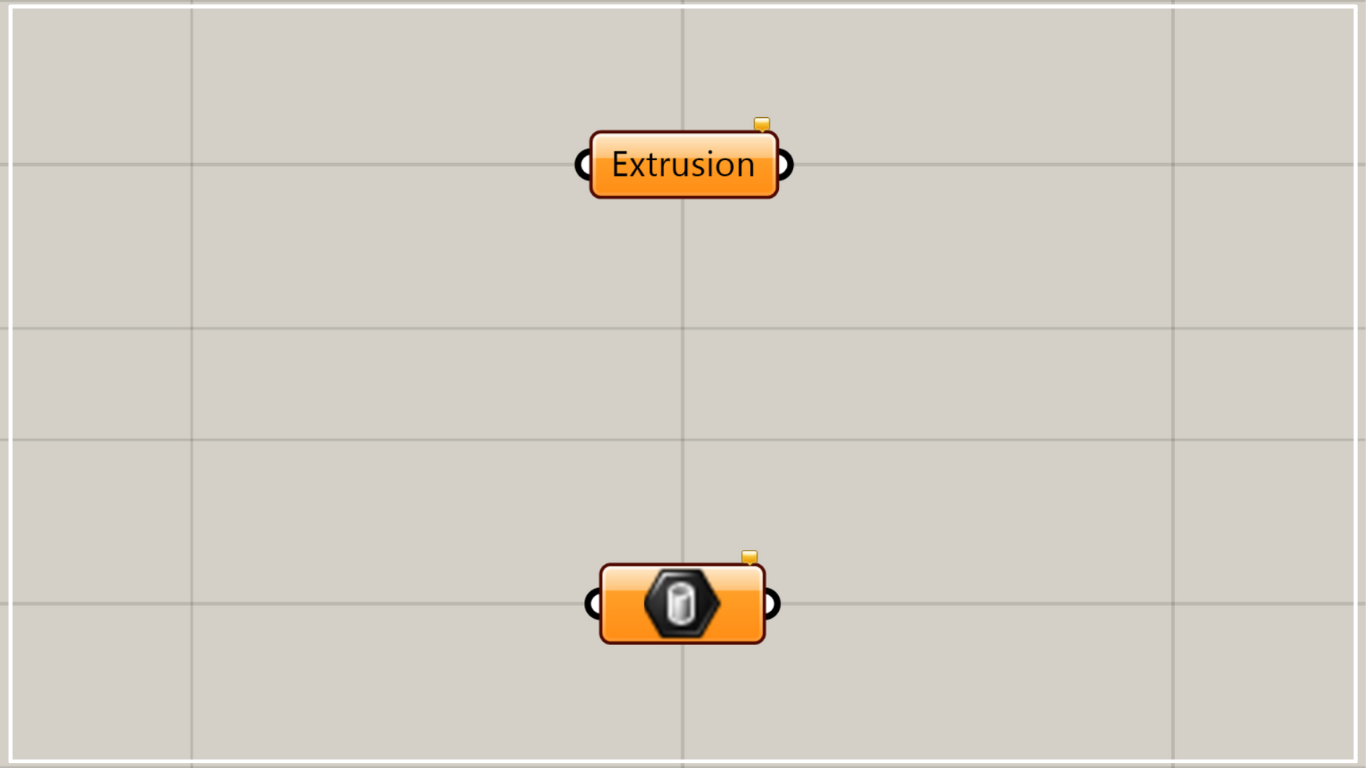
On the Grasshopper, it is represented by either of the two above.
Setting an extrusion model
Using Extrusion allows you to set extruded models.
Therefore, you will be able to tell whether it is a pushed model.
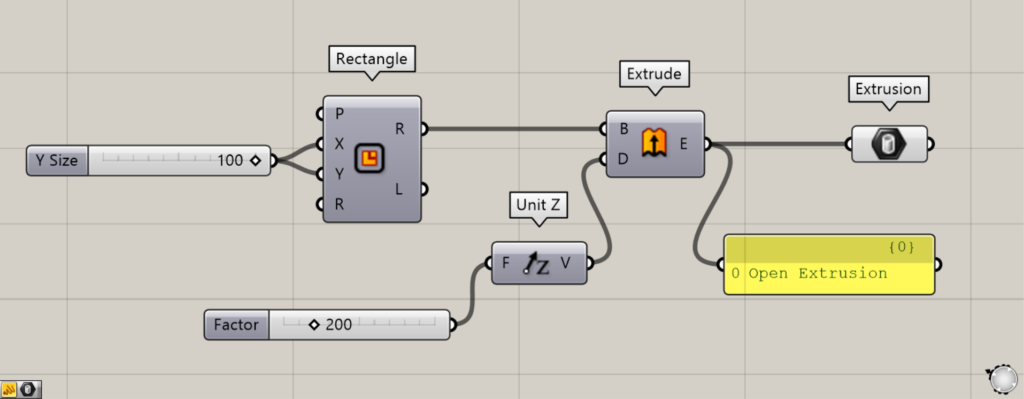
Components used: ① Rectangle ② Unit Z ③ Extrude ④ Extrusion
As a first example, let’s extrude a rectangle curve to create a rectangular prism and connect it to the Extrusion.
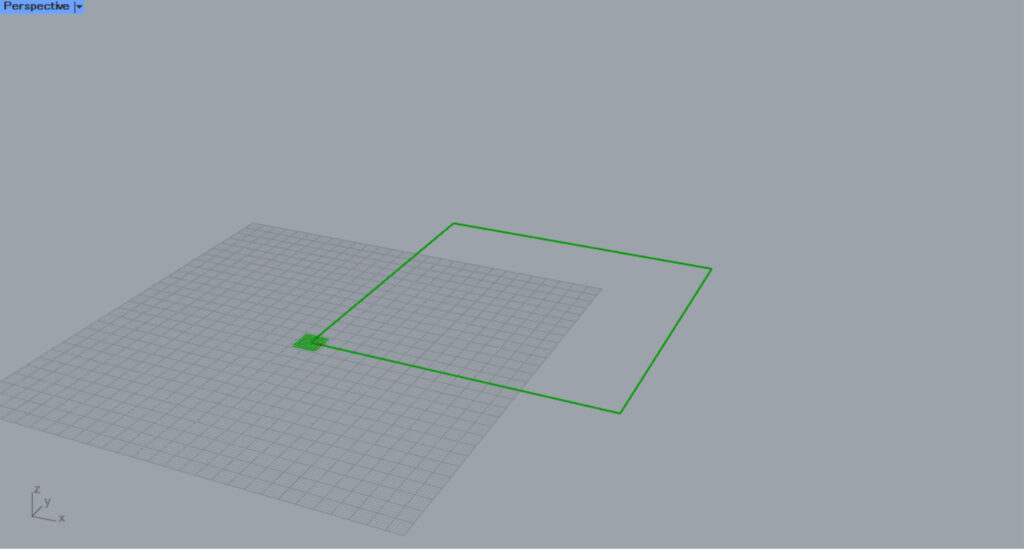
Enter the numerical value for the length of one side into the Rectangle(X and Y).
This time, we are entering the value 100.
Then, a rectangle with a side length of 100 was created.
Then, enter the numerical value for the distance to push out to Unit Z.
This time, we are entering 200.
Next, connect the Rectangle(R) to the Extrude(B).
Next, connect the Unit Z to the Extrude(D).
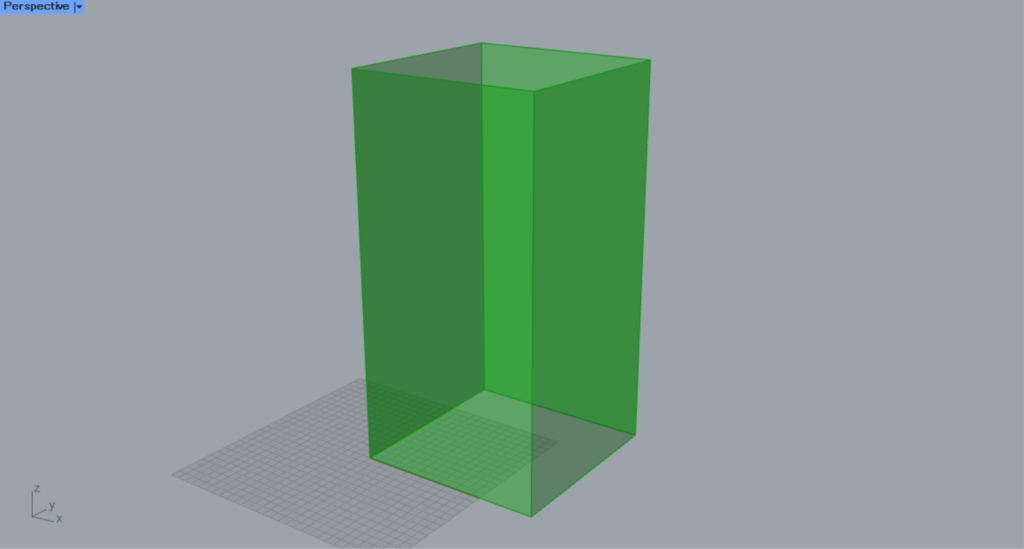
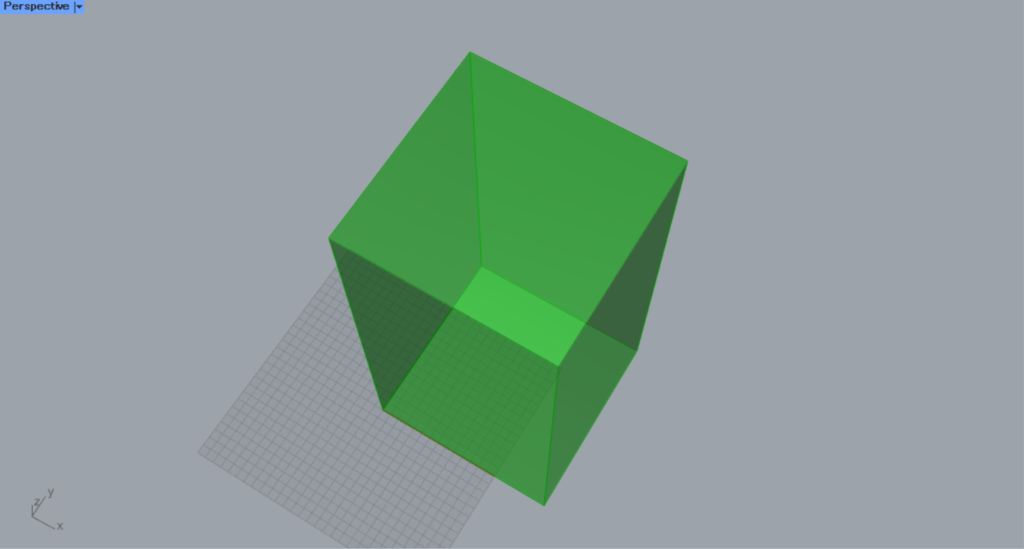
Then, a rectangular prism pushed upward was created.
Finally, connect the Extrude to the Extrusion.
Then, the extruded rectangular prism was set in the Extrusion.
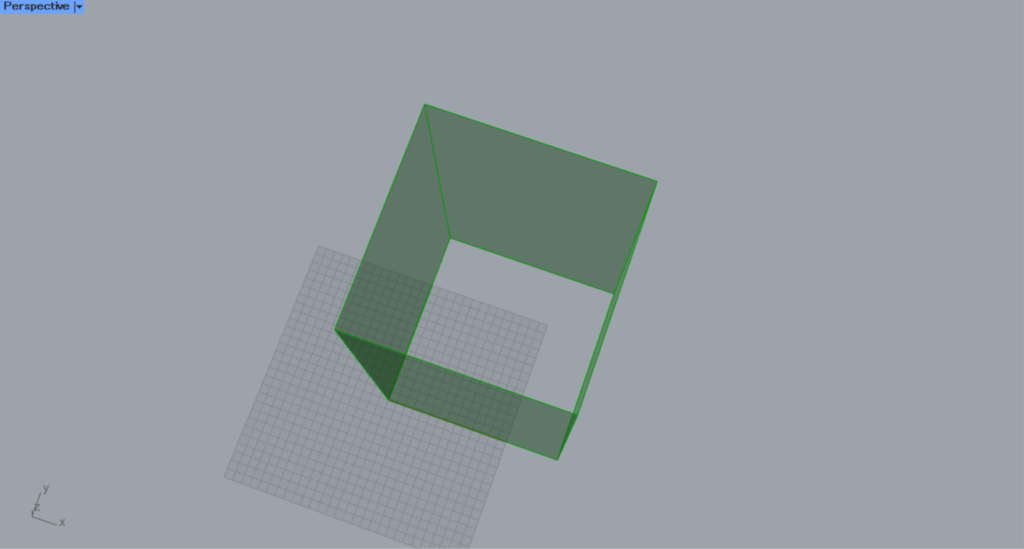
This rectangular prism is treated as an Open Extrusion because it is extruded in an open state.
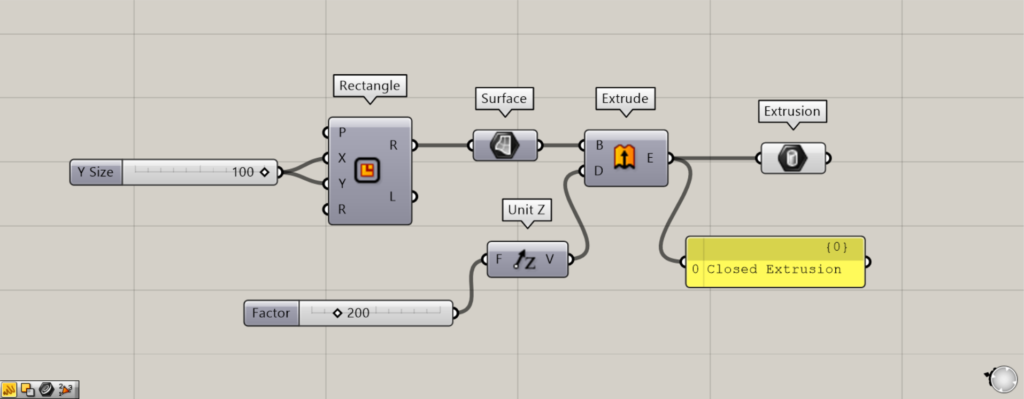
Additional Components: ① Surface
This time, try pushing it out while it’s closed.
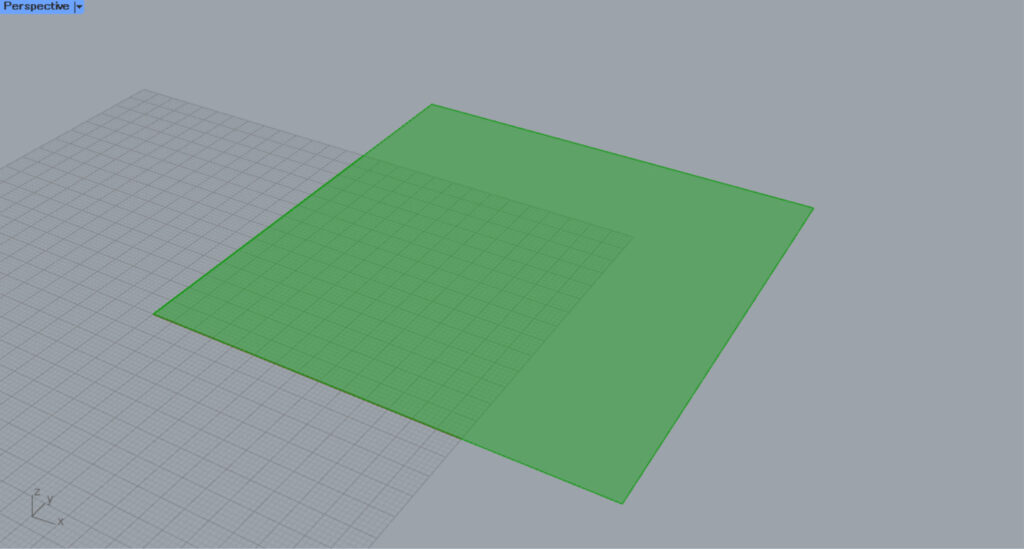
Use a Surface between the Rectangle and Extrude.
Then, the square that was line data was converted to a surface.
In this state, it becomes a closed extrusion and is treated as a Closed Extrusion.
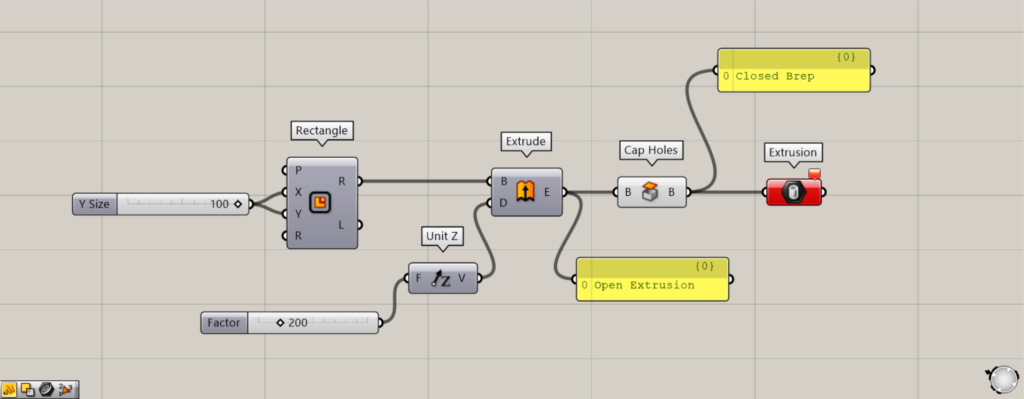
Additional Components: ①Cap Holes
To transition from an open state to a closed state, you can use Cap Holes; however, in this case, the model will be treated as a Brep model rather than an extruded model.
Since Extrusion can only set extrusion models, connecting Cap Holes will result in an error.
Therefore, Brep objects cannot be set.
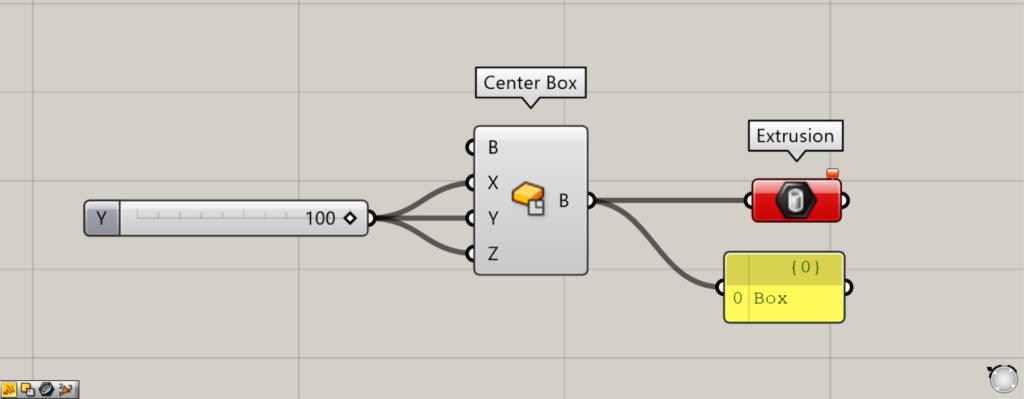
Components used: ①Center Box ②Extrusion
The Box model cannot be set either.
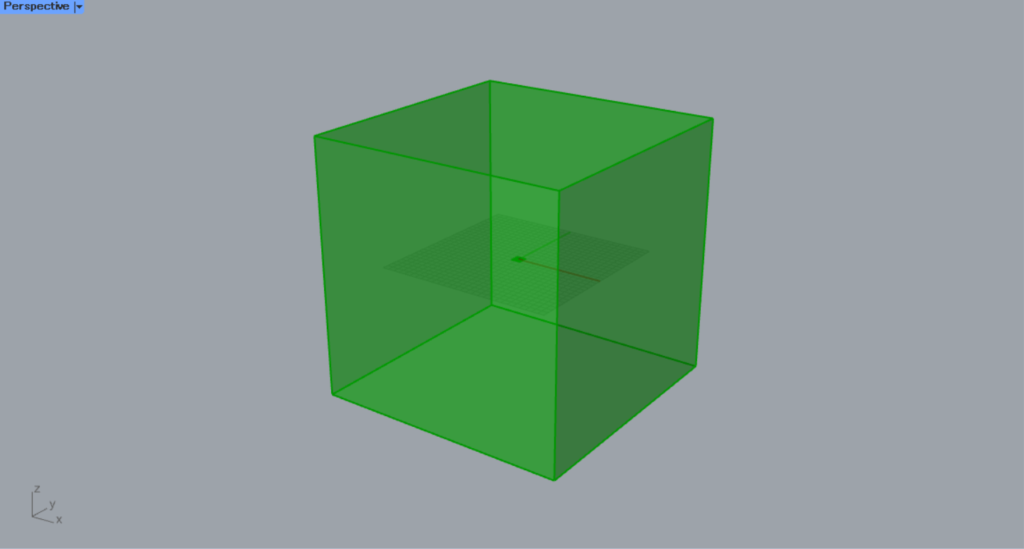
We entered 100 for the value of one side into the Center Box(X, Y, and Z) to create the box.
However, connecting it to Extrusion results in an error.
In this way, the box model cannot be set either.
Directly set the extruded model on Rhino
You can also set the extruded model on Rhino directly in Extrusion.
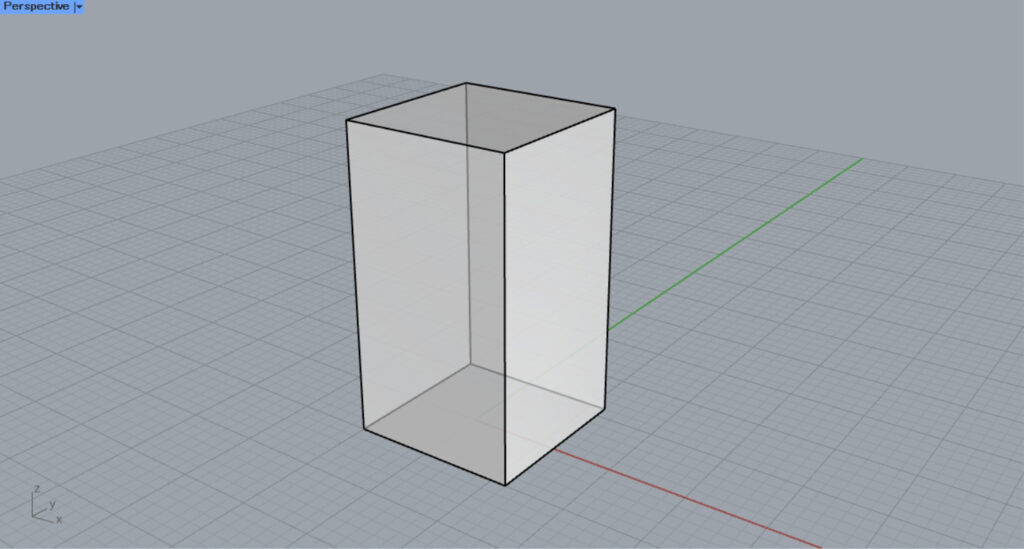
This time, we will use this extruded model on Rhino.
As an aside, while Box models cannot be set on Grasshopper, models created using Rhino’s Box command can be set in Extrusion using this method.
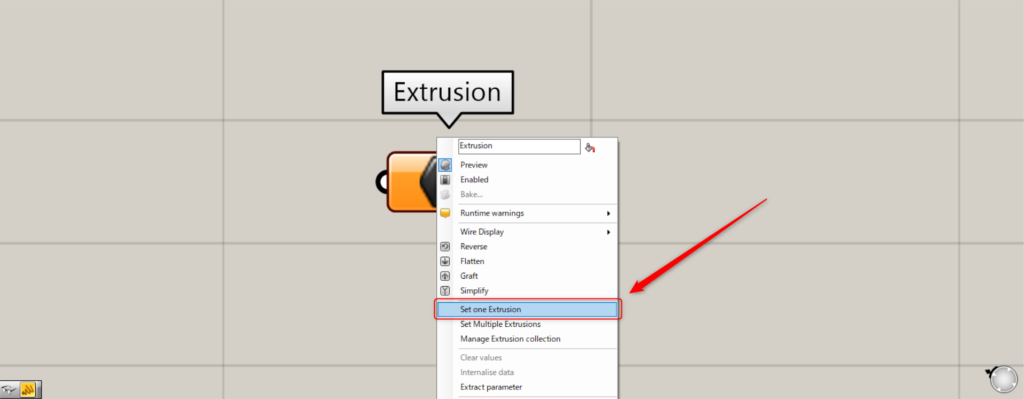
For a single extrusion model, right-click Extrusion and select “Set one Extrusion”.
Then, the screen will switch to Rhino.
Click the extrusion model you want to set.
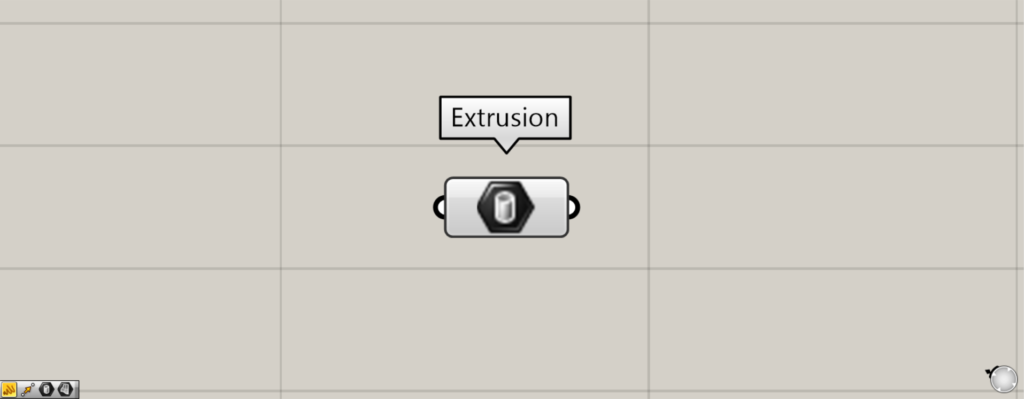
Then, the extruded model on the Rhino was set.
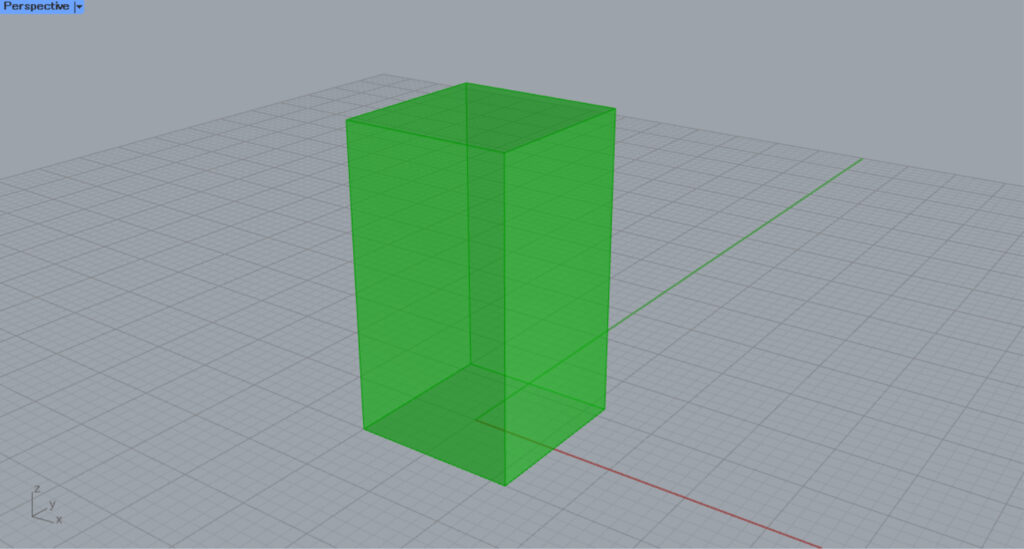
This is the result on the Rhino.
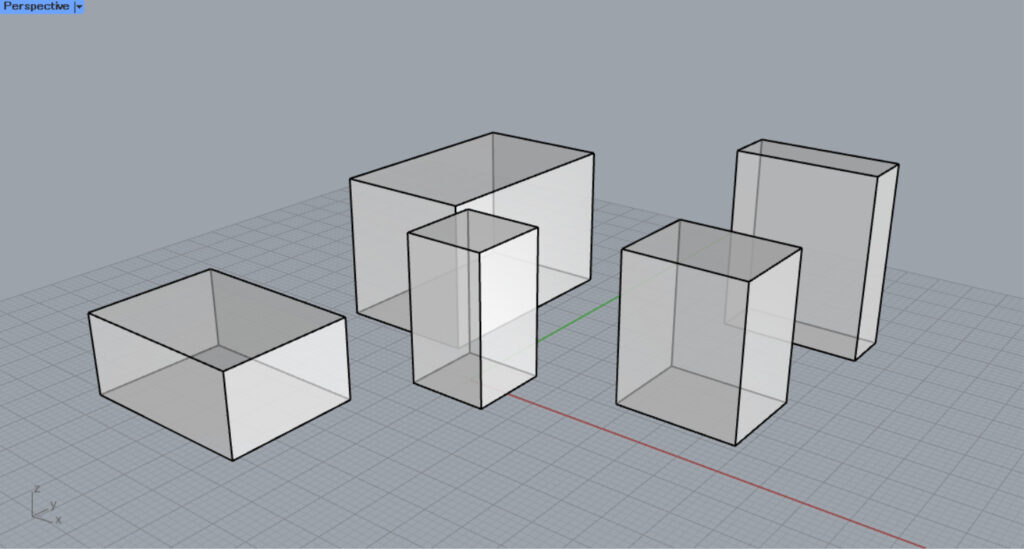
Next, we’ll try setting multiple extrusion models.
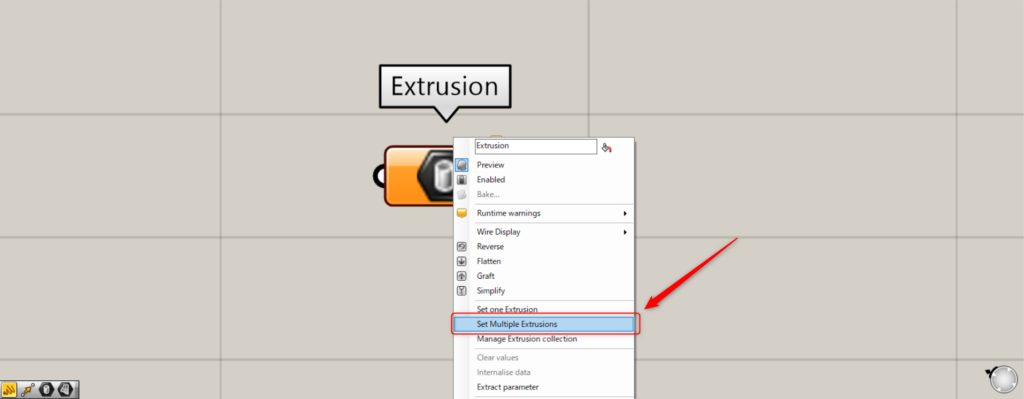
For multiple extrusion models, right-click Extrusion and select “Set Multiple Extrusions”.
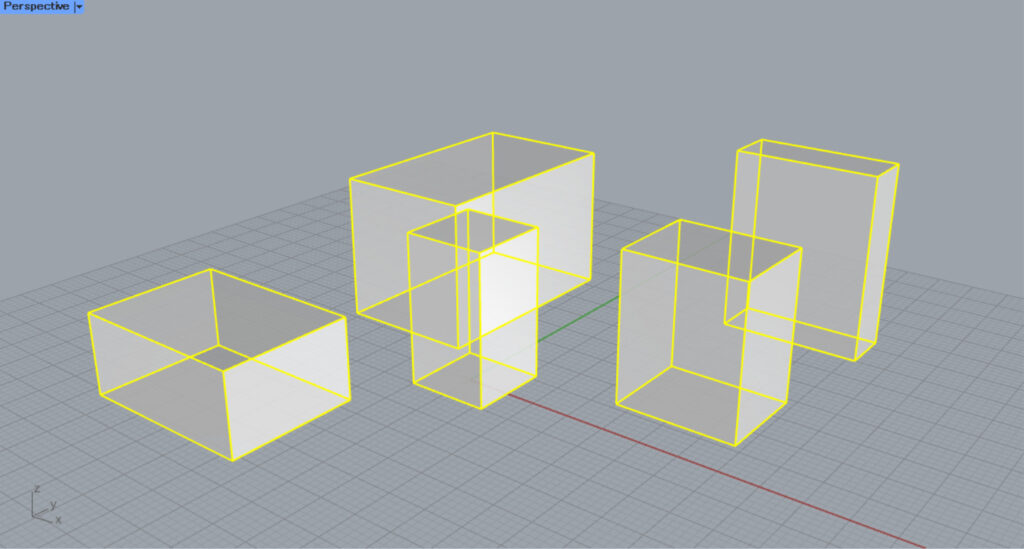
On Rhino, select multiple extruded models.
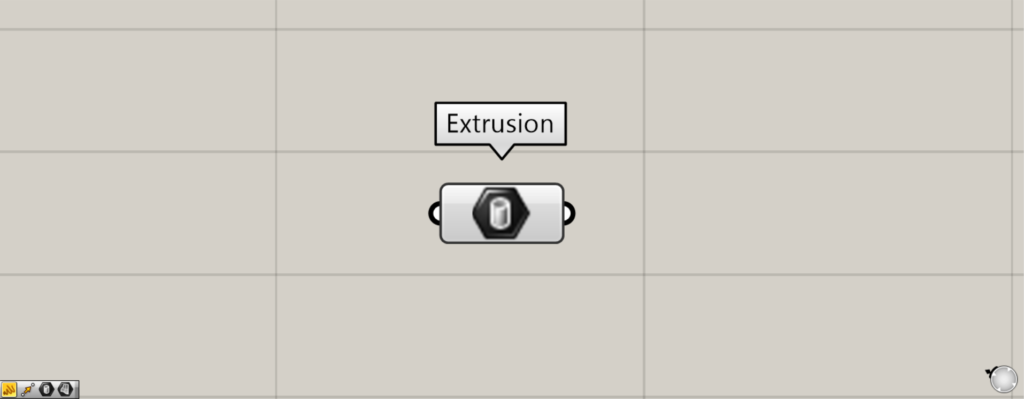
Then, multiple extrusion models were set in this method.
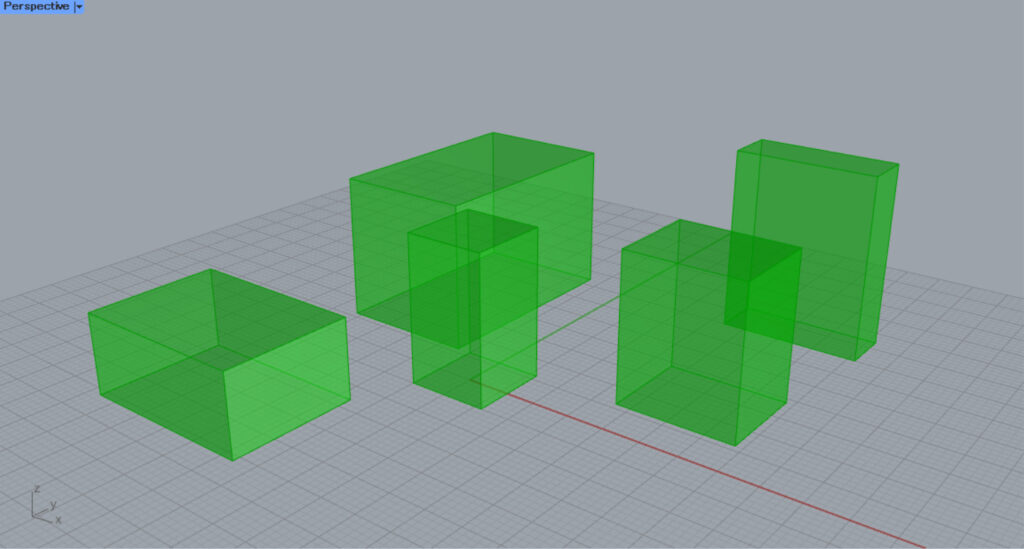
This is the result on the Rhino.
List of Grasshopper articles using Extrusion component↓




Comment