
![[Grasshopper] How to use Linear Dimension to set length measurements](https://iarchway.com/wp-content/uploads/2026/01/Linear-Dimension.png)
This article explains how to use Linear Dimension to set length measurements.
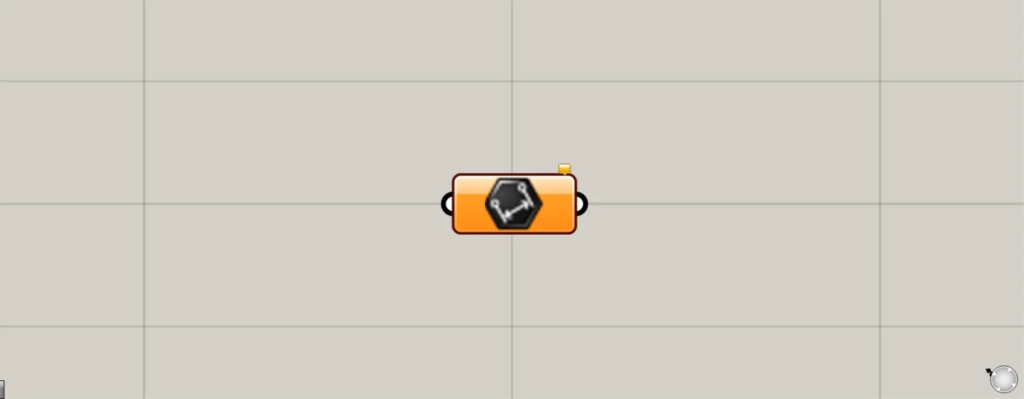
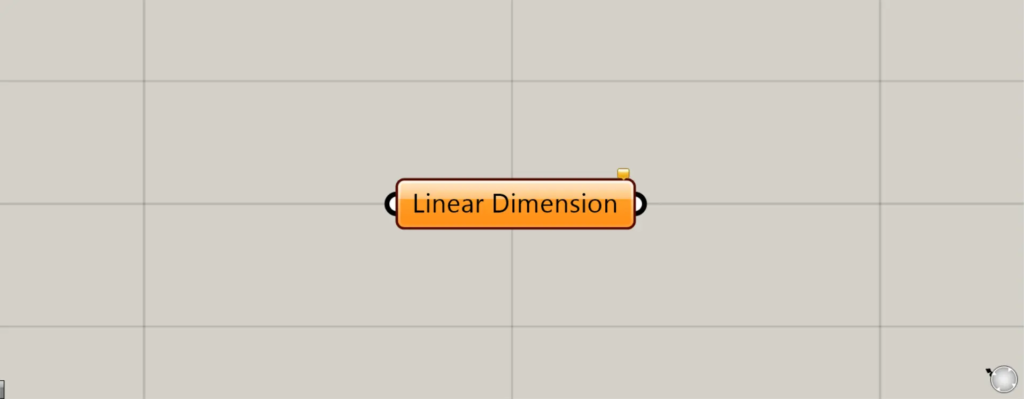
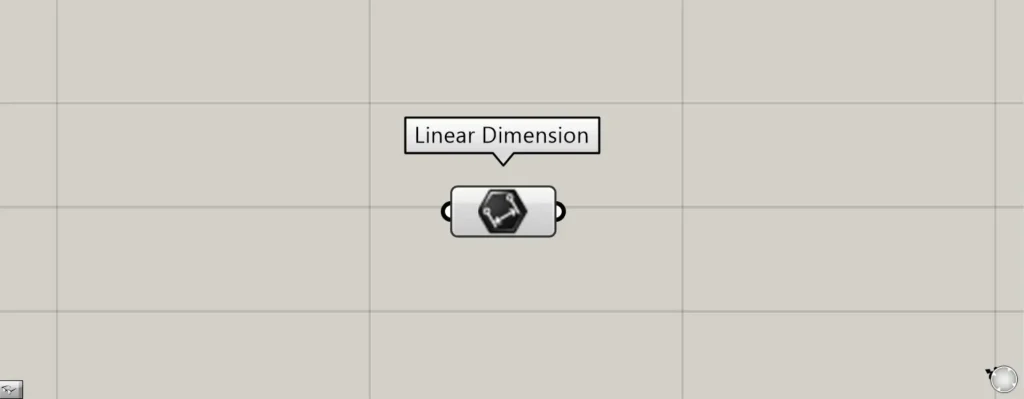
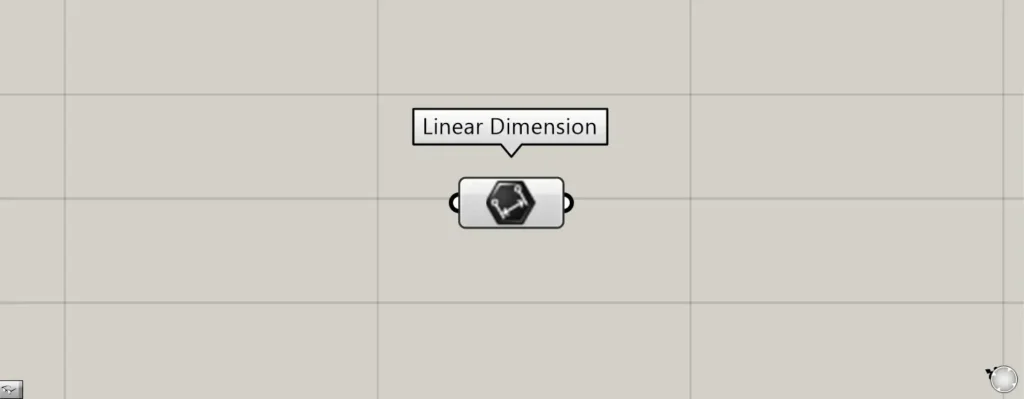
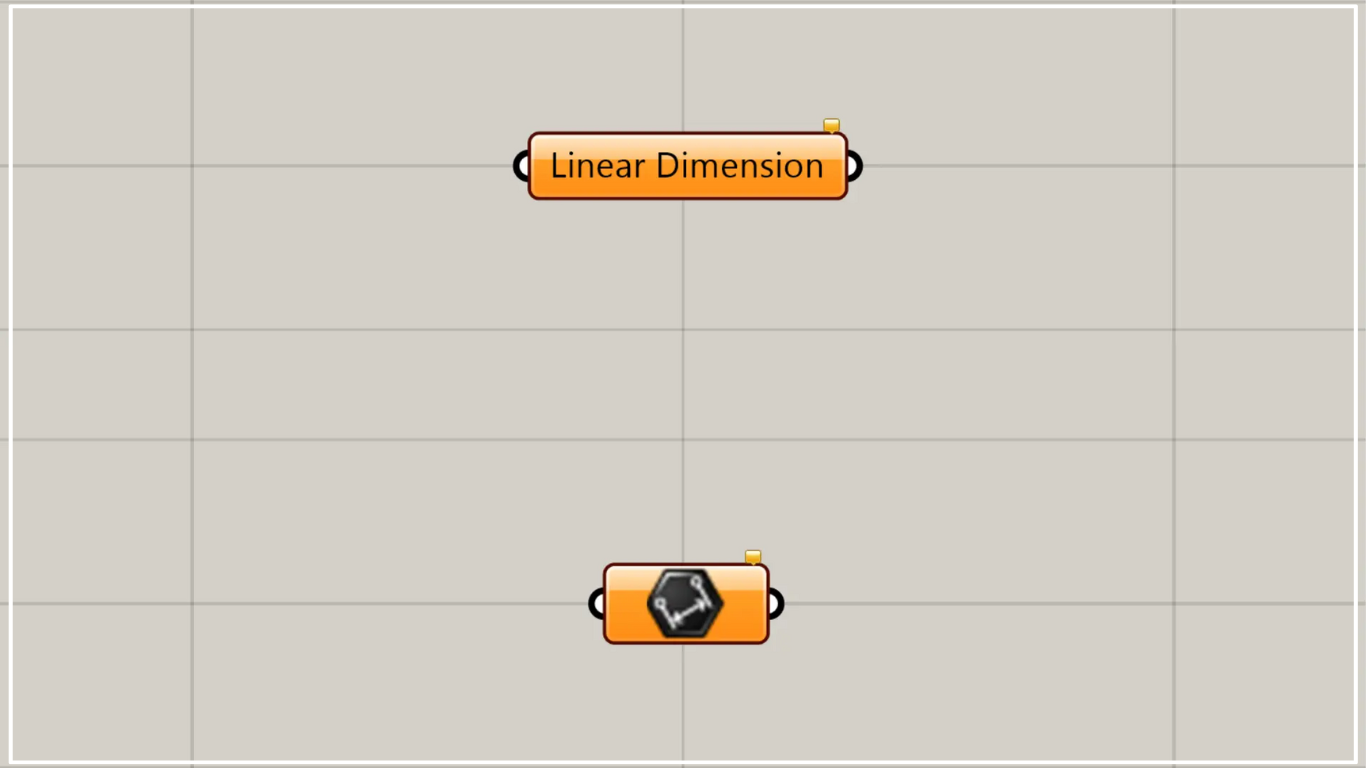
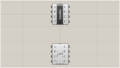
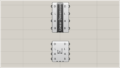
On the Grasshopper, it is represented by either of the two above.
Set length dimensions
Using Linear Dimension allows you to set length dimensions.
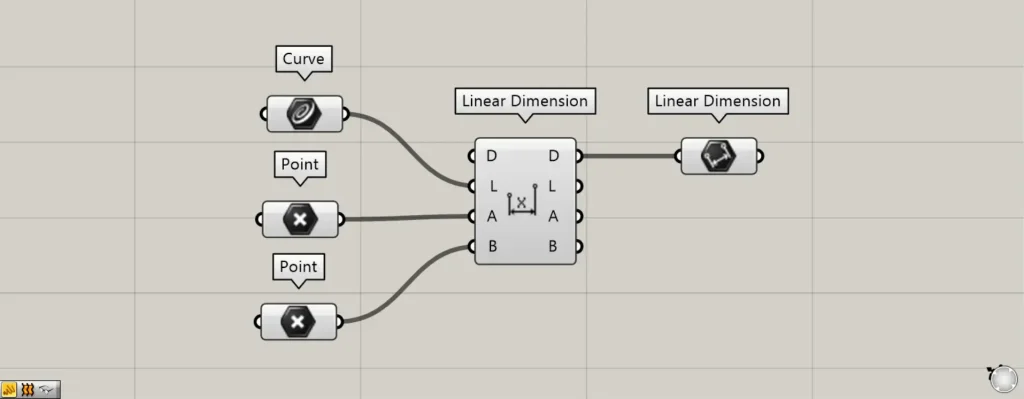
Components used: ①Curve ②Point ③Linear Dimension ④Linear Dimension
Please note that there is another component with the same name, Linear Dimension.
The other Linear Dimension is a component for creating length dimensions.
This time, we’ll use two Linear Dimensions as an example for explanation.
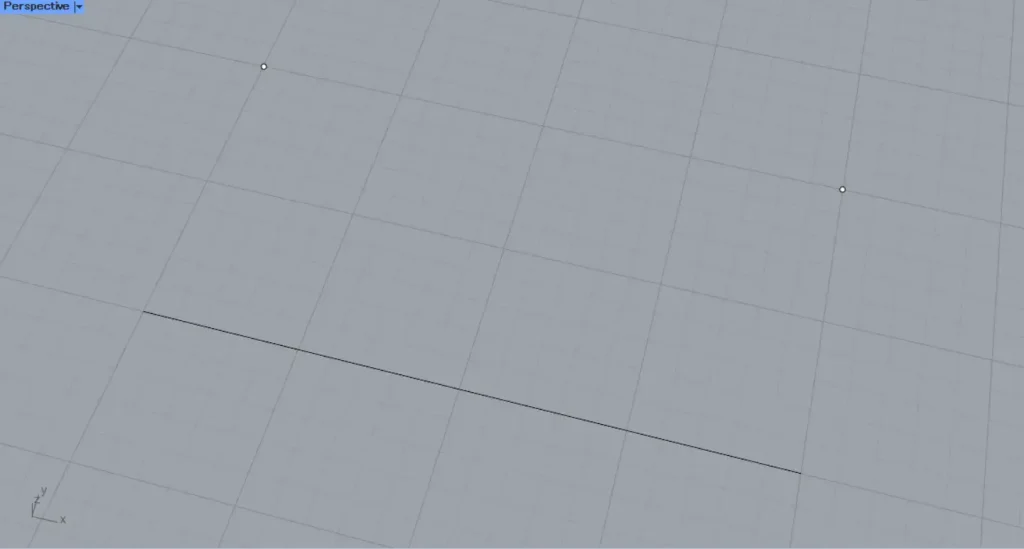
This time, we’ll explain using a line and two points on Rhino.
Set a straight line on Rhino in Curve.
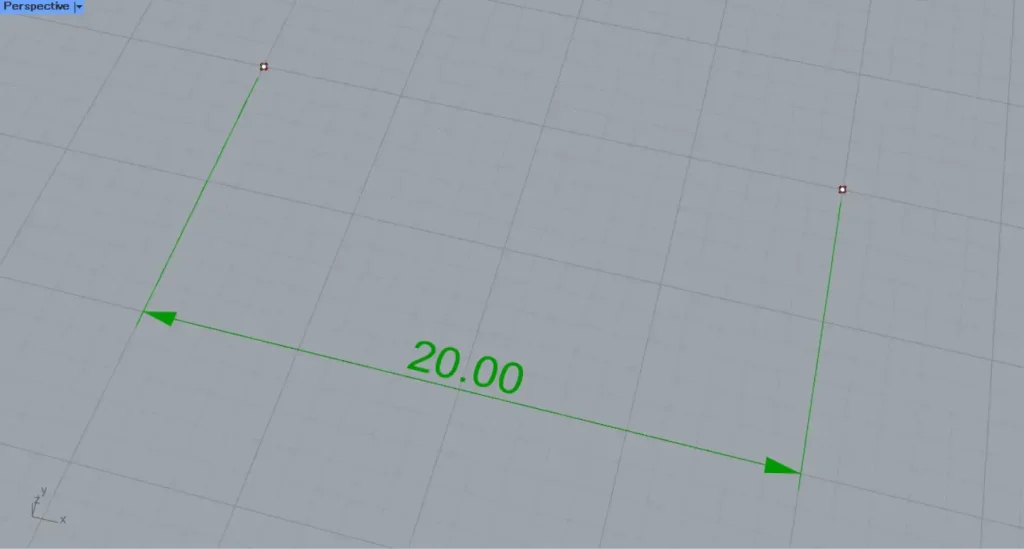
Set two points on Rhino in two additional points.
Then connect Curve to the other Linear Dimension(L).
Additionally, connect the two points to the other linear dimension(A and B), respectively.
Then, from the straight line and the two straight lines, the length dimension of the straight line was created.
Next, connect the other Linear Dimension(D) to this Linear Dimension.
Then, the created length dimension was set in this Linear Dimension.
In this way, you can store the length dimension in this Linear Dimension.
Set the length dimension on Rhino
You can also set the length dimension directly on Rhino.
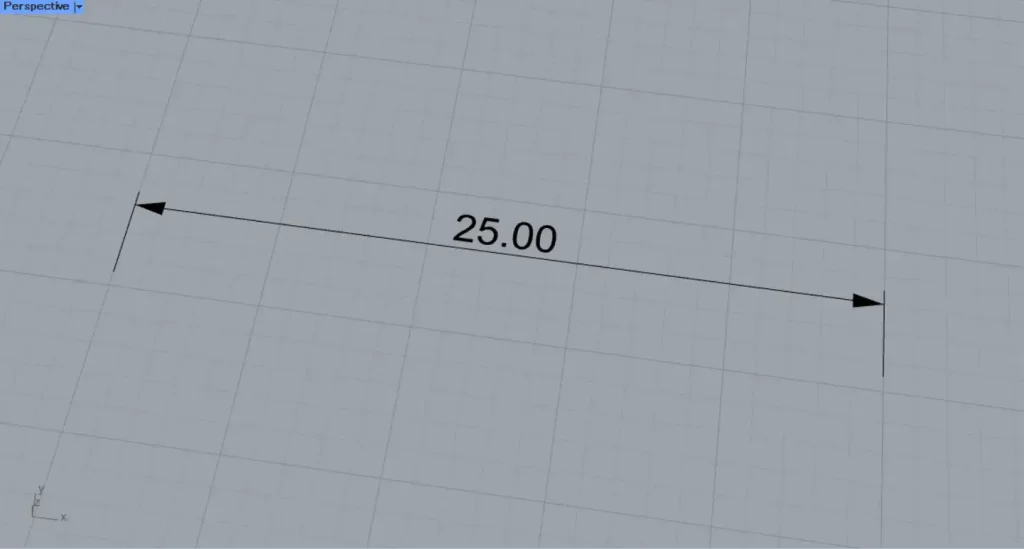
First, let’s try setting one length dimension on Rhino.
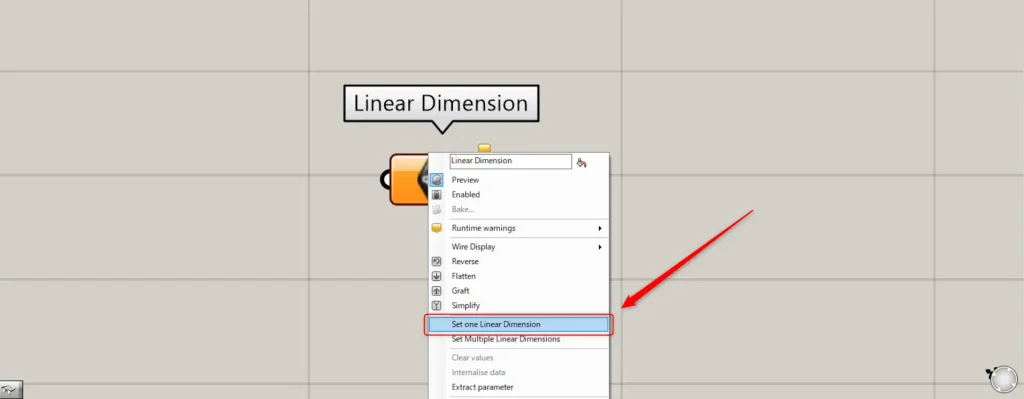
In one case, right-click the Linear Dimension and select “Set one Linear Dimension”.
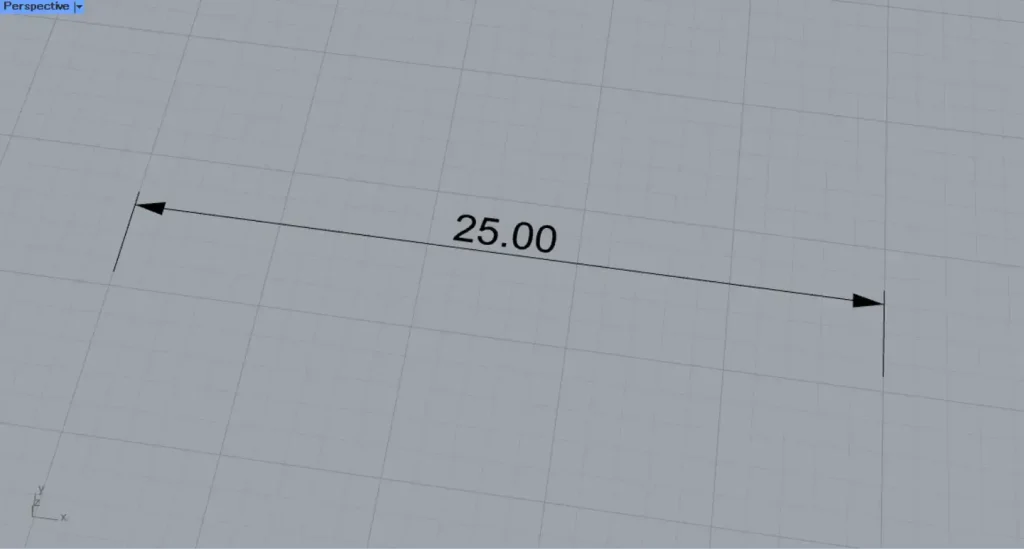
Then, the screen will switch to Rhino.
Select the desired length dimension to set.
Then, one length dimension was set on Rhino.
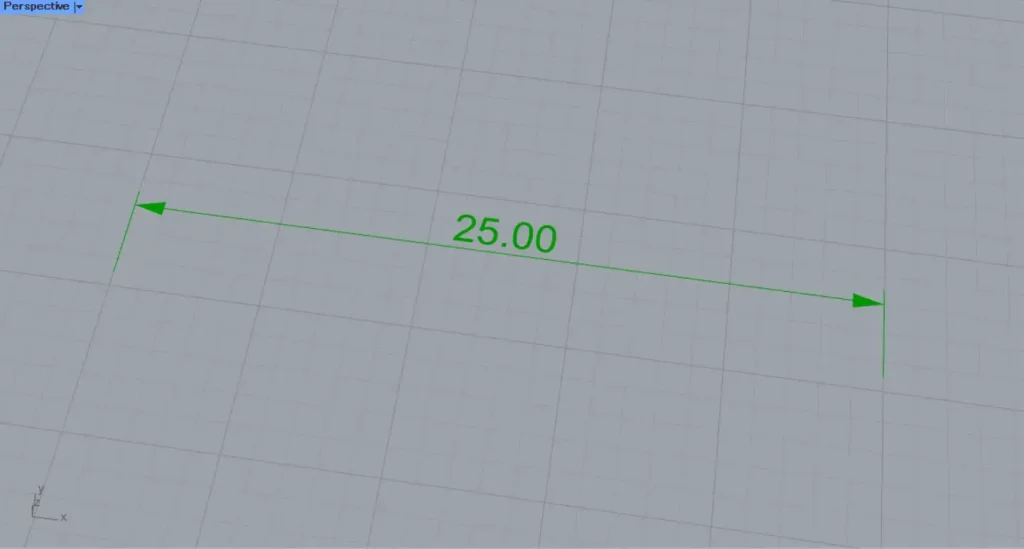
This is the result on Rhino.
Next, we’ll try setting multiple length dimensions on Rhino.
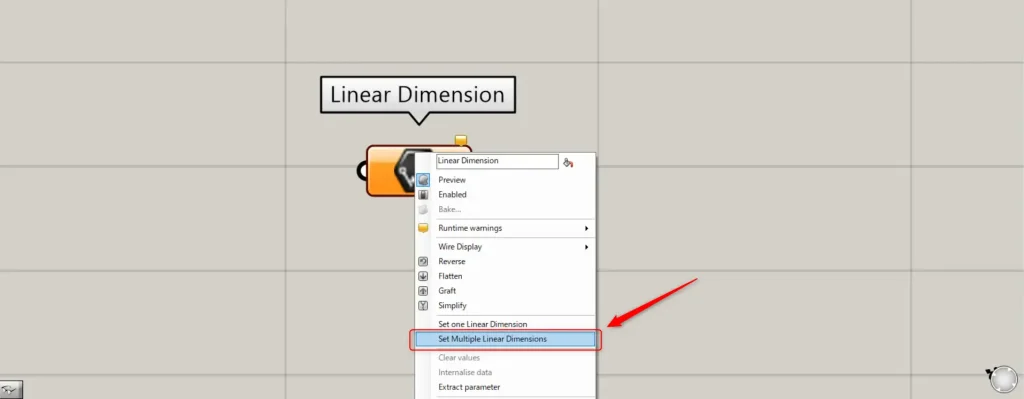
For multiple dimensions, right-click the Linear Dimension and select “Set Multiple Linear Dimensions”.
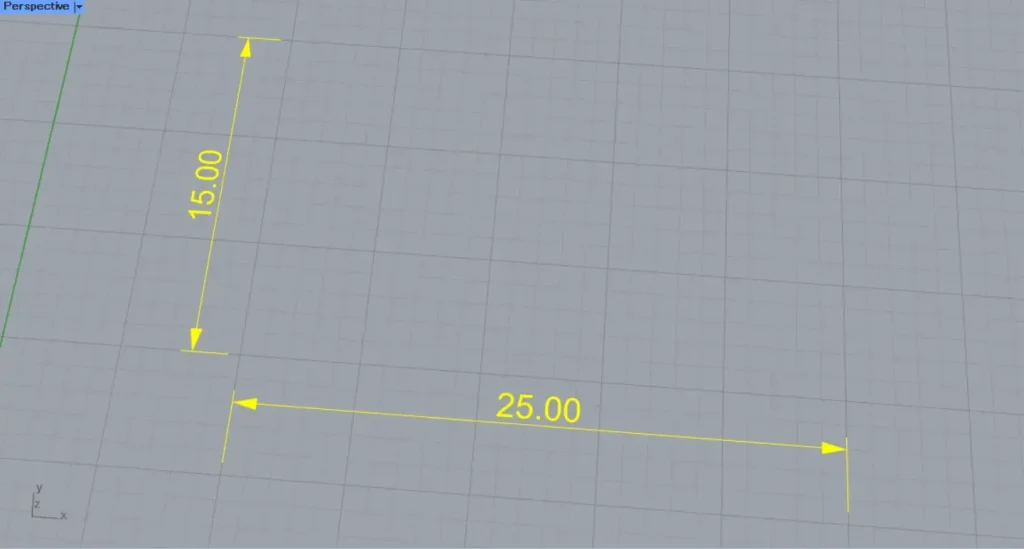
Then, select multiple length dimensions on Rhino.
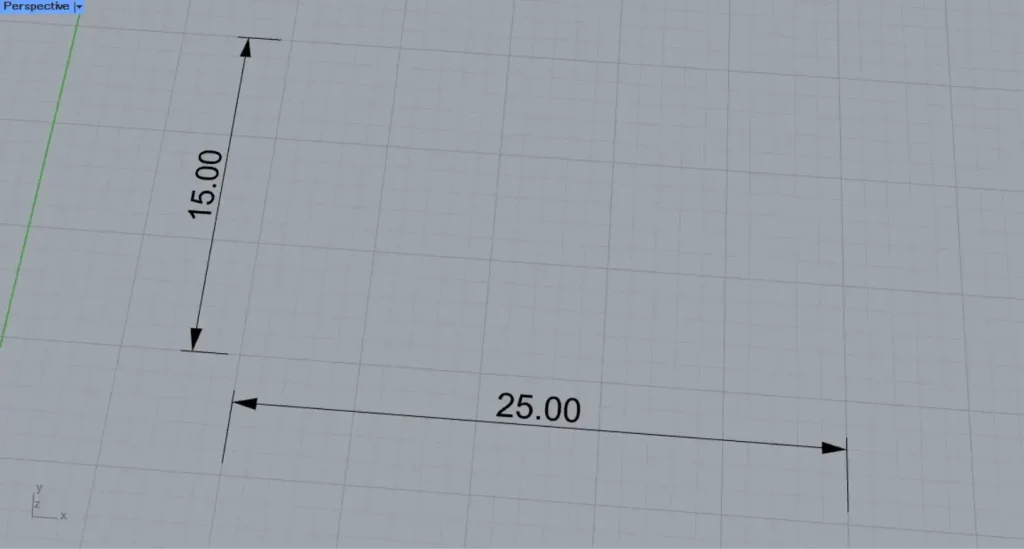
Then, multiple length dimensions were set on Rhino.
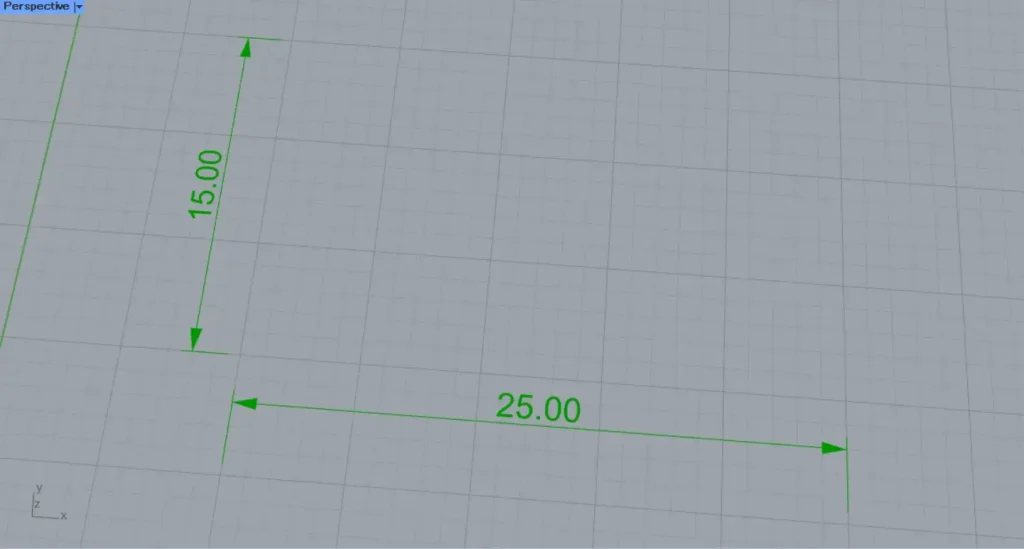
This is the result on Rhino.
List of Grasshopper articles using Linear Dimension component↓




Comment